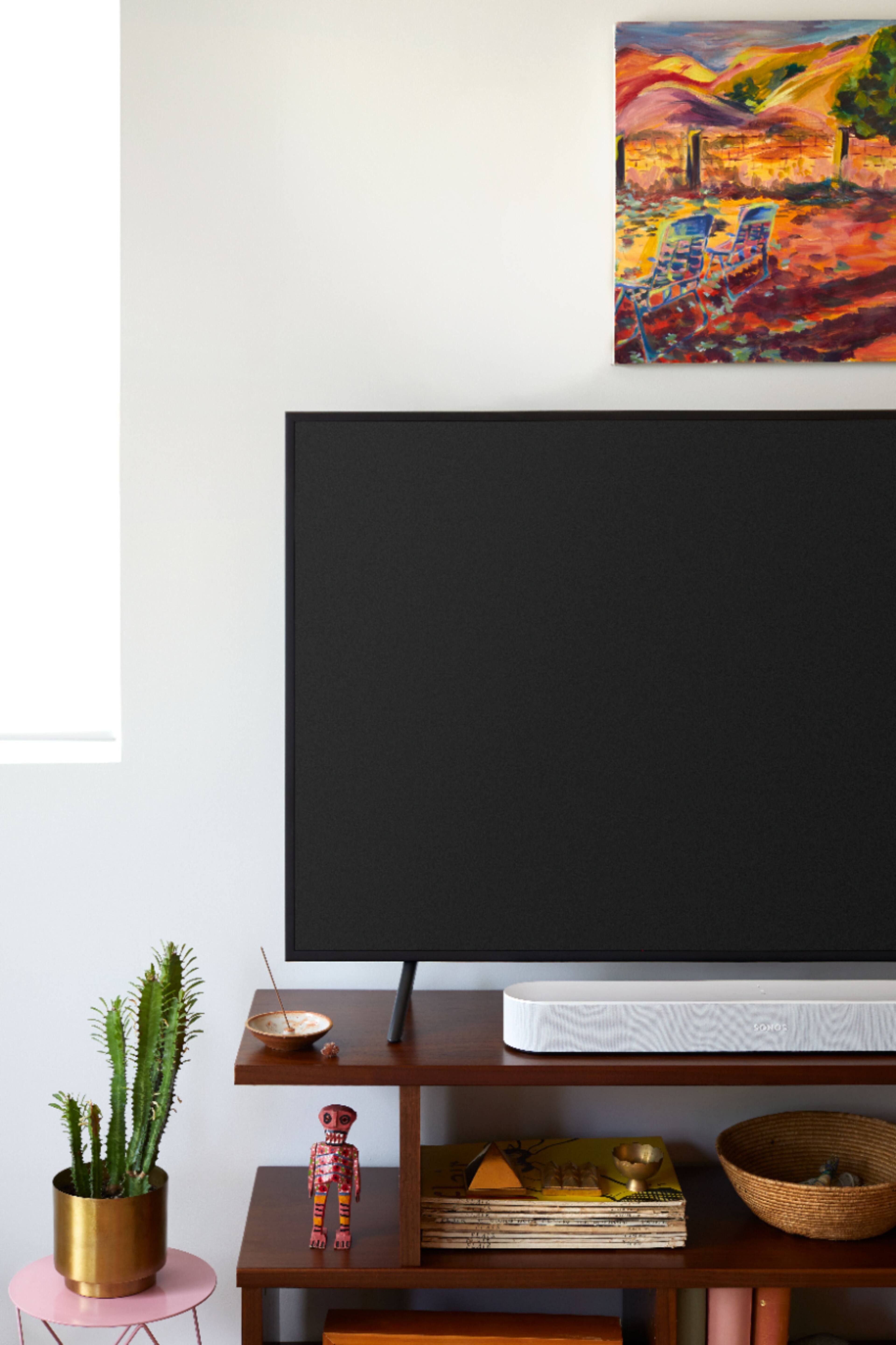
A:AnswerThe Beam has an infrared sensor on the front that allows it to learn your television remote during the set up process. This allows you to control the volume with your television remote whether you use an HDMI ARC port on your television or use a digital optical port (with the included adapter) to connect the Beam.
A:AnswerI haven't found a limit yet. I pair this with 2 Sonos Ones, Sonos Subwoofer and a Play 5 and there is no issues! I am able to fill my whole home with sound when we are entertaining guests!
A:AnswerYes. You add the Sonos app on your iPhone and have the ability to play any file in your library. IT IS NOT THE SAME AS BLUETOOTH. It travels through the WiFi connection and is therefore more reliable.
A:AnswerHi, and thank you for your question.
Arc is our premium soundbar for epic home theater experiences. 11 speakers and amplifiers with discrete surround sound speakers and top firing speaker for Dolby Atmos*. It's much larger and usually paired with larger tvs (55" and up)
Beam is the sounbar for people who want great sound out of their tv, but don't want a large soundbar taking up space in their room. Perfect for tvs 50" and smaller, secondary tv's like a master bedroom or den tv. It has 5 speakers with 5 amps.
Both have mics built in for voice assistant if you want it.
A:AnswerIt is very simple. You should be able to do it if you follow the simple instructions. You could also call Sonos support and they will take you through it if any issue.
A:AnswerHi, and thank you for reaching out! Yes, this would distort the sound. Our trueplay tuning (only available on IOS devices because of microphone consistency) would help, however you would not get ideal sound for your home theater with it behind the tv.
A:AnswerHi, and thank you for your question. No, you can use our voice-enabled products as your voice assistant devices without having to purchase anything else. Only an account with a voice assistant is required. If you don't already have an account with a voice assistant, we will walk you through connect the apps and setting up and account or signing into an existing one.
A:AnswerHi, and thank you for reaching out. In your particular scenario, Beam would take the place of your Amp that's plugged into the TV. The Amp could then be used as rears with a pair of passive speakers of your choice and would not need to be plugged into the TV, or used in another room. Beam supports 3.0 audio, so it would plug into the TV and be the front 3 channels of your home theater system.
Yes, set up of all of our products is done on wifi through the Sonos app.
A:AnswerHi, and thank you for your question. We aren't exactly sure what you mean by "switch sound output" but we're assuming you're asking if you can play music or TV once set up, and then answer to that question is yes!
A:AnswerYou will need a streaming device if the 4K projector does not already have ability to do the streaming. If your projector has the streaming capability, then you may not need the other streaming devices.
A:AnswerIt doesn't hurt to try it out. I run this soundbar with an older lg B8 OLED tv. The app itself has an option for "TV Dialog Sync" to compensate for any lip syncing issues. If that doesn't work for whatever reason, just return it.
A:AnswerIf you do not have HDMI ARC you would use the included HDMI to Digital Optical adapter to use the digital optical audio out on your television. The only disadvantage to using digital optical instead of HDMI ARC is you will not have access to CEC+ controls that allow your Beam to control your television with your voice.
A:AnswerGreat question! The Beam will function as a voice enabled smart speaker even if it is not connected to a television. In order for Google Assistant or Alexa to control the television (power on/off, volume, etc) it must be connected via HDMI ARC. The Beam has a digital optical adapter in the box that will allow you to connect it to a television that does not have HDMI ARC. You will get the same sound from the television as you would with HDMI ARC but will NOT be able to control the television with voice assistants if you are connected through digital optical.
A:AnswerGreat question! If you run an HDMI cable to your television and take advantage of ARC it will work with each other source that is plugged into the television. If you are running digital audio from the cable box the Beam only sees the audio that is coming from that source.
A:AnswerThe Beam will go into standby mode when the television is turned off and it is not playing music. Once the Beam is connected to a television the only way to change how the television outputs sound would be done through the television's sound options.