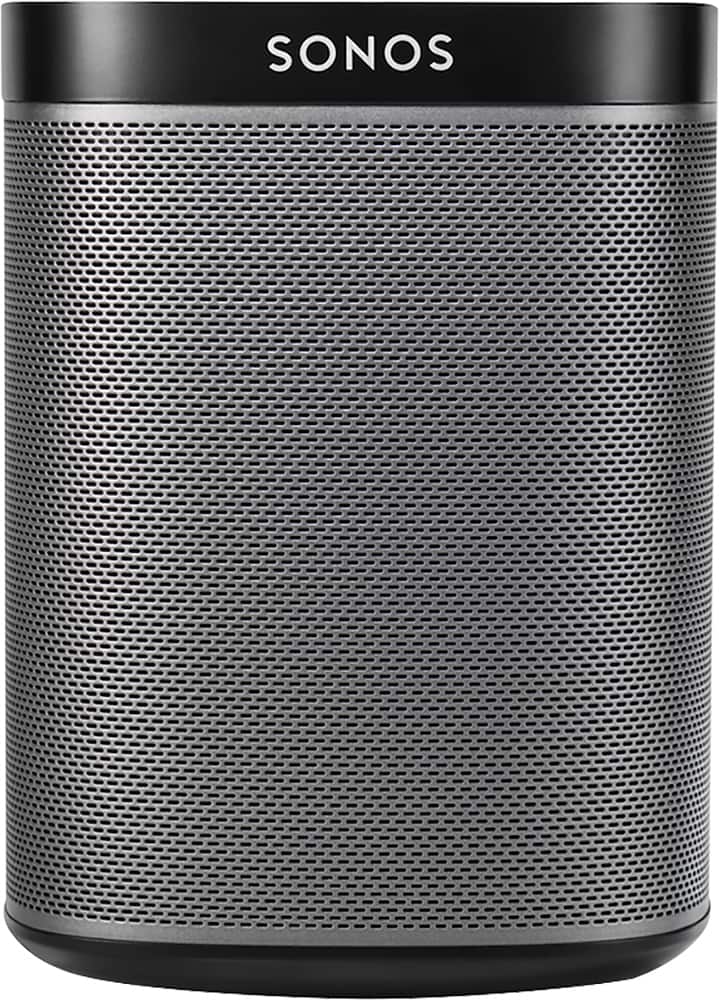
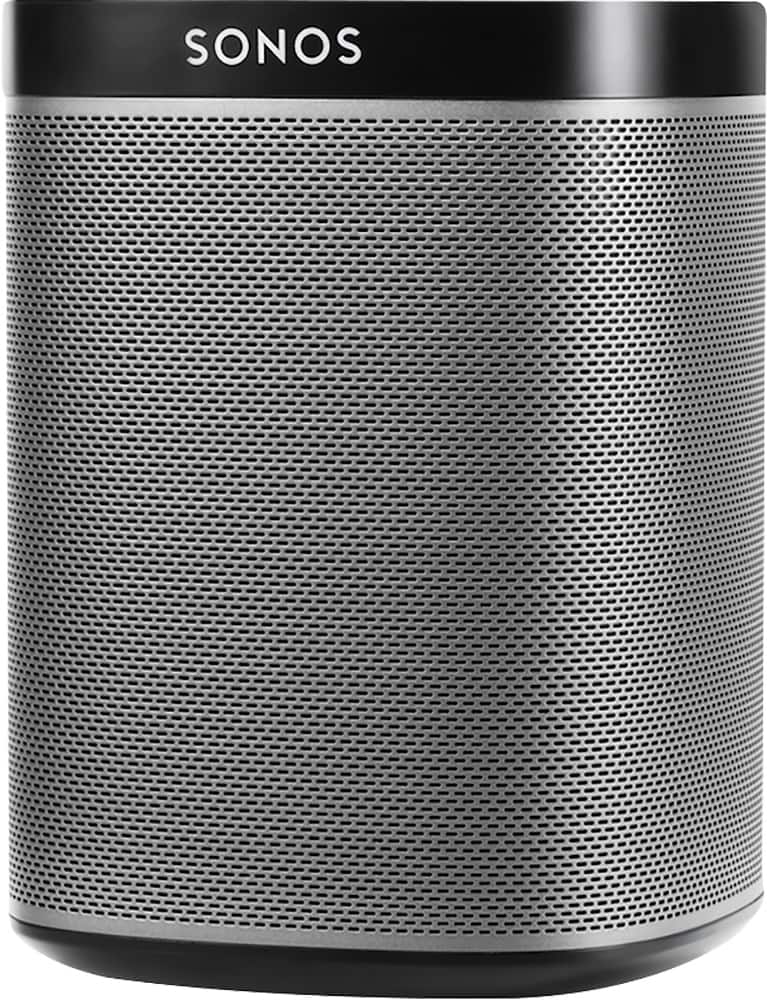
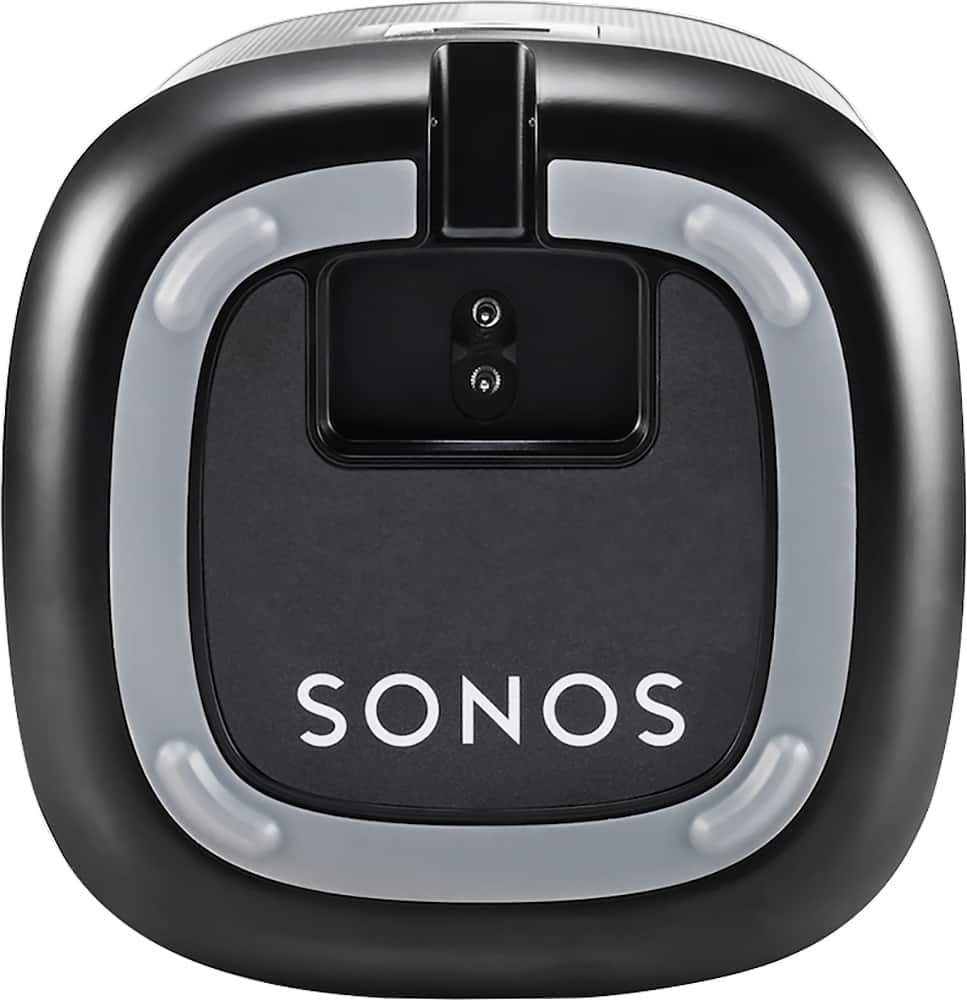
A:AnswerI have Sonos and am very happy with the coverage. I am running a Ubiquity access point in attic and have coverage throughout home and office with 7 speakers , one link, and one sound bar in use. Running most of the time from Ipad, iphone, or laptop. Individual control and selection through the app has me hooked, with no lag, deley or echo, I listen to them 95% of the time I am home or in home office!
A:AnswerThere are a ton of music services that work with Sonos and iHeart Radio or Radio.com would be your best bet for local radio stations. If you have an account with either one, you'd just link it to your Sonos and control it directly through the Sonos app.
A:AnswerYou would need either:
1) A private wifi network for them to hook up to
2) A router to plug one into directly via Ethernet, keeping them close enough in proximity that they can create their own network
You can then "group" them through the Sonos app and they'll play together in sync. Just want to make sure they're on a private network so that patrons don't start playing whatever they want to them, unless you want to encourage that :)
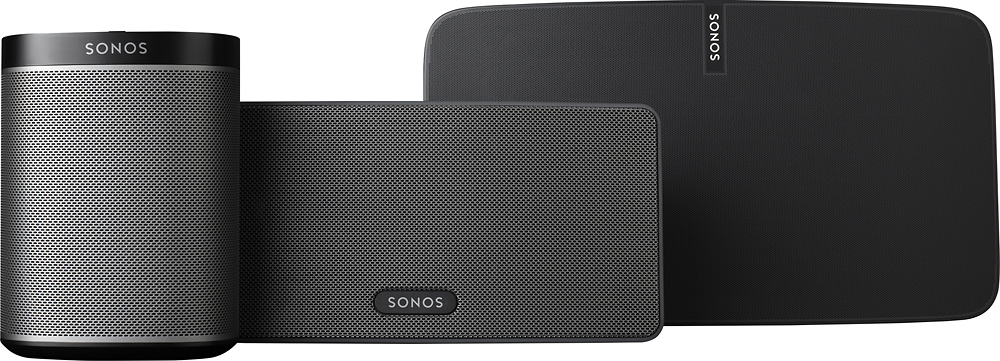
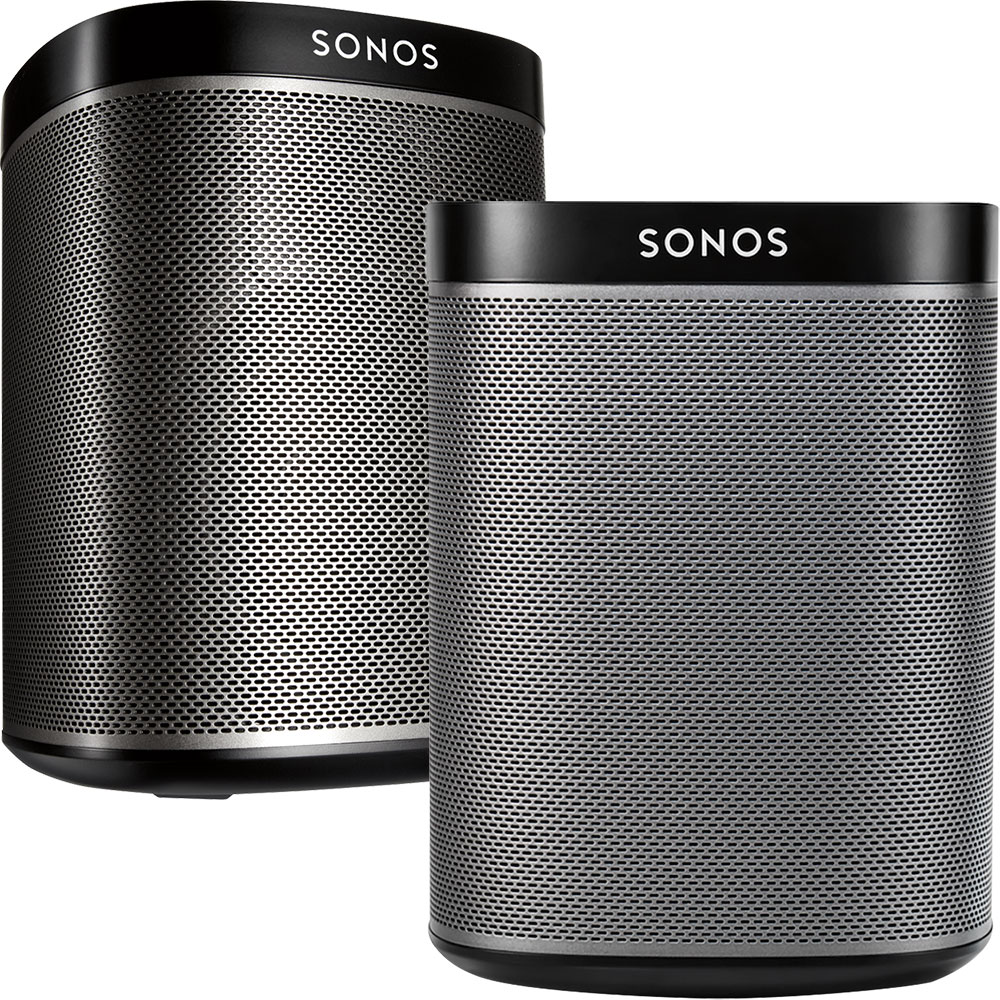
A:AnswerIf you have 2 of the same speakers (2 Play:1, 2 Play:3, 2 Play:5), they will play in stereo if they are set up to play in stereo. If you have one of each, they will not play in stereo. They will automatically be set up for use as independent speakers.
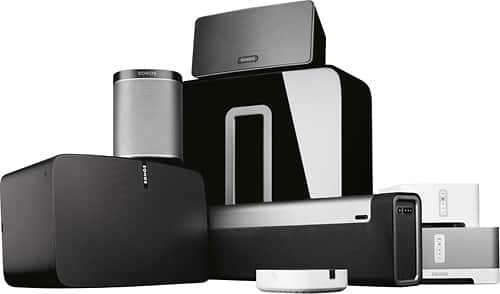
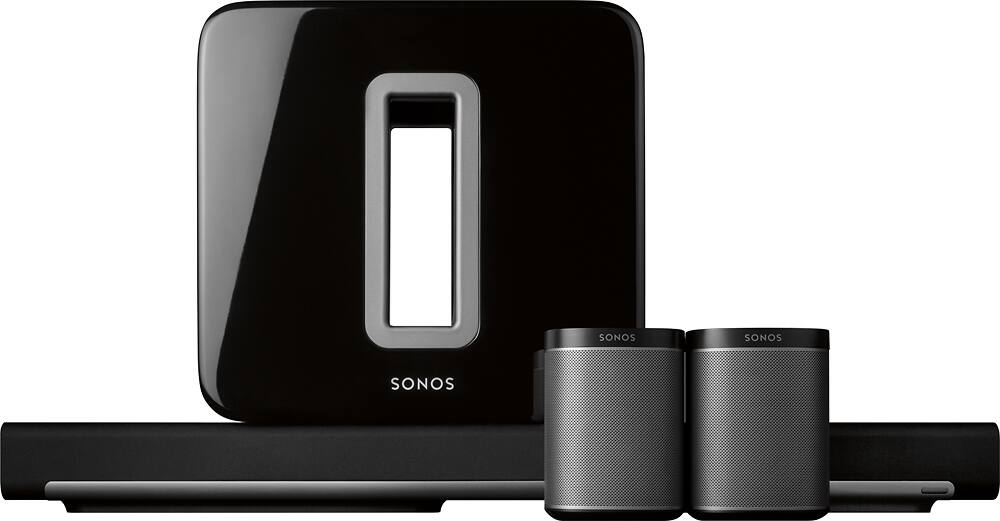
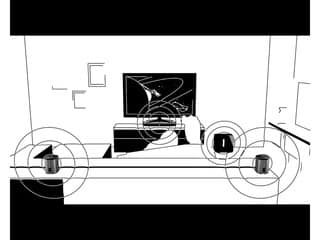
A:AnswerWe connected the Sonos soundbar directly underneath our 70 inch TV. The Sonos system accepts input from a variety of sources, including the TV. The sound is amazing...we set up 5's as the surround sound speakers, so in conjunction with the subwoofer, we are able to simulate the audio experience of being in a movie theater when we watch movies.