A:AnswerHi there,
Thank you very much for your question and for having interest with our Sony KD32W830K. Yes, you can using HDMI! However, we highly suggest to use a computer monitor like the Sony SDMU27M90 (INZONE M9) or SDMF27M30 (INZONE M3).
Our W830K has our X-Reality PRO which upscales every pixel for exceptional clarity, analyzing frames and matching each scene with our unique database to refine images and reduce noise. It also has Google TV with Google Assistant organizes your content all in one place.
I hope this helps and thank you for considering Sony!
Marco
A:AnswerHi Saheb1979,
Thank you very much for your question. We are sorry, but we cannot guarantee the full operation and functionality of our W830K to any third-party accessories/adapter. Thank you for your understanding.
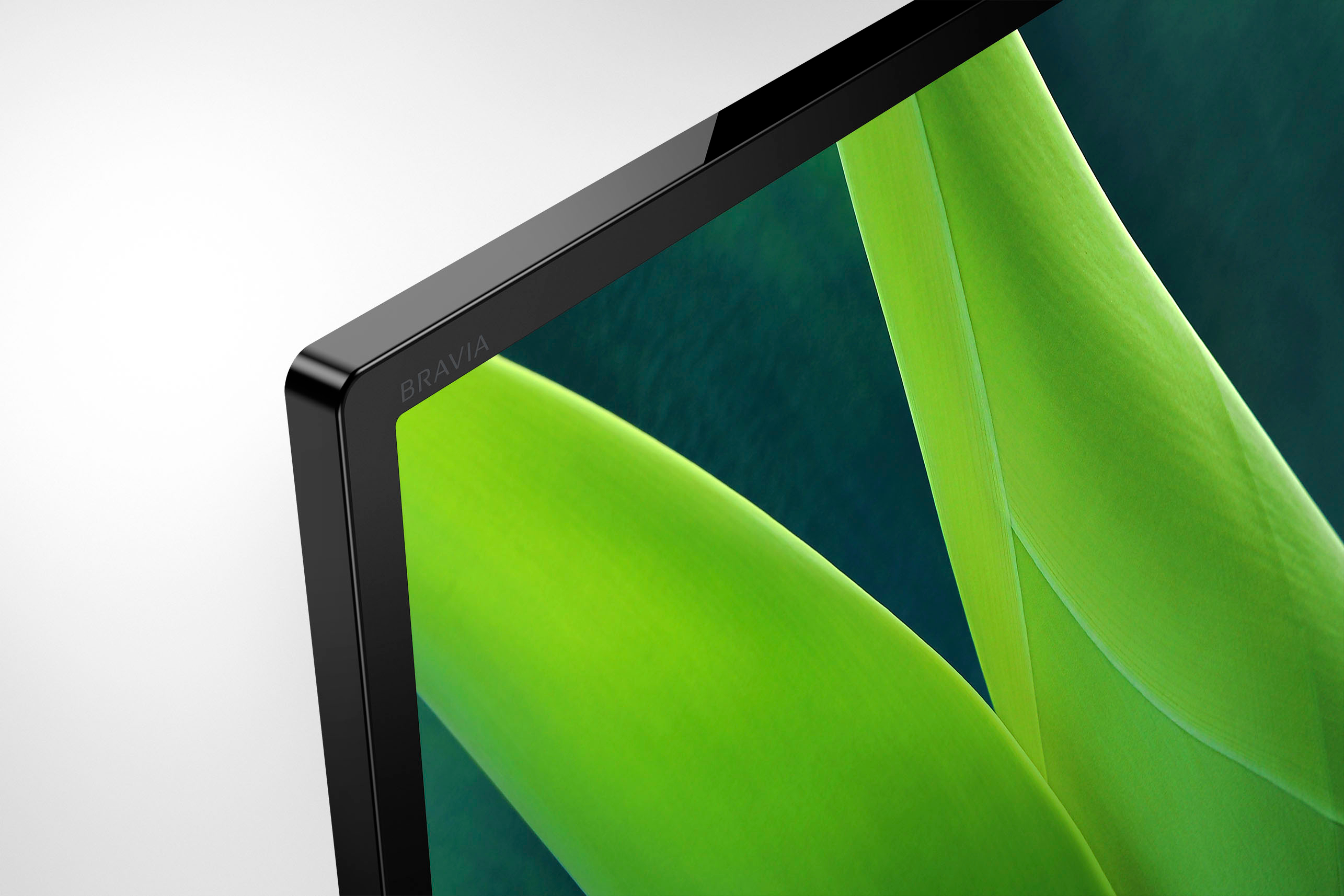
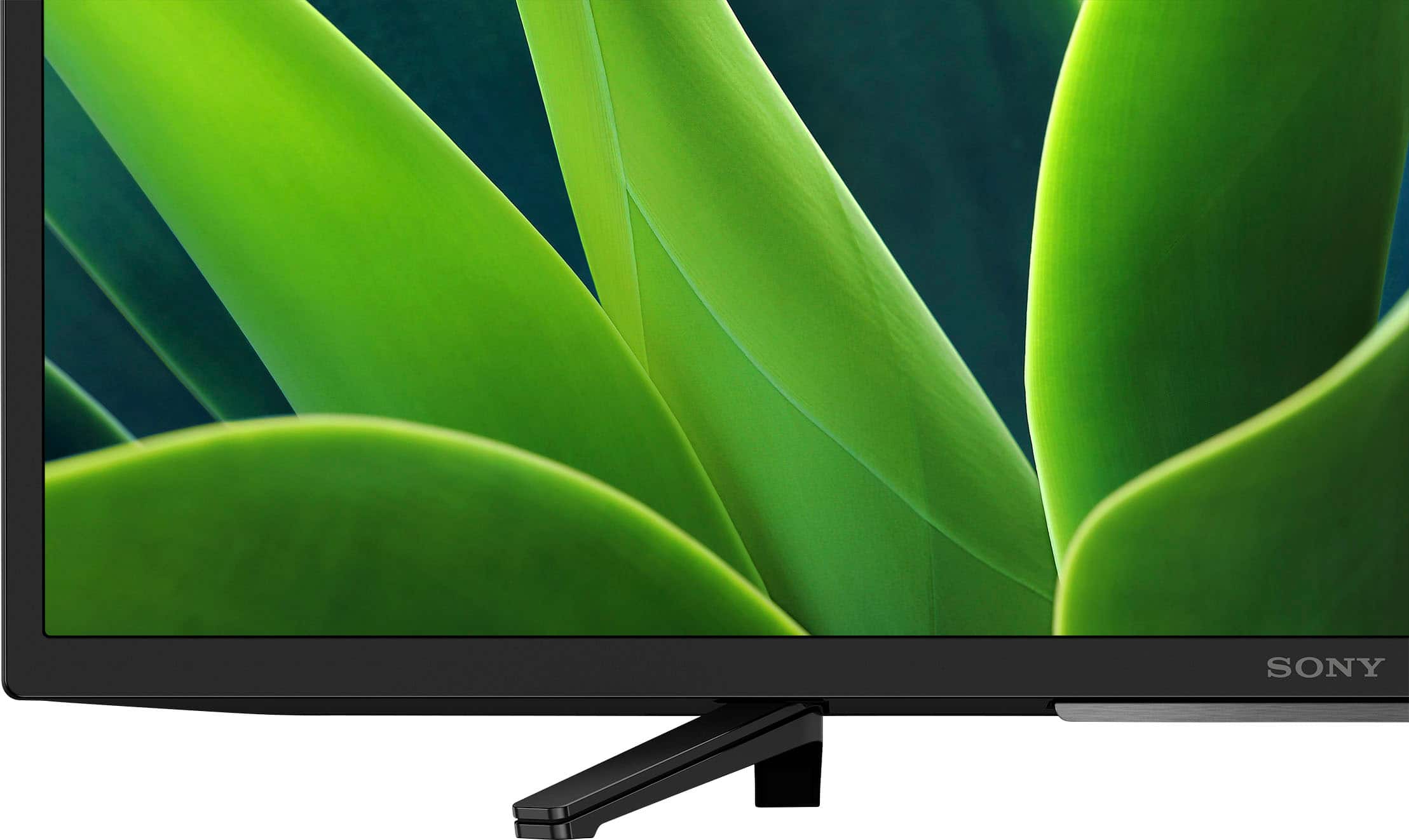
See pictures full of vivid detail and texture on this TV. X-Reality™ PRO upscales every pixel for exceptional clarity, analyzing frames and matching each scene with our unique database to refine images and reduce noise.
I hope this helps!
Best regards,
Romeo
A:AnswerHi Teresa,
We regret to know that you are experiencing an issue controlling the TV using your DIRECTV remote control. If you are using a DIRECTV cable box, please ensure that it's connected to the TV with an HDMI cable to enable the HDMI CEC Settings (Press the quick settings on the TV remote control, then select [Settings] — [Channels & Inputs] — [External inputs] — [HDMI CEC Settings] — [CEC]) of the TV. Then ensure that the control for other devices (HDMI Control feature) on your DIRECTV is enabled so you can use your DIRECTV remote control to Power On/Off the TV, adjust its volume, and change your cable TV channels. You may refer to your device manufacturer's information for instructions.
• Please note that the DIRECTV remote control may not work when navigating the TV. Thus, we recommend using only the supplied TV remote when accessing the TV settings and features.
I hope this helps.
Should you need more assistance or information with our product, please follow the steps below for ways to contact us.
Unfortunately, due to the current Best Buy phishing protocol for your protection, we cannot provide a direct email or phone number for customer support as of now. Please find Sony Electronics' Support information: Go to our support website > click on “Support” > scroll down click on “Contact Support” > click on "(select your product type)" and from there you'll see different ways to contact us.
Apologies if you disclosed some of this information in your review and to customer service, we just want to ensure that we have your accurate details at the time of communication.
Name:
BestBuy Username:
Model Number:
Question/concern:
Telephone Number:
Thanks for choosing Sony!
Best regards,
Romeo
Sony Social Support
A:AnswerHi Nita,
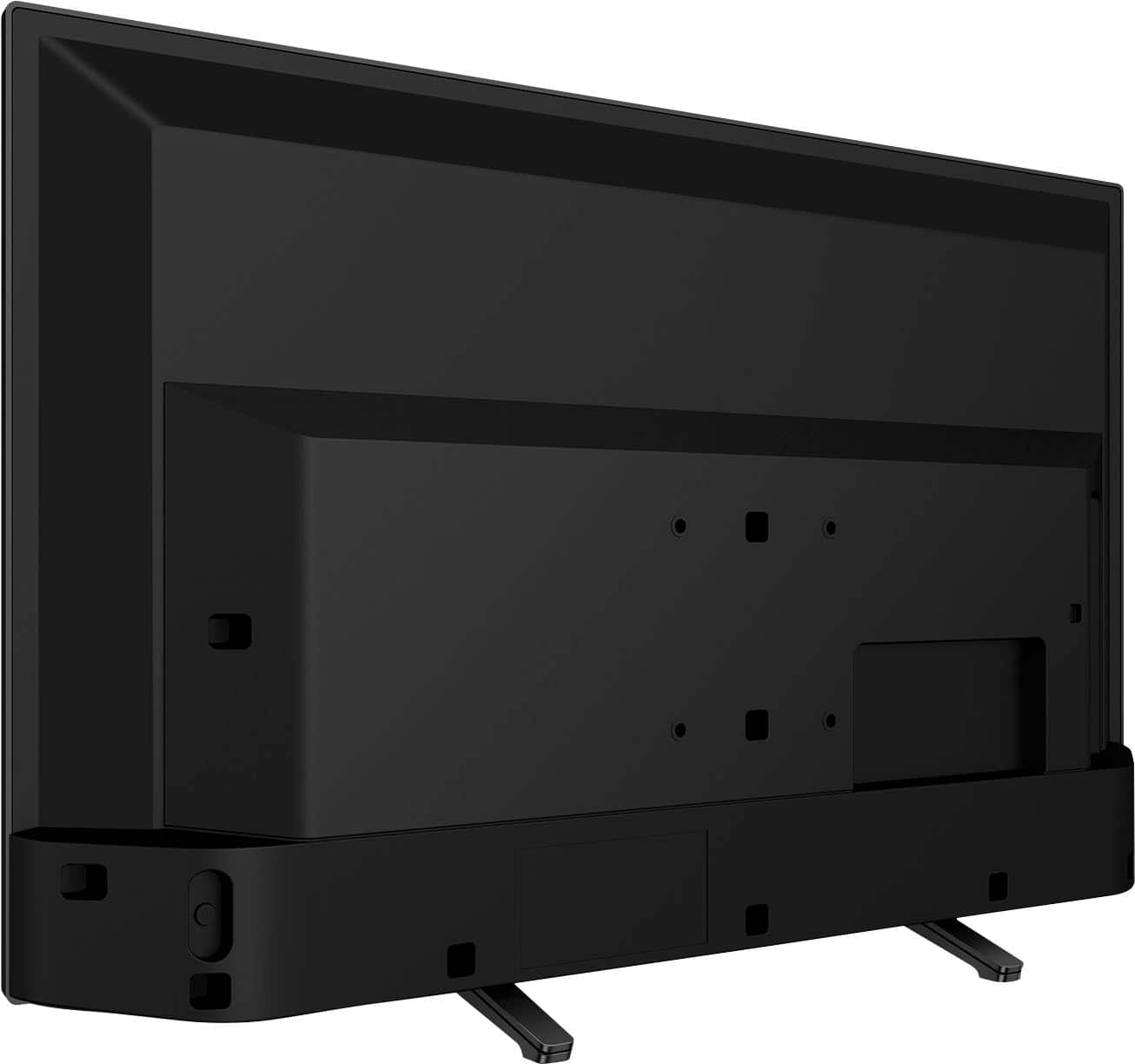
Thank you very much for your question! Yes, it will perfectly fit your furniture TV stand. The stand legs of our 32" W830K has an end-to-end distance of approximately 17.75 inches (447.3 mm) and approximately 7.5 inches (188 mm) deep.
See pictures full of vivid detail and texture on this TV. X-Reality™ PRO upscales every pixel for exceptional clarity, analyzing frames and matching each scene with our unique database to refine images and reduce noise.
Hope this helps you, and thank you so much for considering Sony!
- Romeo
A:AnswerHi there, thank you for your question. Yes, it does. The KD32W830K has a Clear QAM TV System (Digital Cable). See pictures full of vivid detail and texture on this TV. X-Reality™ PRO upscales every pixel for exceptional clarity, analyzing frames and matching each scene with our unique database to refine images and reduce noise.
Hope this helps you, and thanks again for your inquiry!
- Romeo
A:AnswerHi cher,
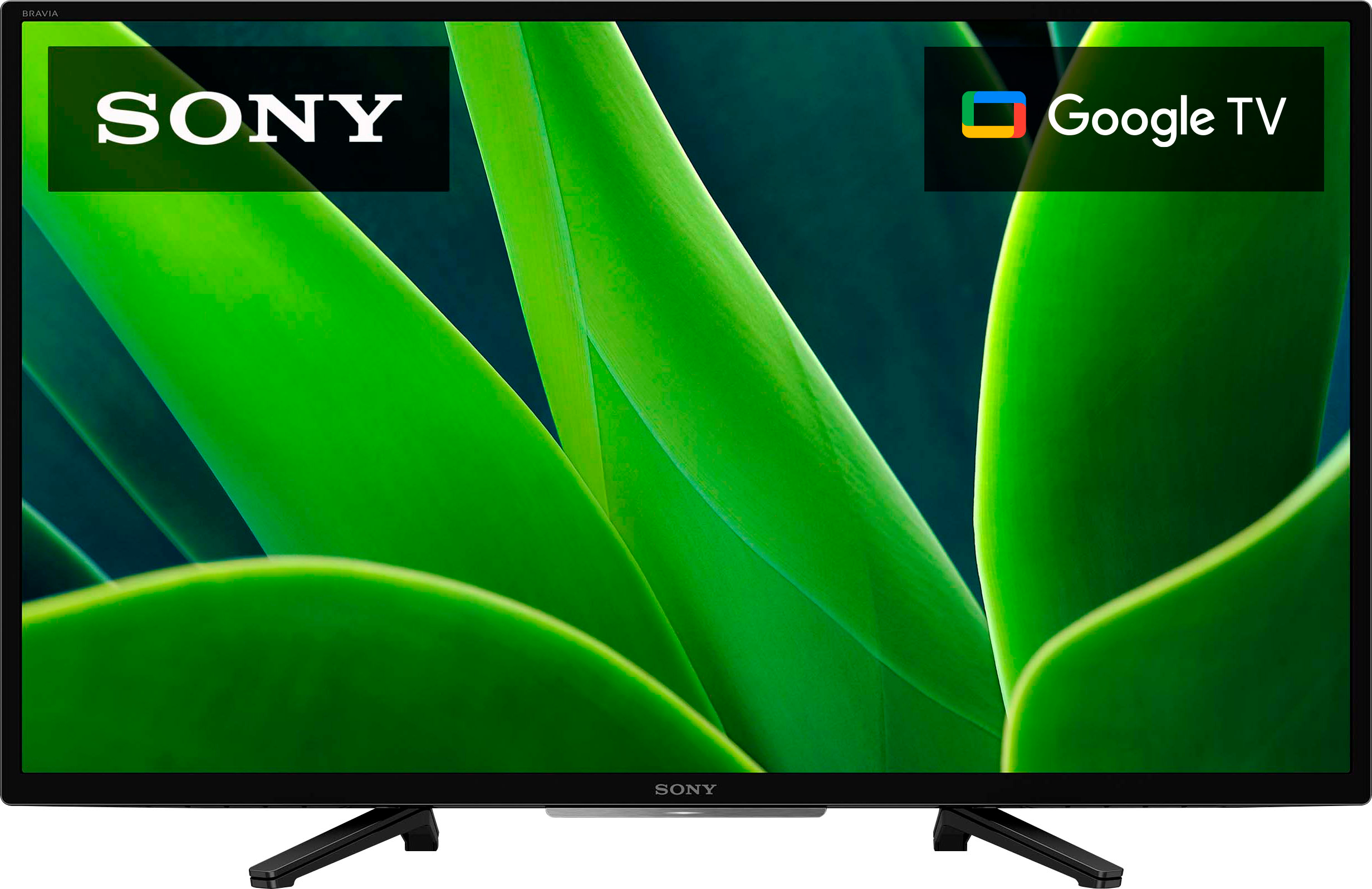
Great question! Absolutely, yes. The KD32W830K is a smart TV (Google TV).
Additional information:
With Google TV, you can browse 700,000+ movies and TV episodes from across your streaming services like Netflix, all in one place and organized into topics and genres based on what interests you. And aside from the pre-installed apps, you can download/install compatible apps from the built-in Google Play Store app of this TV.
See pictures full of vivid detail and texture on this TV. X-Reality™ PRO upscales every pixel for exceptional clarity, analyzing frames and matching each scene with our unique database to refine images and reduce noise.
Hope this helps you, and thanks again for your inquiry!
- Romeo
A:AnswerHi del,
Great question! Absolutely, yes. The KD32W830K is a smart TV (Google TV).
Additional information:
With Google TV, you can browse 700,000+ movies and TV episodes from across your streaming services like Netflix, all in one place and organized into topics and genres based on what interests you. And aside from the pre-installed apps, you can download/install compatible apps from the built-in Google Play Store app of this TV.
See pictures full of vivid detail and texture on this TV. X-Reality™ PRO upscales every pixel for exceptional clarity, analyzing frames and matching each scene with our unique database to refine images and reduce noise.
Hope this helps you, and thanks again for your inquiry!
- Romeo
A:AnswerHi Dpjohnsoncb,
Thank you for your question. The W830K supports ATSC 1.0. For ATSC/NEXTGEN TV (ATSC 3.0) support, you will need to step up to the models X80K and up or Sony 2021 TV models X80J and up. NextGen TV™ (ATSC 3.0) is the latest version of over-the-air antenna TV and brings several improvements over the previous ATSC 1.0 standard including better reception, up to 4K Ultra HDTV video with movie theater-quality sound, more channels, mobile viewing on the go, on-demand internet content, and more.
And with the W830K, you'll see pictures full of vivid detail and texture. X-Reality™ PRO upscales every pixel for exceptional clarity, analyzing frames and matching each scene with our unique database to refine images and reduce noise.
I hope this helps!
Best regards,
Romeo
A:AnswerThis is NOT a roku tv, but it is a smart tv, and DOES have wifi capability, I turned it off on mine because I use it strictly as a monitor for roku & DVD viewing. And I don't want the manufacturer installing any updates or so called improvements!
A:AnswerHi Dancol,
Great question! Absolutely, yes. The KD-32W830K has a Bluetooth function. For instructions on how you can connect/pair the TV with a Bluetooth device, check out the help guide of the unit.
With the KD32W830K, you can see pictures full of vivid detail and texture. X-Reality™ PRO upscales every pixel for exceptional clarity, analyzing frames and matching each scene with our unique database to refine images and reduce noise.
I hope this helps you, and thanks again for your inquiry!
- Romeo
A:AnswerHi Chad,
Thank you so much for your question! The KD-32W830K has an operating temperature range of 0 ºC – 40 ºC / 32˚F - 104˚F. As for your second question, yes, using the KD-32W830K in a garage is ok, providing that it supports the mentioned operating temperature. And to achieve the best picture quality, we recommend not exposing the screen to direct illumination or sunlight and avoiding installing the TV in a place with reflective walls and floor materials.
See pictures full of vivid detail and texture on this TV. X-Reality™ PRO upscales every pixel for exceptional clarity, analyzing frames and matching each scene with our unique database to refine images and reduce noise.
I hope you find this information to be helpful, and thank you so much for considering Sony!
- Romeo
A:AnswerHi Sfgirl,
Thank you for your question! The 800 Google TV channels will be located under the Live Tab of the KD32W830K. These will be rolling out as updates between now and the coming weeks.
See pictures full of vivid detail and texture on this TV. X-Reality™ PRO upscales every pixel for exceptional clarity, analyzing frames and matching each scene with our unique database to refine images and reduce noise.
I hope this helps you, and thanks again for your inquiry!
- Romeo
A:AnswerHi there,
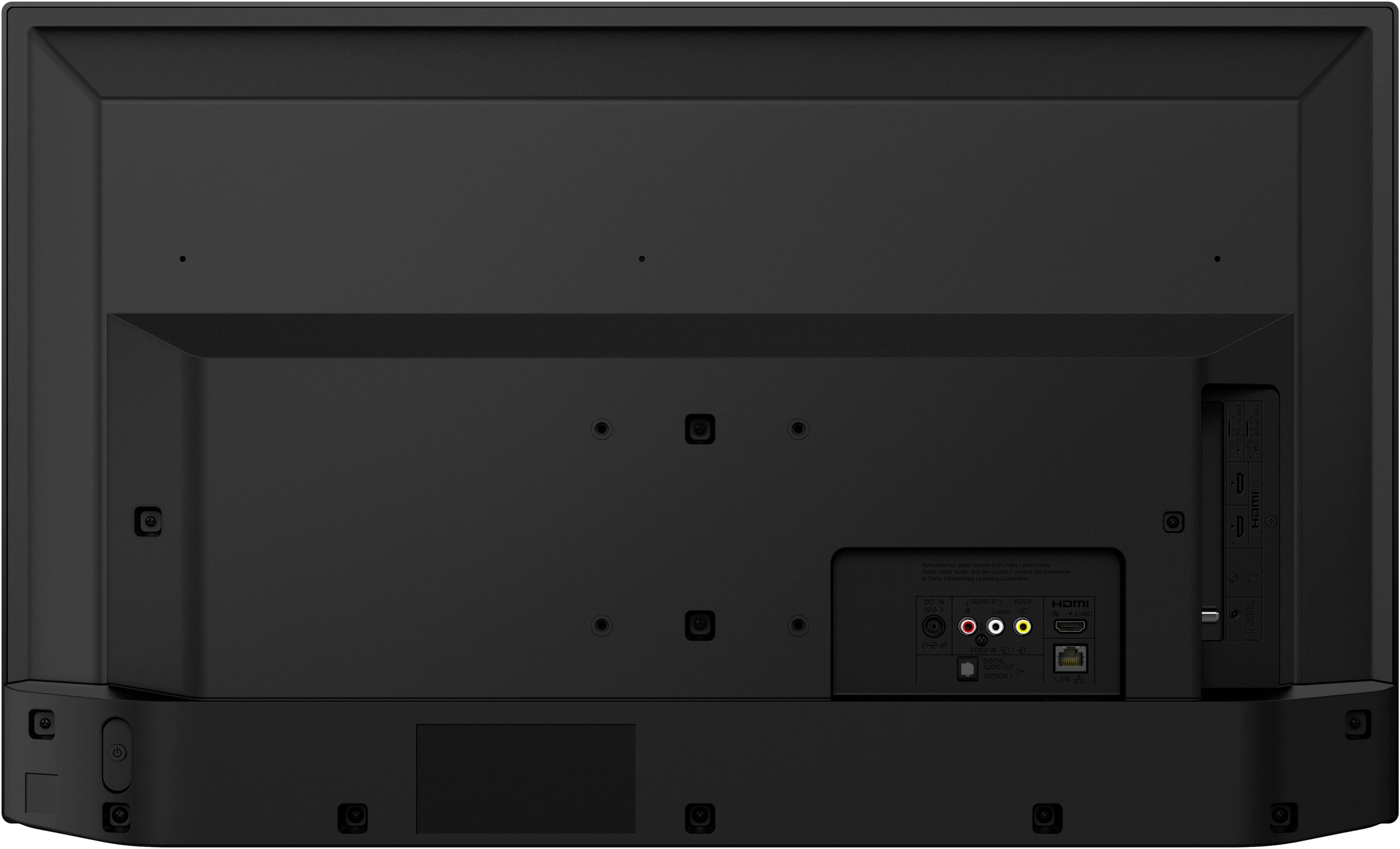
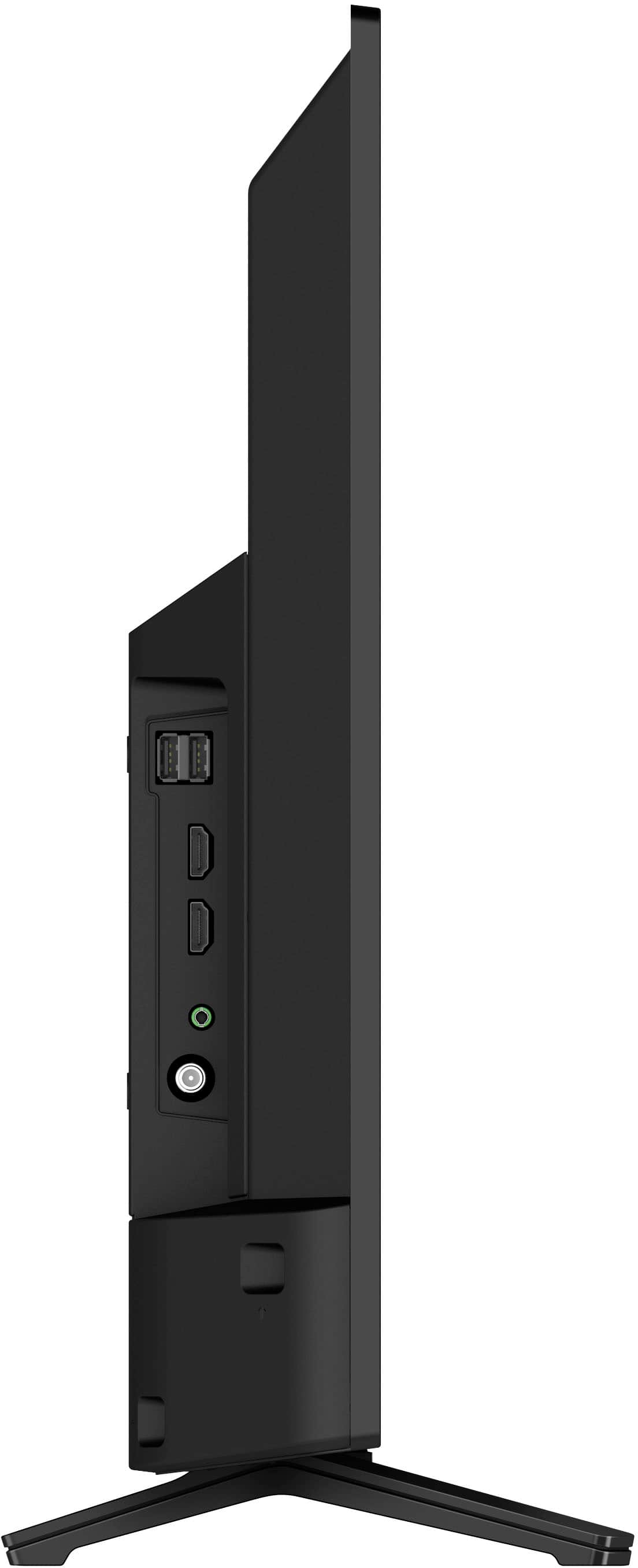
Thank you for your question! If you are referring to Comcast Xfinity TV/cable box, yes, you can. The KD32W830K features 3 HDMI inputs (2 Side/1 Rear) and 1 composite video input(s) for composite audio video connection where you can connect your external devices.
Note: The composite video/audio cables are not supplied.
You may find the following links helpful:
Connecting a Blu-ray or DVD player - https://helpguide.sony.net/tv/jusltnr4/v1/en-003/04-02_01.html
Setup Guide - https://www.sony.com/electronics/support/res/manuals/5038/49da69f6cc8ca903f29cc9e30ab32948/50381600M.pdf
But if you are referring to Xfinity (Comcast) app, currently, this app cannot be downloaded from the Google Play Store on our Android TV/Google TV. As an alternative, if your phone or tablet supports Chromecast, you can simply use this feature from the Xfinity (Comcast) app to cast the content to this TV.
ref:
https://www.sony.com/electronics/support/televisions-projectors-lcd-tvs-android-/kd-32w830k/articles/00135368
https://www.sony.com/electronics/support/televisions-projectors-lcd-tvs-android-/kd-32w830k/articles/00044409
With the W830K, you can see pictures full of vivid detail and texture. X-Reality™ PRO upscales every pixel for exceptional clarity, analyzing frames and matching each scene with our unique database to refine images and reduce noise.
Hope this helps you, and thanks again for the inquiry!
- Romeo
A:AnswerHi Juanjo,
Great question! Yes, the KD-32W830K is an Android TV with Google TV interface. With Google TV, you can browse 700,000+ movies and TV episodes from across your streaming services like Netflix, all in one place and organized into topics and genres based on what interests you. And aside from the pre-installed apps, you can download/install compatible apps from the built-in Google Play Store app of the TV.
See pictures full of vivid detail and texture on this TV. X-Reality™ PRO upscales every pixel for exceptional clarity, analyzing frames and matching each scene with our unique database to refine images and reduce noise.
Hope this helps you, and thanks again for your inquiry!
- Romeo