A:AnswerHello 1JimmyG,
Thank you for choosing Sony!
We are pleased to provide you with the requested information regarding the inputs and setup process for your Sony K43S30 Television.
1. Number of Inputs on This Model:
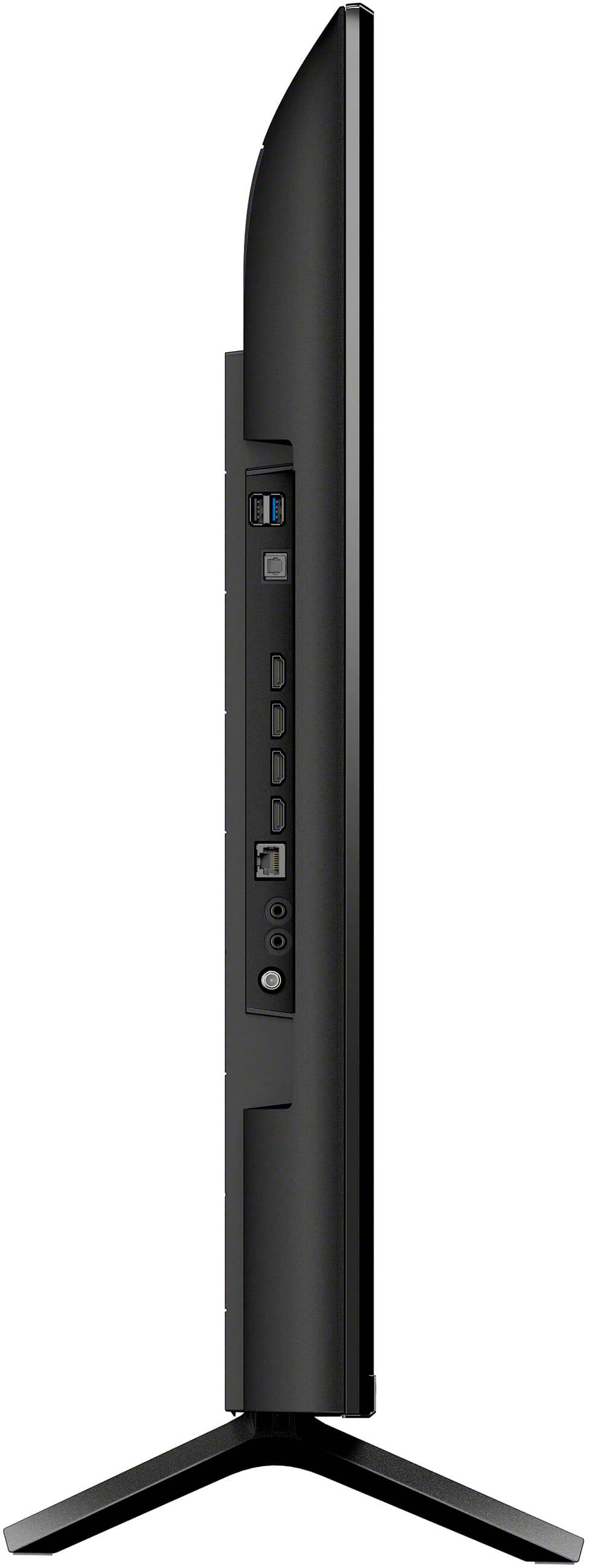
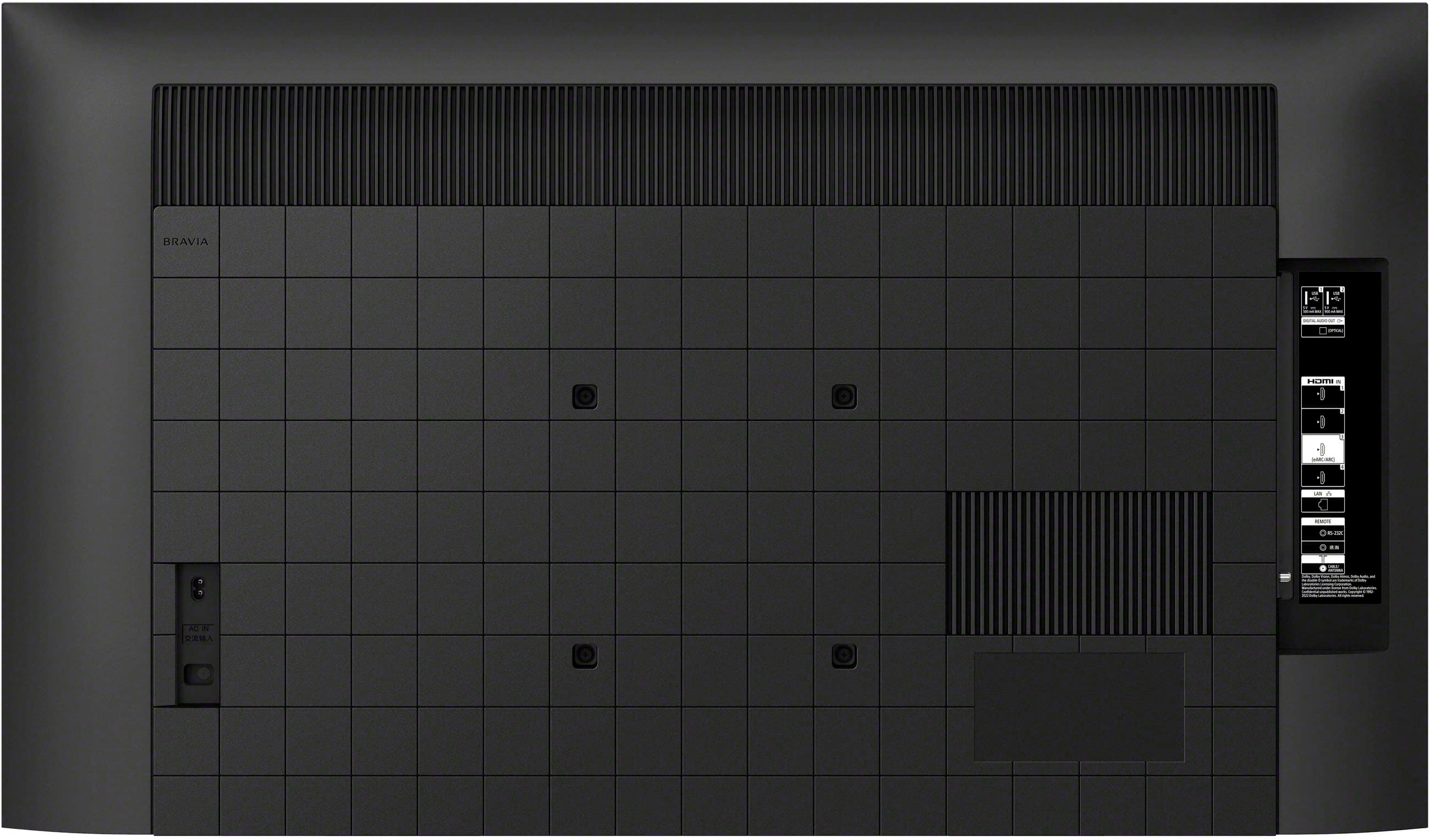
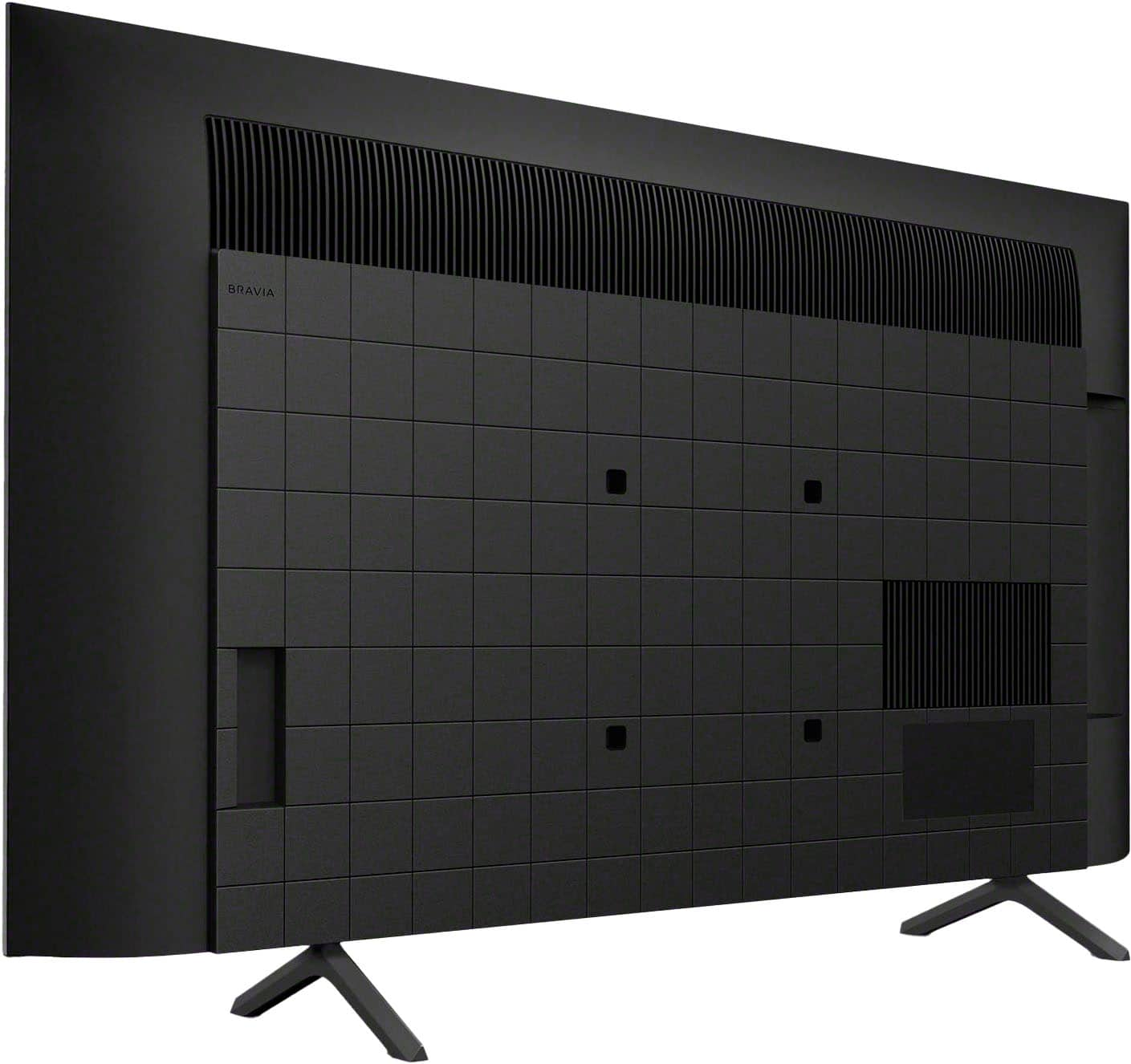
- The Sony K43S30 TV is equipped with four HDMI inputs, an RF (antenna/cable) input, USB port, and an Ethernet (LAN) port. For connecting external audio and video devices such as Blu-ray players or gaming consoles, the four HDMI ports serve as the primary inputs.
For detailed specifications, please refer to the product guide: https://helpguide.sony.net/tv/lusltn2/v1/en-003/01_10.html
2. Setting Up the Inputs:
- Physical Connection: Connect your external device (e.g., game console, streaming device, Blu-ray player) directly to one of the HDMI ports on the television.
Further guidance on input setup is available here: https://helpguide.sony.net/tv/lusltn2/v1/en-003/04.html
3. Selecting an Input Using the Sony Remote:
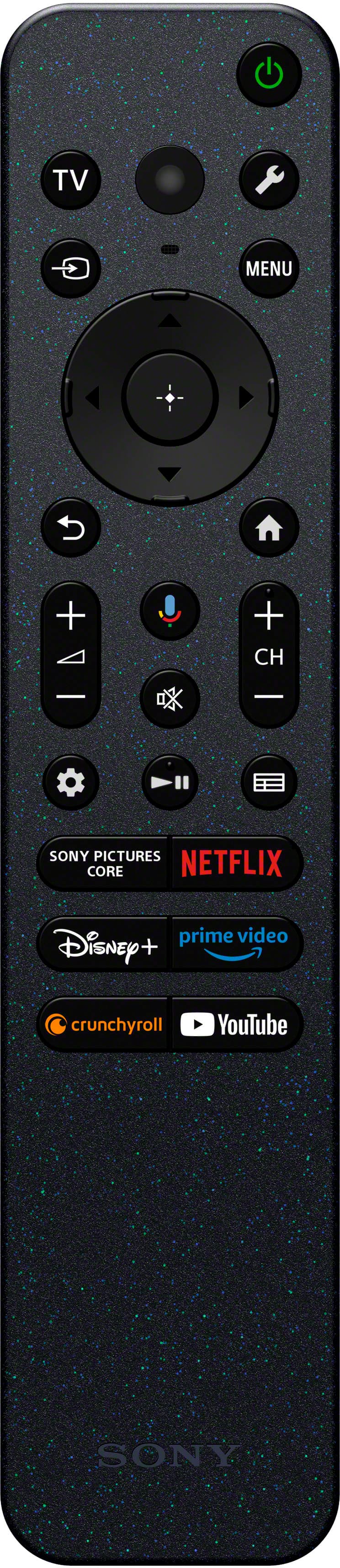
To switch between inputs efficiently, please use the INPUT button on your remote control (often identified by an arrow within a rectangle or a similar icon):
- Press the INPUT button to display a list of available inputs at the bottom of the screen.
- Use the arrow keys to highlight your preferred input source.
- Press the Enter or center button to confirm your selection.
For a visual guide on this process, please see: https://helpguide.sony.net/tv/lusltn2/v1/en-003/01-03_05.html?hl=input
Should you have any further questions or require additional assistance, please do not hesitate to contact us.
Best regards,
-Fred
A:AnswerHi KIP,
Thank you for your question about the remote for the BRAVIA 3 TV. You'll be happy to know that the remote is a great part of the experience. It's built to be very easy and intuitive, making navigation simple and quick, and we've received excellent feedback on its design and performance. The option to use the Sony | BRAVIA Connect app on your smartphone is available for extra convenience, but the remote itself is an outstanding tool for daily use. Thanks for choosing Sony.
Best regards,
Eliab
A:AnswerDeannA would I not be able to use the Sony remote for the streaming? Does this mean I would still have to use two remotes? One for cable channels & one for streaming?
A:AnswerHi Skiknee, It will a pleasure to answer your question!
Unfortunately the Sony - 43" Class BRAVIA 3 does not have the ATSC 3.0 tuner for Next Gen TV, however we do have some other models you can check like the Bravia 7, Bravia 8 and Bravia 9 that do include the special tuner for Next Gen Television. We hope this helps you find the best option for you, regards. - Dominick
A:AnswerHi Oneclearcall, Thank you for sharing your experience with us. We're sorry to hear that your TV freezes when you switch input. This is definitely not the experience we wanted you to have. Allow us help you resolve this matter. Kindly perform power reset on the TV. Unplug the power cord from the outlet. Leave it for two minutes then plug it back in. If the issue still persist, kindly perform factory reset on your TV. As a general recommendation, if you haven't yet, to ensure you are getting the most out of your TV, we highly advise updating its firmware to the latest version. The software includes key features, applications, bug fixes, and feature improvements. If you need further assistance with your device, you may reach us at socialsupport@am.sony.com with the following details : Full Name: Best Buy Username: Telephone Number: Sony Model Number: Additional Information regarding your experience with the unit: We are sorry for the inconvenience and hope to speak to you to resolve this matter. Sincerely, -Craig
A:AnswerHi there,
Thank you for your question. Unfortunately, the K43S30 (BRAVIA 3) does not have a dedicated sleep timer button on the remote. You will need to go through the menu to set the sleep timer. To do this, simply press the quick settings button, which is represented by a wrench icon, on the remote control. This will bring up the quick settings menu where you can find various options. From there, you will need to select the sleep timer option. Once you’ve done that, you can set your desired time for the TV to turn off automatically.
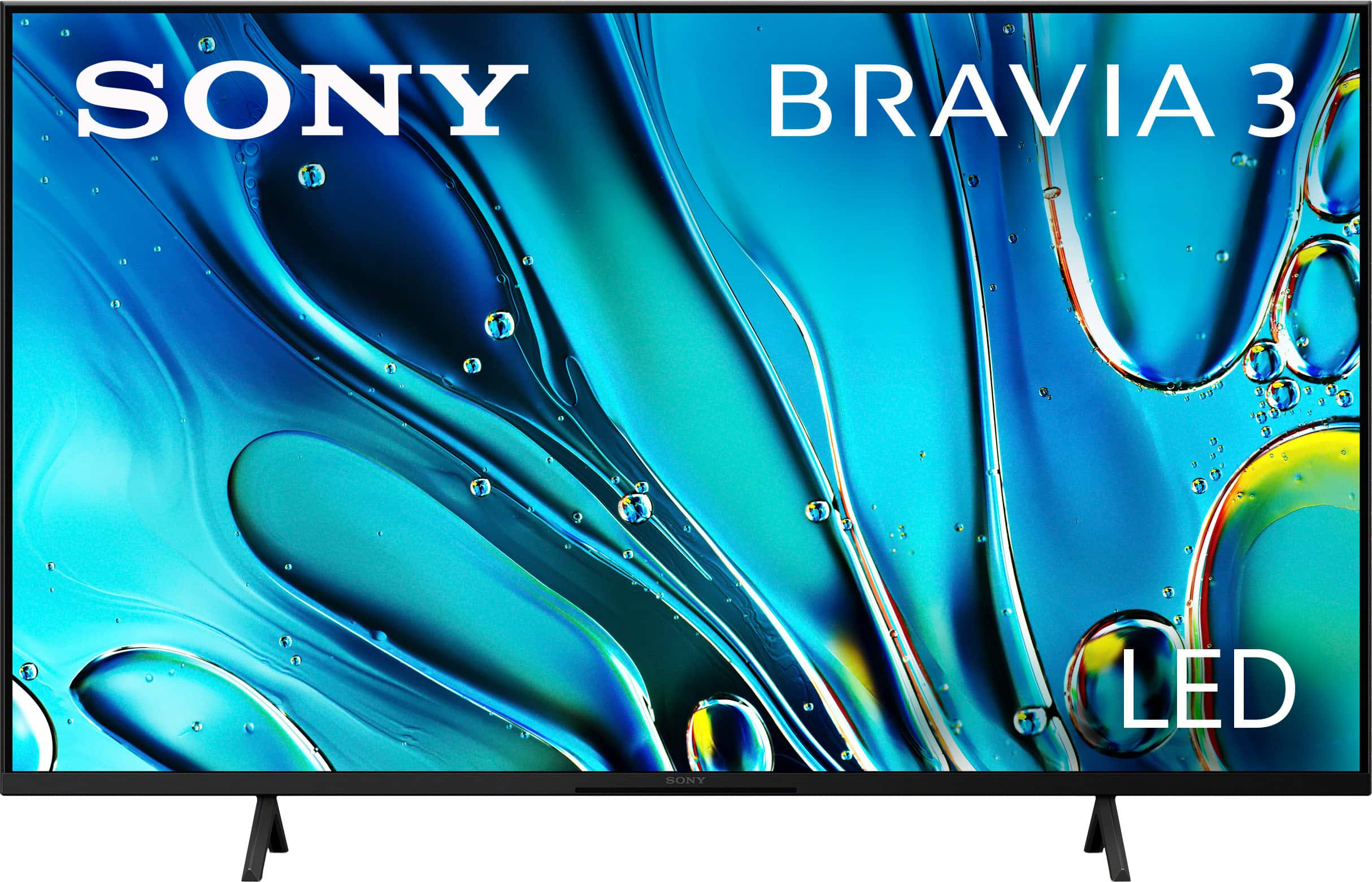
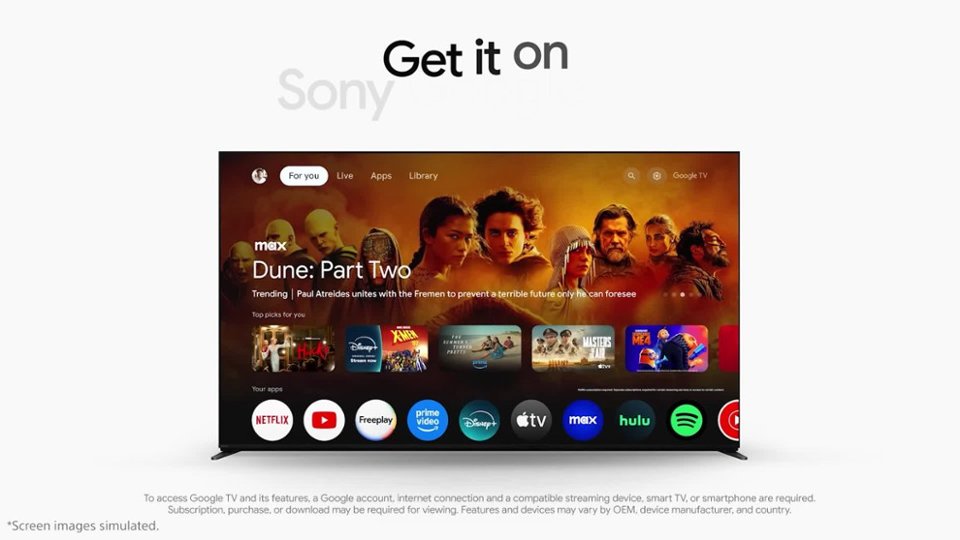
Smart TV for everything you watch. The BRAVIA 3 Smart TV is exceptionally easy to use with a variety of all-in-one smart features for stress-free viewing. With a large screen, detailed pictures full of color and dynamic sound, everything you love feels so much more exciting.
I hope this helps!
Best regards,
Romeo
A:AnswerHi Dougjnew12024,
Thank you very much for your interest in Sony's K-43S30! Regarding your question, unfortunately, no. This TV doesn’t have the NextGen / ATSC 3.0 Tuner.
Smart TV for everything you watch. The BRAVIA 3 Smart TV is exceptionally easy to use with a variety of all-in-one smart features for stress-free viewing. With a large screen, detailed pictures full of color and dynamic sound, everything you love feels so much more exciting.
I hope this helps!
Best regards,
Romeo
A:AnswerHi Fud,
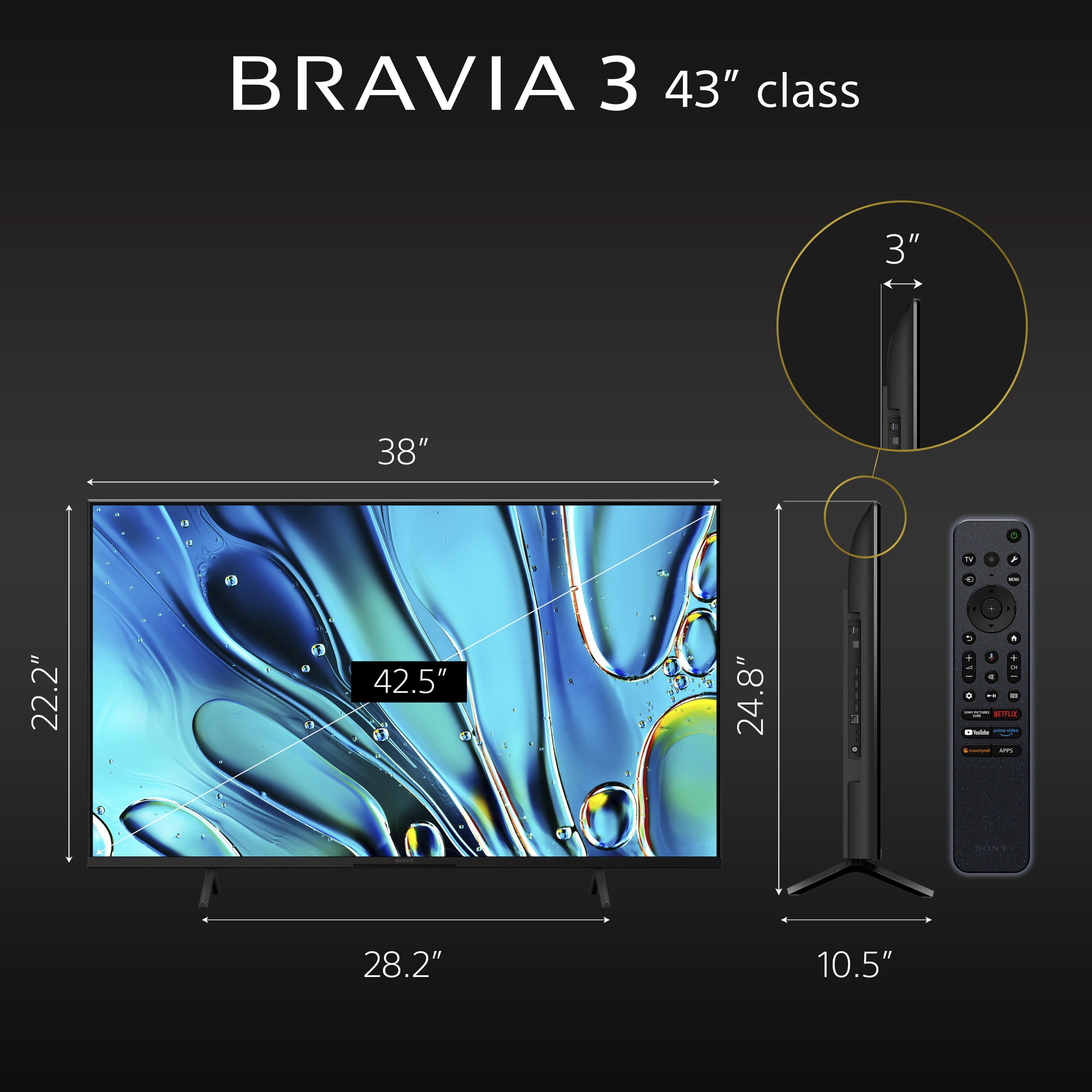
Thanks for the question. The 43" BRAVIA 3 Screen Size (Measured diagonally) is 43" (42.5"). You might want to take a look into the following link as well, for more specific information on the TV;s dimensions: https://www.sony.com/electronics/support/res/manuals/5057/6f886eab7672aa25d76333080e2acd6f/50579301M.pdf
We hope this information comes helpful. Let us know if you have any more doubts!
Thanks for considering Sony products, have a nice day!
DiegoV
A:AnswerHey Danny, thanks for your question!
About the compatibility with third party remotes, it will depend on the remote control manufacturer, it may have some basic functions like change the volume, turn on/off and/or change channels, but specific features like voice control, quick settings, there is a big change that you won't be able to use them. You may get in contact with your provider to check further details about the compatibility.
If you prefer to use the Sony remote to control with your TV Cable Box, you might check the link below:
https://www.sony.com/electronics/support/articles/00231346
Thanks for choosing Sony!
Gus
A:Answerat the M8 too big or too small? go to hardware store and buy bigger or smaller as appropriate. buy a couple of sizes so one will work.screws are cheap