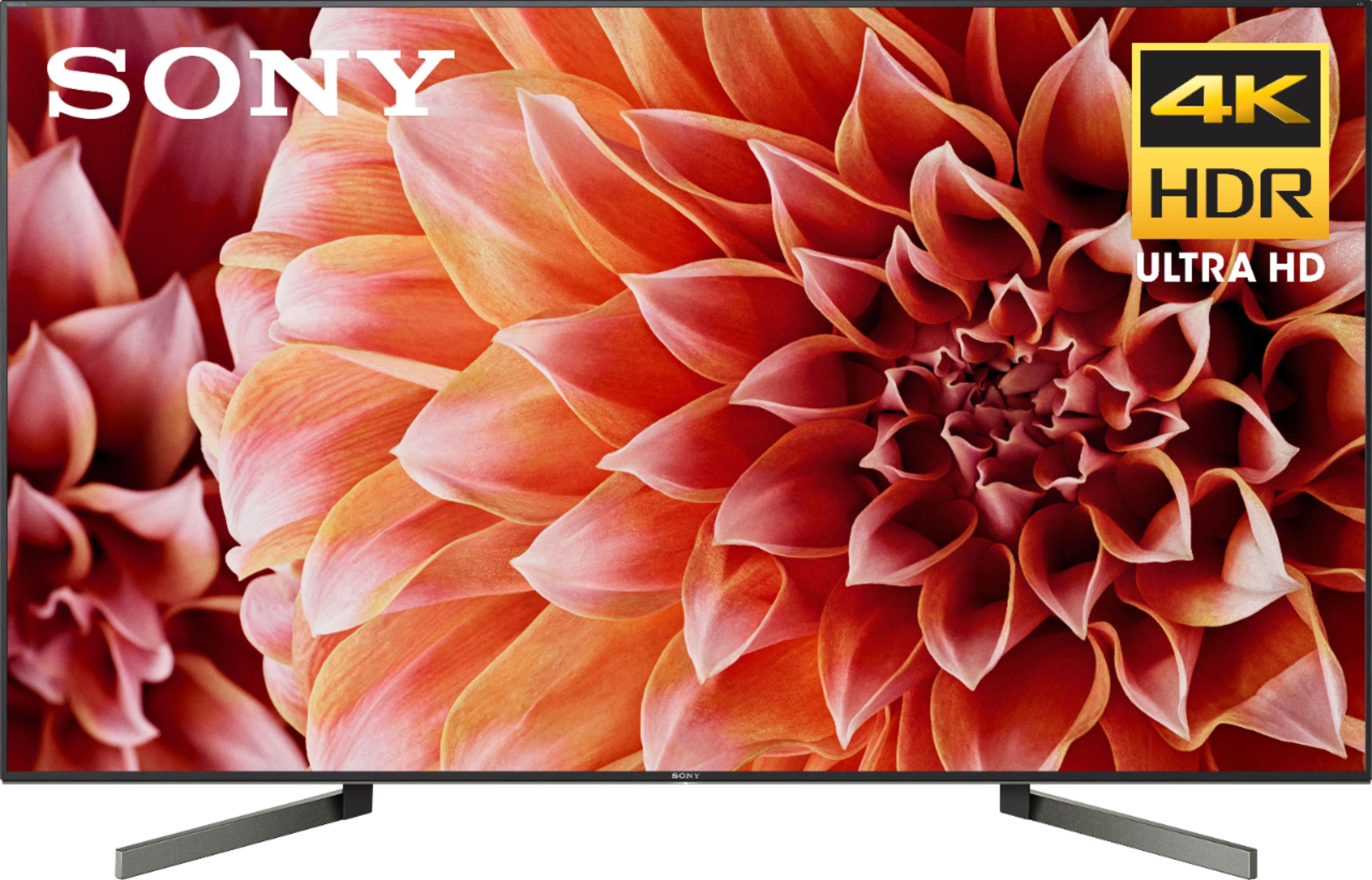
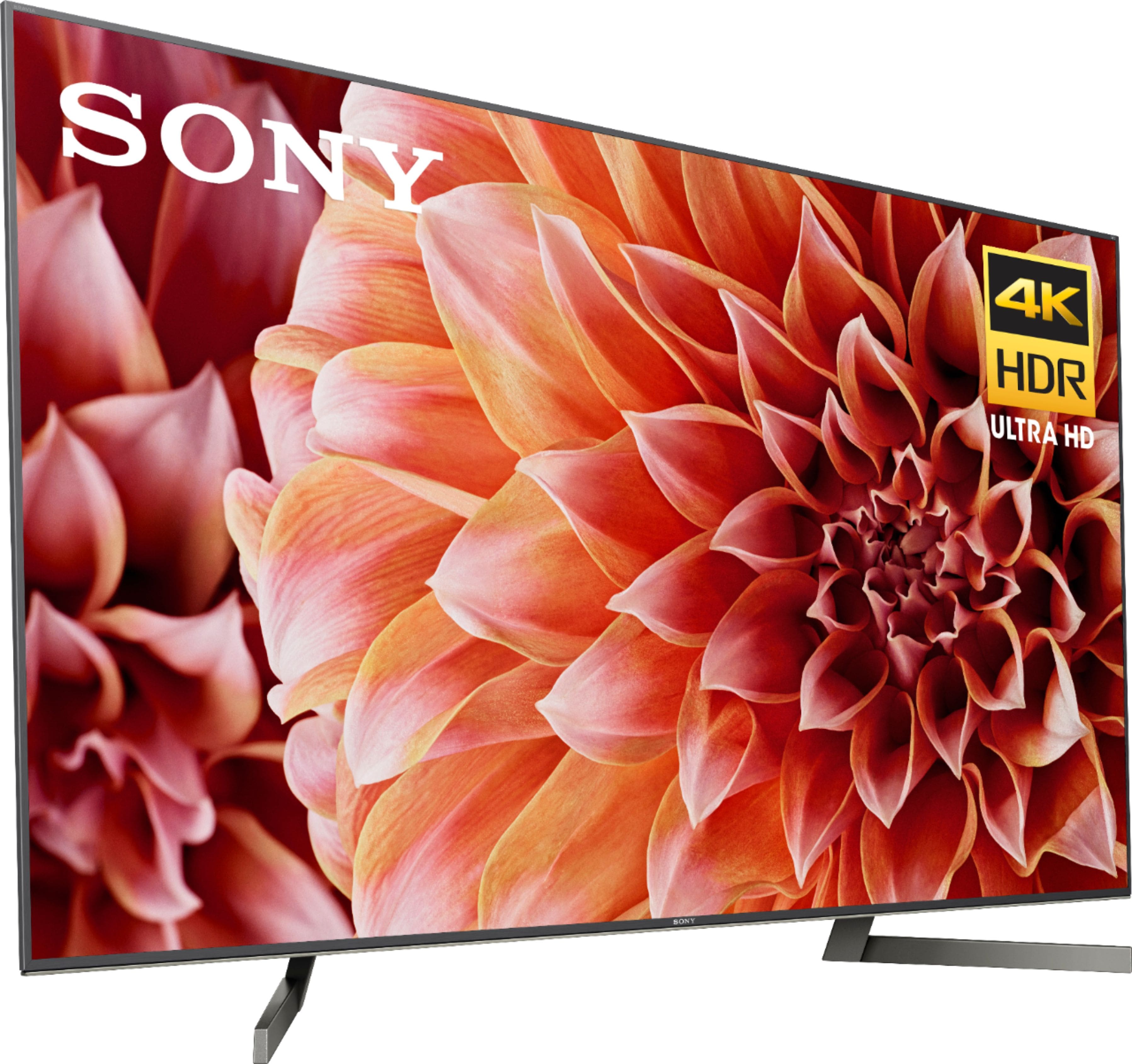
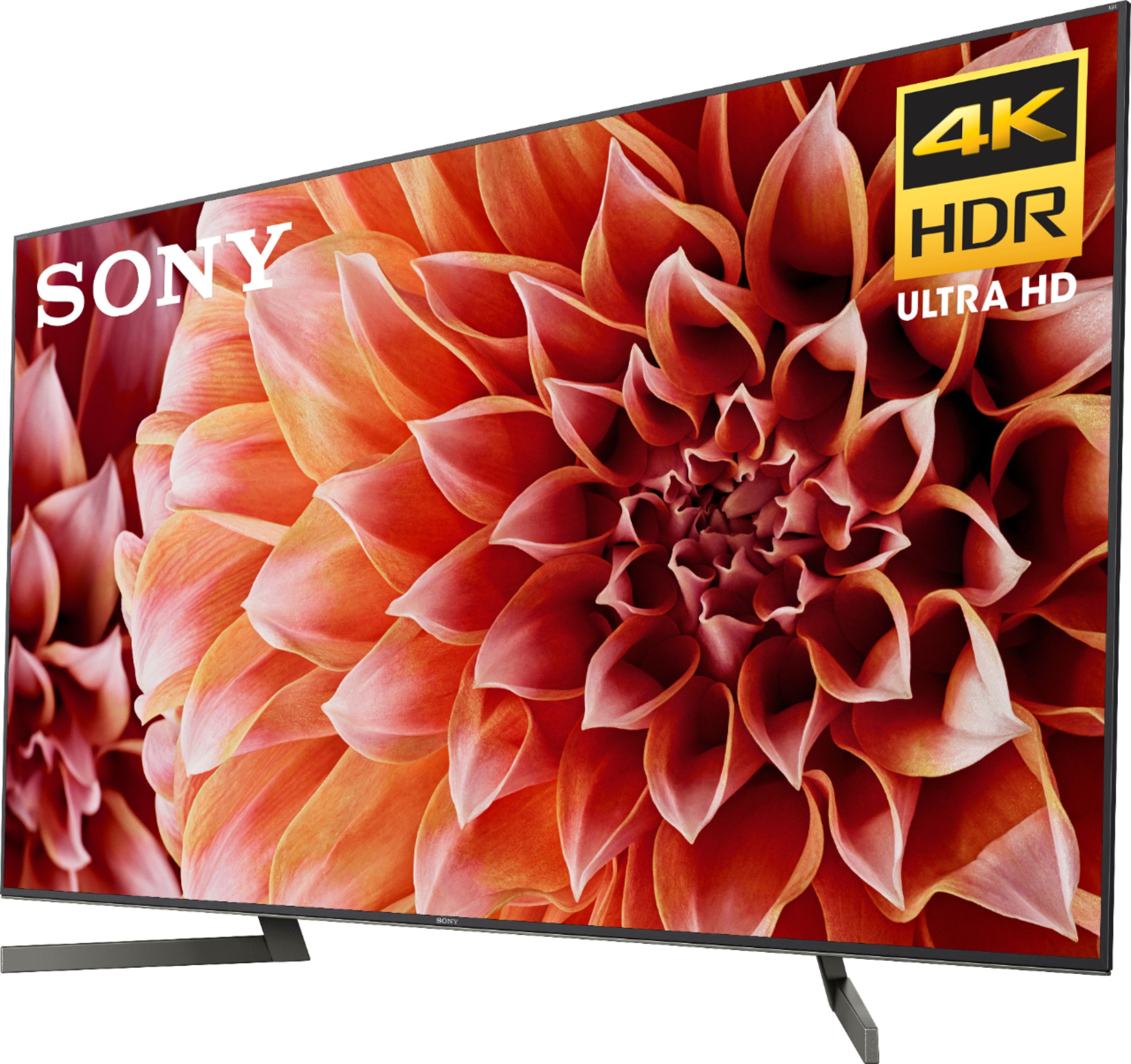
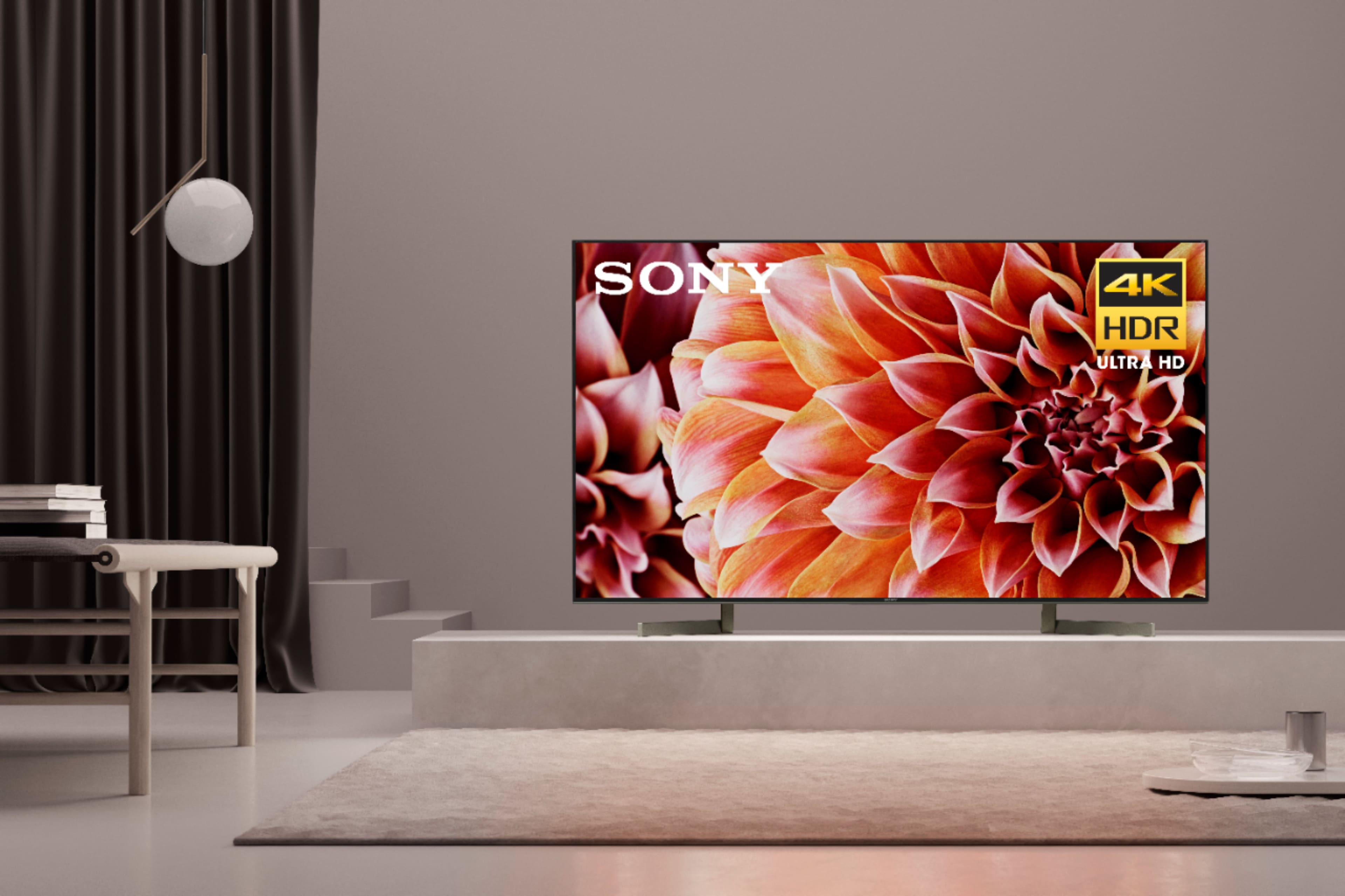
A:AnswerIt's great! This was something we considered before buying as well. Ours is located in the living room and our kitchen is immediately adjacent...like a big rectangle...we can stand at our counter about 18' away and nearly 90 degrees from the TV and it still looks fine. Color does not wash out and you can see plenty of detail. We'll watch TV while preparing meals, and so spend a bit of time at the extreme angle and it's just fine. Also, our TV is facing our living room window...a large window facing west...so we get a lot of light in there. We were concerned about color washing out from the sunlight as we've read about OLED, but so far it has not been a problem. We do have blinds that we can close, but we've not had to make any real adjustments due to color washout. Glare and reflections have not been a problem either, though it happens it hasn't been anything bothersome. I uploaded a photo, as you can see our environment isn't a videophile's dream come true, but hopefully you can see the details at the angle...
A:AnswerHi, mlb, For the details about the warranty, please visit this page: https://www.sony.com/electronics/support/res/manuals/4595/c93100a1fe624cd97594959ae4e8b271/45953330M.pdf. -Vincent
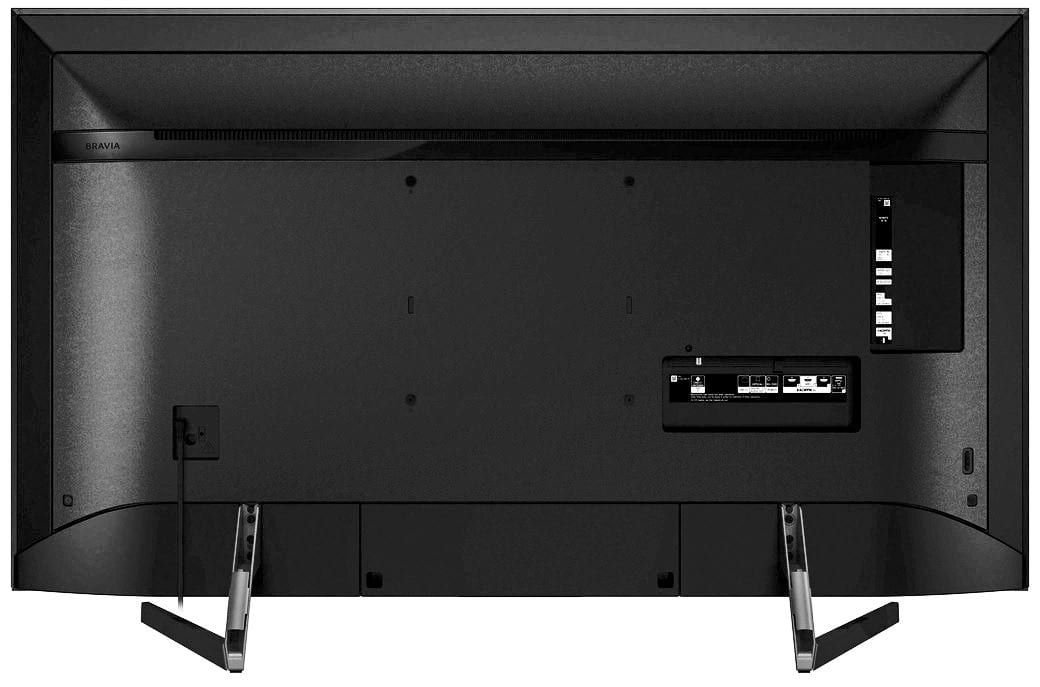
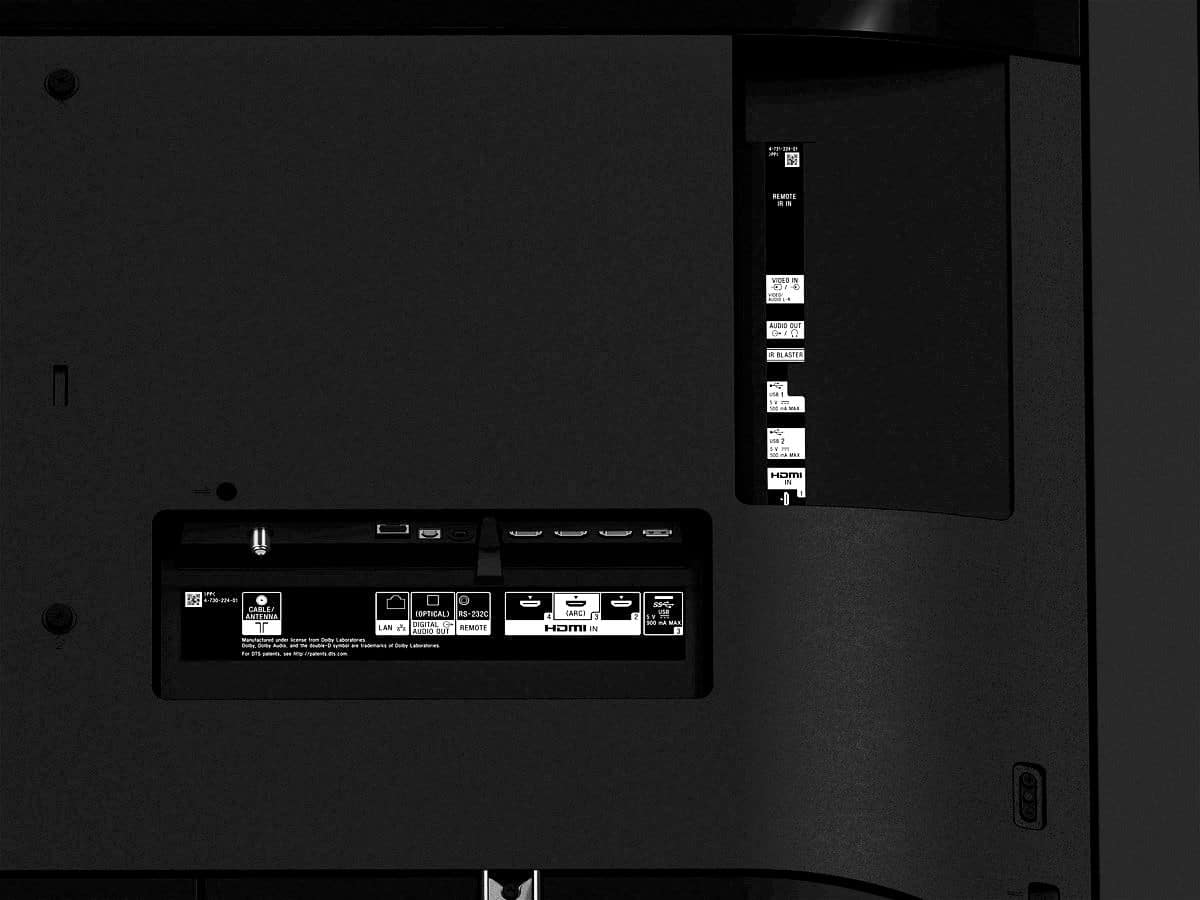
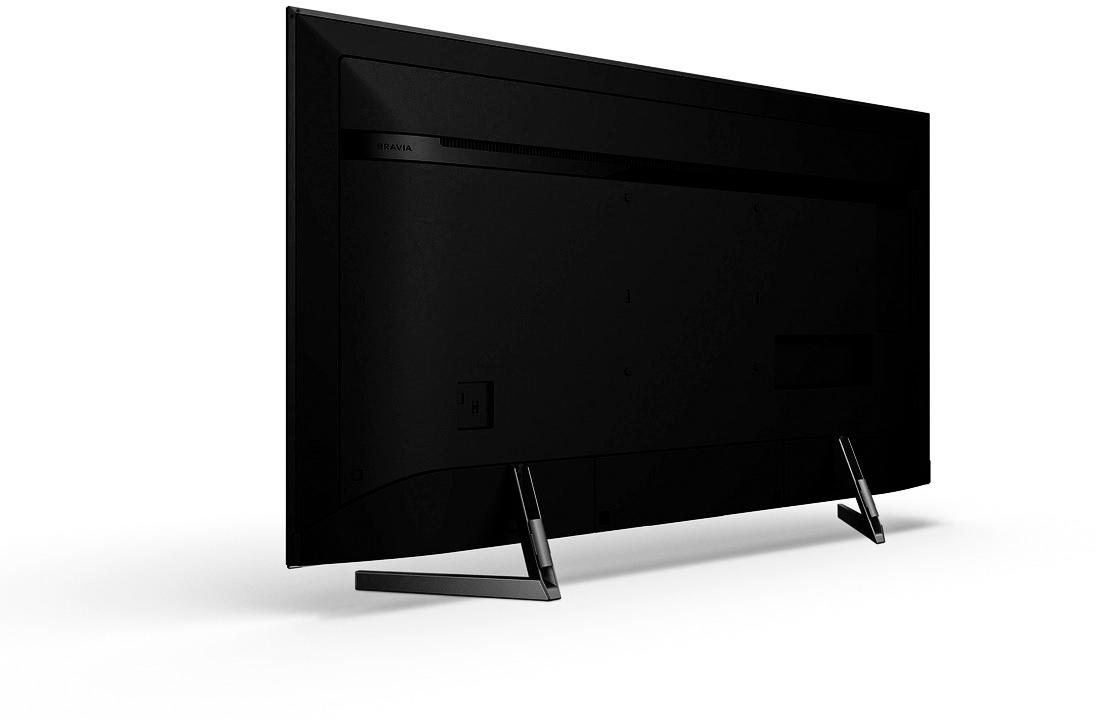
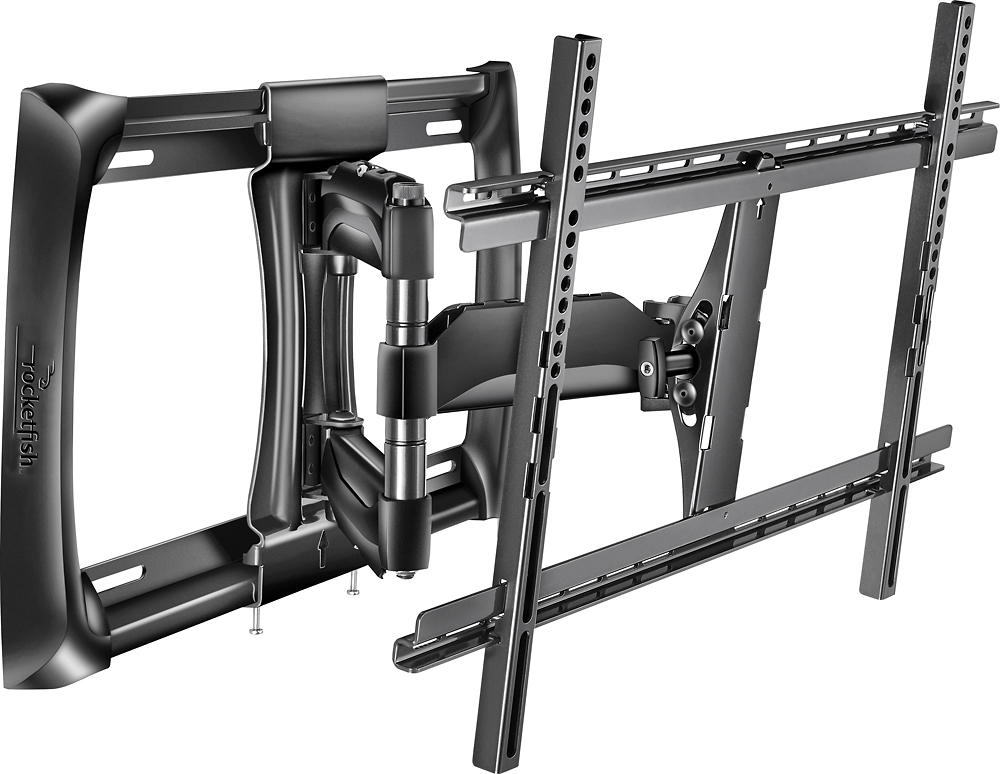
A:AnswerYes this tv is wall mountable. However, be sure to know how far apart the studs in your wall are as that may affect which wall mount you purchase. I recommend a full-motion mount. I got a Rocketfish full-motion mount. It's awesome!
A:AnswerHi cindy1atc, Yes, the x900F supports Bluetooth connectivity. Please refer to this link to make sure that the Bluetooth devices that you will pair with this TV support these Bluetooth profiles: https://helpguide.sony.net/tv/fusltn1/v1/en-003/04-06_03.html -Sam
A:AnswerIf you have Wifi or connect your internet directly into the TV, you can access the Internet. I connect my TV through my WiFi. It works great! The TV also already has a bunch of popular apps so you don't have to add all of your favorites.
A:AnswerThe whole back of the remote comes off, so depending on how you hold the remote when trying to remove the cover, you may be working against yourself.
Hold the remote upside down with the arrow on the lower back pointing away from you. Cradle it in both hands. Wrap your thumbs over the back and place them on the arrow, and then, using your thumbs, press slightly down and away from your body in the direction of the arrow. The back should slide open slightly and disengage. It does not slide completely off, rather it will disengage and then you can lift it off.
Hope this helps.
A:AnswerHi, ChiefsFanForever!
It's 78.4 inches. Please check the link below for more information about wall mount:
https://www.sony.com/electronics/support/televisions-projectors-lcd-tvs-android-/xbr-49x900f/articles/00124300
~Earl