A:AnswerHi Ted,
Thank you for your inquiry. Yes, if you directly connect the X80J TV to an antenna you may use Auto Program to scan for available channels. There is also an option to add digital channels as well as an option to hide/show channels. The channels that appear vary depending on your region, physical location and the TV signal coverage of the local broadcasting stations in your area. You may open this link for more information on what available channels or stations in your area. https://www.sony.com/electronics/support/televisions-projectors-lcd-tvs-android-/kd-50x80j/articles/00258411
Regards,
Kris
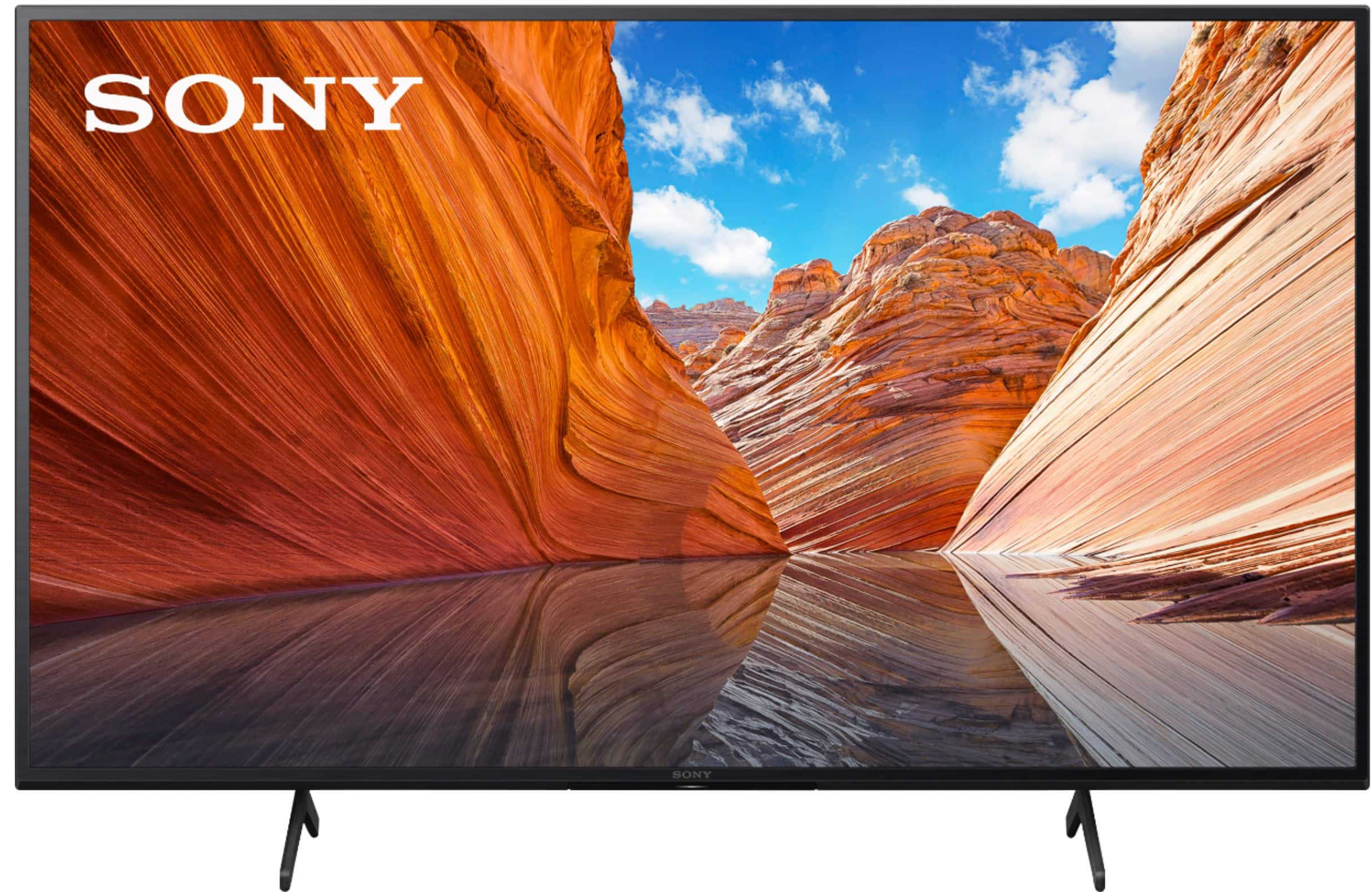
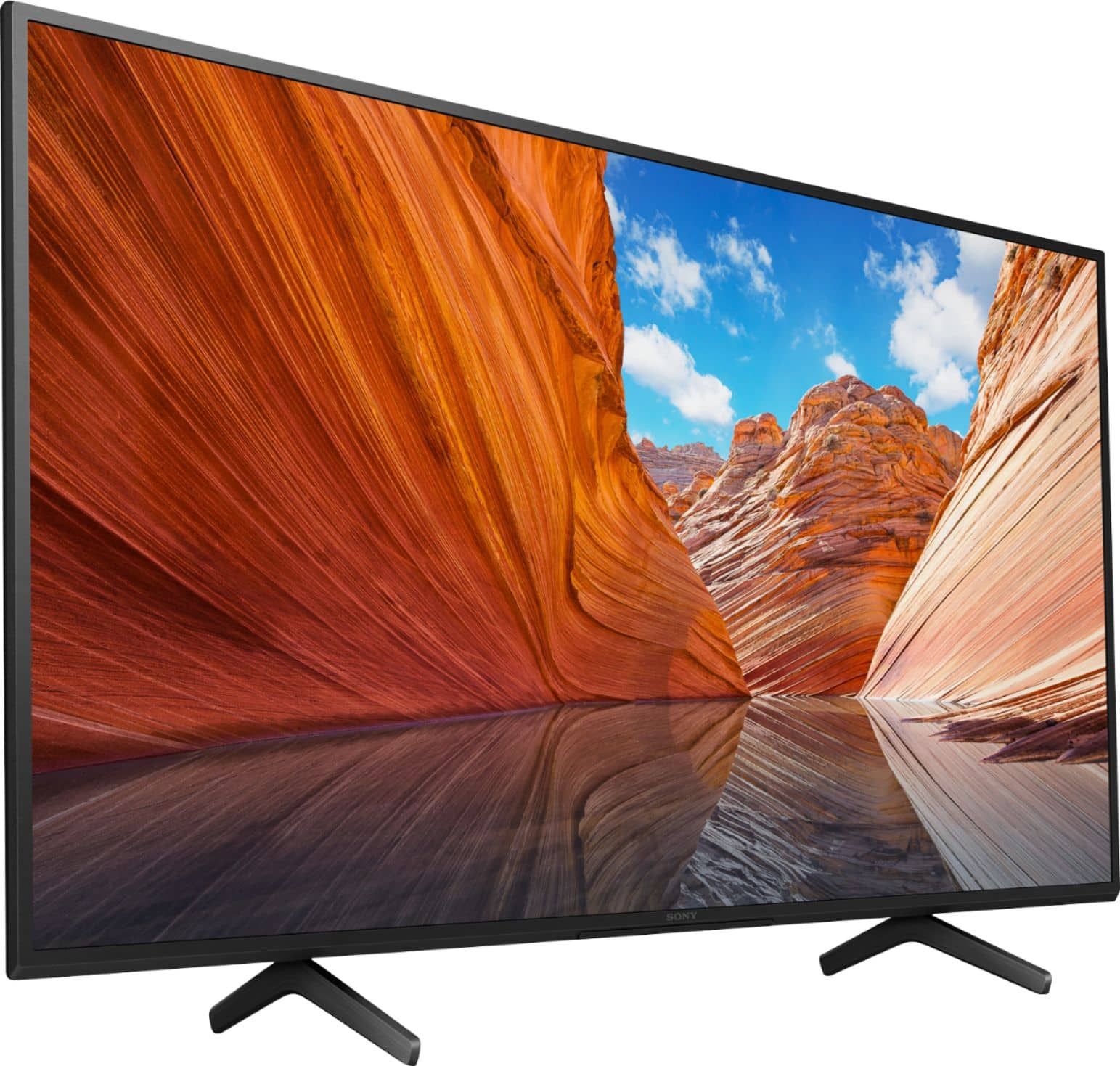
A:AnswerHi janis, Thank you for the inquiry! The brand new KD50X80J has AC Power Cord, Batteries, Operating Instructions, Quick Setup Guide, Table Top Stand, and Voice Remote Control. I hope this helps! Jay
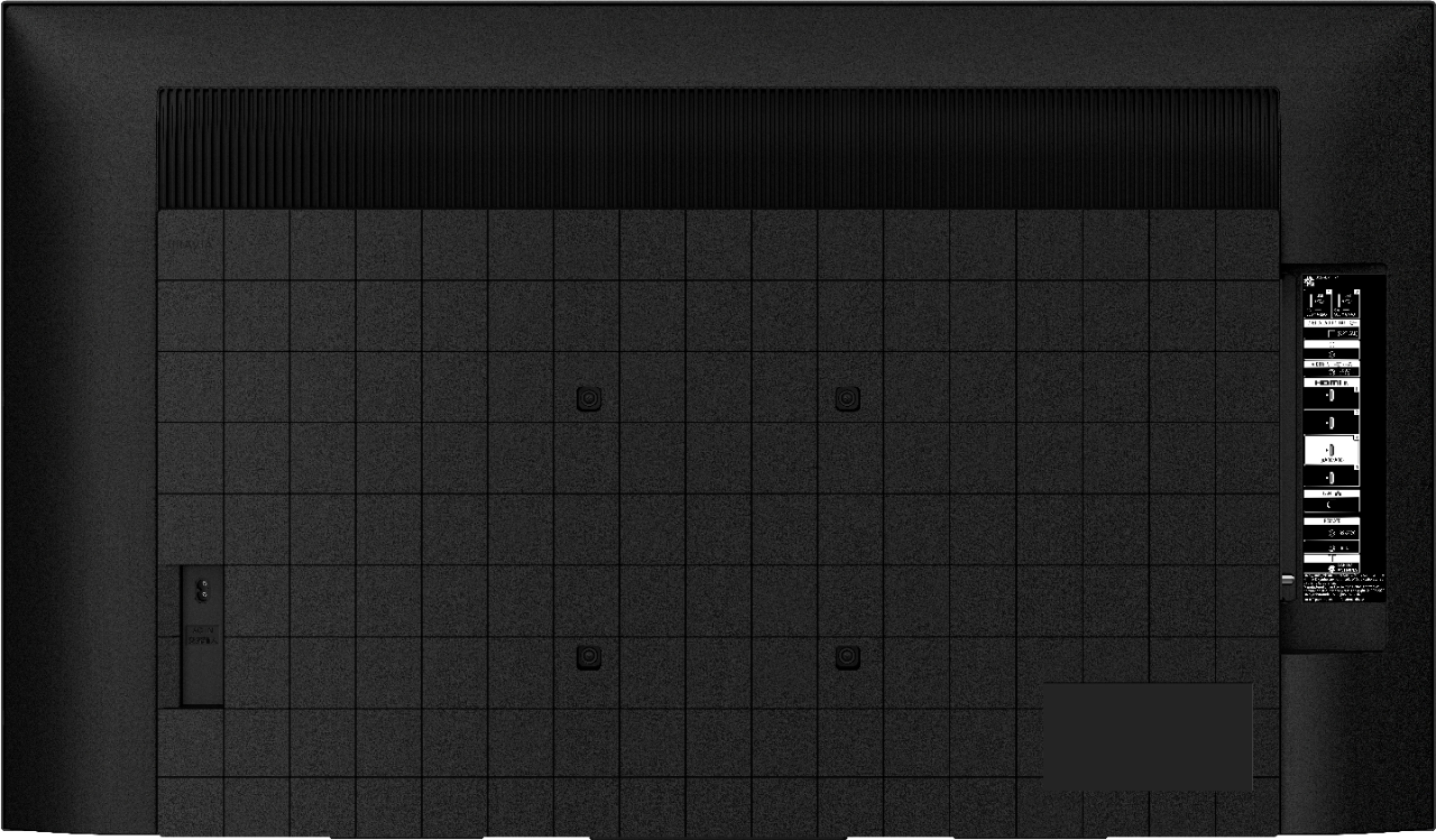
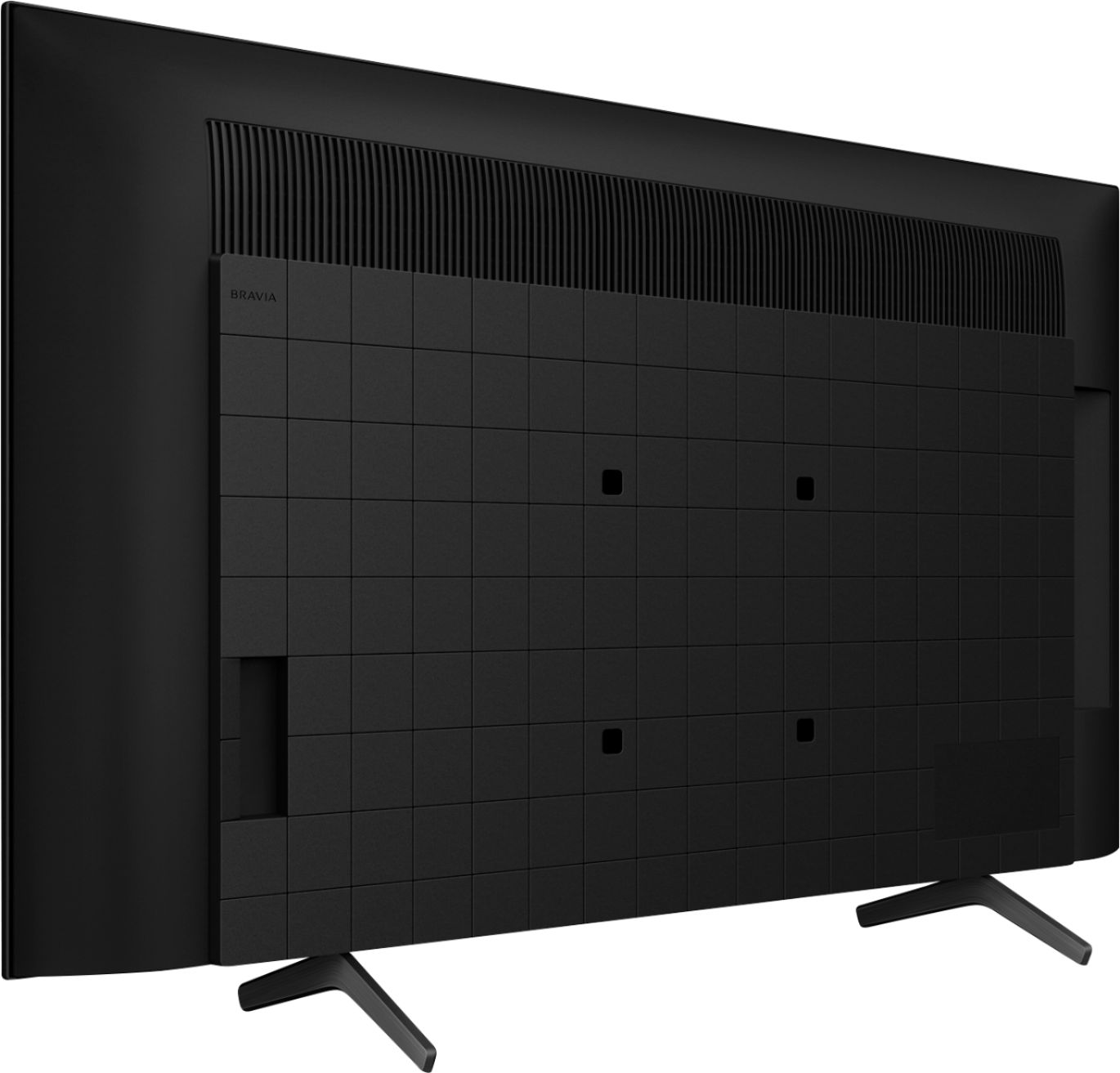
A:AnswerHello, Thank you for the inquiry! The wall-mount screws are M6 and the VESA hole pattern in 7.87 x 7.87 inch (200 x 200 mm). I hope this helps! Jay
A:AnswerHi Sven, thank you for inquiring about the 50X80J pixel layout. Unfortunately, we do not disclose pixel specifications at this time. However, you may be able to find this information from a 3rd party, independent reviewer. Regards, -Jay
A:AnswerThe mount I bought at Walmart came with various size screws to attach the mounting bracket to the back of the tv I’m not sure what size they are
A:AnswerHello, Thank you for the inquiry! Yes, the KD50X80J has sleep timer on the settings. Below is the instruction to disable the timer:
Open the Settings screen according to your TV remote options:
Press the gear icon Quick settings button, then select gear icon Settings.
Press the HOME button, then select gear icon Settings.
The next steps will depend on your TV menu options:
Select Timers → Timer.
Select On timer → On timer.
Select Timers → On timer → On timer.
Select Apps → Timers → On timer → On timer.
Make sure the timer is off.
For more details, please check the link below:
My Android TV / Google TV turns on or off automatically:
https://www.sony.com/electronics/support/televisions-projectors-lcd-tvs-android-/kd-50x80j/articles/00114471
Featured functions for 2021 BRAVIA with Google TV:
https://www.sony.com/electronics/support/televisions-projectors-lcd-tvs-android-/kd-50x80j/articles/00256290
I hope this helps! Jay
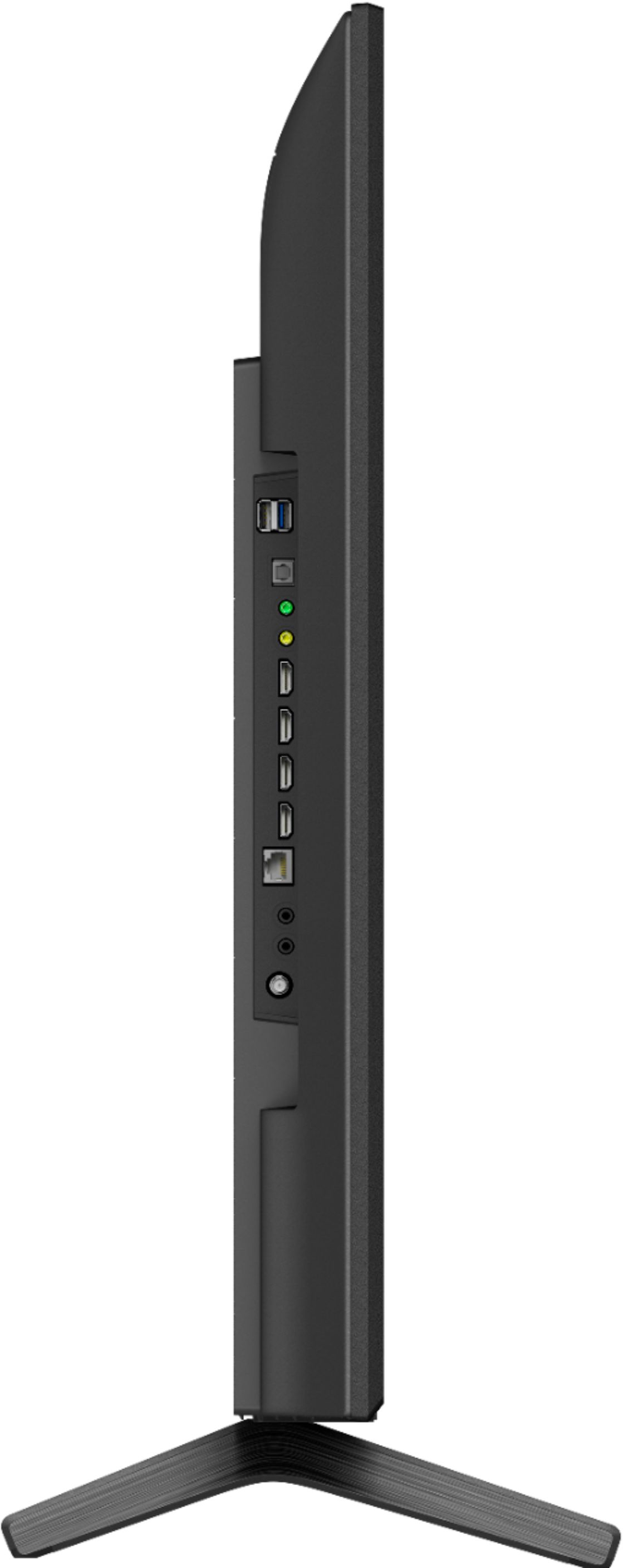
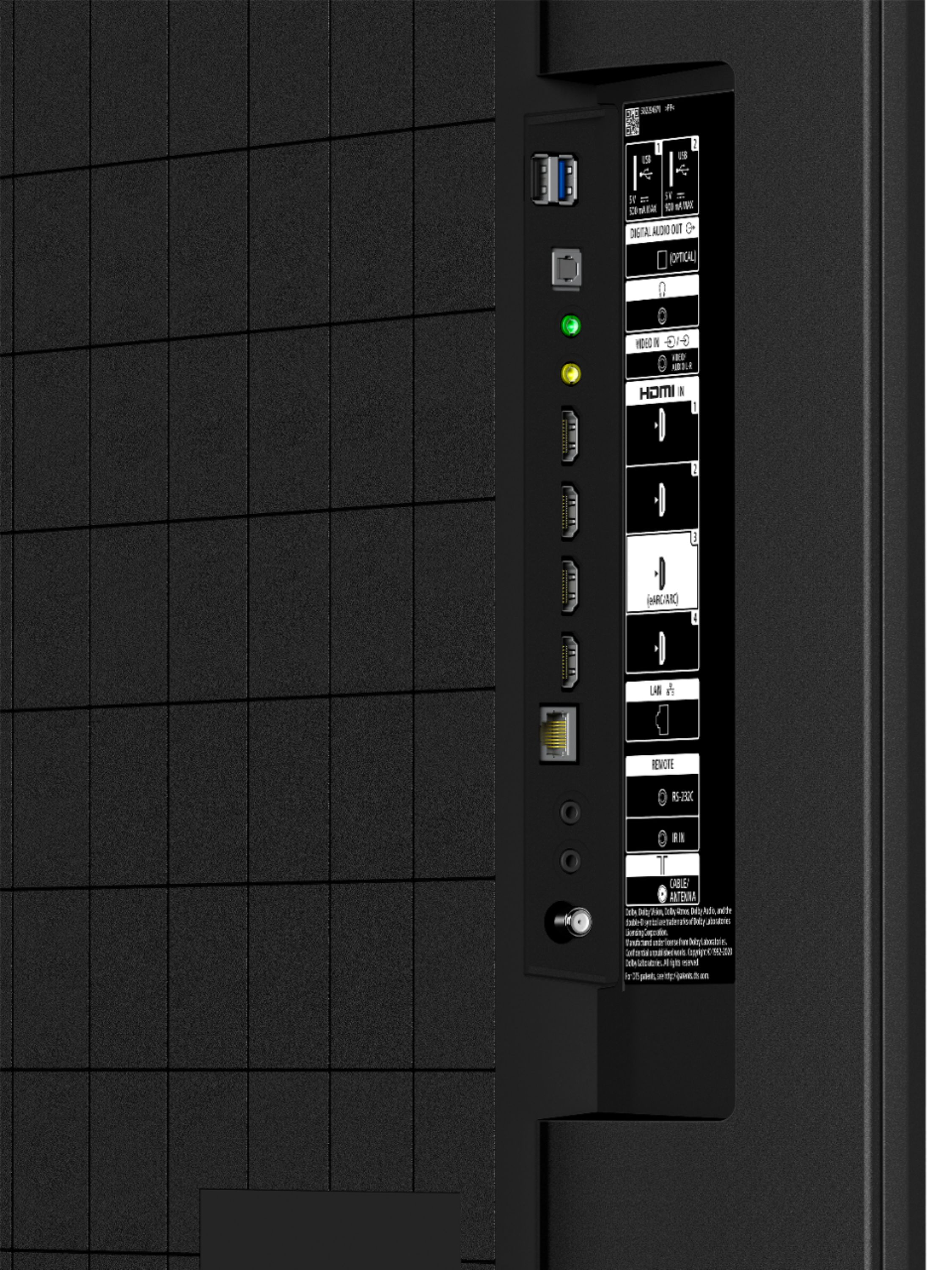
A:AnswerHi Lynette, Thank you for the inquiry! The Bluetooth Profile support of the KD50X80J is [version 4.2; HID (mouse/keyboard connectivity)/HOGP (Low Energy device connectivity)/SPP(Serial Port Profile)/A2DP (stereo audio) 2/AVRCP (AV remote control)]. You can pair some wireless headphones, speakers, or soundbars to this TV™ through a Bluetooth® connection, however, the devices must be compatible. You can only pair one Bluetooth headphone or soundbar and one other Bluetooth device to the TV at the same time, but not two Bluetooth headphones or soundbars at the same time. Other Bluetooth headphones and soundbars that support A2DP may work with your TV. However, we don't guarantee its operation.
For compatibility information, refer to this link:
Bluetooth connections for Android TV and Google TV:
https://www.sony.com/electronics/support/televisions-projectors-lcd-tvs-android-/kd-50x80j/articles/00186140
Can I use Bluetooth headphones, speakers, and soundbars with my Android TV or Google TV?
https://www.sony.com/electronics/support/televisions-projectors-lcd-tvs-android-/kd-50x80j/articles/00159290
I hope this helps! Jay
A:AnswerHi Lola, Thank you for the inquiry. Great News! You can enjoy glorious 4K HDR with the high color, contrast, and clarity of this BRAVIA X80J LED TV. The recommended distance for comfortable viewing depends on the video or program you are watching, the viewing environment, and the physical conditions of the person watching it. When watching the TV from a suitable distance, we recommend looking away from the TV every now and then or try watching it at a different viewing angle. For the best viewing experience, you can configure various settings related to the TV display such as color and brightness for picture quality, or screen size. To access the settings, on the remote control, press the gear (Quick Settings) button, then select Settings → Display & Sound → Picture → the desired option. I hope this helps! Jay
A:AnswerHi Jayb,
Thank you for your inquiry. These TVs should work with any VESA Complaint wall mount bracket with a screw hole pattern 200 mm x 200 mm (200 mm = 7.87 inches). For product protection and safety reasons, Sony strongly recommends that the installation of your TV on a wall be performed by qualified professionals. Wall mounts come in many shapes and sizes. The various shapes and sizes are meant to try and meet the performance needs, space or wall requirements, desired styles and safety. Please open this link below for more detailed wall mount specifications and Sony recommended wall mounts: https://www.sony.com/electronics/support/televisions-projectors-lcd-tvs-android-/kd-50x80j/articles/00124300. - Kris
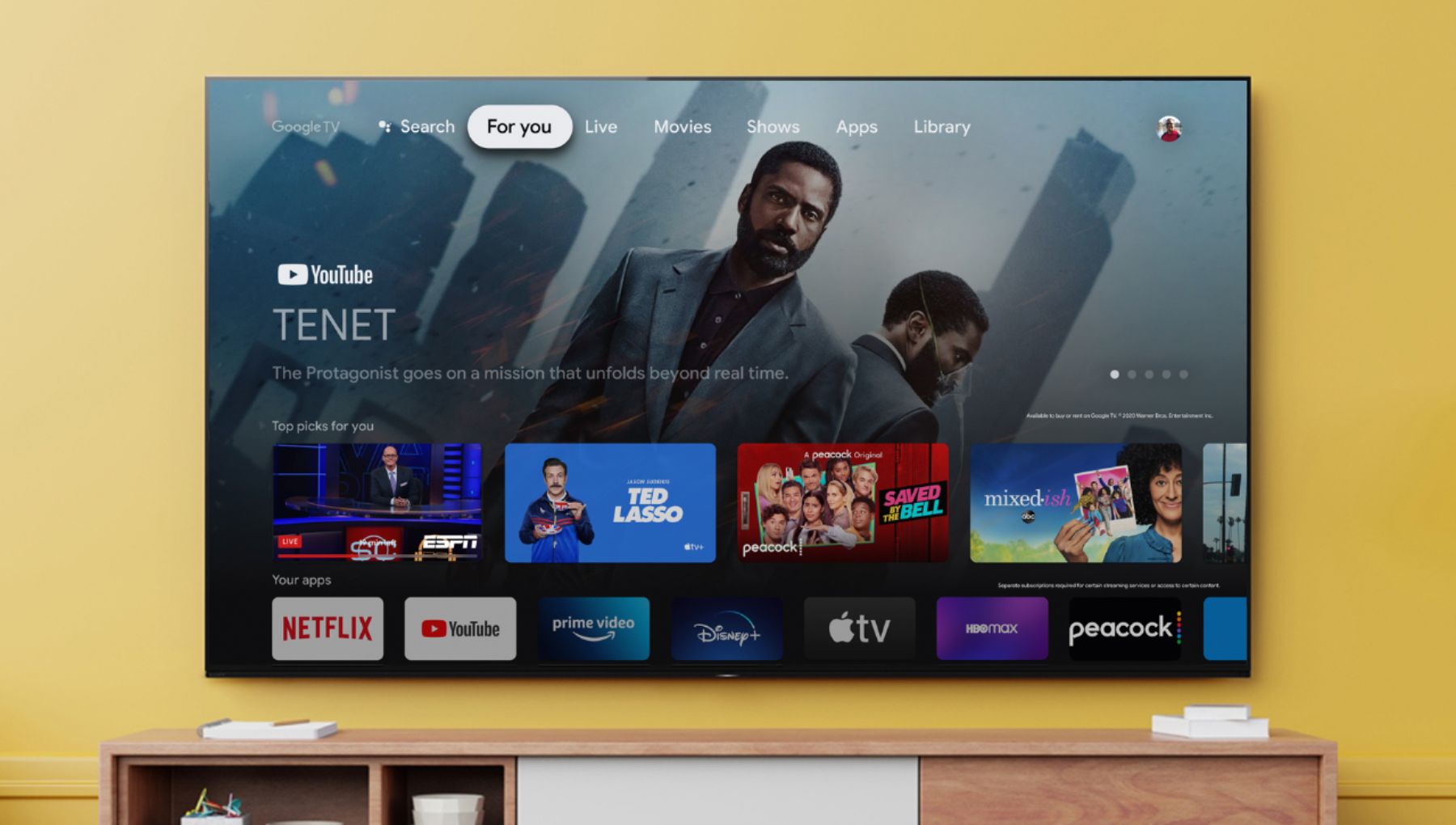
A:AnswerHi Dogs2, thank you so much for your inquiry! The Google TV platform on our XR series features a more content-focused, while the Android TV platform on our previous TVs is more app-focused. Please reference the following links for more details:
https://www.sony.com/electronics/support/televisions-projectors-lcd-tvs-android-/kd-50x80j/articles/00200248
https://www.sony.com/electronics/support/televisions-projectors-lcd-tvs-android-/kd-50x80j/articles/00256290
Happy to help! - Romeo
A:AnswerAs an alternative, you might want to consider a wireless bedside speaker such as TVEars. We have one for my husband. It works great with this TV. They’re relatively inexpensive, and convenient to use. Also, the sound continues to be heard from both, the TV and the speaker so if the speaker is not turned on, the TV will continue to work normally. My husband does not use the ear phones provided with the set, just the table top speaker. When we watch TV together, it gives you the sound of stereo. Also, Cosco sells a wireless brand of speaker. It’s a little larger, but works the same way. I think it’s also rather inexpensive. Our 97 year old Uncle has that one.
Best of luck with your husband. I will keep him and you in my prayers.
A:AnswerHi DRG, thank you so much for your inquiry. We are sorry, but this is not a public specification that we disclose at this time. For full specifications and features of our X80J, please visit the link below: https://www.sony.com/electronics/televisions/x80j-series Hope this helps! Thanks! - Romeo
A:AnswerHi Minot, Thank you for the inquiry! Is there an audio device connected to the TV? In this case, we recommend to following the troubleshooting steps from this link to isolate this issue: https://www.sony.com/electronics/support/televisions-projectors-lcd-tvs-android-/kd-50x80j/articles/00159487
I hope this helps! Jay