A:AnswerYes, the pop up view finder is one of the reasons that I purchased this camera and it cuts out that blank screen when shooting in bright sunlight.
A:AnswerIt didn't come with one but I used my kindle cable and it worked fine. It also has its own wifi and an app with which you can upload to phone or computer over wifi without connecting with wire. Was not compatible with the latest apple OS.
A:AnswerI can tell you that I used this camera on vacation to Europe and I used the zoom feature a lot. I also do not have a steady hand. If the zoom is less than 25 times (the maximum) the stabilizer works really well. Once I tried to zoom to the maximum, I had a little trouble and had to rest my arms on a post or rail to steady the camera. I posted a close up of flowers on the slope of a glacier. The zoom was probably pretty close to 20X. I had an image that was zoomed into 25X where my arms rested on a rail. Unfortunately, the web site would not let me upload it as it was larger than 5MB. But it turned out very well. Hope this helps.
A:AnswerYes.. I take a lot of pictures in dark areas (attic crawls etc) where there is little or no light, works great. I would say as a tip and if you seem to struggle with it, I suggest NOT using AUTO, I personally use SCN and select Indoors. I probably take several dozen pictures a day where there is little or no light. I have also taken lots of pictures at night with auto, it does a good job.
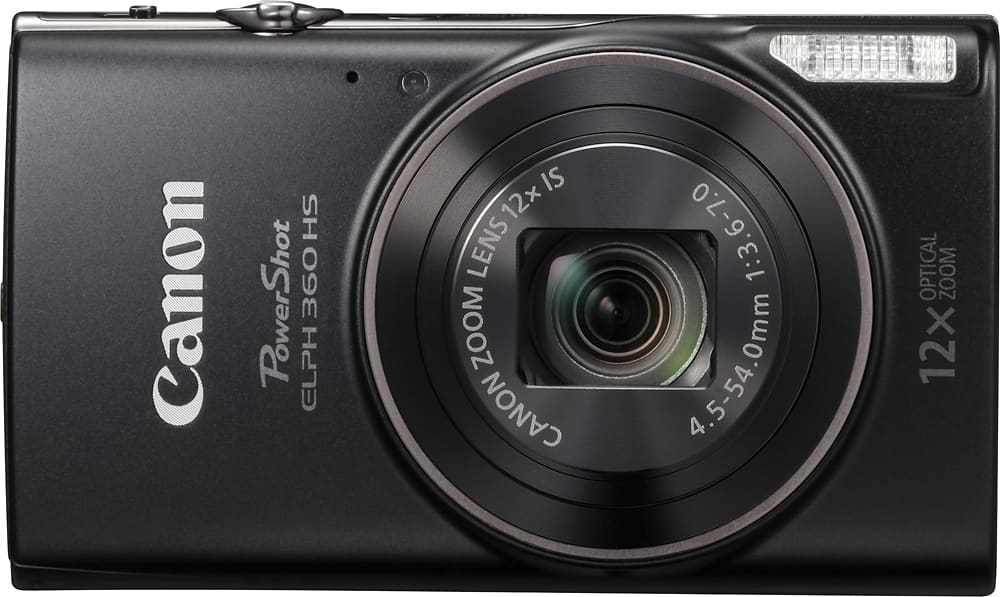
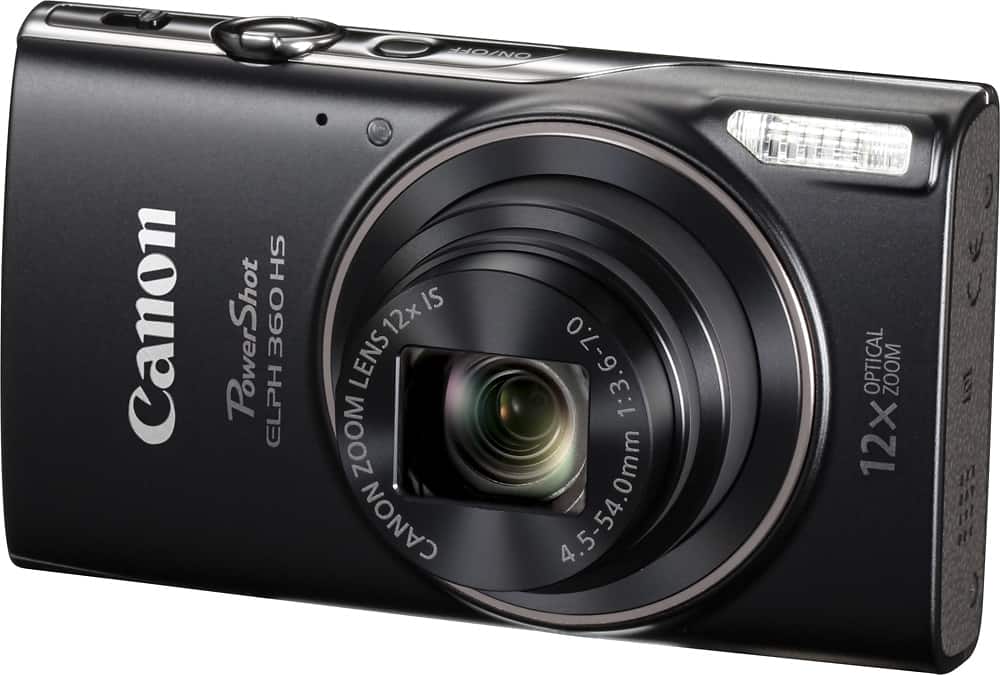
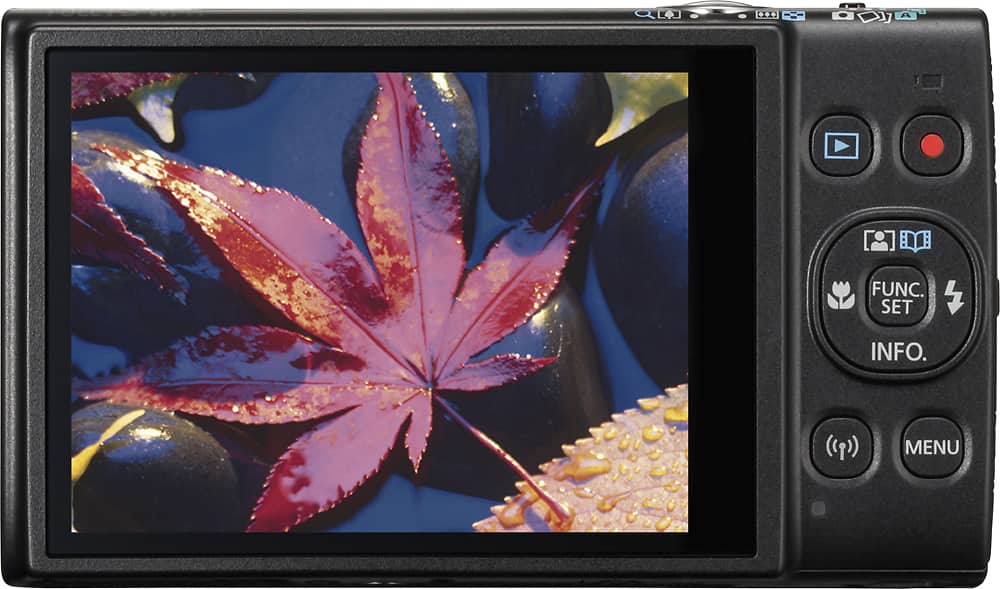
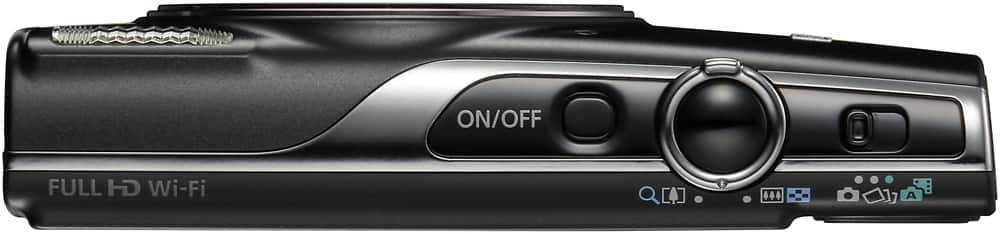
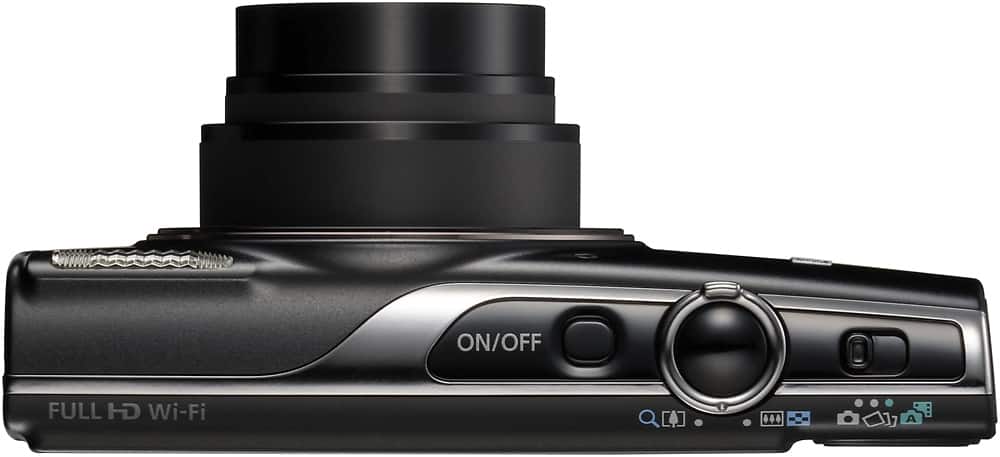
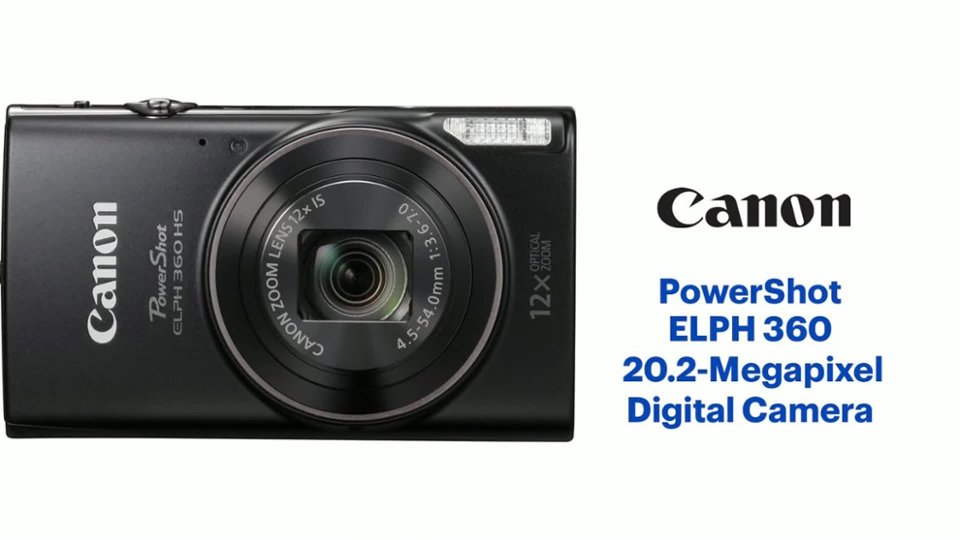
A:AnswerThis camera is the "Canon - PowerShot ELPH 360 HS". It does NOT have a pop-up viewfinder, or a viewfinder of any kind. It only has a 3" LCD screen on the back.
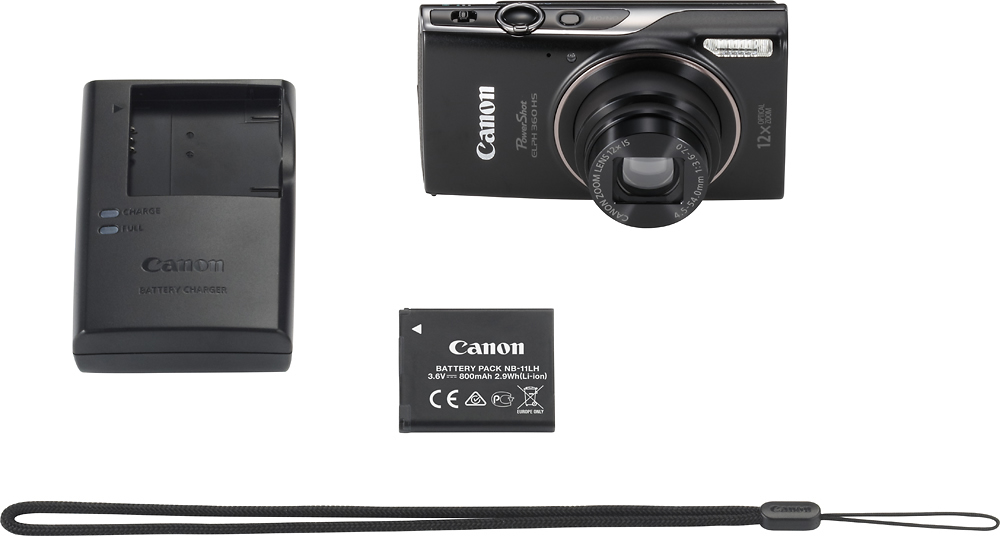
A:AnswerUSB cable: It should, if it uses the typical Mini-B USB connector that I think most cameras use.
Memory card: I transferred an 8GB, Class 4 SD memory card from my old PowerShot SX120 camera, and it appears to work fine. However, page 151 of the manual states that Class 10 memory cards should be used. It also says that recording of movies might stop if memory cards of lower speed class are used.