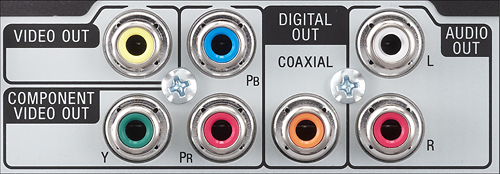
A:AnswerNo. The only thing that you have to do is to set the TV remote control's Input Select button to the AV selection. You have to connect the yellow, white, & red Video/Audio cables from the DVD player into the AV/Input connections on your TV set.
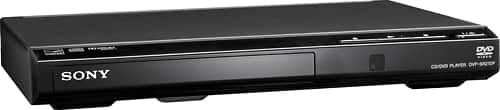
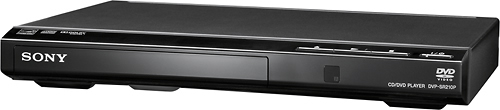
This is because this DVD player does not have a HDMI output connection. But the good news is, because you're using the audio/video cables, the HDMI inputs on your TV set are free to be used for something else, like Roku!
A:AnswerMy problem was the tray would not open and the disk was stuck. I just kept “flicking” the tray with my finger nail and pressing the open button until it finally opened. This will probably be a persistent issue (I put in another disk and it happened again). I got rid of that player and bought another one. I didn’t need a BluRay so the same model is cheap.
A:AnswerYes , but for the best picture quality you must use component red ,green and blue video cables and activate Progressive scan picture using the menu options then and only then this player will deliver the best picture performance.
A:AnswerThe player comes with an RCA connector cable. That is the two/three prongs in red yellow and white. It does not come with an HDMI connector cable or converter. My two or three year old tv was not able to connect without HDMI. I had to buy an RCA to HDMI converter that cost almost twice as much as the player itself. Once I got the converter I was able to watch my DVDS.