A:AnswerNot that I know of. I bought it for cd use only for church. Couldn't use it because it didn't have a track counter or a way to know where in a song you are. Useless for me. Going to try to return it after the corona virus is under control.
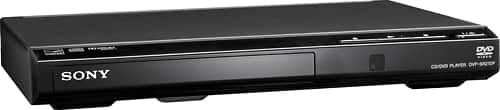
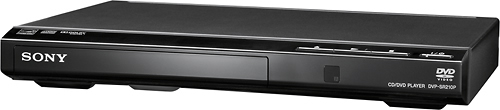
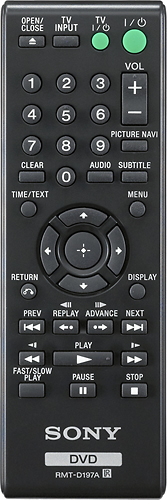
A:AnswerHi, PC, No. You can only use the basic functions like the Open/Eject, Play, Stop. buttons. To fully operate the DVD player, we recommend using the remote control. -Vincent
A:AnswerHi Frances, To switch the aspect ratio, please go to the menu of the DVD and then select SCREEN SETUP then go to TV TYPE. Under TV TYPE you can choose between 16:9, 4:3 LETTERBOX, and
4:3 PAN SCAN. Ref: https://www.sony.com/electronics/support/res/manuals/4447/d1526642f56f7d2c942c4598ea9add71/44474743M.pdf (page 1) -Sam
A:AnswerHi Ruth, We're sorry to hear about this. If you experience difficulty playing a disc on this unit, please follow the troubleshooting steps on this link: https://www.sony.com/electronics/support/home-video-dvd-players-recorders/dvp-sr210p/articles/00082110 If you are unable to resolve your concern, please email us at [email protected] with the following details:
Name:
Bestbuy Username:
Model Number:
Issue:
Telephone Number:
Sincerely,
Sam
A:AnswerHi, Litia!
Unfortunately, the DVPSR210P only plays regular DVD discs. You can only play Bluray discs from Bluray disc player. As a suggestion, please refer to this list of Sony Bluray disc players: https://www.sony.com/electronics/blu-ray-dvd-players/t/blu-ray-disc-players -Sam