A:AnswerHi rsmithers,
Thank you for the inquiry! HTA5000 will only pair with one pair of headphones at a time.
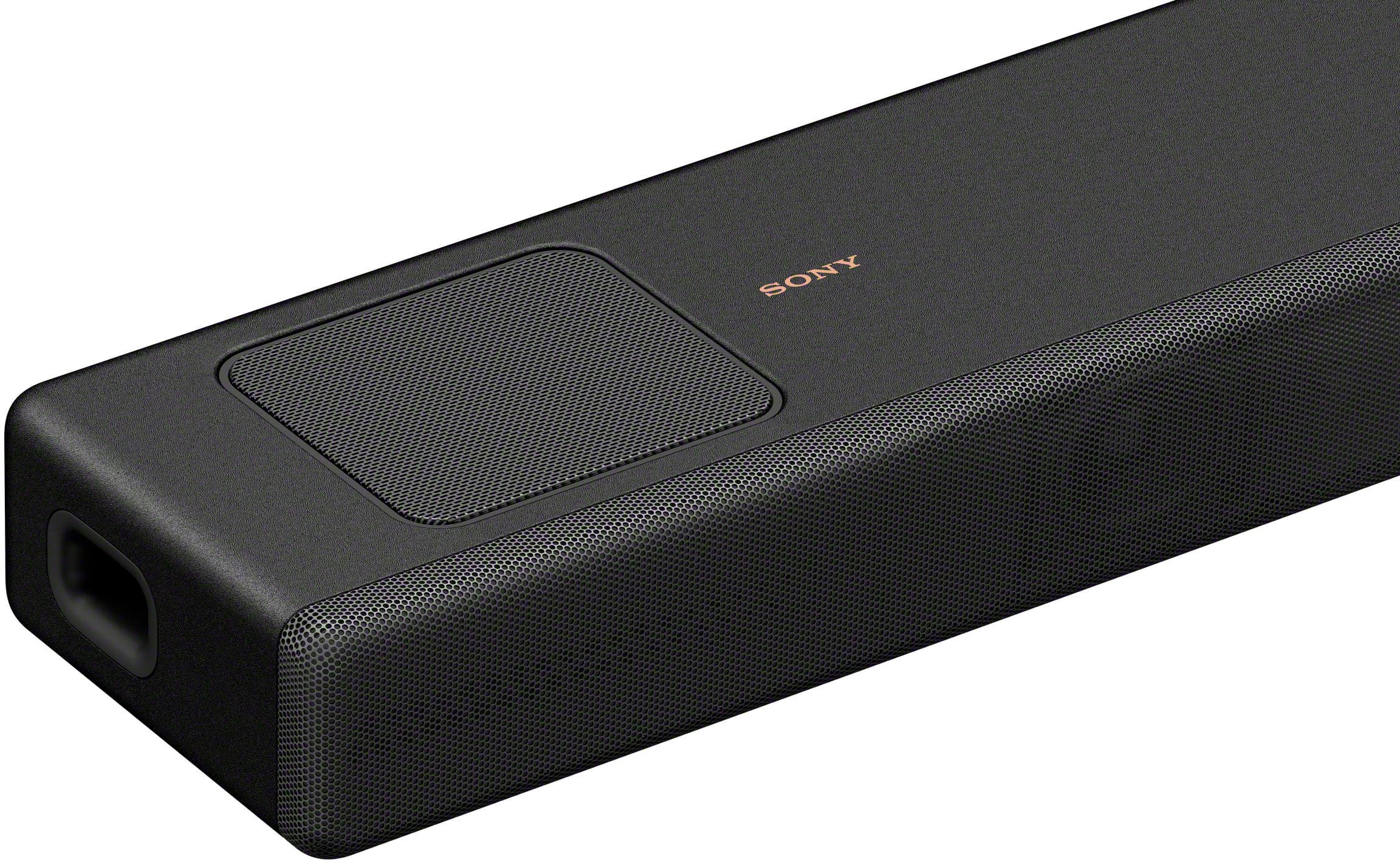
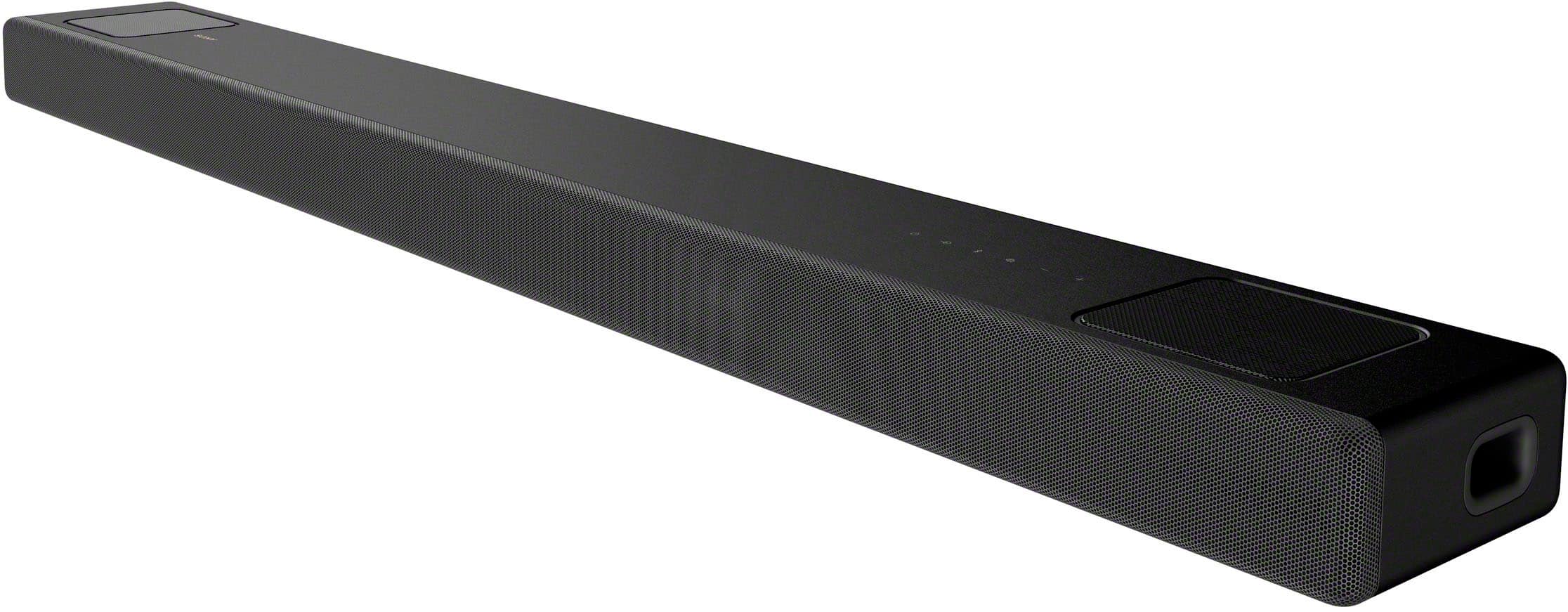
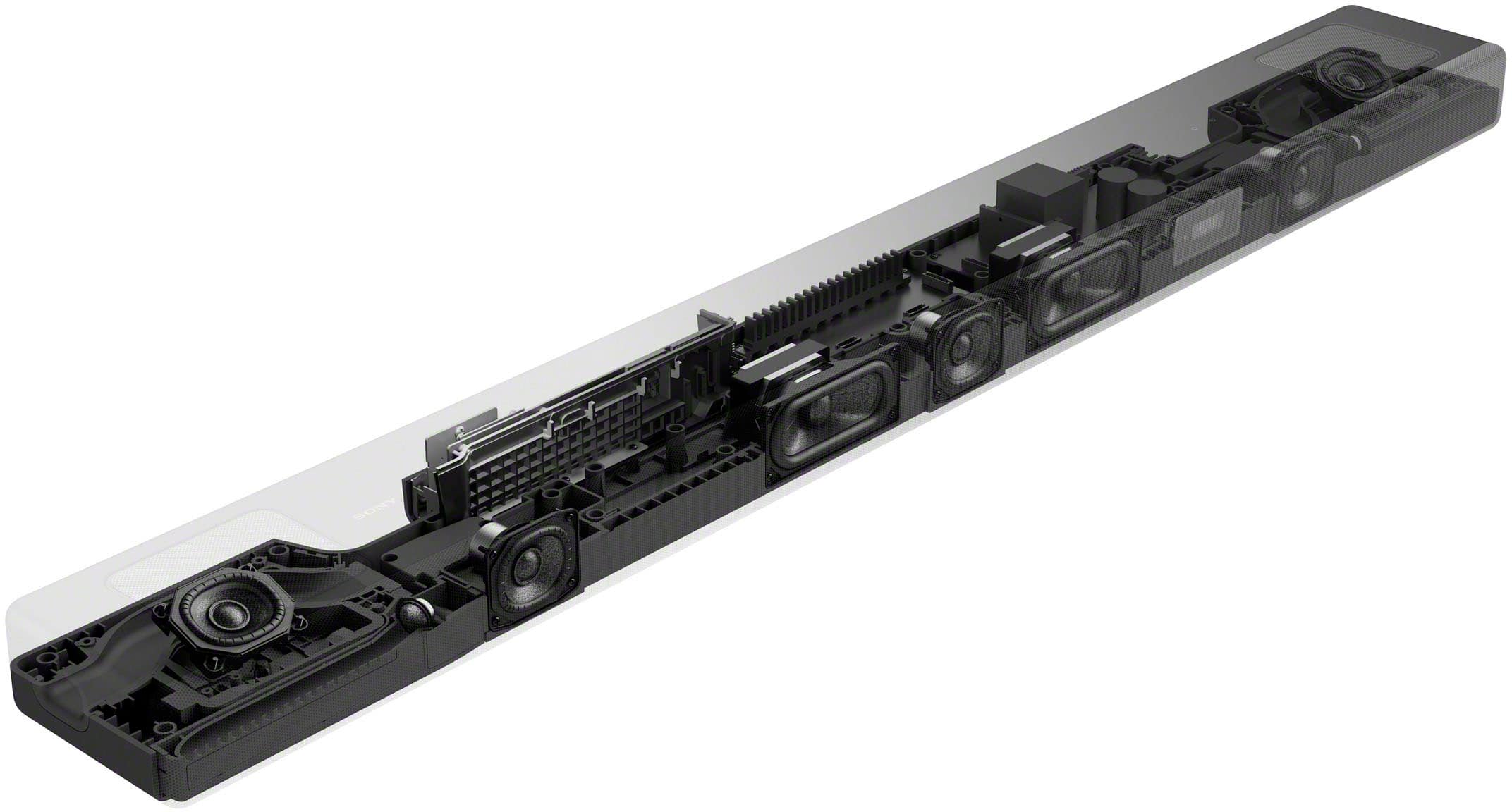
Take your entertainment to a new realm of surround sound audio immersion. The HT-A5000 sound bar envelops you in authentic 5.1.2ch surround sound with up-firing speakers, side beam tweeters, a built-in subwoofer and advanced technologies that bring you Dolby Atmos and DTS:X audio as well as 8K and 4K 120 video passthrough.
-David
A:AnswerHi LarryA,
Thank you for the inquiry. Absolutely! This soundbar will work with any TV brand that supports HDMI ARC. Please check this article for more details.
https://www.sony.com/electronics/support/sound-bars-home-theater-systems-sound-bars-surround-speakers/ht-a5000/articles/00014997
Take your entertainment to a new realm of surround sound audio immersion. The HT-A5000 sound bar envelops you in authentic 5.1.2ch surround sound with up-firing speakers, side beam tweeters, a built-in subwoofer and advanced technologies that bring you Dolby Atmos and DTS:X audio as well as 8K and 4K 120 video passthrough.
-David
A:AnswerHi Sonyuser,
Thank you for the inquiry! Unfortunately, we don't have any update with regards to sound mode cinema being added to this soundbar on the next firmware release, you can always check from time to time our support website, we post it as soon as we have an update. Thank you for understanding!
Take your movies and entertainment to a whole new level with the HT-A5000. Using the soundbar alone, you'll enjoy authentic 5.1.2 channel surround sound with S-Force PRO Front Surround and Vertical Surround Engine. The HT-A5000 has 5.1.2 channels featuring two up-firing speakers for overhead sound, two beam tweeters and three front speakers for wider surround, plus a built-in subwoofer for deep bass.
-David
A:AnswerHi Rob,
Thank you for the inquiry! The sound will depend in the source that you're playing. When the input source does not support the sound for the speaker, as is the case with most TV programs, sound may not be output from the TV. For example, the bass sound may not be audible in the subwoofer because TV programs does not support bass.
For further assistance, please email us at socialsupport@am.sony.com with the following details:
Name:
Best Buy Username:
Model Number:
Issue:
Telephone Number:
-David
A:AnswerHi MAG381,
Thank you for the inquiry! If your PC has an HDMI output, you can use that to connect to HTA5000 to play audio.
Take your entertainment to a new realm of surround sound audio immersion. The HT-A5000 sound bar envelops you in authentic 5.1.2ch surround sound with up-firing speakers, side beam tweeters, a built-in subwoofer and advanced technologies that bring you Dolby Atmos® and DTS:X® audio as well as 8K and 4K 120 video passthrough.
-David
A:AnswerHi LAMA,
Thank you for the inquiry! Yes, you can connect your PS5 directly to the soundbar.
https://www.sony.com/electronics/support/sound-bars-home-theater-systems-sound-bars-surround-speakers/ht-a5000/articles/00014997
Take your entertainment to a new realm of surround sound audio immersion. The HT-A5000 sound bar envelops you in authentic 5.1.2ch surround sound with up-firing speakers, side beam tweeters, a built-in subwoofer and advanced technologies that bring you Dolby Atmos® and DTS:X® audio as well as 8K and 4K 120 video passthrough.
-David
A:AnswerHi Lobo,
Thank you for the inquiry! The HT-A7000 can be mounted in the wall. Check this link and see page 15 onwards for more details.
https://www.sony.com/electronics/support/res/manuals/5024/5659b66a5e586a0461ad841f0bc654b6/50248331M.pdf
NOTE: We strongly recommend that a qualified professional installs your soundbar on the wall for product protection and safety reasons.
Discover a whole new level of immersion that envelops you in 7.1.2 channel surround sound with multiple speakers, a built-in subwoofer and advanced audio technologies. And with rear speakers it supports 360 Spatial Sound Mapping.
-David
A:AnswerHi Cheese,
Thank you for the inquiry! We do apologize for the inconvenience. We recommend updating the software of your AV receiver. A firmware update improves the functionality and features of your device. It can provide fixes to any performance issues that may occur.
https://www.sony.com/electronics/support/sound-bars-home-theater-systems-sound-bars-surround-speakers/ht-a5000/software/00272343
For us to better assist you, please email us at socialsupport@am.sony.com with the following details:
Name:
Best Buy Username:
Model Number:
Issue:
Telephone Number:
-David
A:AnswerHi Pigsey,
Thank you for the inquiry! Unfortunately, you can only play one audio source at a time.
The HT-A5000 envelops you in authentic 5.1.2ch surround sound with up-firing speakers, side beam tweeters, built-in subwoofers, and advanced technologies that bring you Dolby Atmos® and DTS:X® audio as well as 8K and 4K video passthrough. And with rear speakers it supports 360 Spatial Sound Mapping, taking movies, TV and music into a whole new realm.
-David
A:AnswerHi MikeE,
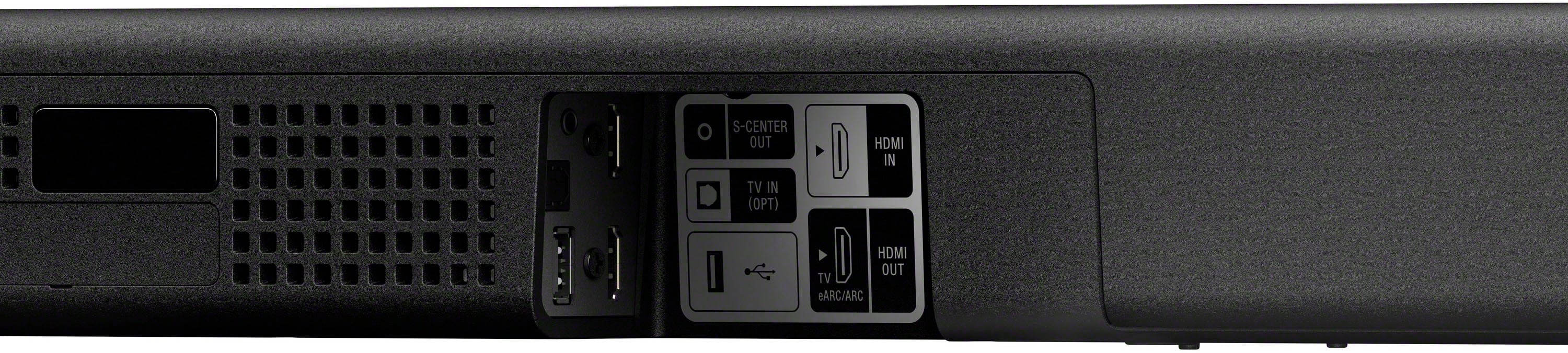
Thank you for the inquiry! Yes, simply connect your Sony soundbar to your TV via HDMI ARC connection and you're good to go! Connect one end of the HDMI cable to the HDMI IN (ARC) port on your TV. Connect the other end to the TV OUT (ARC) port on your sound bar.
The HT-A5000 envelops you in authentic 5.1.2ch surround sound with up-firing speakers, side beam tweeters, built-in subwoofers, and advanced technologies that bring you Dolby Atmos® and DTS:X® audio as well as 8K and 4K video passthrough. And with rear speakers it supports 360 Spatial Sound Mapping, taking movies, TV and music into a whole new realm.
-David
A:AnswerHi Scuba,
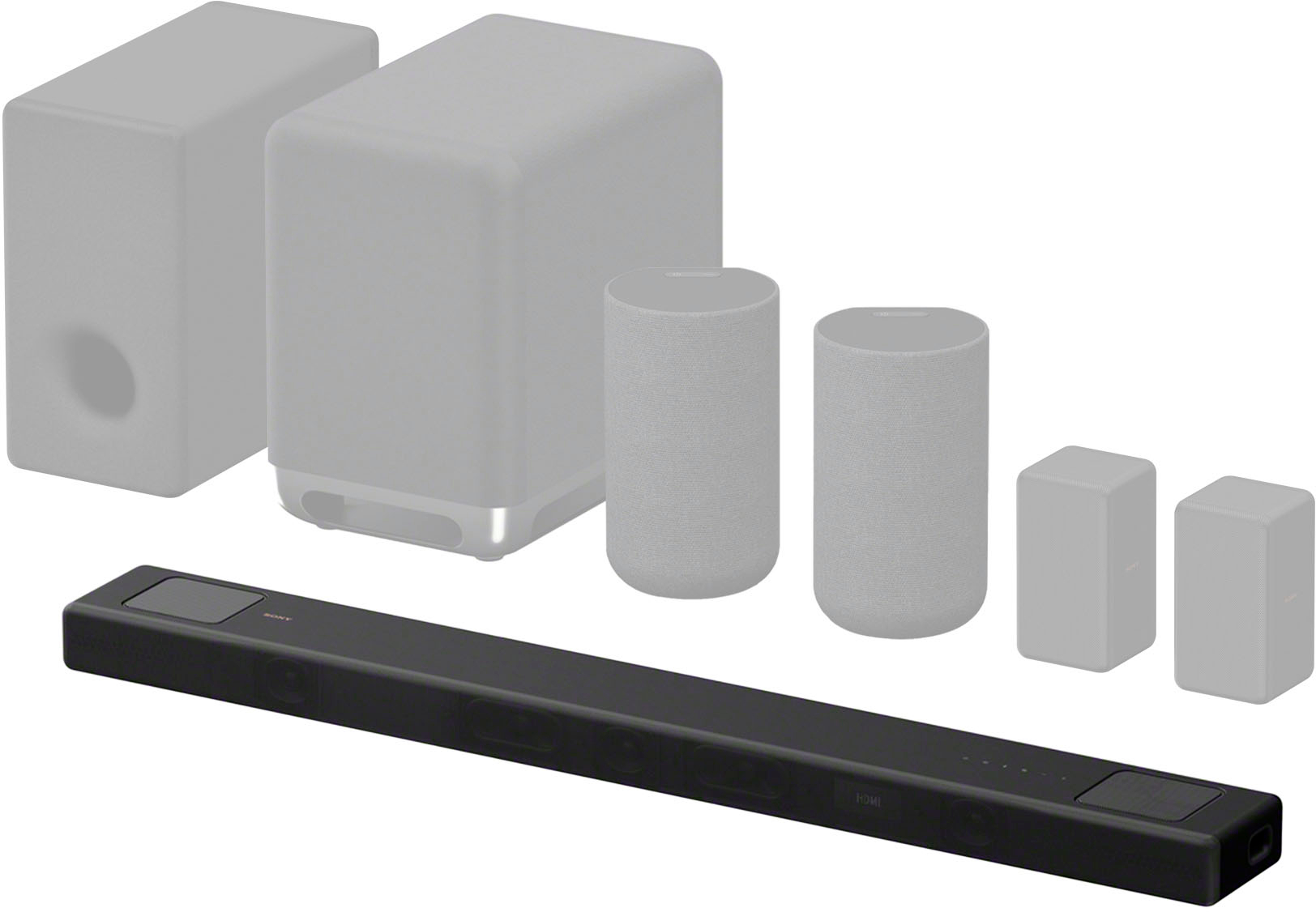
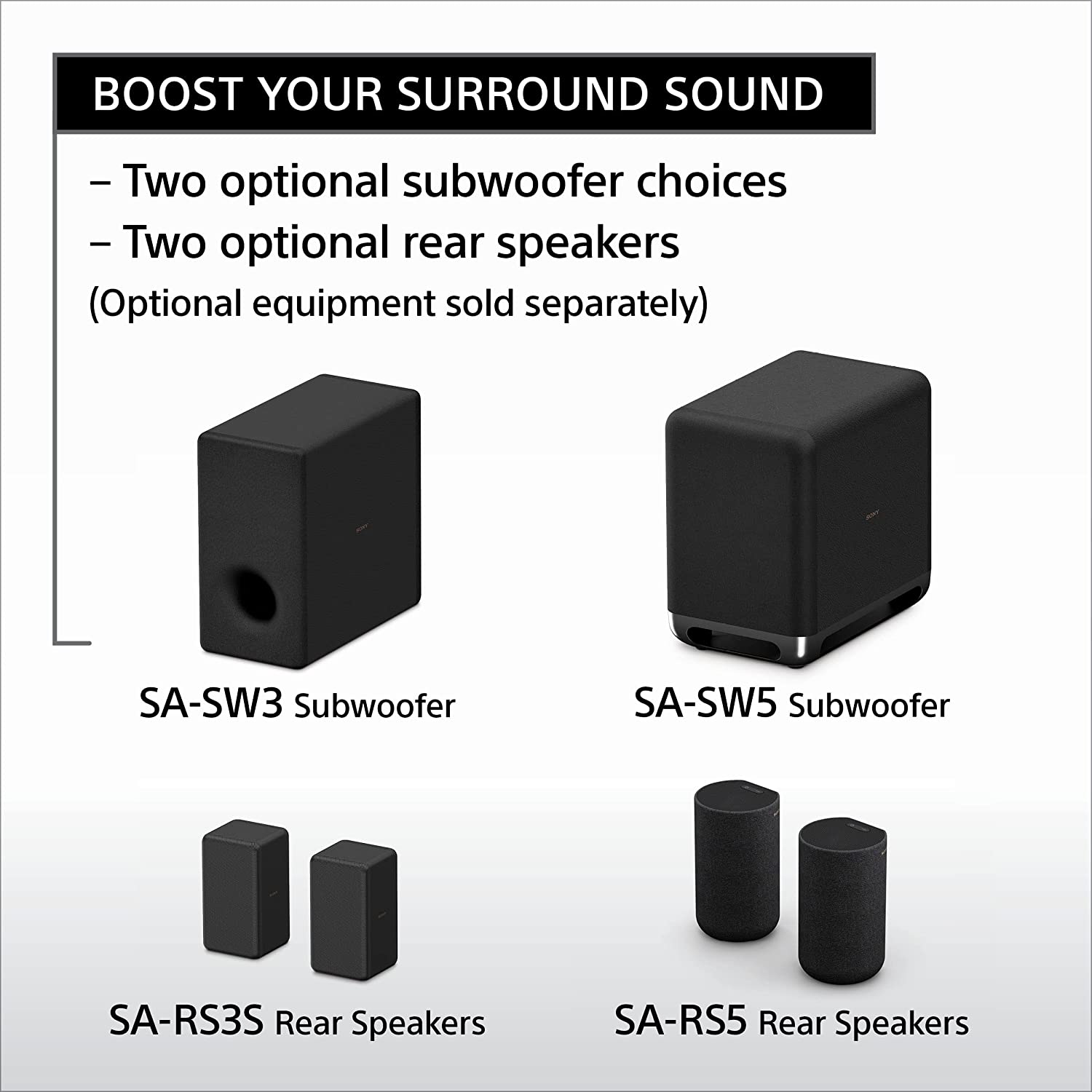
Thank you for the inquiry! You have two wireless subwoofer choices (SA-SW3 and SA-SW5) and rear speakers (SA-RS3S or SA-RS5) accessories (sold separately). These speakers are designed to help you enhance the immersion of your content by adding extra bass and surround sound.
Take your entertainment to a new realm of audio immersion. The HT-A5000 envelops you in authentic 5.1.2ch surround sound with up-firing speakers, side beam tweeters, built-in subwoofers, and advanced technologies that bring you Dolby Atmos® and DTS:X® audio as well as 8K and 4K video passthrough. And with rear speakers it supports 360 Spatial Sound Mapping, taking movies, TV and music into a whole new realm.
-David
A:AnswerHi AT5000,
Thank you for the inquiry! We're sorry to hear that issue you have with your soundbar. Please allow us to help you and turn this into a better experience. Power reset the unit, simply unplug the unit and wait 1-2 minutes then plug the device back in and power on. You can check this article on how to isolate and resolve the issue.
https://www.sony.com/electronics/support/sound-bars-home-theater-systems-sound-bars-surround-speakers/ht-a5000/articles/00250249
If you need further assistance, please email us at socialsupport@am.sony.com with the following details:
Name:
Best Buy Username:
Model Number:
Issue:
Telephone Number:
-David
A:AnswerHi Aj,
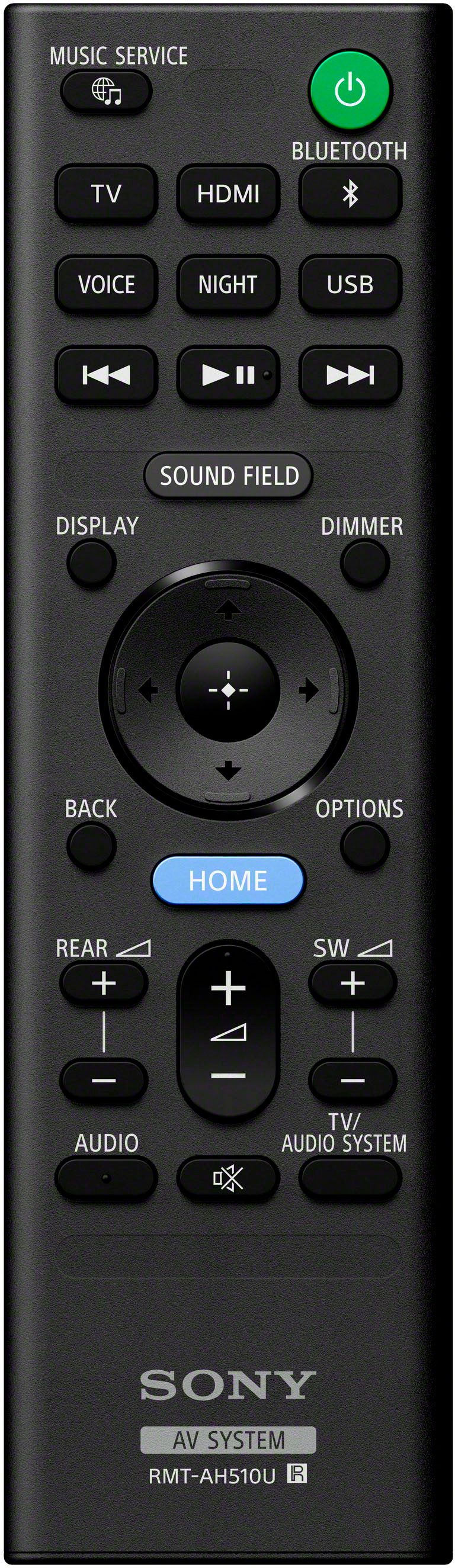
Thank you for the inquiry! We do apologize for the inconvenience. Press the VOL+ button on the soundbar remote control several times to increase the volume on the Soundbar. Check the Speakers setting on the TV. Depending on the TV specifications or settings, the TV can output the sound to the TV and Soundbar. To output only from the Soundbar, check the following settings. When Speakers is set to TV speaker, change the setting to Audio System. If the above steps don't work, please email us at socialsupport@am.sony.com with the following details:
Name:
Best Buy Username:
Model Number:
Issue:
Telephone Number:
Regards,
David
A:AnswerHi Lenny,
Thank you for your question. When connected to a TV that's not compatible with HDMI (eARC), you will not be able to play Dolby Atmos format content output from the TV. However, the good news is that the HDMI IN 1/2 jack of this soundbar supports Dolby Atmos. You can output sound such as Dolby Atmos, Dolby TrueHD, and DTS:X in high quality by connecting an AV device to the speaker system.
Connection instructions:
1. Connect the Soundbar HDMI OUT (TV eARC/ARC) jack to the TV HDMI IN jack compatible with ARC/eARC using an HDMI cable.
2. Connect the playback device (in this case, your ROKU) to the Soundbar HDMI IN jack using an HDMI cable.
The HT-A5000 offers easy access to popular music services like Spotify to stream albums and playlists using Chromecast, Spotify Connect or Apple AirPlay 2. You can also stream wirelessly from your smartphone with Bluetooth technology or use the built-in Wi-Fi to stream music from your own devices.
Regards,
Jess
A:AnswerHi Rick,
Thank you for your question. The HT-A5000 with Dolby Atmos and DTS:X soundbar can only be connected to a one subwoofer and two rear speakers (SA-RS3S/SA-RS5) at a time. For the subwoofer, you will need to choose between the SA-SW3 (200W) and the larger SA-SW5 (300W) if you need more bass.
Regards,
Jess
A:AnswerOnly if the soundbar is certified for Atmos, it would not support. As for Atmos, you would require couple of upfiring speakers to give the vertical sound effect. Many of the sound bars support using a virtual mode using DSP, with no upfiring speakers.
A:AnswerHi Noidea,
Thank you for your question. Unfortunately, connecting a microphone to the soundbar is not supported.
We have speakers that have a dedicated mic input like the Sony SRS-XV900, SRS-XP700, or SRS-XP500. You may want to consider these amazing speakers for your karaoke needs.
-Ralph