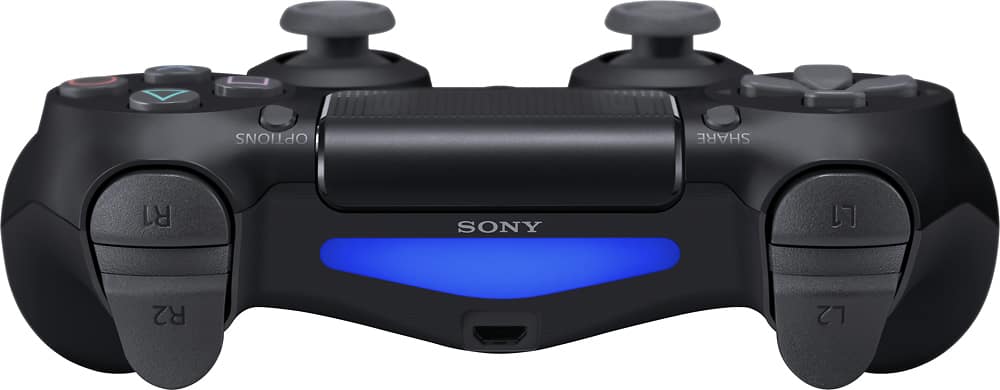
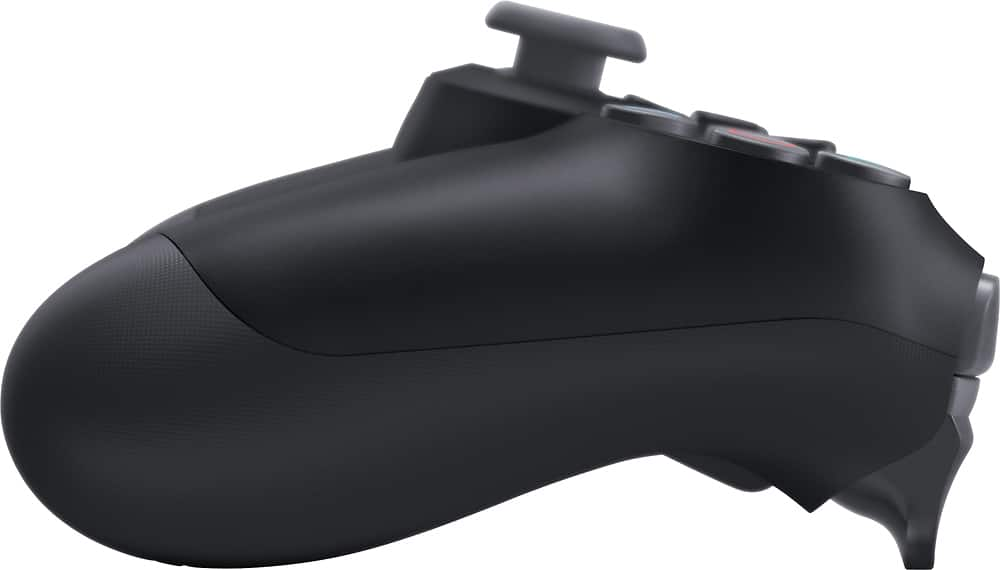
A:AnswerAs long as it is in stock, then yes. It clearly states the amount of stock on the website page. Just select your location of choice and go from there. If they are out, then you may have to order it or have them order it from another location.
A:AnswerYou may have to purchase a Dualshock 4 USB Wireless adapter. You click on this link to find out more https://www.playstation.com/en-us/explore/accessories/gaming-controllers/dualshock-4-usb-wireless-adaptor/. There may be other bluetooth adapter to wireless connect a PS4 Controller to either a PC or Mac.
A:AnswerKind of... Sony does have a warranty if you want to register the controller with them and able to mail it in and wait for a replacement. I find the Best Buy protection plan to be best in 7 year I’ve had 10 ($600 without plan) and have only paid $220 thanks to the replacement plan. It is an in-store swap out for a new one and color often does not mater.
A:AnswerThe controller works with bluetooth if your tv has been built in in theory it should work just set the tv to search and press and HOLD the PlayStation button and Share button at the same time for 3 seconds. Hold these buttons until the light bar on the controller starts flashing. if asked for a pairing code it's always 0000 numbers not letters. after this should be good to go.