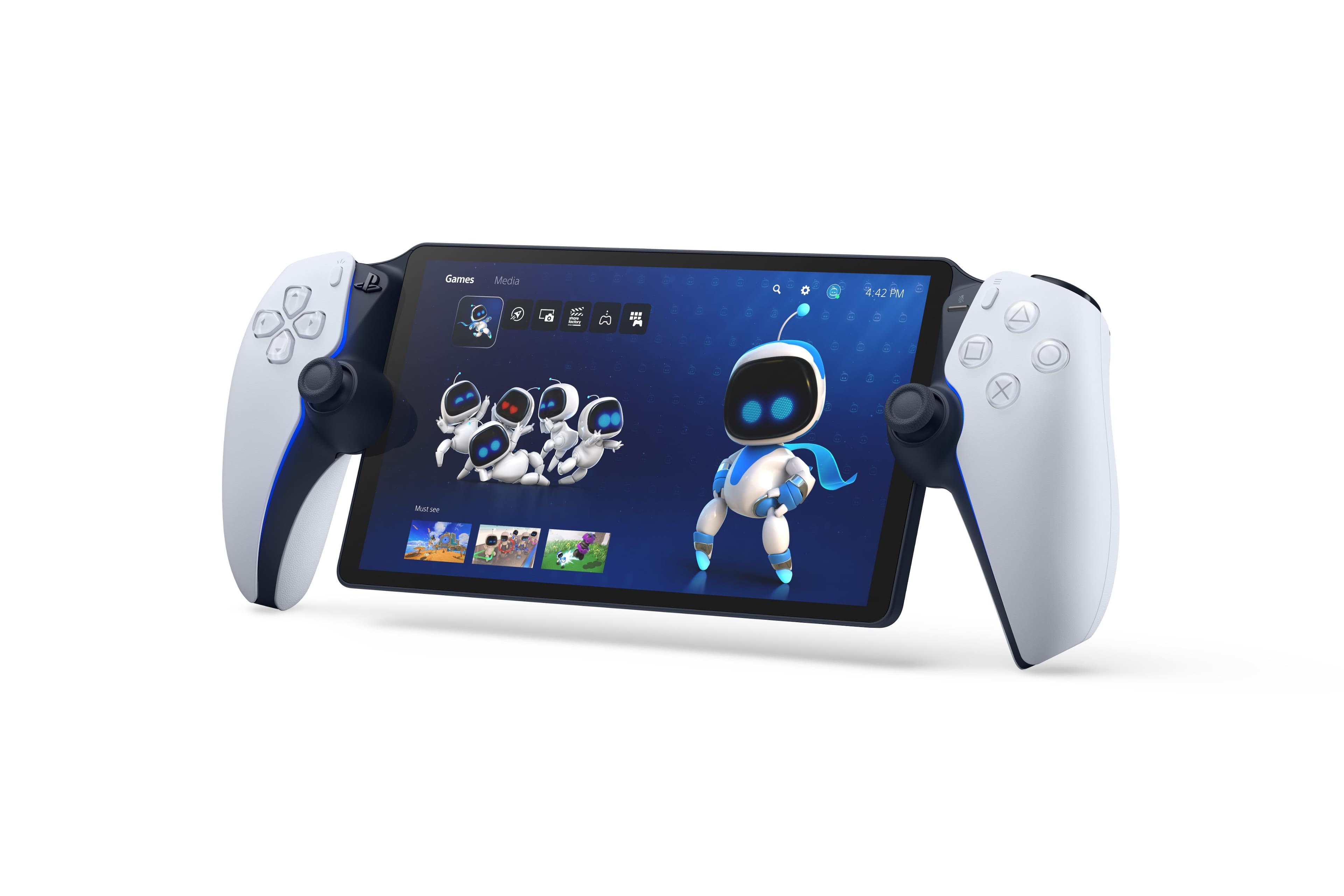
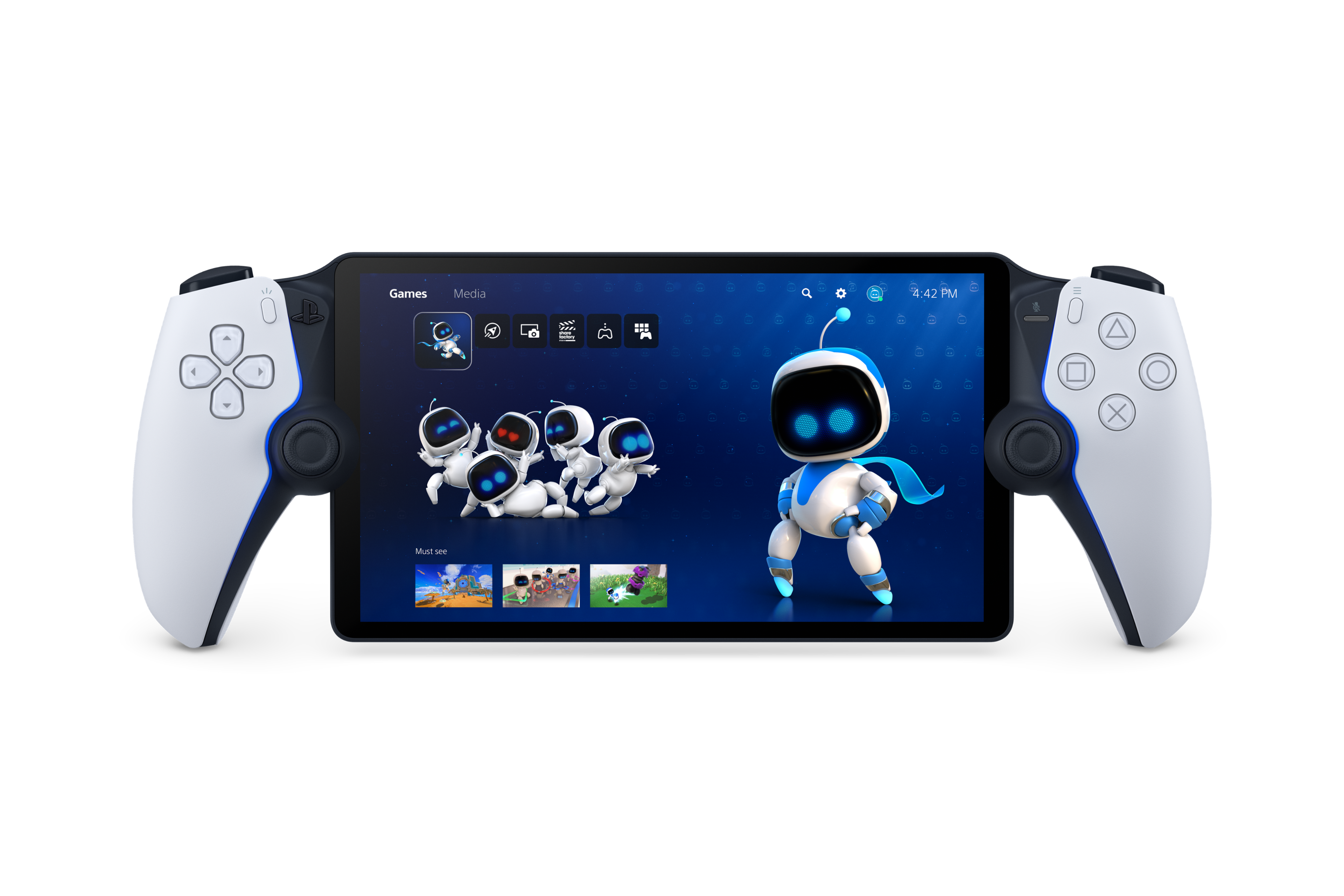
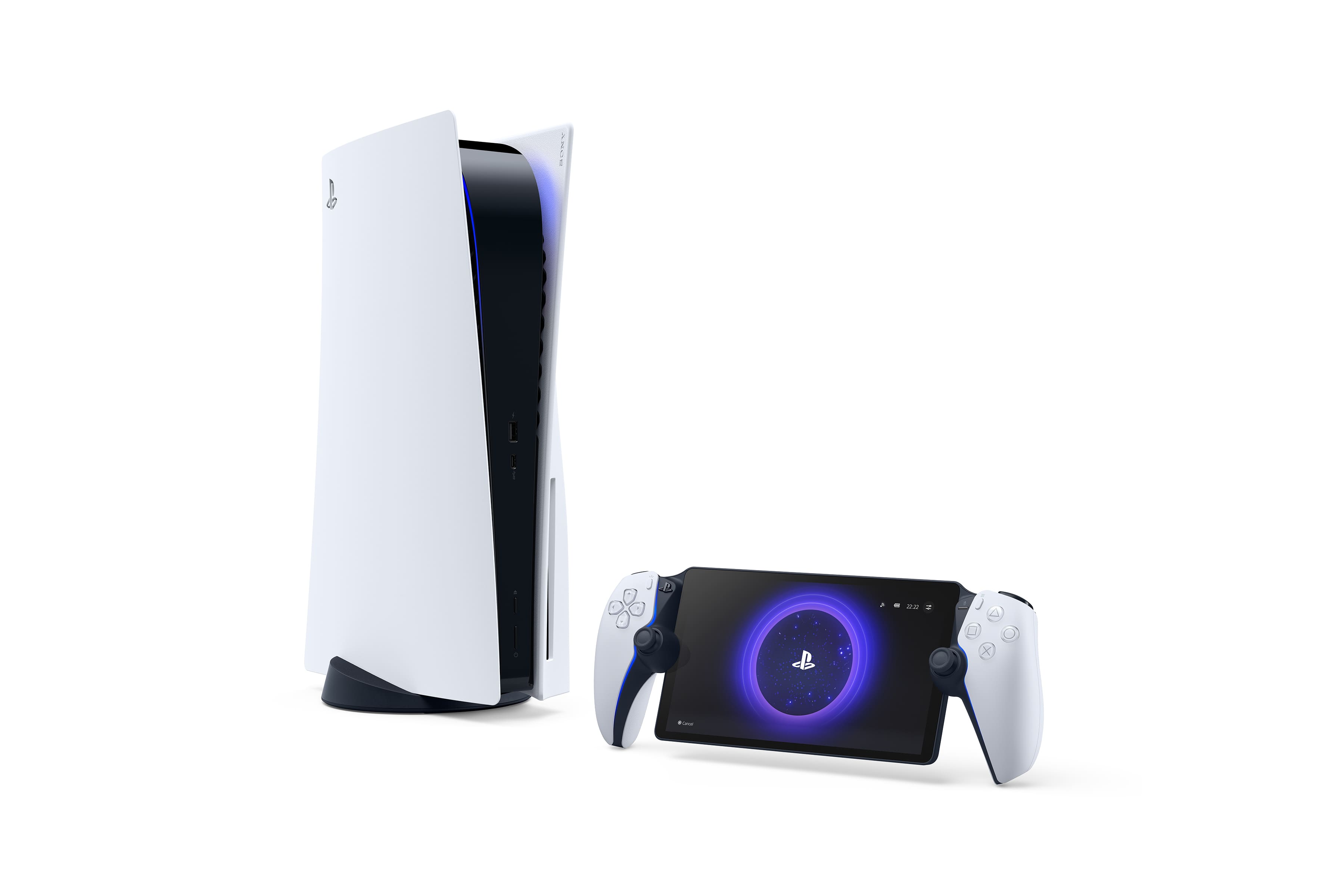
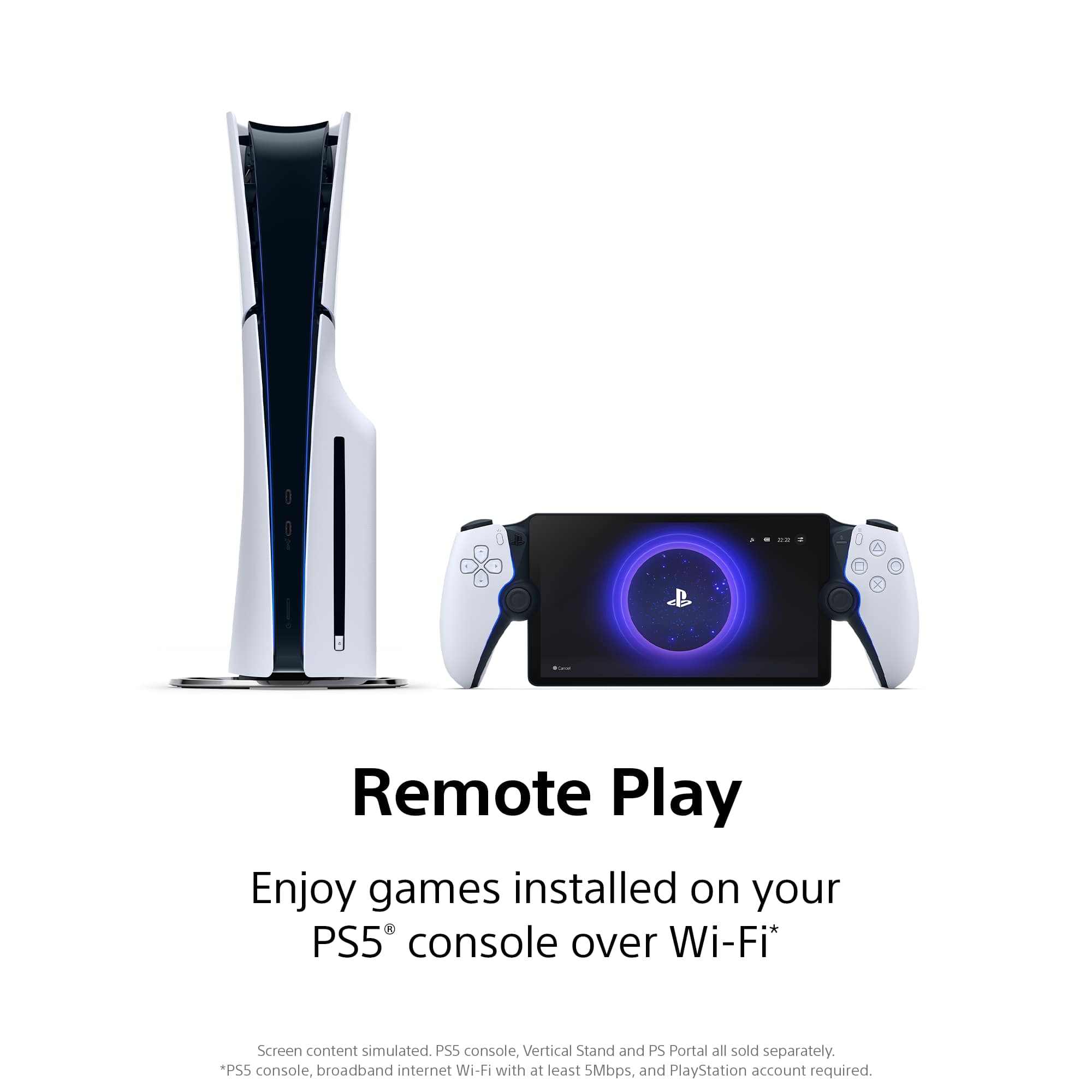
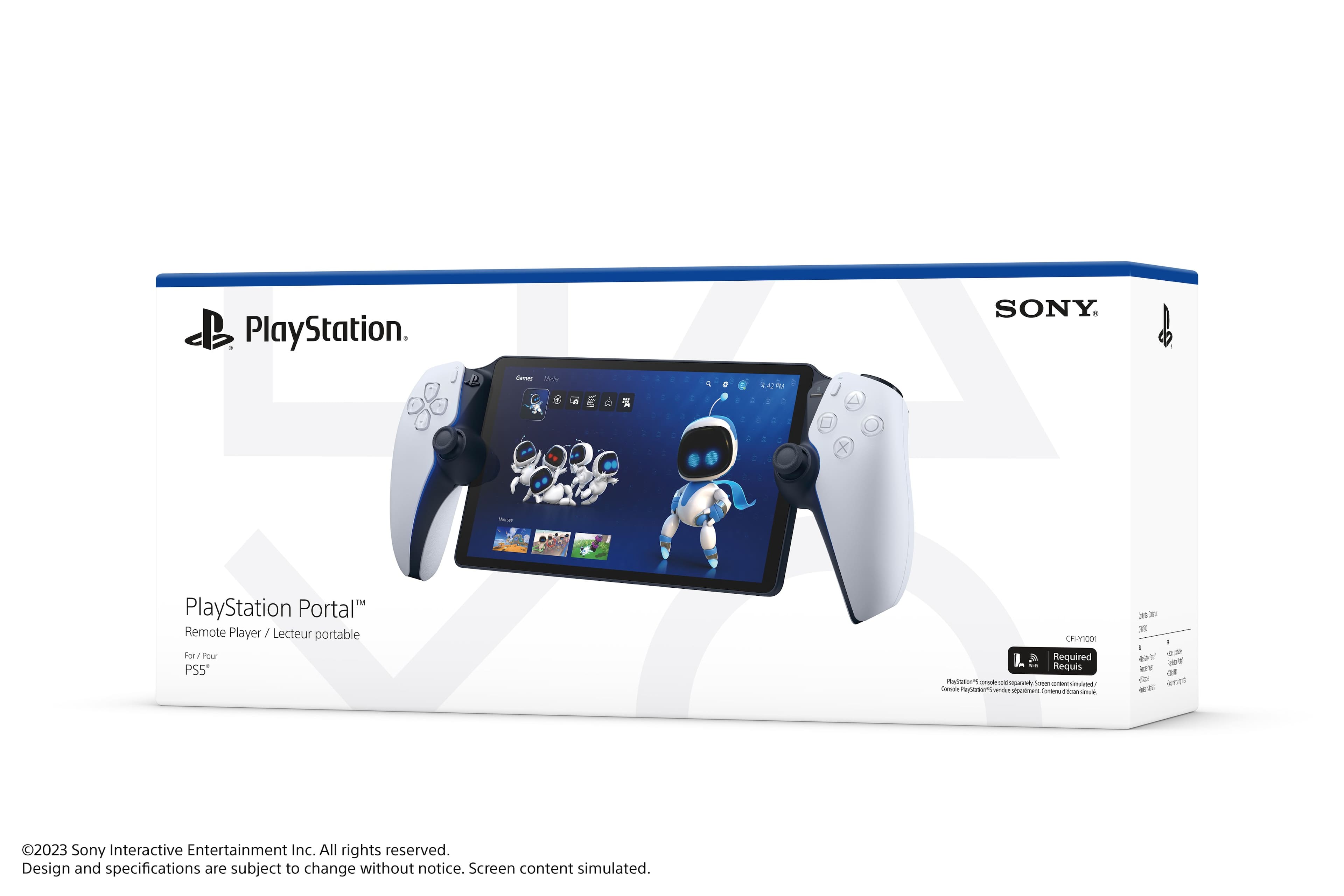
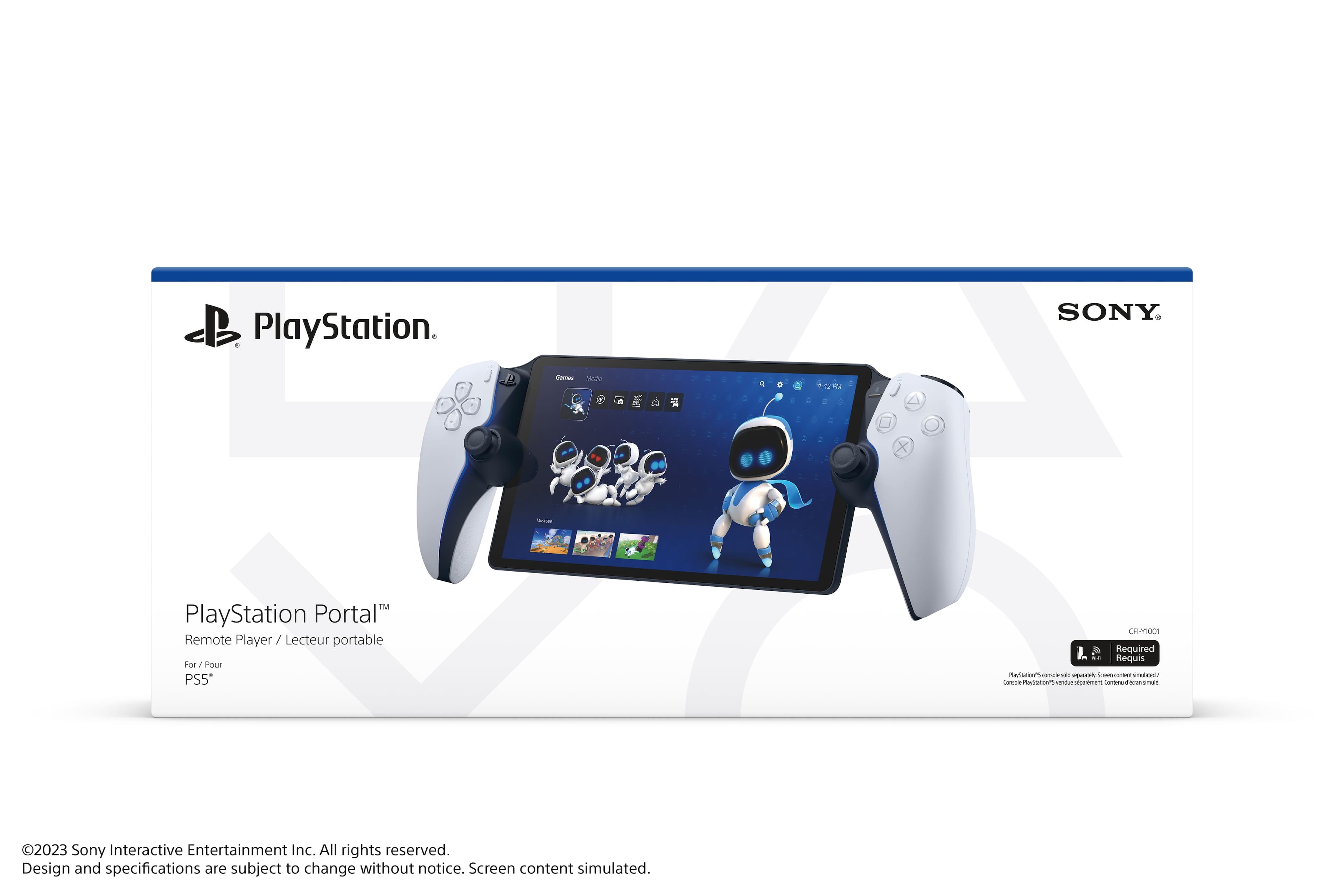
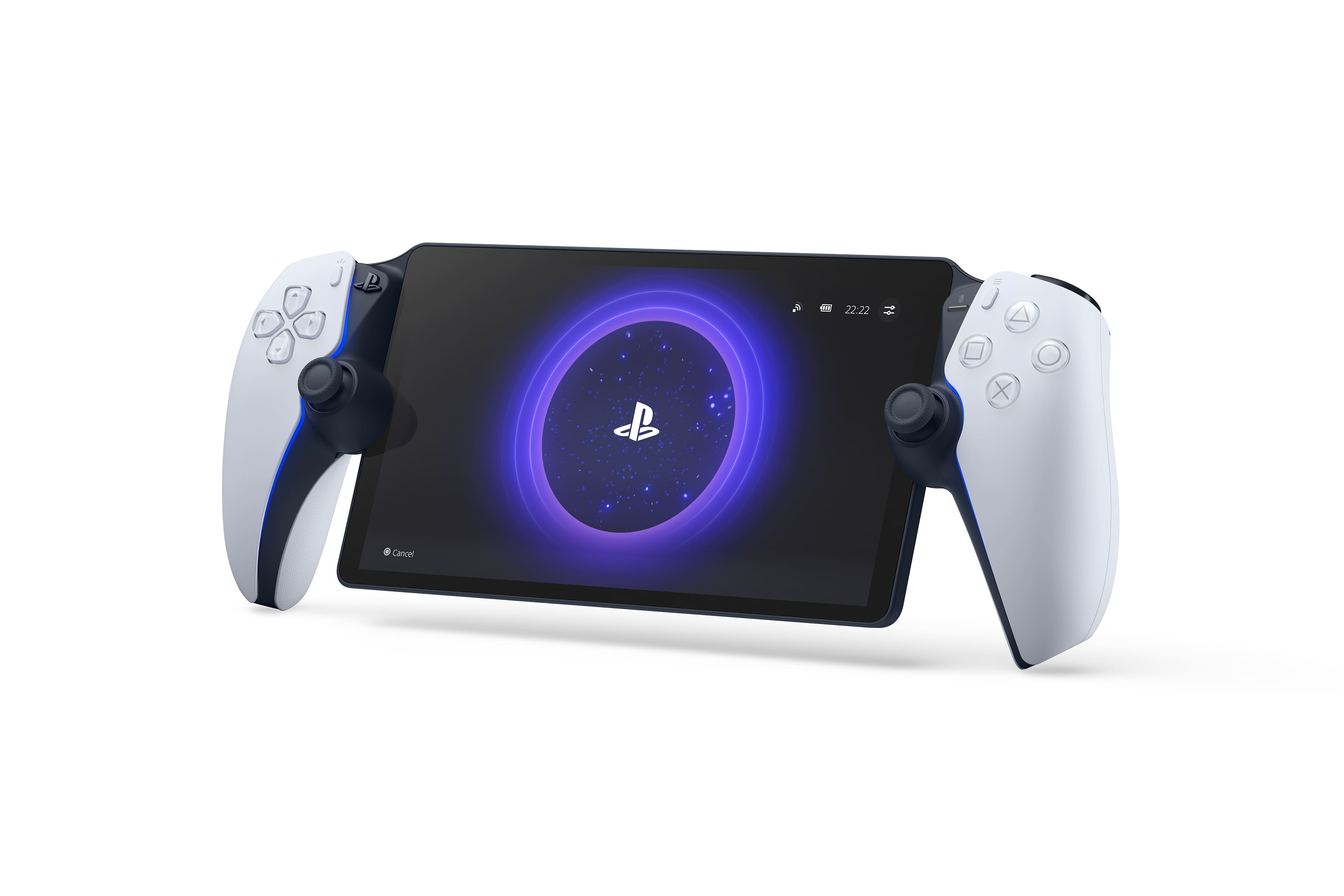
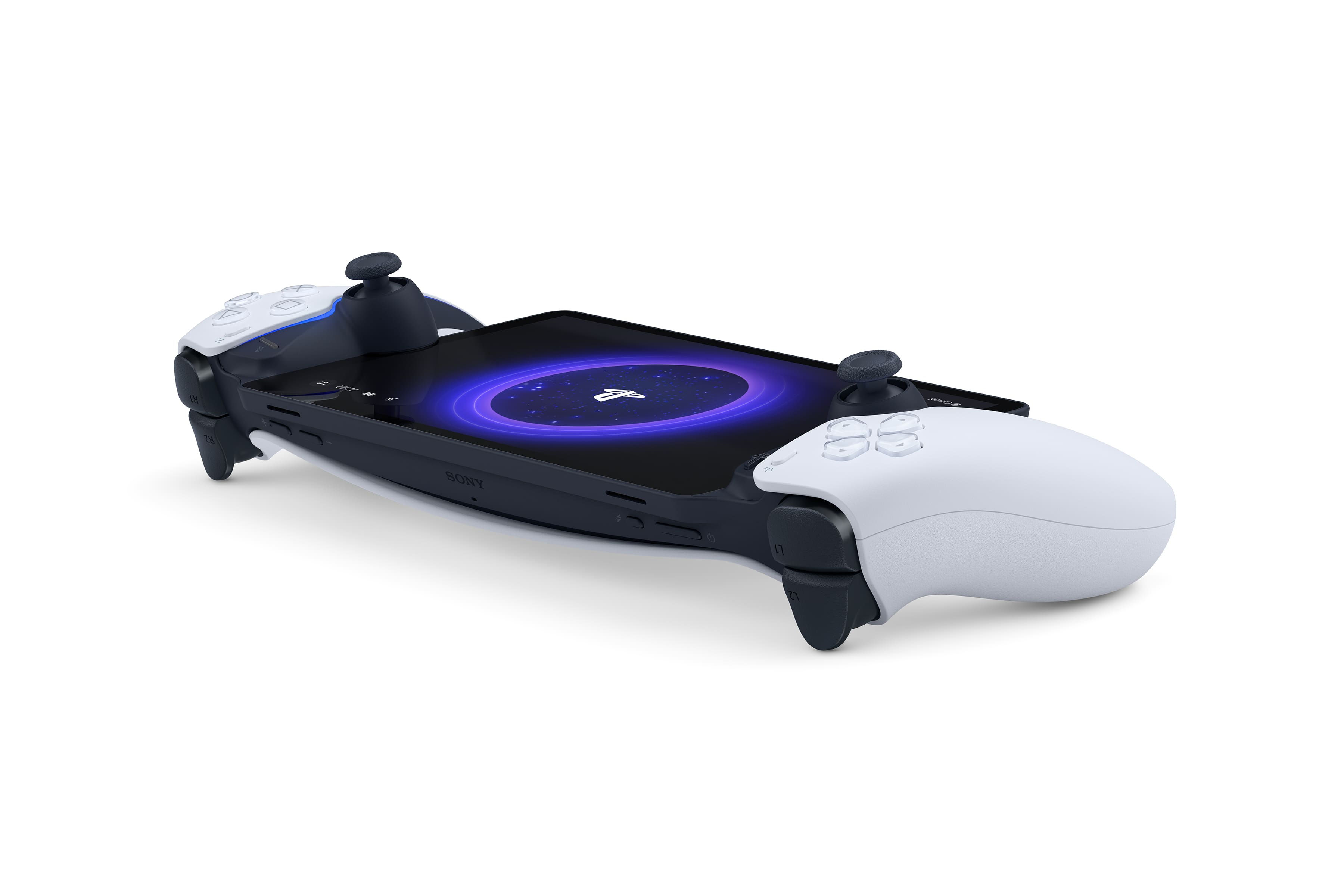
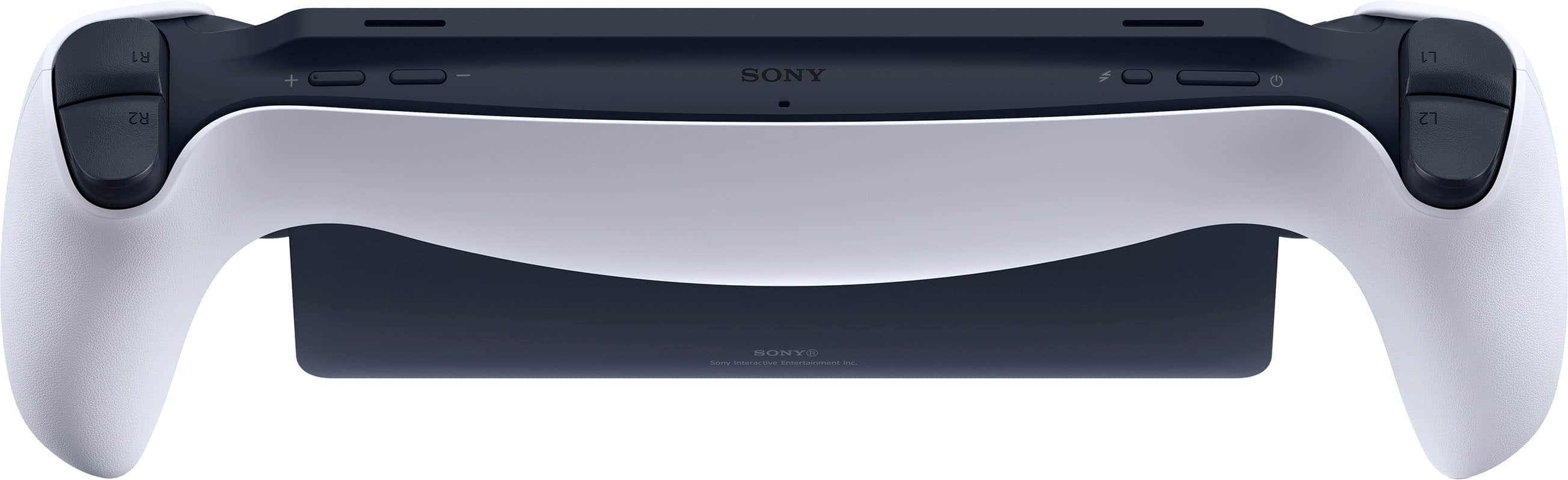
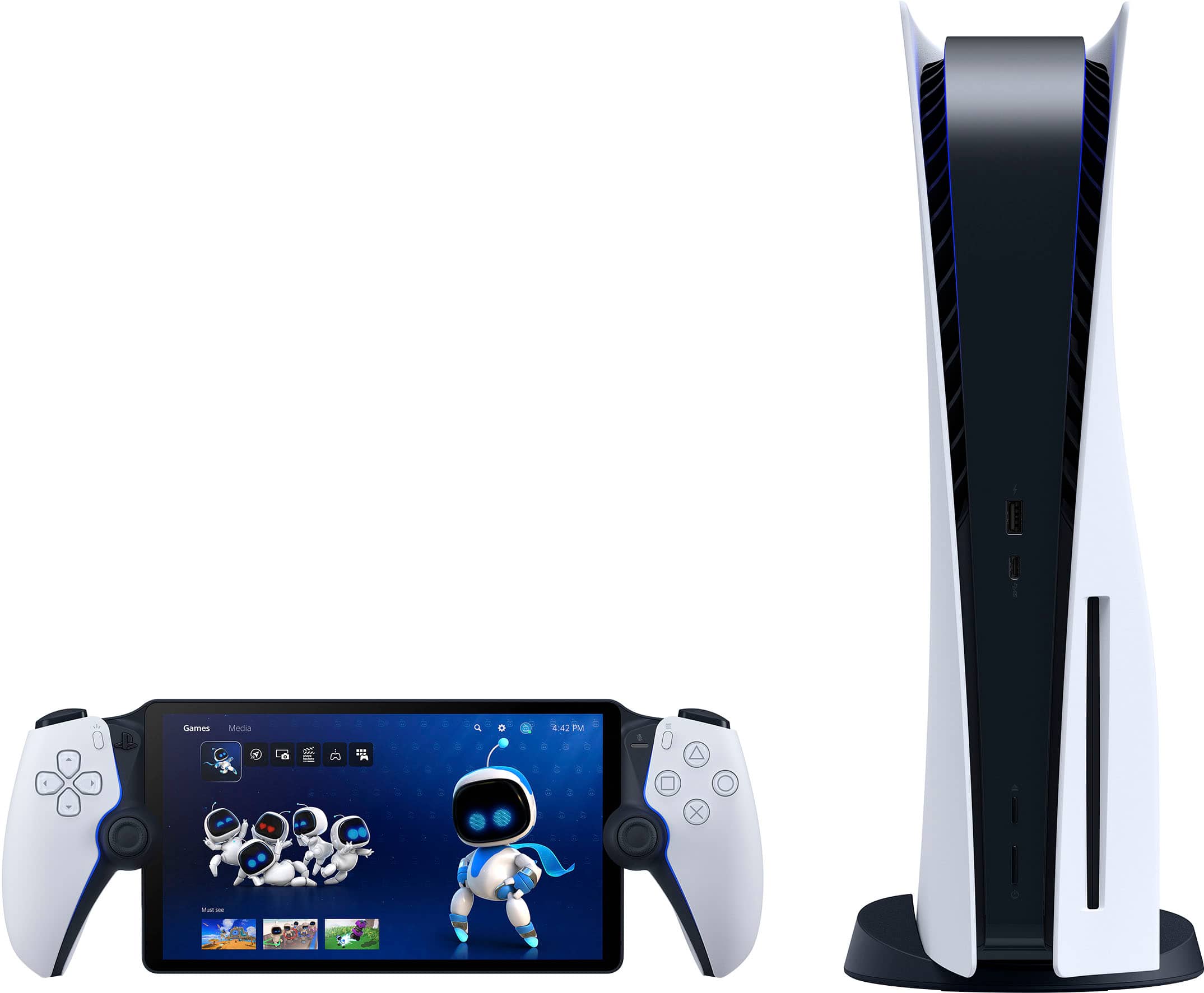
A:AnswerShould be similar to setting up the PS app on your phone with your PS5. Just need to make sure your PS5 has remote play activated and on standby mode. Once connected, the Portal can access your PS5 and turn it on.
A:AnswerYou would be using multiplayer and remote play at the same time. Even with a fast ethernet hardwired ps5 you might have some lag. Try using remote play on your phone/pc and expect a little improvement from the portal.
A:Answer1. Just need to be in rest mode.
2. Should be possible.
3. No. This is remote play and the PS5 would be turned one when you remote in.
4. No not like either of them can’t play any games directly on it.
A:AnswerIf the PS5 is in use by another user, you won't be able to play simultaneously on the Portal. Likewise, if you're playing on the Portal another user cannot use the PS5. It's only for streaming games from the PS5 over your network.
A:AnswerBest response on here, like why did they not make a portable gaming system like the PSP that I can turn on and use anywhere without having to make sure my console is on. Beyond a waste of money