Sony Interactive Entertainment - PlayStation Portal Remote Player - White
Customers are saying
Customers frequently mention that the device offers an immersive gameplay experience and excellent portability, making it a convenient choice for users. While many appreciate the high screen quality and solid battery life, some users have expressed concerns regarding connectivity issues. Additionally, a small number of customers have noted frustrations with input lag and inconsistent frame rates during use.
Color
WhitePut Your PS5 in the Palm of Your Hand
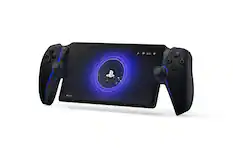
PlayStation Portal™ Remote Player gives you access to the games on your PS5 over a WiFi network, letting you jump right into gaming without needing to play on a TV.
Play Your Game Collection with Remote Play
PlayStation Portal Remote Player can play compatible games you have installed on your PS5 console, including your favorite games for PS5 and PS4.
Cloud Streaming from the Game Catalog and Classics Catalog
Discover an awesome library of PS5® games on the PlayStation Portal™ Remote Player with PlayStation®Plus Premium. Access hundreds of games from the Game Catalog6 and Classics Catalog, streamed directly to your PlayStation Portal™ Remote Player with new games added every month.
Cloud Streaming for PS5® Games in Your Library
With PlayStation®Plus Premium, stream select digital PS5® games in Your Library from PlayStation™Store directly to your PlayStation Portal™ Remote Player, with no downloads required. Enjoy instant access to some of the latest and greatest PS5® games in the palm of your hand.
Experience Breathtaking Immersion with DualSense® Wireless Controller Features
Feel the immersive power of haptic feedback and adaptive triggers in supported games. Responsive vibrations react to your in‑game choices and simulate environmental factors. Dynamic resistance mimics the tension of interactions with in‑game gear and objects in select PS5® games.
60fps Capable at 1080p Resolution
Remote Player can deliver silky smooth gameplay at up to 60fps with high image clarity on its 1080p resolution screen.3
Get Gaming Fast
PlayStation Portal Remote Player is a purpose-built device dedicated to delivering an incredible remote play experience. That means you can turn it on, press a button to connect to your PS5 console and get right to playing with remarkable speed.
- WirelessYesBattery SizeBattery packCompatible Platform(s)PlayStation 5
Reviews
Rating 4.5 out of 5 stars with 5257 reviews
- Overall Performance (2013)
- Portability (1113)
- Screen Quality (599)
- Battery Life (130)
- Comfort (74)
- Connectivity (699)
- Input Lag (51)
- Frame Rate (11)
Customer Images
The vast majority of our reviews come from verified purchases. Reviews from customers may include My Best Buy members, employees, and Tech Insider Network members (as tagged). Select reviewers may receive discounted products, promotional considerations or entries into drawings for honest, helpful reviews.
Compare similar products

PlayStation Portal Remote Player. Play your PS5 console over your home Wi-Fi with console quality controls using PlayStation Portal Remote Player. Experience the incredible immersion of DualSense wireless controller features like haptic feedback and adaptive triggers in supported games. Put your game collection on PS5 in the palm of your hand— PlayStation Portal Remote Player can play compatible games you have installed on your console without needing to play on a TV. PlayStation Portal Remote Player can stream compatible games installed on your PS5 console. PlayStation Portal Remote Player requires broadband internet Wi-Fi with at least 5Mbps for use. For a better play experience, a high-speed connection of at least 15Mbps is recommended. The quality and connectivity of your play experience may vary depending on your network environment. A PS5 console and account for PlayStation Network is required. The PS5 console must be connected to a broadband internet connection, powered on fully or in Rest Mode, and it must be paired with your PlayStation Portal Remote Player. Games that require a VR headset (PlayStation VR or PlayStation VR2) or additional peripherals (other than a DUALSHOCK 4, DualSense, or DualSense Edge wireless controller) are not compatible. Games that must be streamed on PS5 using a PS Plus Premium membership are not compatible. Haptic feedback and adaptive trigger features available when supported by game. Individual game performance will vary based on the specific game being played, and the quality of connectivity in your network environment. Haptic feedback and adaptive trigger features are only available when those features are supported by the game being played.
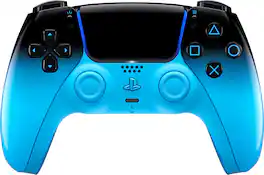
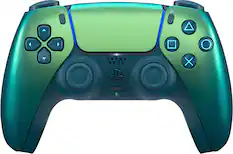
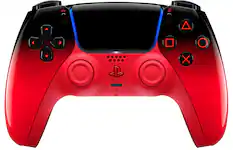
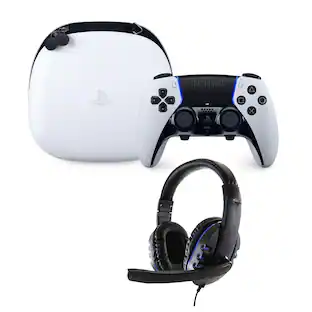
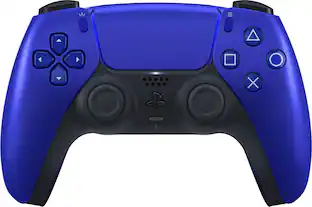
Play loud. Look louder. Unlock your flow and add Rhythm Blue to your gaming setup. From deep gloss to a crisp edge – this sleek DualSense wireless controller plays it cool, with focus. So move with rhythm and stay locked in. Make it HYPERPOP. Discover a deeper, highly immersive gaming experience that brings the action to life in the palms of your hands. The DualSense wireless controller offers immersive haptic feedback, dynamic adaptive triggers and a built-in microphone, all integrated into an iconic comfortable design.
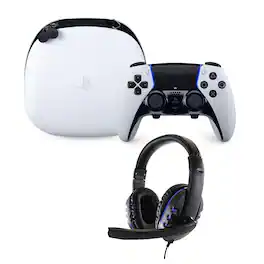
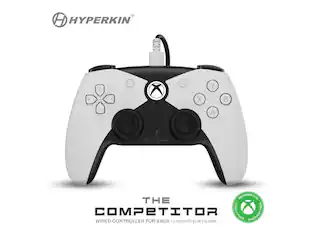
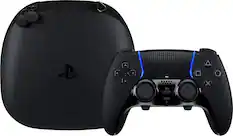
Perfect Your Gameplay. Get an edge in gameplay by creating your own custom controls to fit your playstyle. Built with high performance and personalization in mind, the new PS5 controller invites players to craft their own unique gaming experience to suit their playstyle. Quick access profile settings menu- Simply press the Fn button and Options button while in game to open the customization menu, where you can quickly change your settings.
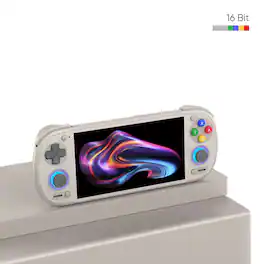
The Retroid Pocket 6 brings powerful handheld gaming to your everyday adventures. Built with the Snapdragon 8 Gen 2 processor, a stunning 5.5" AMOLED display, and smooth 120Hz gameplay, it delivers fast performance and vibrant visuals in a compact design. Active cooling keeps things running smoothly during long sessions, while the 6000mAh battery helps you play longer on the go. With precise Hall effect sticks, analog triggers, and modern WiFi 7 connectivity, it's a great choice for retro fans and mobile gamers looking for a premium portable experience.
| Pros for Sony Interactive Entertainment - PlayStation Portal Remote Player - White | |||
|---|---|---|---|
| Overall Performance, Portability, Screen Quality, Battery Life, Comfort | Overall Performance, Color, Design, Controller, Feel | There were no pros for this product— | There were no pros for this product— |
| Cons for Sony Interactive Entertainment - PlayStation Portal Remote Player - White | |||
| Connectivity, Input Lag, Frame Rate | Stick Drift, Price, Button Quality, Size, Weight | There were no cons for this product— | There were no cons for this product— |
Specs
Customers often buy these together
Gaming Controllers
Video Games








More recommended items
 Gaming Controller Accessories
 Gaming Headsets
 Video Game Console and Controller Cases
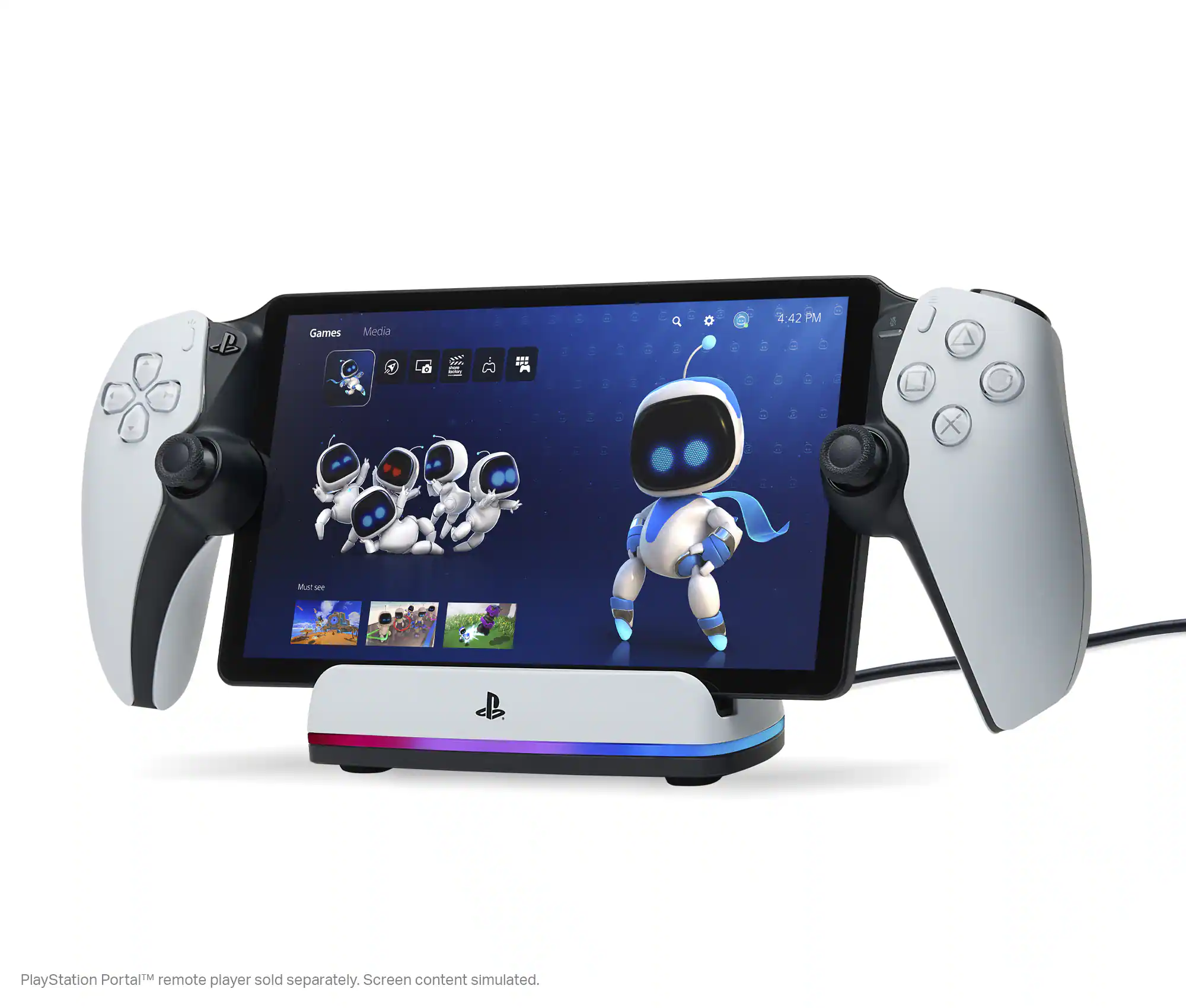 Power Adapters and Chargers
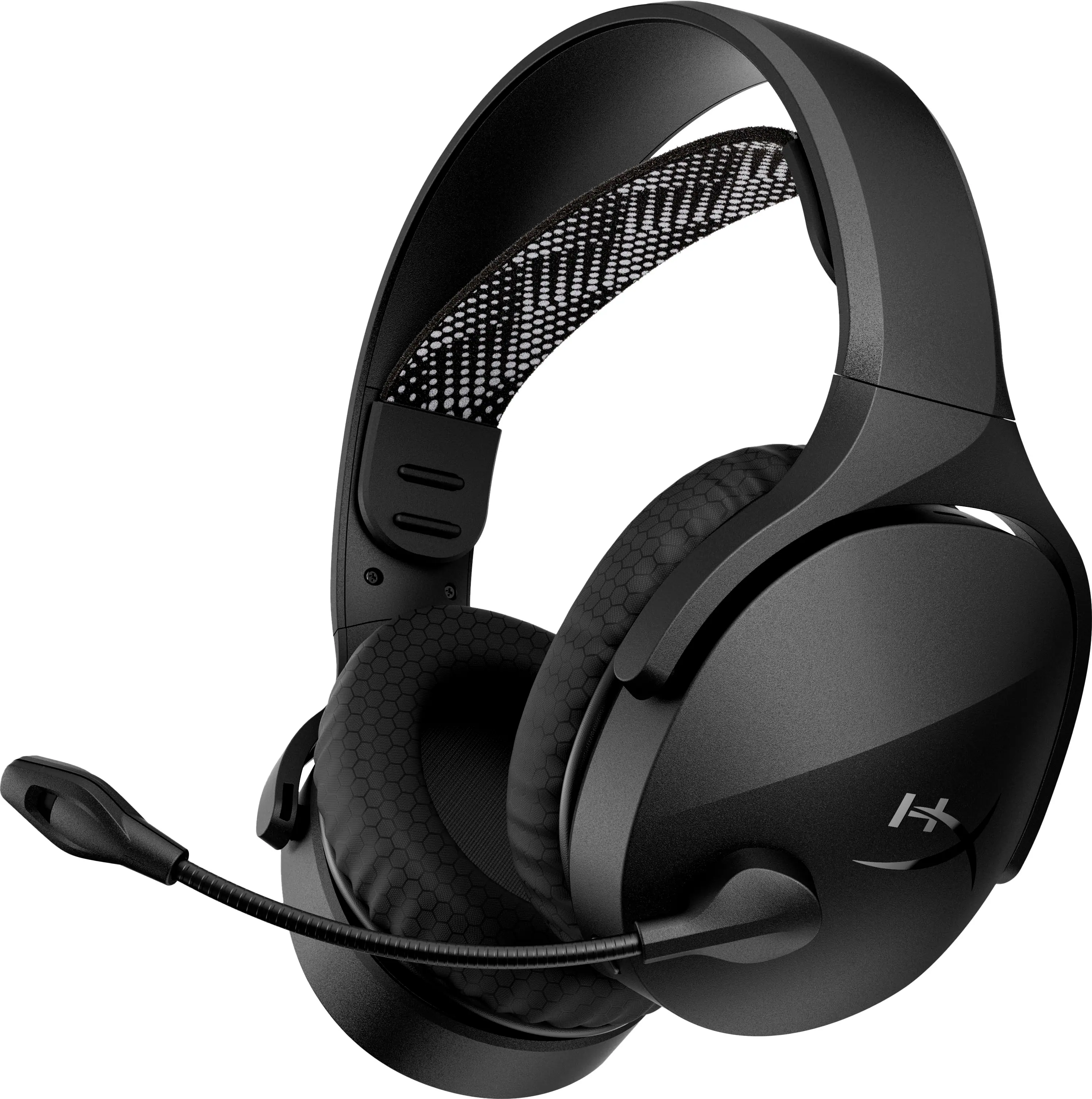 PC Gaming Headsets
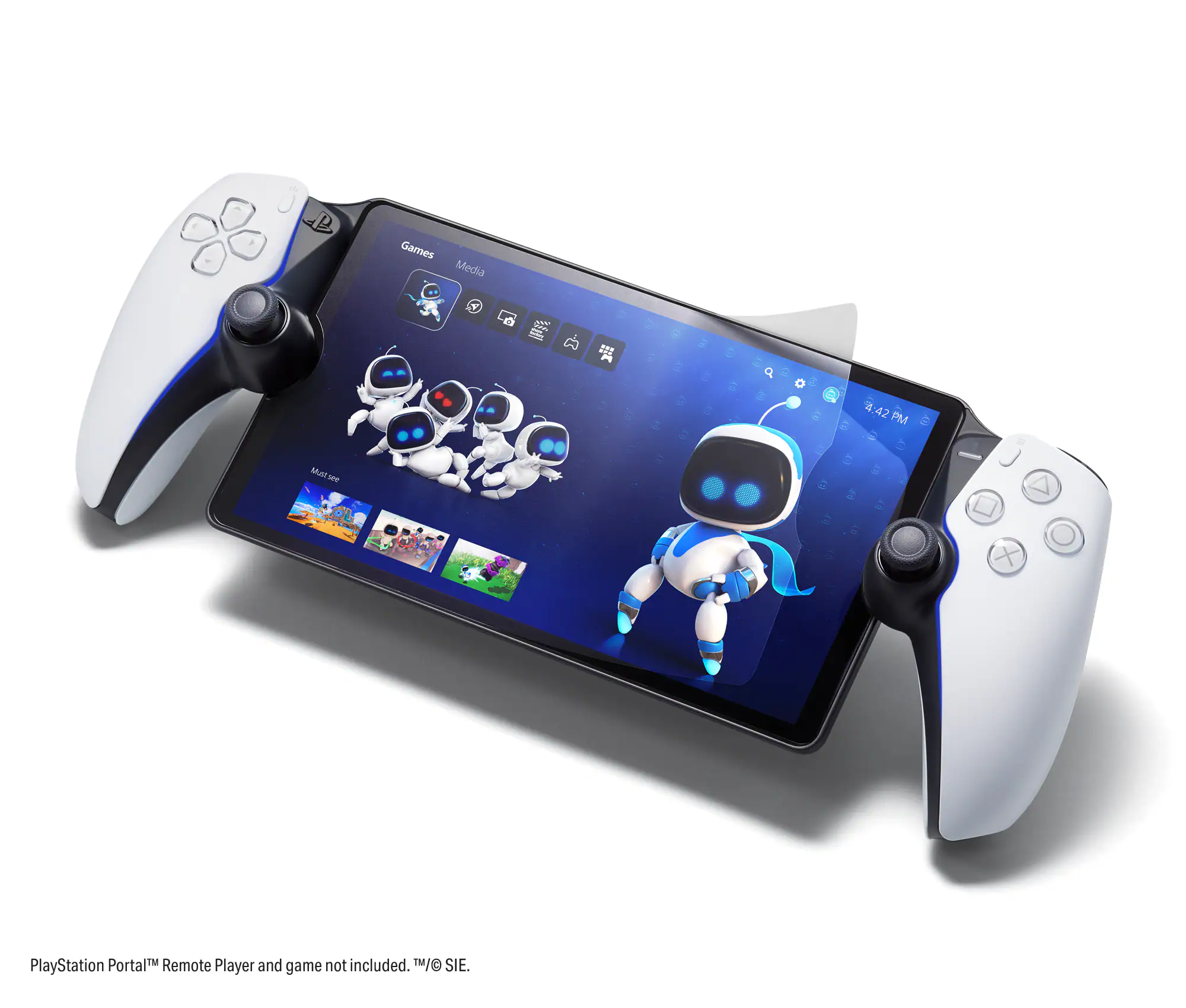 Gaming Screen Protectors
More to consider
 $219.99The price was $269.99
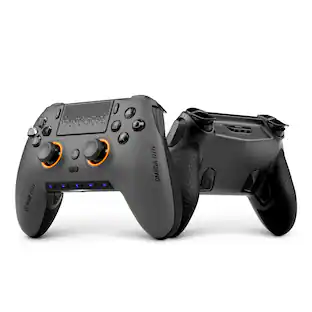
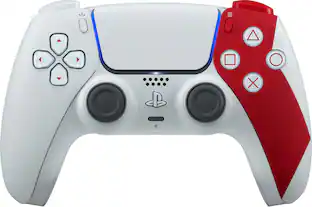
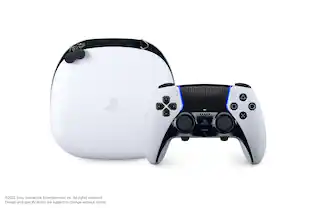
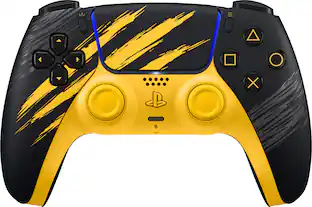
Level up your game Sponsored

Discover related products

Keep exploring
 $135.99The price was $159.99
 $490.95The price was $529.95
- $219.99The price was $269.99
 $89.99The price was $99.99
 $139.99The price was $199.99