A:AnswerHi Gene,
It sounds like you're having some trouble getting audio through your Sony HT-G700 soundbar when trying to use it with your Samsung TV via Bluetooth. Here are a few troubleshooting steps you can try to resolve the static issue:
Check Bluetooth Pairing: Ensure that the Bluetooth connection between your TV and soundbar is properly established. Sometimes, re-pairing the devices can help. Remove the soundbar from the TV's Bluetooth list and re-pair them.
Update Firmware: Check if there are any firmware updates available for both your soundbar and TV. Manufacturers often release updates to fix compatibility issues and improve performance.
Verify Audio Output Settings: On your Samsung TV, go to the audio settings and ensure that the audio output is set to Bluetooth or external speakers, depending on your TV model. Make sure the TV is not set to output audio to multiple devices.
Adjust Soundbar Settings: Check the soundbar's settings. Some soundbars have different modes or settings that might need to be adjusted to properly work with Bluetooth audio. Refer to the soundbar’s manual for specific settings related to Bluetooth.
Test with Another Device: Try connecting your soundbar to a different Bluetooth device (like a smartphone or tablet) to ensure the issue is not with the soundbar itself. This can help determine if the problem is specific to the TV.
Check TV and Soundbar Compatibility: Verify that your TV and soundbar are compatible with each other. While Bluetooth is a common feature, compatibility issues can sometimes arise.
Reset Devices: As a last resort, try resetting both the TV and the soundbar to their factory settings. This can help clear out any settings or issues causing the static.
If you still experience problems after trying these steps, there might be a more specific issue at play. In that case, contacting Sony or Samsung support for further assistance could be beneficial.
I hope this helps resolve the issue!
A:AnswerHi bill, thanks for your question. This unit mainly connects with devices that has Bluetooth profile A2DP (Advanced Audio Distribution Profile) like smartphones or computers. If your priority is speaker that connects with a receiver, you may check our SSCS3, SSCS5, SSCS8, SSCSE, and SACS9 instead.
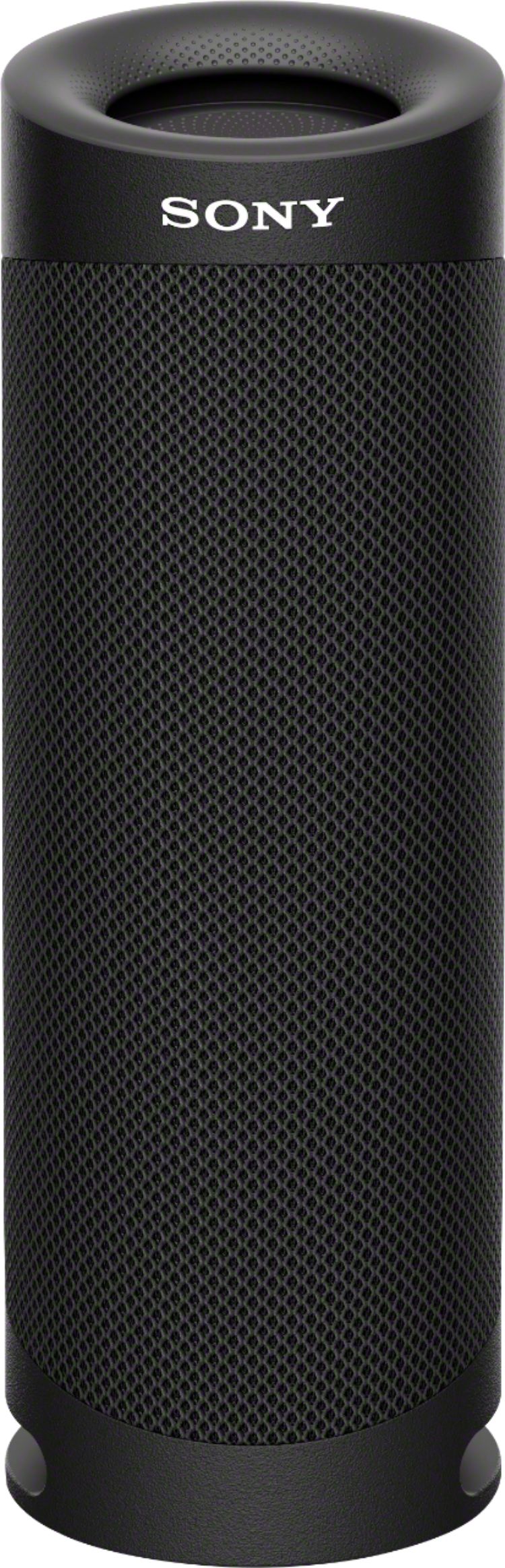
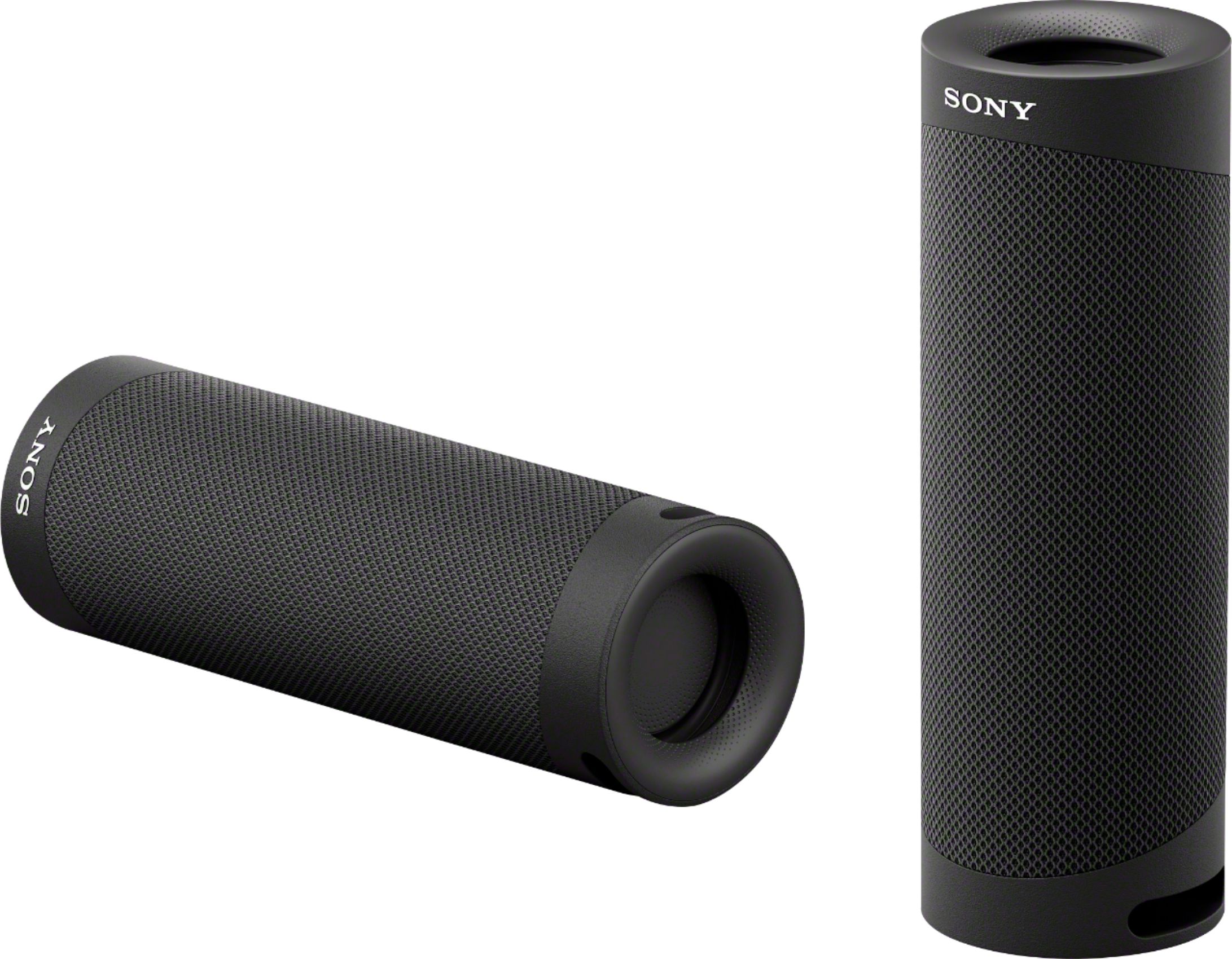
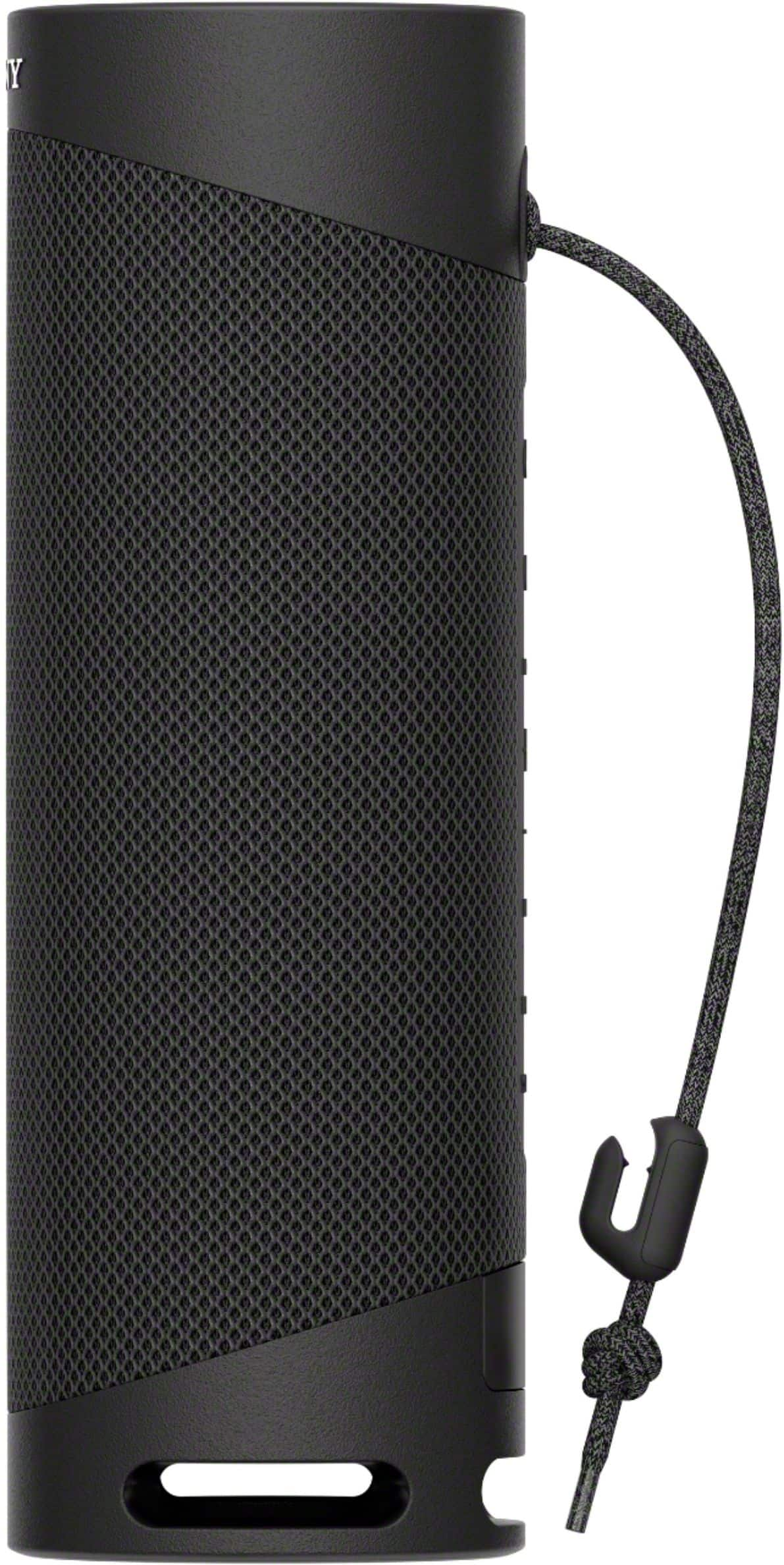
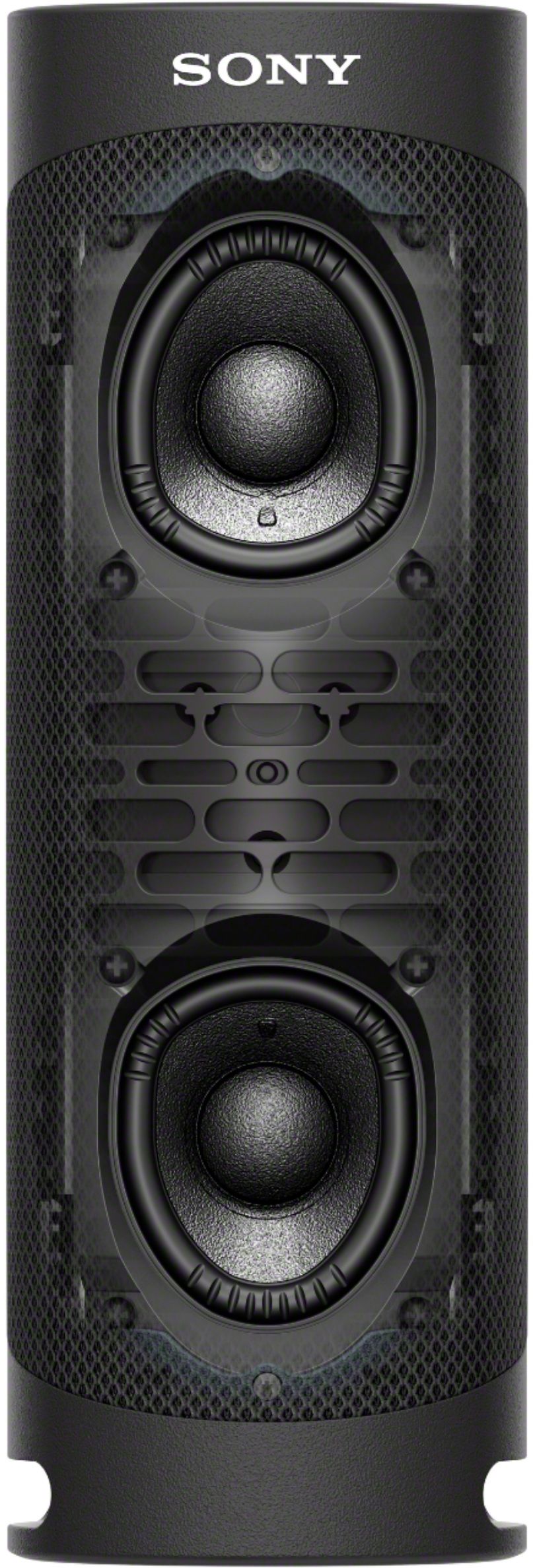
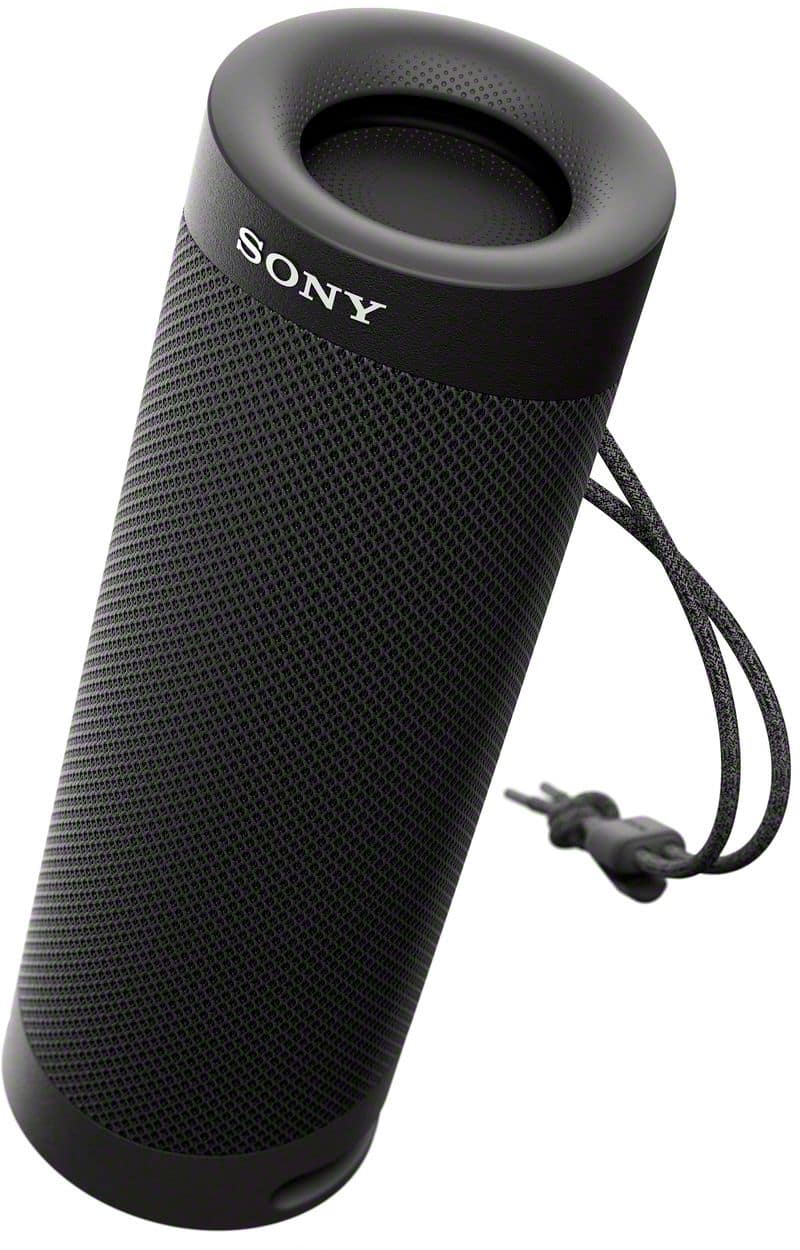
Compact, lightweight and easy to carry, the SRS-XB23 combines a punchy bass sound with a tough, durable, go-anywhere design. Hope this helps. ~Earl
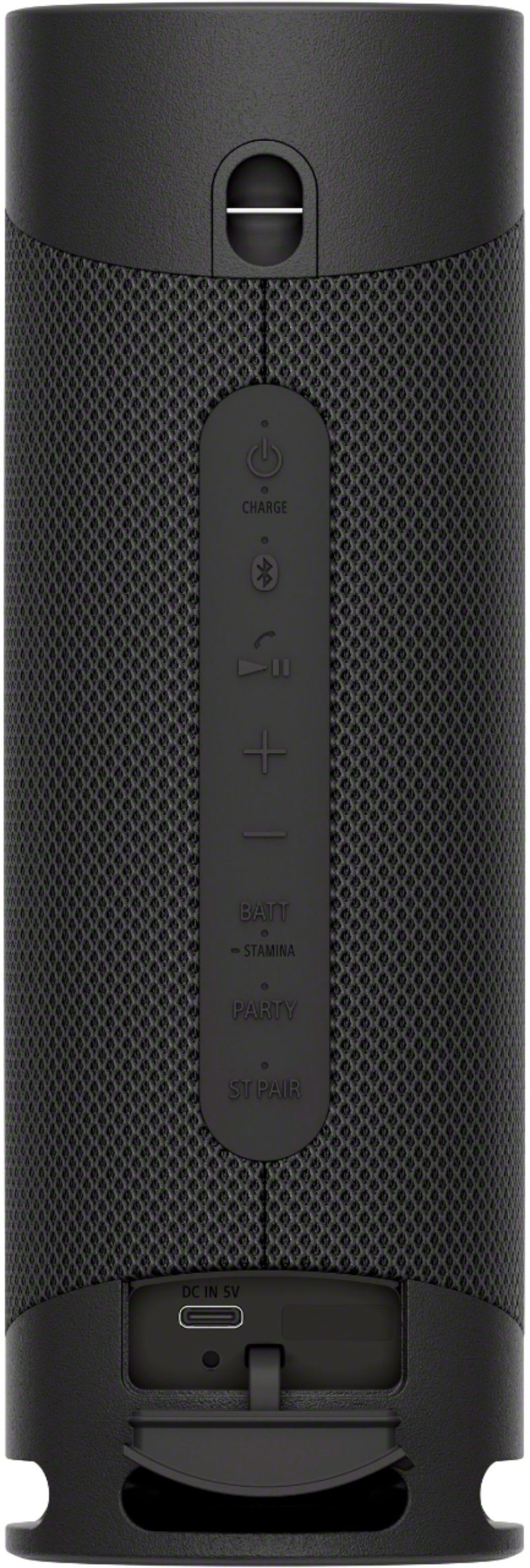
A:AnswerI synced this bluetooth speaker to my bluetooth capable cell phone and bluetooth capable laptop. If your non smart tv supports bluetooth then it will probably sync. On both of my devices I opened the "seetings" icon which allowed me to enable the bluetooth speaker. If you have a settings icon or similar access, you will be ble to answer your question by clicking on that icon and finding and activating a bluetooth speaker. If you do not have such an icon or a workaround, you might not be able to connect. I do not see a cable connection for this bluetooth speaker, it only has a power connection for recharging it.
A:AnswerHi Missquestions,
Thanks for your inquiry. If you are asking if you can pair a wireless Bluetooth speaker to your TV, the XB23 can only be paired via Bluetooth connection with devices that supports A2DP Bluetooth profile. We recommend checking if your TV supports Bluetooth A2DP (Advanced Audio Distribution Profile) profile for wireless speaker playback.
Regards,
Jess
A:AnswerHi Qustioner, thank you for your question. When this unit operates at maximum volume (50), it will take about 3 hours before the built-in battery level become low, and the maximum output of the speaker decreases.
The speaker's built-in battery is capable of charging itself even while music playback from the speaker is in progress. Depending on the type or specifications of the USB AC adaptor or the usage of the speaker, however, it may take a long time before charging completes. When you intend to use the speaker while charging the battery, turn down the speaker volume, or turn off the speaker and let the battery fully charge itself before using the speaker. Hope this helps. ~Earl
A:AnswerThis bluetooth speaker is I Phone compatible. Perhaps this web address will answer your question: https://rd1.sony.net/help/speaker/srs-xb23/h_zz/