A:AnswerHi there, Thank you for your inquiry! The SRSXB43 is compatible with TVs that support Bluetooth A2DP. We recommend checking if your TV supports Bluetooth A2DP (Advanced Audio Distribution Profile) profile for wireless speaker playback, the XB43 should work and sync perfectly with your TV sound. However, due to the characteristic of Bluetooth and other wireless transmissions, there may be a delay in playback due to signal interference or a slight delay.
Regards,
Carl
A:AnswerHi Slickjr73, Thank you for your inquiry! To pair your SRSXB43 to your phone, please follow the steps on our help guide link: https://helpguide.sony.net/speaker/srs-xb43/v1/en/contents/TP0002741485.html
Also, please make sure that you place the BLUETOOTH device within 1 m (3.2 ft) of the speaker while pairing.
I hope this helps!
Regards,
Carl
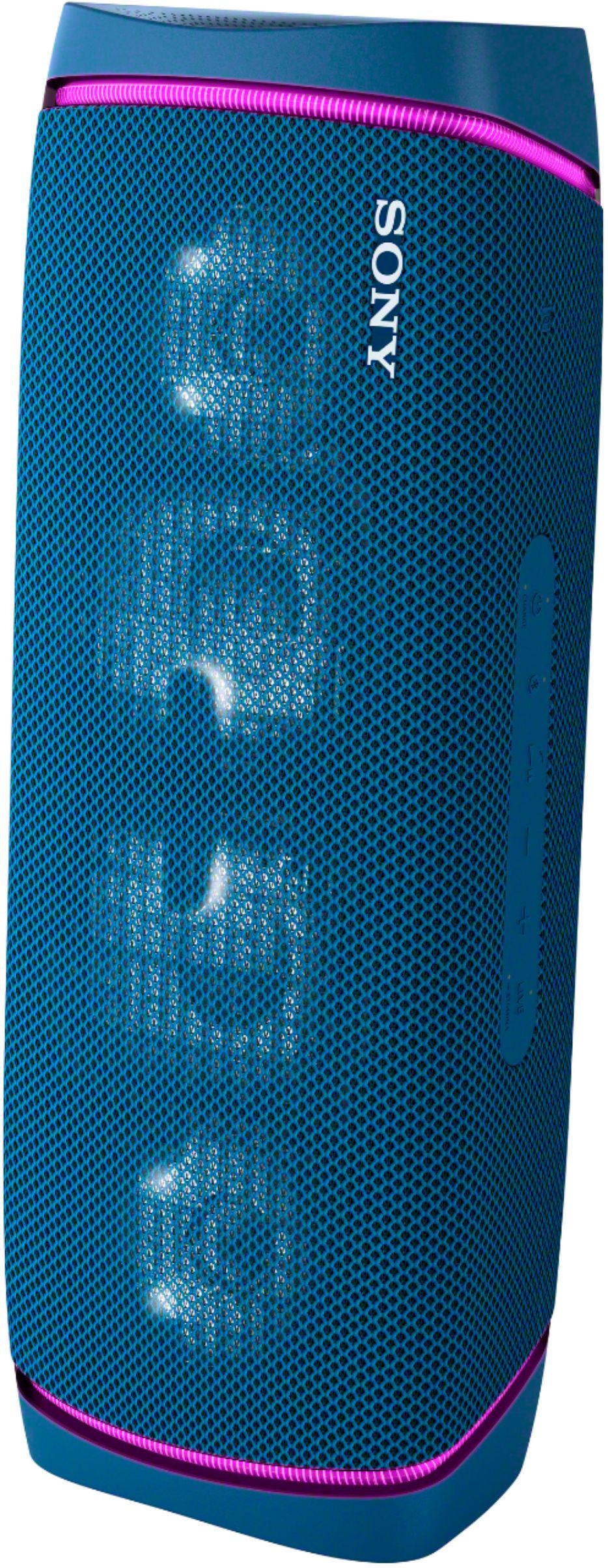
A:AnswerThe sony is far more superior over the UE Mega boom, the sony has USB type C charging while the UE only has micro USB which takes forever to charge and is inconvenient as well. The sony sound much better with more bass and higher volume as well, the sony also has water resistant against salt water and dust resistant too. The quality of the sony feels more premium too over the UE, I highly recommend sony over the UE.
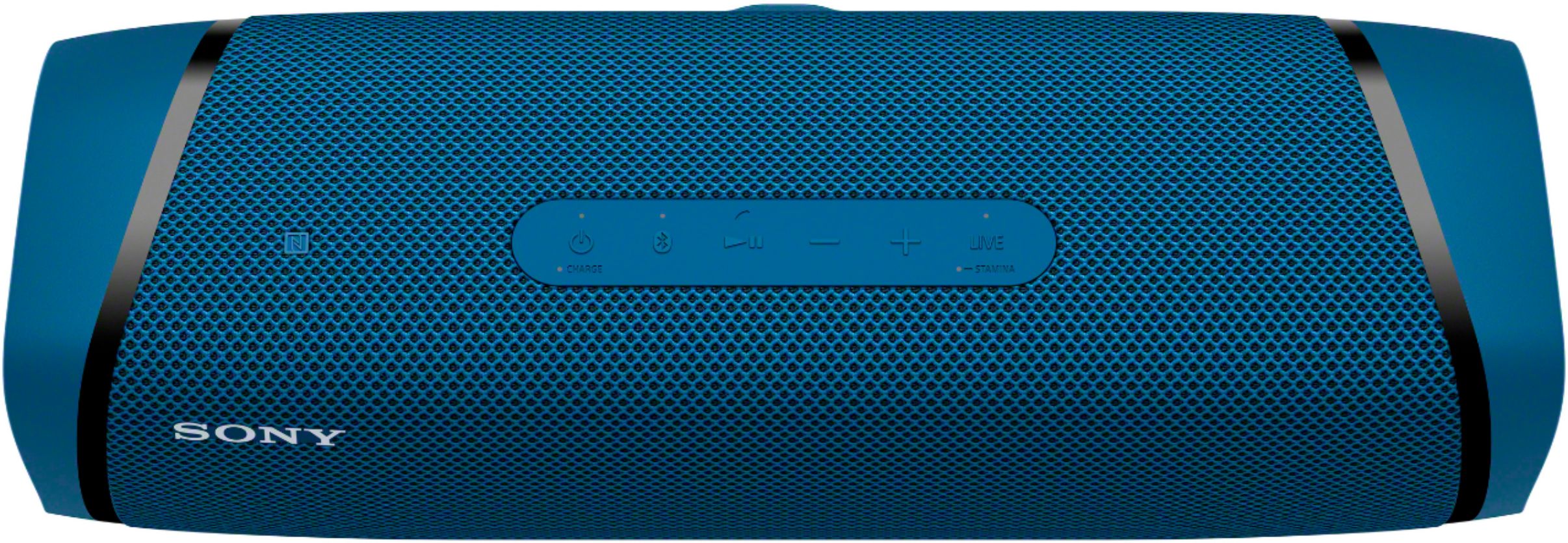
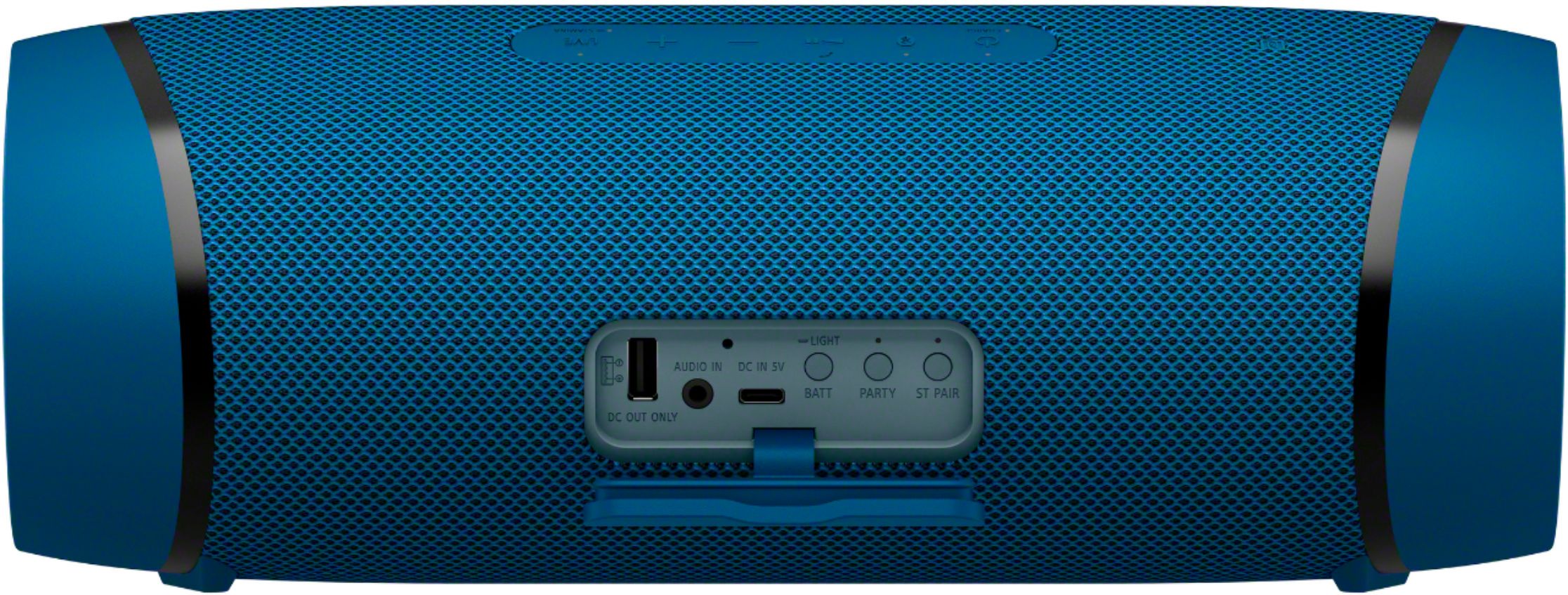
A:AnswerThere is a little light above battery level try that it says light , see if you can turn it off there. You might have to do multiple pushes (push twice to disable) type deal. But it does look like you can turn them off.
A:AnswerHi Dave, thank you for your inquiry! If your MP3 player supports an aux jack or Bluetooth, yes, you can connect your mp3 player to the audio in port or pair them through a Bluetooth wireless connection. The X-Balanced Speaker Unit achieves high sound quality and powerful sound pressure for a richer, deeper, more rewarding listening experience.
I hope this helps.
Regards,
Carl
A:AnswerHi Moepkid, Thank you for choosing Sony. We are sorry to hear that you are experiencing difficulties with your Sony Speaker. The SRSXB43 has an Auto power off (Auto Standby) function, if you are using Bluetooth connection, these conditions will trigger the Auto power off.
1. No operation on the speaker.
2. The hands-free function of the connected mobile phone (smartphone) is set to off and the mobile phone (smartphone) is not playing music (audio), nor is it being operated. For details, refer to the operating instructions supplied with the mobile phone.
3. The connected BLUETOOTH device, is not playing music (audio), nor is it being operated.
You can also turn on or off the auto power off (Auto Standby) function by using “Sony | Music Center.”
For more information on the auto power off (Auto Standby) please check our help guide link: https://helpguide.sony.net/speaker/srs-xb43/v1/en/contents/TP0002741484.html
Should you need further assistance, please contact us for help.
Please email the below information to socialsupport@am.sony.com
Apologies if you disclosed some of this information in your review and to customer service, we just want to ensure that we have your accurate details at the time of communication.
Full Name:
Best Buy Username:
Telephone Number:
Model Number:
Issue:
Regards,
Carl
A:AnswerIn addition to the supported wireless digital audio codecs, this speaker also has an analog line input, to which you could connect a fully uncompressed source.
A:AnswerIf Bluetooth is activated it will go with the unit using Bluetooth, so if you have it plugged into audio jacks just switch back and forth between the two.
A:AnswerFind it hard to believe it broke from regular use but you'll have to find someone that works on electronics, Geek squad, maybe Batteries plus I know they work on phones if they don't they may be able to point you in right direction.