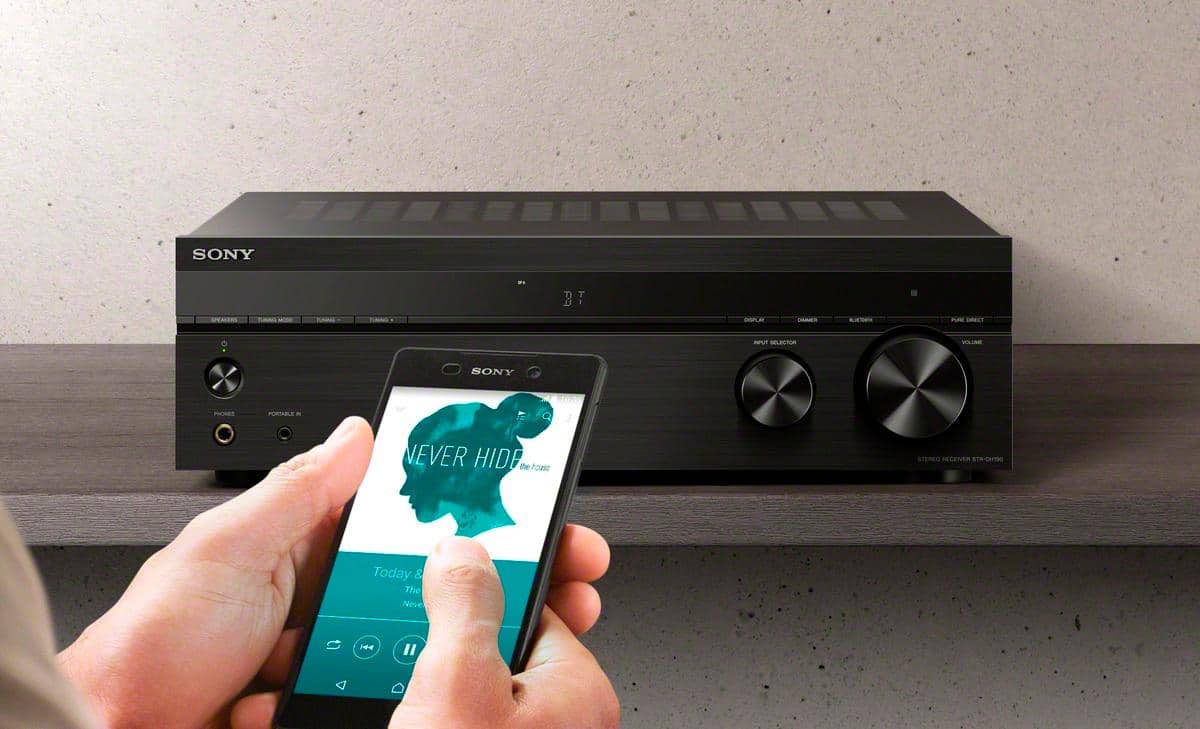
A:AnswerHi Paul, thanks for your inquiry. The STRDH190 supports Bluetooth function, so you can connect your smartphone that has an Alexa app. It also supports Alexa devices that have Bluetooth out or 3.5mm connection (still using the Alexa device). Hope this helps! -Sam
A:AnswerHello Starbaby,
Great question!
Absolutely, yes. The Bluetooth function of our STR-DH190 Stereo receiver can be turn off from the BLUETOOTH settings menu. You may refer to the following link for more details:
https://www.sony.com/electronics/support/res/manuals/4726/f63b8edb2b154409daa55875111f95e4/47269071M.pdf (Pg. 28-29)
I hope this helps!
- Romeo
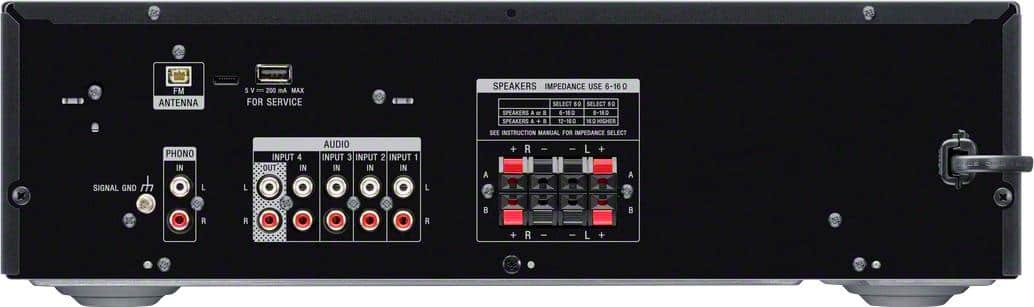
A:AnswerNone whatsoever. This is the main weakness of this product plus the fact that there is no trebel bass adjustment. The antenna plug is exclusively proprietary nonstandard with no coaxial alternative.
A:AnswerHi SK, thank you for your question. This unit has a speaker impedance of 6 ohms – 16 ohms. Please take note that matching speakers and subwoofer with lower impedance (ohms) and watts than what the A/V receiver is rated may cause damage to the receiver and is not recommended. ~Earl
A:AnswerHi jjjj, thank you for your question. No, this unit does not have a Bluetooth transmitter for connecting headphones or another audio system. It only pairs and connects with WALKMAN®, smartphones, and tablets via Bluetooth. ~Earl
A:AnswerHi dogmilkbbq, thanks for your inquiry. Is the tweeter built into the bookshelf speakers? If so, then yes it should be compatible. But, if you're using a separate tweeter with 4 ohms, then it will not work. Hope this helps! -Sam
A:AnswerHi Randy, thanks for your inquiry. Unfortunately, it does not. The current line of Sony® receivers do not have a tape monitor loop. For this reason, it is not possible to connect an add-on equalizer to current Sony® AV receivers. Note: BOSE® speakers that require an external equalizer are not compatible with Sony® AV receivers. Thanks! -Sam
A:AnswerHi there, thanks for your question. Unfortunately, no. The audio analog output of our STRDH190 is designed to work only with an active speaker or soundbar connection. I hope this helps! - Romeo
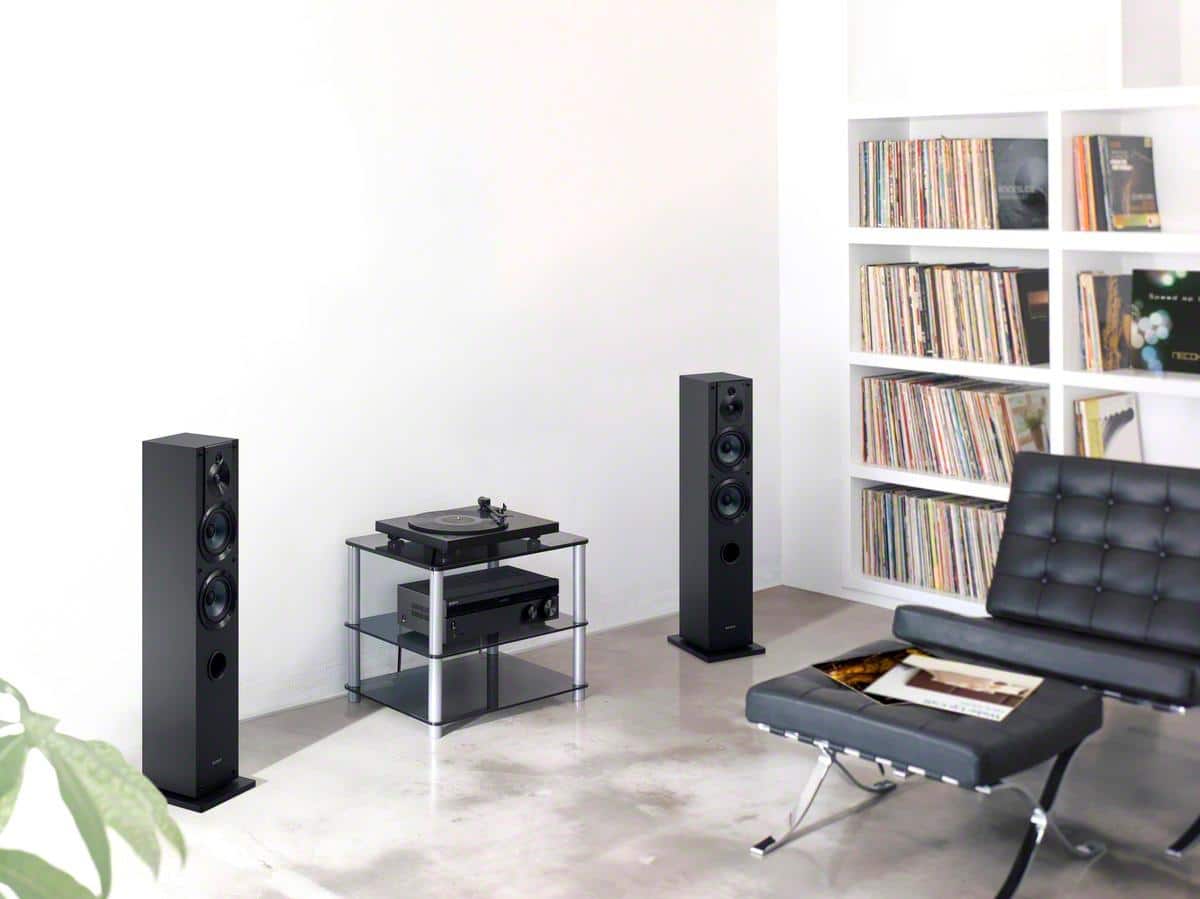
A:AnswerIt will support an old turntable using the Phono inputs without a preamp. I just connected my 40 year old JVC JL-A20 turntable and it works great.
A:AnswerHi Mitzkit, thank you for your question. You can record sound from an audio device
using the receiver. You may check this link for more information. (Refer to page 31):
https://www.sony.com/electronics/support/res/manuals/4726/f63b8edb2b154409daa55875111f95e4/47269071M.pdf
~Earl
A:AnswerHi Jon, thank you for your inquiry. Unfortunately, no. A karaoke microphone can't be connected to your A/V receiver because the receiver doesn't have a microphone input. Hope this helps. -Sam
A:AnswerHi Shawn, Thank you for your question. An equalizer needs to be connected to the tape monitor loop on an AV receiver in order to operate. The current line of Sony® receivers does not have a tape monitor loop. For this reason, it is not possible to connect an add-on equalizer to current Sony® AV receivers. ~Earl
A:AnswerHi OldMan, Thanks for your inquiry. What do you mean by another component? Are you trying to connect another receiver? If yes, then it is not possible. This receiver can support up to 4 speakers via its regular speaker ports and it is also equipped to connect audio devices to the RCA audio input ports of the unit but there is no option to stack another component. If you have additional concerns, please contact our product support team via email or chat through this link: https://us.esupport.sony.com/support/s/service?language=en_US. -Sam
A:AnswerHi Joe,
Thank you for the interest! We recommend connecting speakers with a nominal impedance of 6 ohms to 16 ohms. We also recommend using speaker wires that are anywhere between 12 to 16 gauge. These are most commonly used for connecting speakers to an amplifier or an Audio/Video (A/V) receiver.
Happy to help,
David
A:AnswerHi Mike,
We highly recommend using the supplied FM wire antenna (aerial) bundled with this AV receiver. We cannot guarantee its operation when using a third-party antenna.
Regards,
Jess
A:AnswerHi KlaatuWithGort, Thanks for your inquiry. Unfortunately, no. You can only connect speakers with a nominal impedance of 6 ohms to 16 ohms. Hope this helps! -Sam
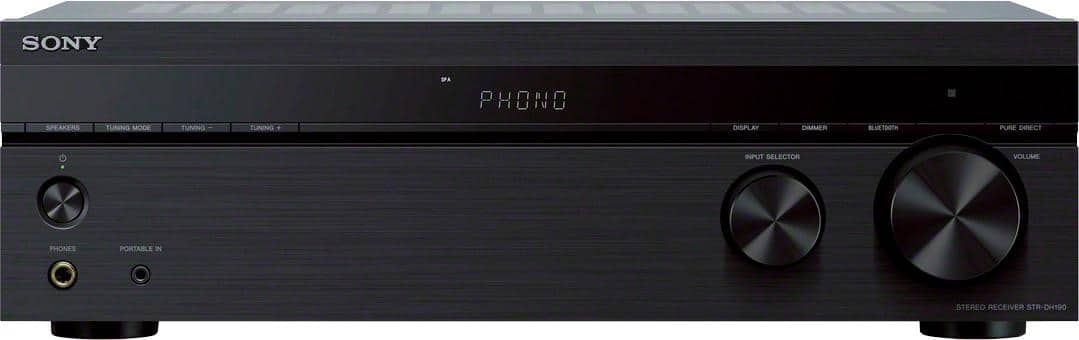
A:AnswerIf your iPad has a mini- plug, or you use a lightning to mini plug adapter, you can use the mini plug Input on the front panel. Also, you could use a usb to mini plug adapter for same result.