A:AnswerVerify that there is no short at your speaker terminals at the receiver and at the speakers. Sometimes a strand or two of the wiring will touch the adjacent terminal causing you to have to turn the volume way up. If you have no shorts, sounds like you need to return the unit for a replacement.
A:AnswerHi Creative,
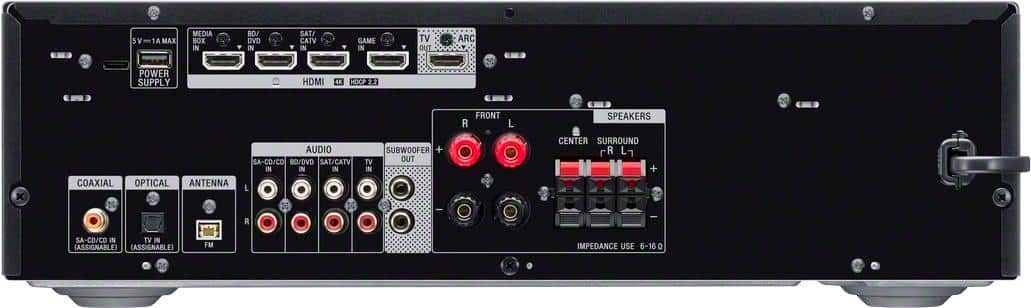
Thank you for the inquiry! Yes, you can only enjoy High Bitrate Audio (DTS-HD Master Audio and Dolby TrueHD), DSD and Multi Channel Linear PCM with an HDMI connection.
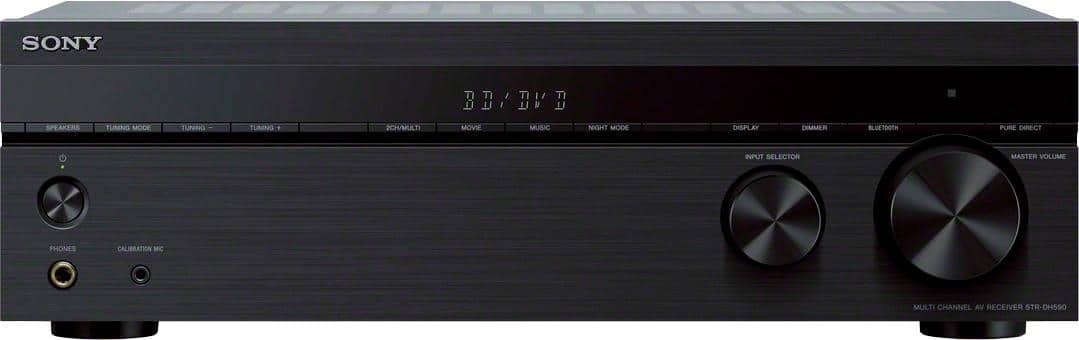
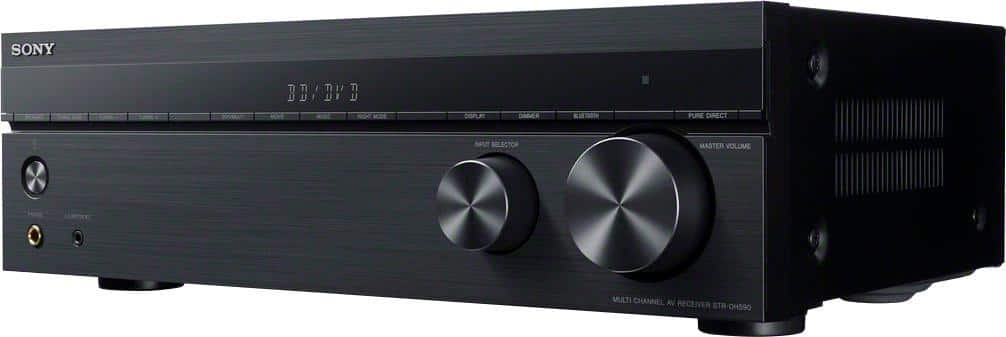
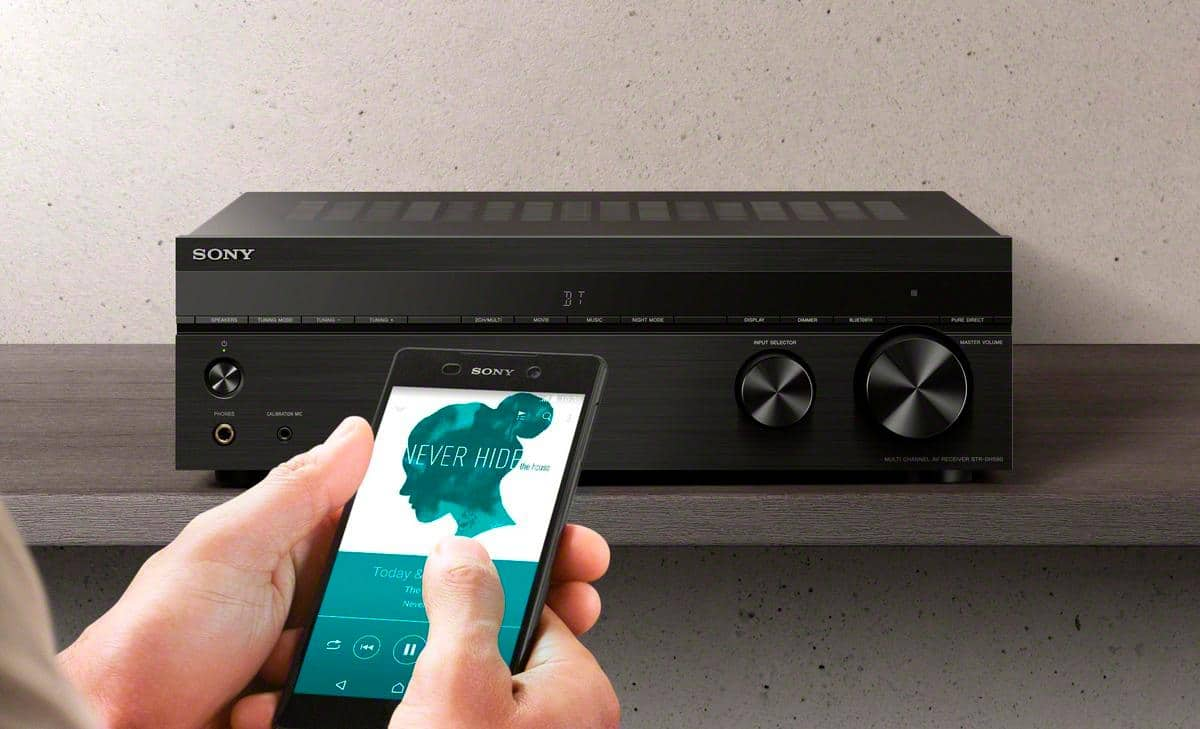
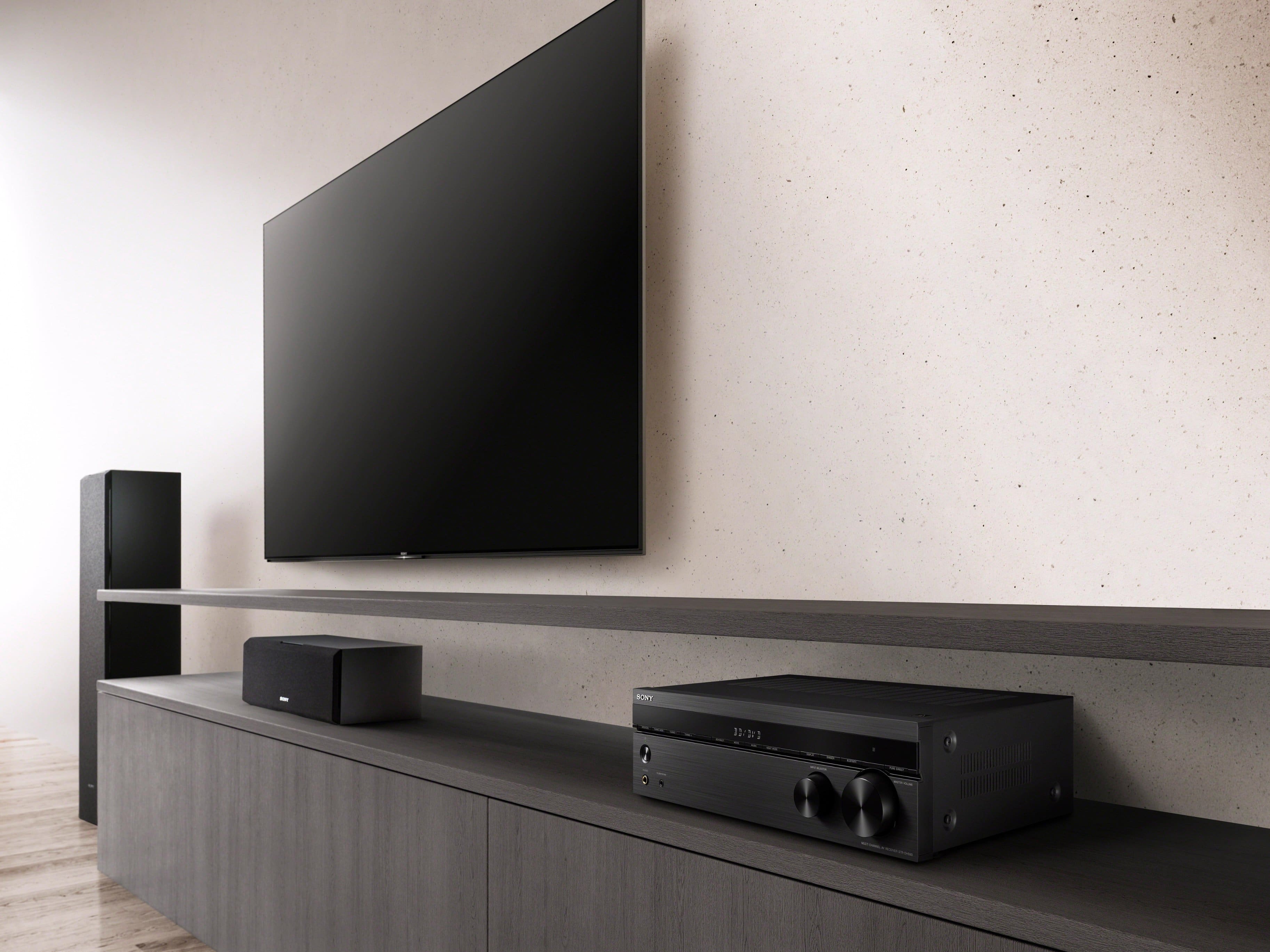
Equipped with 4 HDMI inputs, Bluetooth and a host of advanced features, your new receiver is ready for whatever and wherever your content takes you.
Regards,
David
A:AnswerHi loukas, We are sorry if you are having an issue with your Sony home theter receiver. We need more information about your concern so we can better assist you. You can email us at [email protected] with the following details:
Name:
Best Buy Username:
Model Number:
Details of the Issue:
Telephone Number:
Sincerely,
Vincent
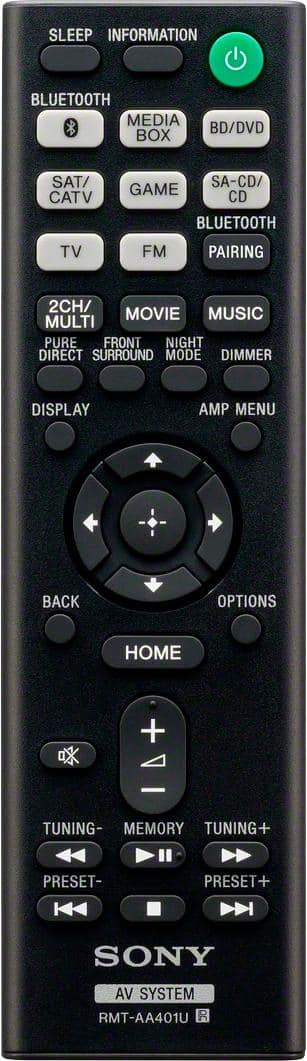
A:Answerif you go into your cec connection on setup and search whatever is wireless or Bluetooth that has a strong signal where you can work amp from tv remote or streaming or cable remote will do same thing with code
A:AnswerHi Stormy,
Thank you for the inquiry! You can only hook up powered subwoofer to this AV receiver. When matching speakers and Audio/Video (A/V) receivers, the ohm rating of the speaker should be equal to or greater than the ohm rating of the receiver to avoid a risk of hardware damage.
Any speakers that feature bare wire connection will work to this receiver, as long as their impedances are from 6 to 16 ohms.
Equipped with 4 HDMI inputs, Bluetooth and a host of advanced features, your new receiver is ready for whatever and wherever your content takes you.
Regards,
David
A:AnswerHi BG,
Thank you for the inquiry! Yes, if you have one subwoofer, connect it to either of the Subwoofer out jacks. If you have two subwoofers, you can connect them to both suwwoofer out jacks.
Equipped with 4 HDMI inputs, Bluetooth and a host of advanced features, your new receiver is ready for whatever and wherever your content takes you.
Regards,
David
A:AnswerHi Customer,
Thank you for the inquiry! Unfortunately, you cannot connect a turntable to this AV receiver. This unit does not have phono input. We recommend our STRDH190.
Equipped with 4 HDMI inputs, Bluetooth and a host of advanced features, your new receiver is ready for whatever and wherever your content takes you.
-David
A:AnswerHi Drummer,
Thank you for the inquiry! Unfortunately, you cannot connect a Bluetooth speaker to this AV receiver. We recommend connecting wired speakers with a nominal impedance of 6 to 16 ohms.
Equipped with 4 HDMI inputs, Bluetooth and a host of advanced features, your new receiver is ready for whatever and wherever your content takes you.
-David
A:AnswerHi UBEE,
Thank you for the inquiry! Yes, we recommend connecting wired speakers with a nominal impedance of 6 to 16 ohms. When matching speakers and Audio/Video (A/V) receivers, the ohm rating of the speaker should be equal to or greater than the ohm rating of the receiver to avoid a risk of hardware damage.
Regards,
David
A:AnswerYou can adjust it on screen while playing music or any media. Make sure the source is going through the receiver as it makes it much easier adjusting the eq as your watching it
A:AnswerAlthough I’m still getting used to the receiver myself I don’t believe you can pair wireless speakers with this receiver. As far as I know the Bluetooth is only for streaming music from phone/iPad ect to the receiver