A:AnswerHi Rus,
We are sorry to hear what happen. Verify that the receiver is turned on. Unplug the AC power from the receiver for 60 seconds then connect it to a different wall outlet. If the unit has still no power, service may be required. We recommend visiting our Eservice website to locate a repair center near you.
https://us.esupport.sony.com/support/s/service?language=en_US
Regards,
David
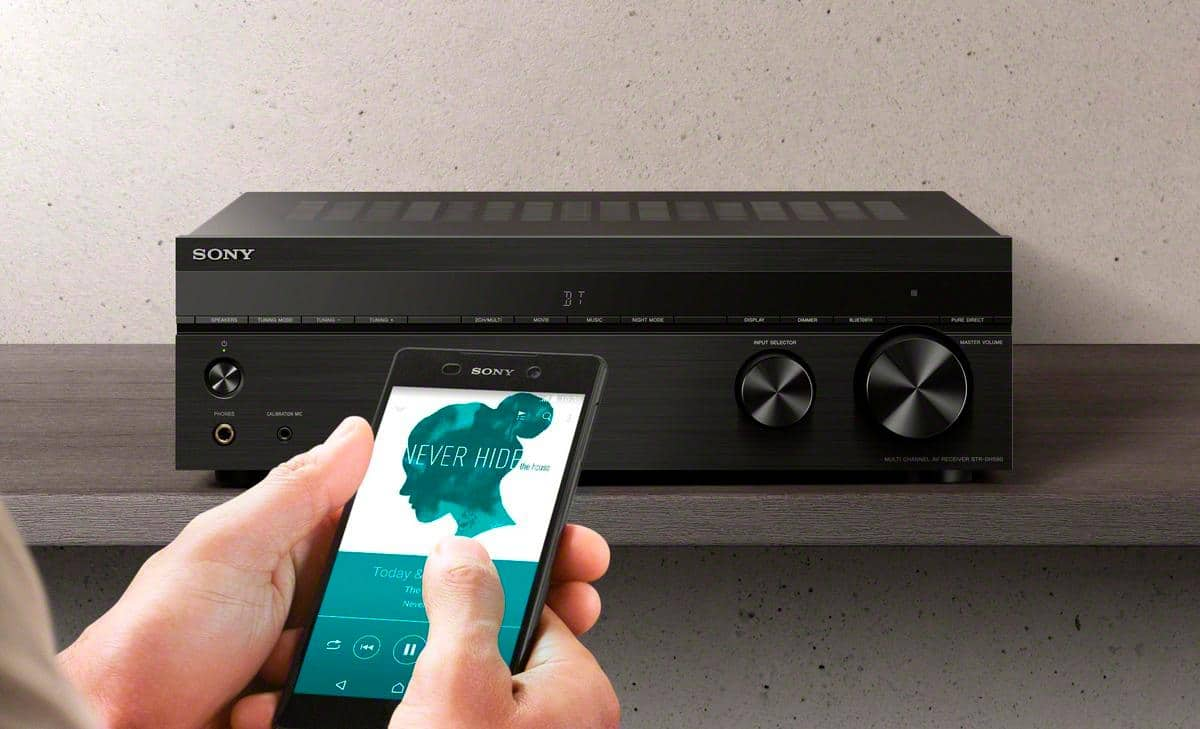
A:AnswerSo receivers have two different kinds of Bluetooth incoming and outgoing meaning if yours is only incoming then you can only connect a device like a iPhone or Samsung, if it is also outgoing then you can connect a speaker I would say read your manual to see if you have outgoing Bluetooth. This was explained to me because I had the same problem. I have always thought Bluetooth was Bluetooth. LOL but when it comes to receivers I guess it’s a little different I hope this helps
A:AnswerFor the most part, Bluetooth technology works in about a 30 foot area (plus or minus a few feet). I don't know how big your house or deck are. I can play music from my phone and walk anywhere in my house and go outside. I have about a 3,000 sq ft 2 story house and a large patio w a pool. I have not tested where it starts breaking up.
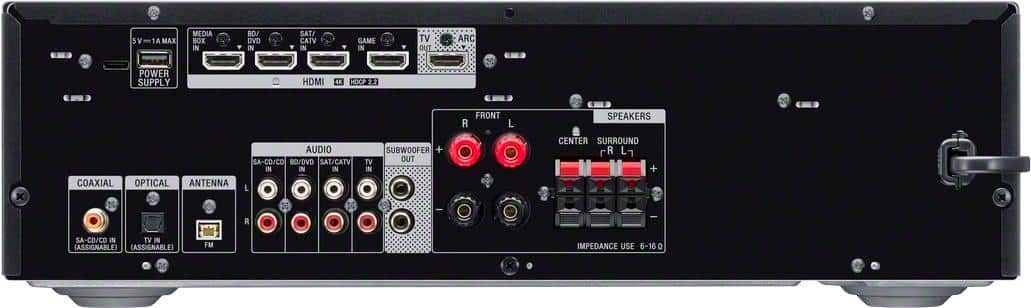
A:AnswerYes I believe it will. As long as the subwoofer has RCA jacks to Connect to the back of the receiver, it should work. I used an Energy subwoofer, and mine works perfectly.
A:AnswerI do not believe so, the Bluetooth is to receive the signal from whatever device your Using, i.e. an iPhone, iPad, etc. and play it through your receiver.
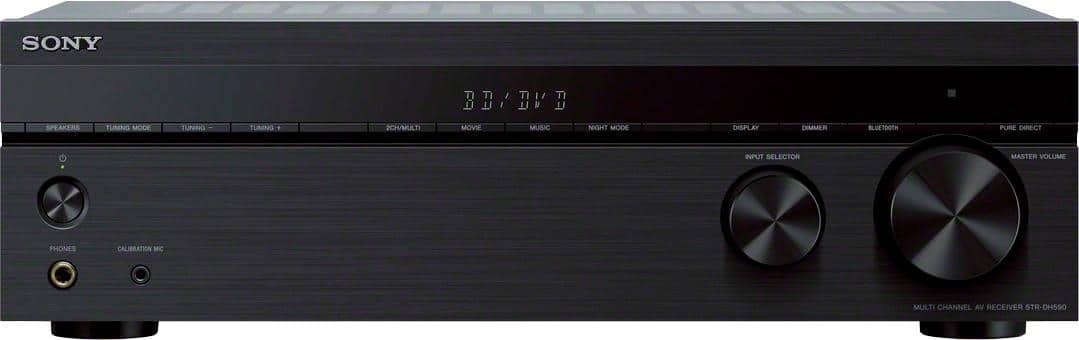
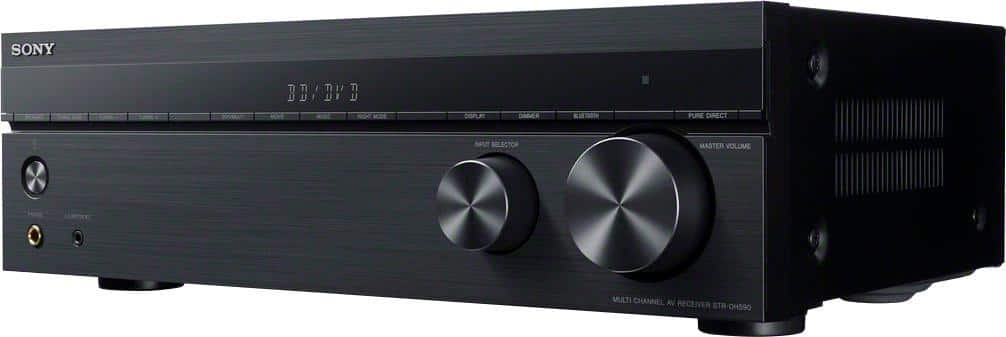
A:AnswerHi Shannon5467, thanks for your inquiry. The STRDH590 has all the functionality and features that the STRD665 has. Plus, the STR-DH590 supports all the latest HDR formats(HDR10, HLG, and Dolby Vision). You can utilize these video formats to give you remarkable video quality. The combination of superior video quality and great sound will improve your home theater experience. Also, be sure to check out the Bluetooth feature. You can easily play music from all your devices via Bluetooth. Equipped with 4 HDMI inputs and a host of advanced features, this receiver is ready for whatever and wherever your content takes you. Hope this helps! -Sam
A:AnswerHi mc1975,
It will still depend on the source you are playing. Also, the max sound level your system will be able to achieve will depend mainly on the efficiency and power handling capacity of your speakers. We recommend connecting wired speakers with a nominal impedance of 6 ohms to 16 ohms.
Regards,
David
A:AnswerFirst of all, Cerwin Vega speakers tend to be pretty efficient. Whether or not you will be able to attain maximum output level driving them with a 145 watt receiver depends on if that 300 watt speaker rating is peak or RMS, If the rating is peak, then this receiver would power them to their practical limit. Even if the speaker rating is 300 watts RMS, doubling the power of your amplifier would only give you a 3 dB net gain in maximum sound pressure level. (Psychoacousticly speaking, you need a gain of 10 dB to make it sound twice as loud). In either case, the Sony STR-DH590 sounds like a pretty good fit.
In establishing your practical maximum audio level, be careful to not drive your system 'into the red'. Audible distortion can be caused by overdriving your speakers, or by driving your amplifier past its 'clipping' point. The latter (clipping distortion) is particularly damaging to loudspeakers. If you begin to hear audible distortion, reduce the volume until the distortion dissapears. Hope that this has been helpful.
A:AnswerAs long as it uses the 2 wire cables (red&black) it will work... you may need to check and see what the power ratings are and if they aren't rated for the max power this receiver is capable of you just need to keep the volume down a little.
A:AnswerThe difference is that the "multi-channel stereo" mode will add simulated ambience to a stereo sound source by utilizing the speakers of your surround system. If your system has only two speakers, choose "2 channel" sound. If you have a multi-channel speaker setup, then listen to both settings and choose the one you prefer.