A:AnswerHi Scott, Thanks for your inquiry. Unfortunately, this unit doesn't support dual or multizone feature. You may be interested in picking up the STRDN1080 model instead. Hope this helps! -Sam
A:AnswerHi cheng, Thank you for your interest in the STRDH590. An equalizer/mixer needs to be connected to the tape monitor loop on an AV receiver in order to operate. The current line of Sony receivers does not have a tape monitor loop. For this reason, it is not possible to connect an add-on equalizer/mixer to current Sony AV receivers.
NOTE: Most Sony receivers feature a built-in Digital Signal Processing (DSP) Equalizer. The addition of an equalizer is not needed and would provide no additional benefit to the overall sound output of the receiver.
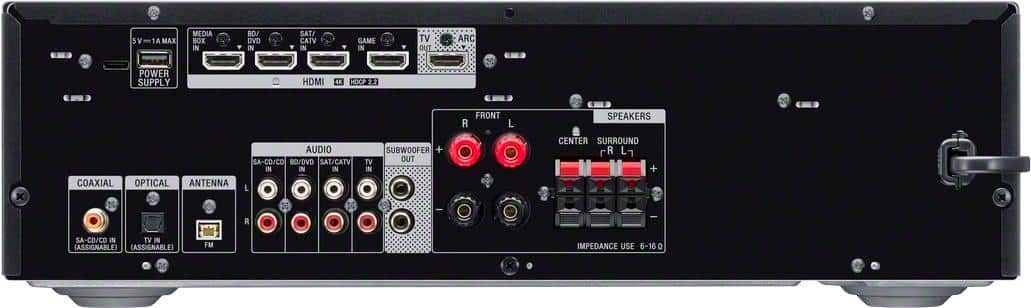
Unfortunately, this unit doesn't have a cable/satellite input. However, this receiver is equipped with 4 HDMI inputs to connect your HDMI capable devices. Hope this helps! -Sam
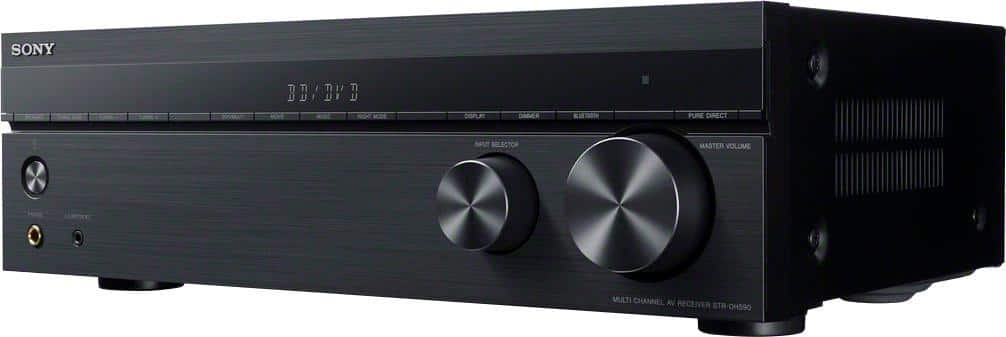
A:AnswerIt also has side vents on the side. This AVR should have a 2" top clearence, and it is the normal height. Your other choice is to get a slim line model, or put a small fan on the top or sides to pull air away.
A:AnswerHi jay, Thank you for your interest in the STRDH590. An equalizer needs to be connected to the tape monitor loop on an AV receiver in order to operate. The current line of Sony receivers does not have a tape monitor loop. For this reason, it is not possible to connect an add-on equalizer to current Sony AV receivers.
NOTE: Most Sony receivers feature a built-in Digital Signal Processing (DSP) Equalizer. The addition of an equalizer is not needed and would provide no additional benefit to the overall sound output of the receiver.
Regards,
Sam
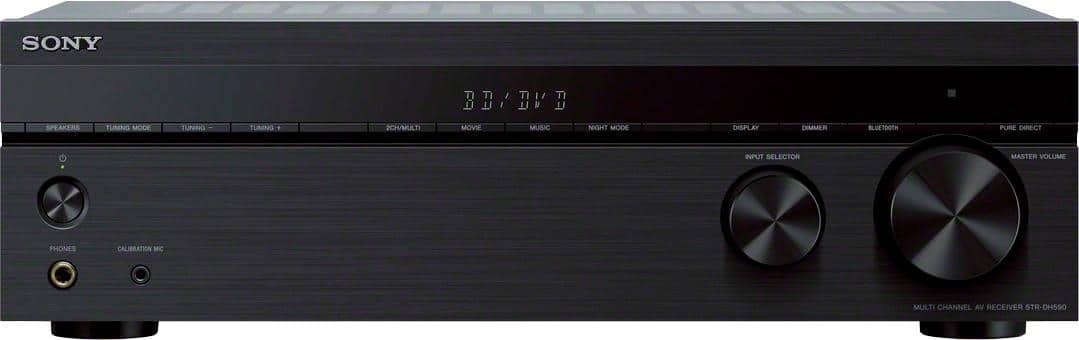
A:AnswerHi HipsterDoofus, Thank you for your interest in the STRDH590. Yes, you can connect your DVD, CD, and LD player to the RCA input of the unit all at the same time. This receiver is equipped with 4 RCA audio inputs and 4 HDMI inputs if your devices support HDMI connection as well. And yes, you can also connect your MP3 player to the headphone jack on the front panel of the receiver. Hope this helps! -Sam
A:AnswerHi Mark, Thanks for your inquiry. Unfortunately, you cannot connect an over the air TV antenna directly into the receiver. I would suggest to connect your TV antenna directly to your 4K TV and connect an HDMI cable from your TV to the receiver via HDMI ARC input. Hope this helps! -Sam
A:AnswerHi ToneJunky, Thank you for your interest in the STRDH590. Unfortunately, this unit doesn't have a DVD player. But this unit is equipped with 4 HDMI inputs so you can connect your HDMI capable devices. Plus, it works with the latest 4K TV’s and HDR sources, Bluetooth, and a host of advanced features, your new receiver is ready for whatever and wherever your content takes you. -Sam
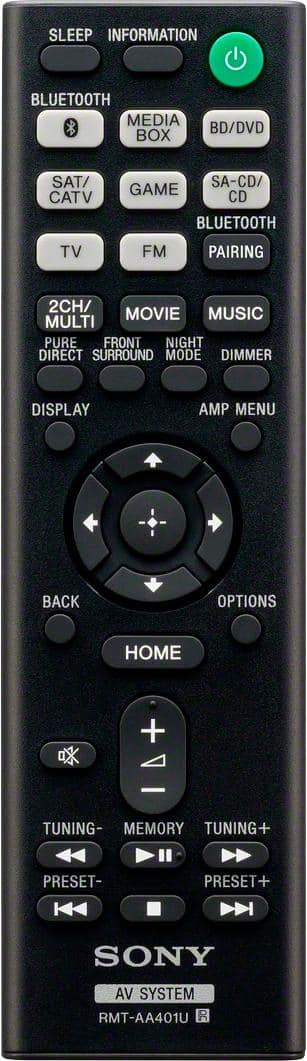
A:AnswerHi CTKid, This unit will definitely work with your streaming device. Please refer to the manufacturer of your streaming device with regards to pairing the remote control with the AV receiver. -Sam
A:AnswerHi Chuck, Yes, it can be connected to a turntable via the AUDIO IN jacks. However, to connect a turntable that only has a PHONO output jack, you need to connect a phono equalizer (not
supplied) between the turntable and this receiver. -Sam
A:AnswerHi JW, If one of the 3 HDMI ports on your TV support HDMI ARC then you should be able to use the HDMI connection otherwise, you can connect the receiver to your TV via optical cable. Hope this helps! -Sam
A:AnswerYes.
It doesn’t have an input labeled Phono, but I plugged mine into the RCA jack labeled “CD input”. Then you can edit the input name that shows on the front of the receiver. But not the button on the remote.
A:Answeryes this will play 5.1 through Bluetooth, as long as the device your streaming from can transmit the 5.1, otherwise you will need to use the digital processor built into the receiver to convert to 5.1