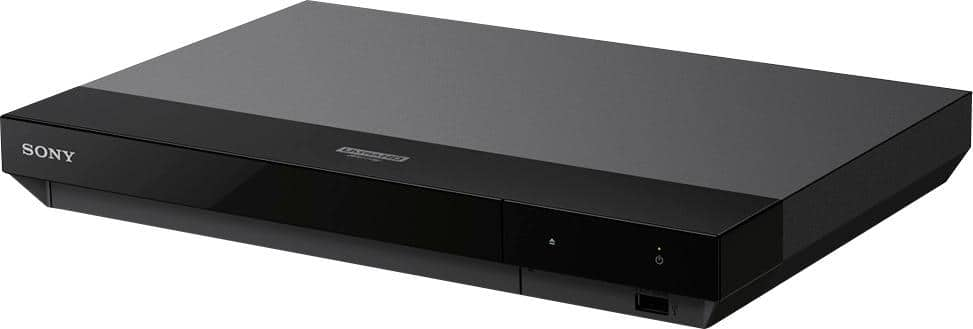
A:AnswerAccording to my source, regionfreeDVD.net-- a region-free version of this player exists-- but not at Best Buy.
That's for BluRays and DVDs.
-- All UHD BluRay discs are region-free.
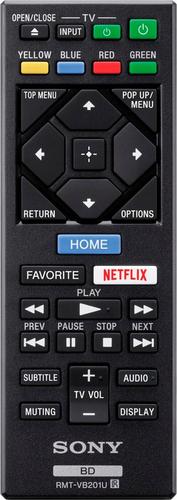
A:AnswerHi puro, I agree, the buttons are a bit crowded. In my case, I have an older SONY BDP-N460 and that remote works perfectly with the UBP-X700 so I use that one instead because it is larger. That remote also has two buttons that the original remote does not have. It has "Replay" (a 10 second rewind and "Advance" a 15 second jump ahead). You could try digging around on the internet and see if you can get it. The remote model # is RMT-B104A. The one button it doesn't have, that the original does, is eject. It's not a big deal really as you have to get up and go to the player to change or remove the disc anyway. Also, it's not backlit either. Good luck!
A:AnswerYou’re right, but try disconnecting from WiFi to see if it helps. Also make sure you’re running the latest firmware. If those don’t help, I’d return it
A:AnswerNope, I just tried to. You can't add to, or remove, the preinstalled apps. Sorry RayG65. The fact the Roku, of all the major streaming devices (which I have), does not support HBOMAX is unbelievable. Apparently, they have not been able to work out a deal to carry it yet. I believe at some point they will. You can get regular HBO on the Roku though. I have a Samsung smart tv and I can get HBOMAX through that. Perhaps your TV can as well. Good luck!
A:AnswerIt won’t “upgrade”, but there are setup choices, in combination with your tv, that should allow you to zoom in making the picture look widescreen
A:AnswerYes it does, I thank you for asking because I didn’t know this when I bought it to play 4K, now I don’t need to use my ps4 to play my 3D movies anymore.
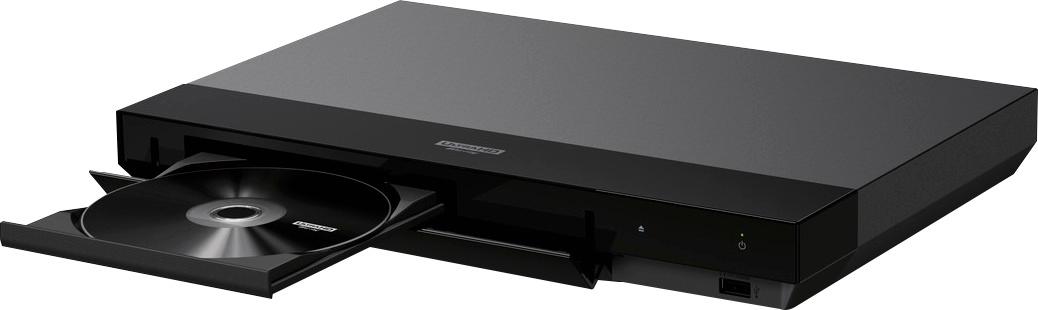
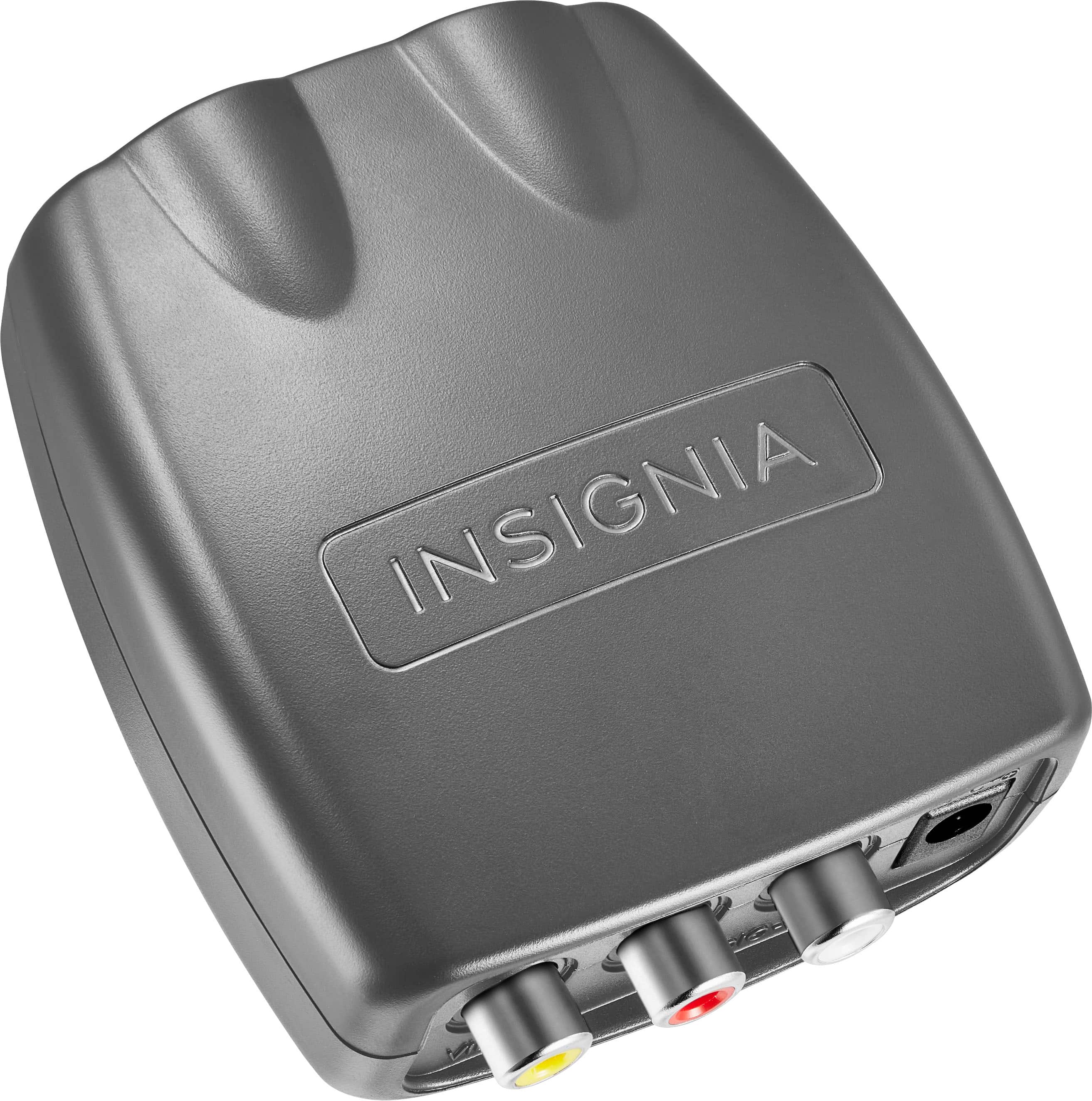
A:AnswerPlayer will play dvd discs depending on disc region. Connectivity requires tv HDMI input, or alternatively an hdmi to rca coverter assuming it has that connection at a minimum. Otherwise search for hdmi conversion to your tv input type.