A:AnswerThe Bluetooth does not have to be line of sight but if there are walls between the headset and the device it is receiving a signal through there is some disruption of the signal.
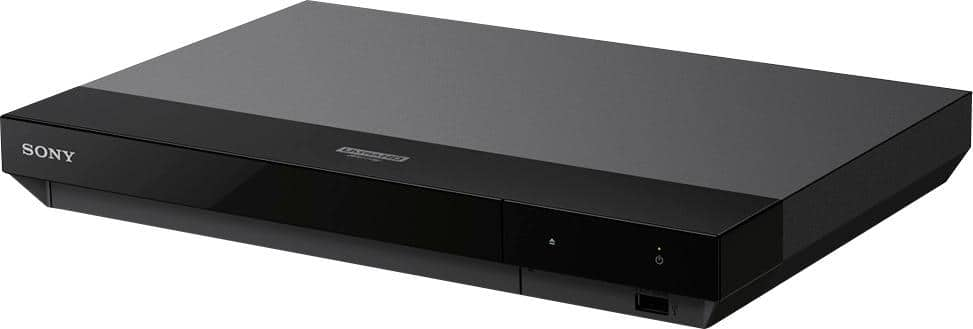
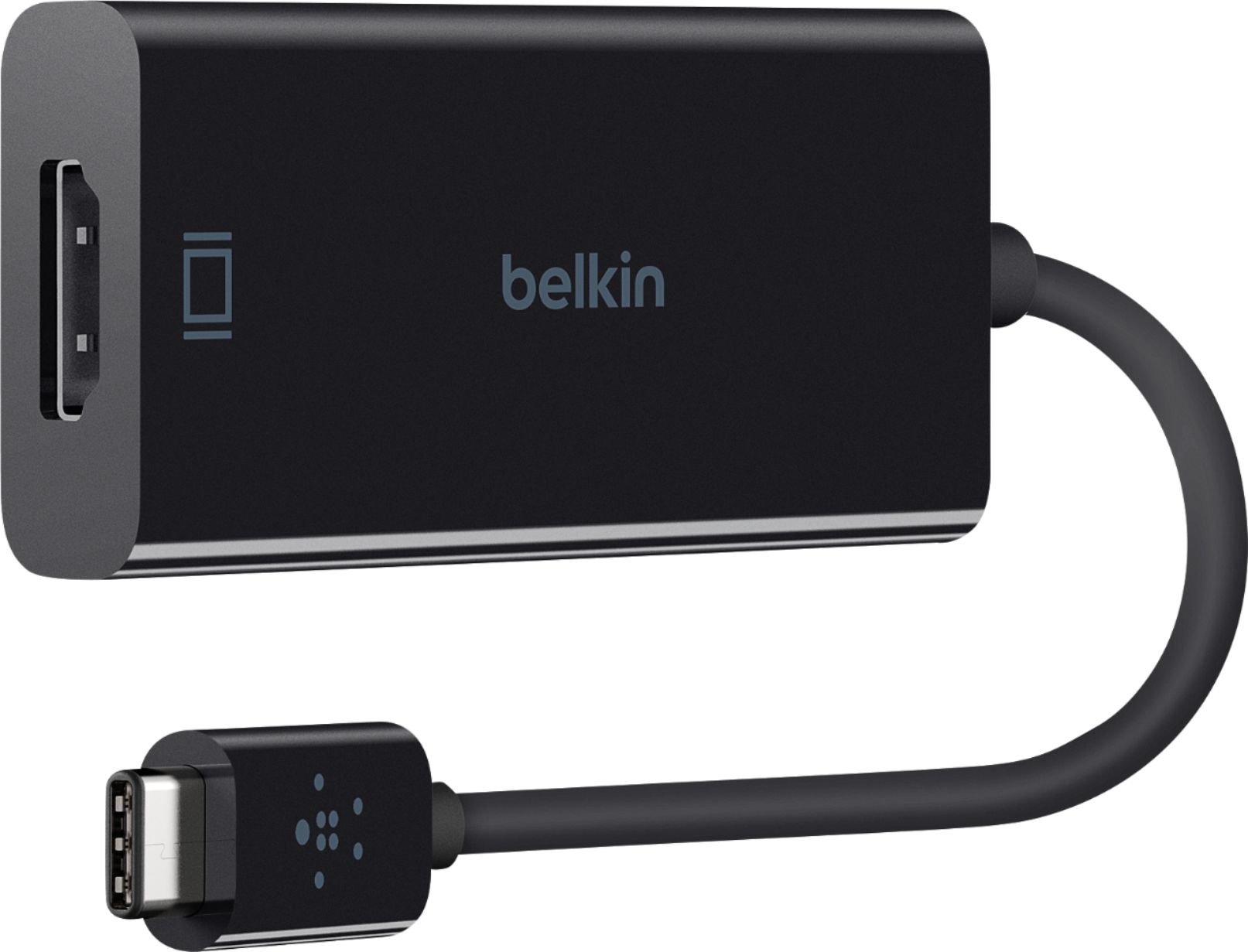
A:AnswerMy understanding is that Thunderbolt (developed by Intel and adopted by Apple for its computers) is essentially a hopped-up version of USB 3.1 that uses the same cable connector and is compatible with plain USB 3.1. However, the Sony USB ports are input only. They can't send a signal to another device. The only outputs available on the player are HDMI and digital audio. If the iMac has an HDMI input you could use that. If not, Apple and Belkin, among others, sell HDMI-to-thunderbolt adapters for about $70 that would convert the signal to something your iMac can use. Before you buy one, be sure it can handle 4K. Good luck.
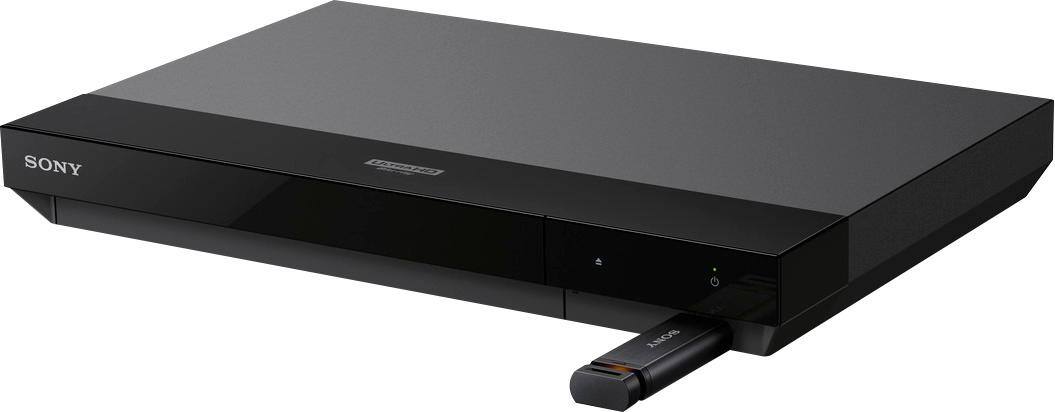
A:AnswerHi Joey! No, the player does not support 5G in the internet settings. I have not tried to download any additional apps but I would think not since it doesn't have any kind of capacity storage. You can try downloading to a USB drive and try it on the player. Hope this helps.
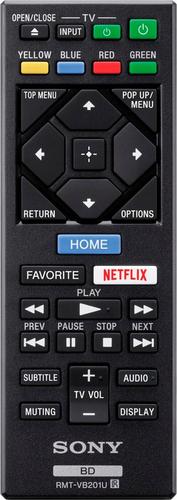
A:AnswerMost of the buttons are used to navigate the features of the player and Blu-Ray menus. You can see from the pic that there are 2 small buttons at the top to turn TV on or change it's input signal to the DVD. There is also a dedicated Netflix button -not useful if you don't have a Netflix account. See the image below.
A:AnswerHi there! There are a lot of apps available on this Bluray player which are too many to mention, it includes Netflix, Youtube, and Amazon to name a few. Regards, -Mark
A:AnswerWhy does the Sony 4 K Blu Ray Need Updates it was Working just fine the other day ? Now it is not working or Recognizing the disc .There are not finger prints on it and it is the proper disc .This is Commander C3 UNITED STATES AIRFORCE FIRST MARINES NAVY SEAL ARMY NATIONAL GUARD FORESTRY LMOH3X PURPLE HEART RECIPIENT MPO USO TECH SUPPORT ONLINE SPECIAL DIRECTOR OF DEFENSE AMERICAN EXPRESS GIRL BECKI L TERRY