A:AnswerHi Chris, I hope you resolved the audio issue, but if you didn't, here's my take on your situation. Most optical/coax digital to analog converters are not compatible with Dolby 5.1 audio unless specifically made to convert Dolby 5.1 audio to 2 channel analog audio. The DVD audio must be set to PCM only, as this is the setting the optical/coax digital to analog converter is looking for. If you already made the correct changes in the DVD audio settings and it still doesn't work correctly, power your DVD down, unplug it, wait 15 minutes, plug it in, power it up and start the setup process from the beginning like you did when you first connected it. Make sure to go to the audio settings menu and change Dolby Digital to off and PCM only. Have a great day!
A:AnswerI bought an ethernet cable and ran it from the player to the modem and now I can get those services that come with the player. its the only way to get wifi sort of .
A:AnswerHi Slim1, The device doesn't have a built in wifi. You will need to use a wired connection to connect the device to the internet. Thanks. ~Ralph
A:AnswerHi there, I own hundreds of DVDs and Blu-ray discs and my experience is that whether the movie will resume where you left off depends on the particular DVD/Blu-ray disc as it is a function of how the DVD/Blu-ray disc is coded. All standard DVDs will resume from where you left off. However, it depends on the particular Blu-ray disc. Some will resume from where you left off, some will start fresh from the main menu. Criterion Blu-ray discs will ask you each time whether you wish to resume (Criterion is a company that releases special Blu-ray movies).
A:AnswerShort answer: No.
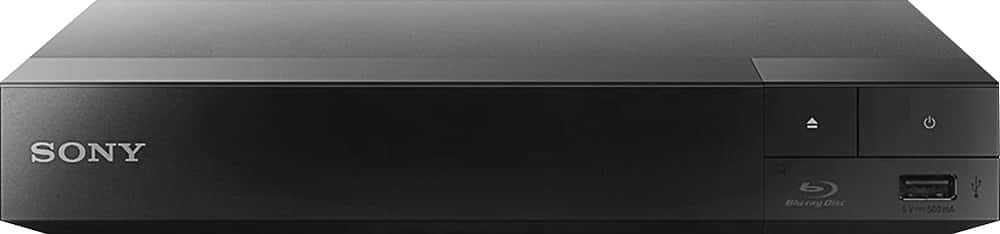
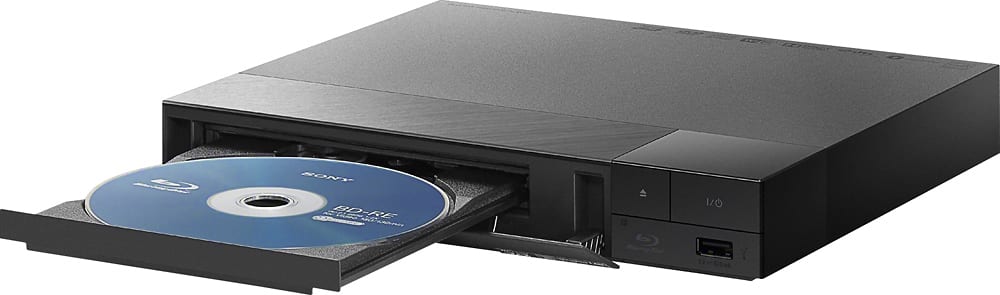
The USB port on this player is for thumb drives containing music, photos, etc. which you can access via the player.
The networking requires a wired Cat-5 (Ethernet) connection to your router.
A:AnswerHi E5TRGN, To reset the parental control settings, visit the link below:
https://us.en.kb.sony.com/app/answers/detail/a_id/32621/
Thanks! -Vincent