A:AnswerHi Dirtyharry732, when recording a loud music performance, place your IC recorder from a distance of 1 to 2 meters (40 to 80 inches) from performers. Thanks! ^Ron
A:AnswerHi Phil, Yes, it does. For more information about this feature, please refer to the link below. I hope it helps. Regards, ^Ron
https://helpguide.sony.net/icd/u56/v1/en2/contents/TP0000831025.html
A:AnswerHi StorageProblem, If that's the case, we suggest restarting the IC recorder and resetting all the settings to isolate the issue. Refer to the links below for the steps:
https://helpguide.sony.net/icd/u56/v1/en2/contents/TP0000839872.html
https://helpguide.sony.net/icd/u56/v1/en2/contents/TP0000830917.html
Regards,
Vincent
A:AnswerHi chris, Yes, you can change the file name. To know how, please visit the link below. Thanks! ^Ron
http://helpguide.sony.net/icd/u56/v1/en2/contents/TP0000830888.html
A:AnswerHi TonyW, To isolate the issue, you may consider these suggestions:
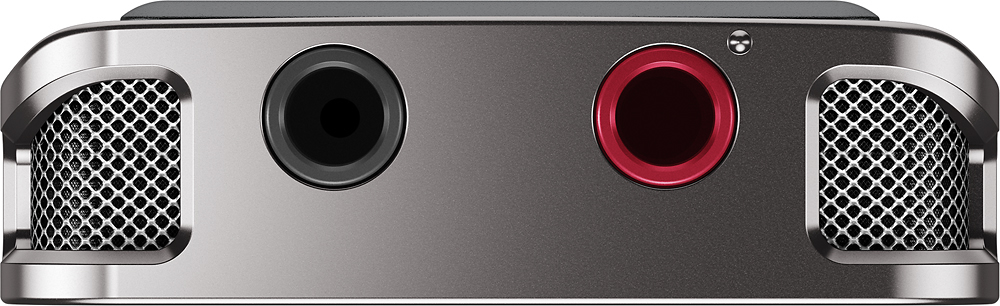
-Check for any foreign object inside the microphone jack of the recorder.
-Make sure the plug of the connected external microphone is properly fit to the microphone jack of the recorder.
-Test the external microphone to a different device.
-Restart the recorder: http://helpguide.sony.net/icd/u56/v1/en2/contents/TP0000839872.html
Regards,
Vincent
A:AnswerHi MsWalker, This voice recorder does have a Scene Select option. This feature allows you to change some recording settings according to a particular recording situation. It has 'Lecture' option, suitable for recording seminars and lectures. Visit this page for more details: http://helpguide.sony.net/icd/u56/v1/en2/contents/TP0000831220.html
Regards,
Vincent
A:AnswerHi scooterdv, You may adjust the sensitivity level of the built-in microphones depending of the type of recording. Kindly refer to pages 129-130 of this link for more information:
https://docs.sony.com/release//Help_4573936321.pdf
~Ralph
A:AnswerHi jdaniels07, it has a fast-rewind feature that you can use. Please visit the link below to know how. I hope it helps. Regards, ^Ron
http://helpguide.sony.net/icd/u56/v1/en2/contents/TP0000831223.html
A:AnswerHi Customer,
If the unit turned off even though changing the settings of the recorder. Try to charge it using a computer and try it again. The battery capacity of this Voice recorder usually depends on the file format that you will use to record audio content. You can record up to approx of 27 hours (MP3 192kbps, 128kbps, and 48kbps(MONO) while approx of 23 hours for LPCM 44.1kHz/16bit. So it is impossible to record over several days using this recorder. NOTE: You won't be able to use the recorder while charging it to a computer. Check these link for more information.
https://www.sony.com/electronics/support/articles/00032487
https://www.sony.com/electronics/support/articles/00032255
https://docs.sony.com/release//Help_4573936321.pdf (page 172)
Regards,
-David
A:AnswerHi Corkie, The battery life of this recorder depends on how you use it. Check here to get more details: http://helpguide.sony.net/icd/u56/v1/en2/contents/TP0000831085.html
Regards,
Vincent
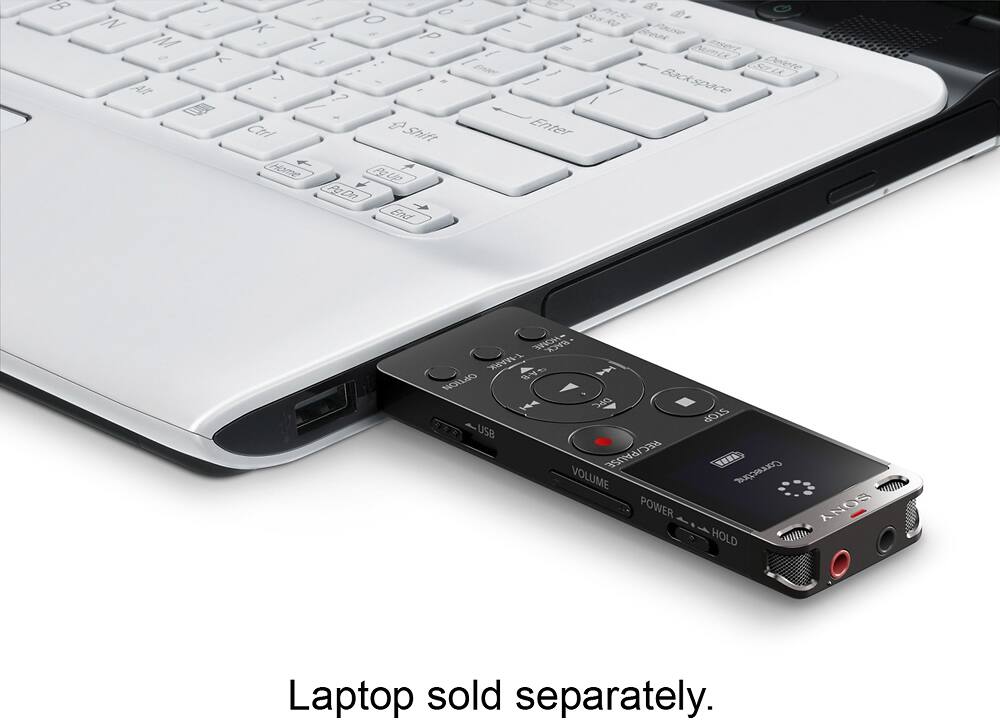
A:AnswerIt is very easy to record and transfer to your laptop. I have 3 different digital recorders and this one is the best quality and easiest to use.
A:AnswerHi cheyennebell, you can install Sound Organizer 2 using the installer file (SoundOrganizer_V2001.exe) stored on the built-in memory of the recorder. Please visit the link below for more information about this. Thanks! ^Ron
http://helpguide.sony.net/icd/u56/v1/en2/contents/TP0000830915.html