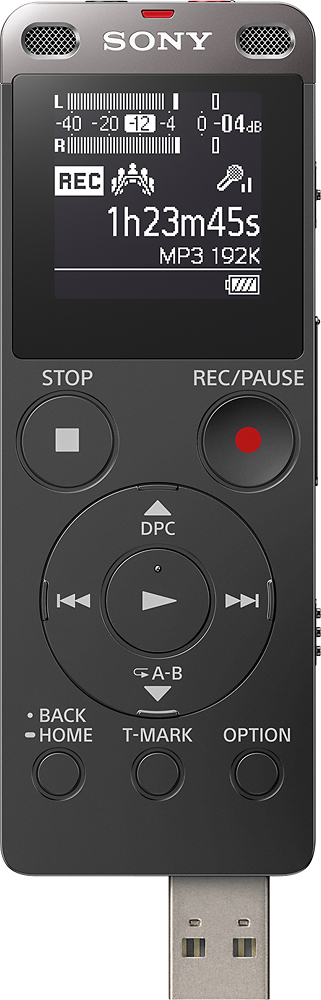
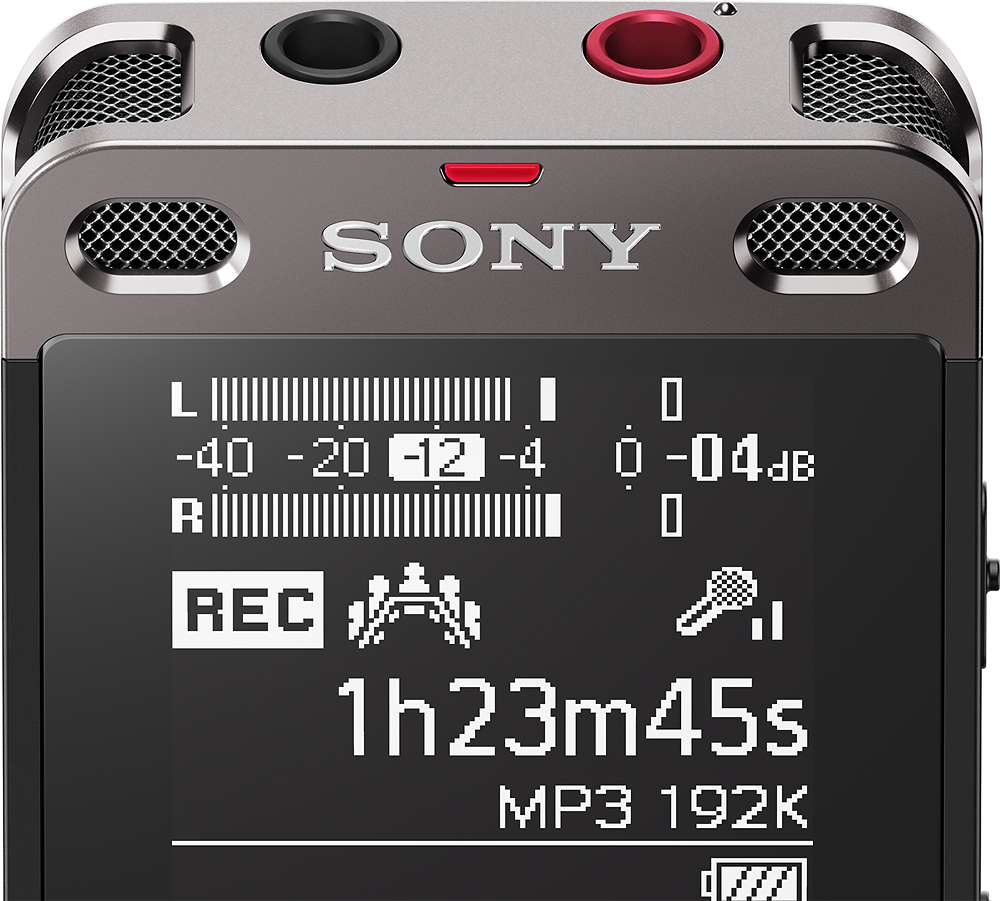
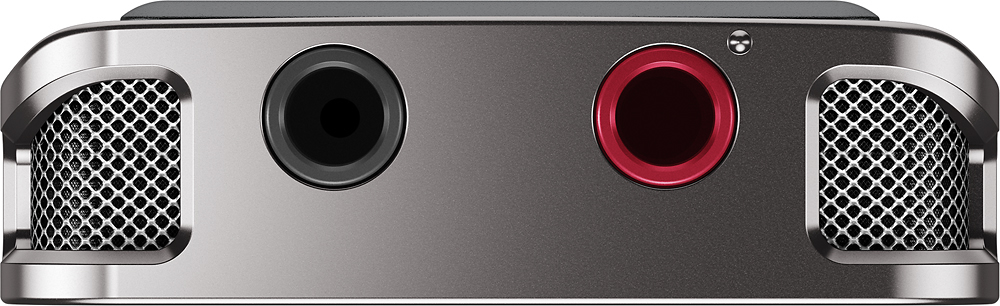
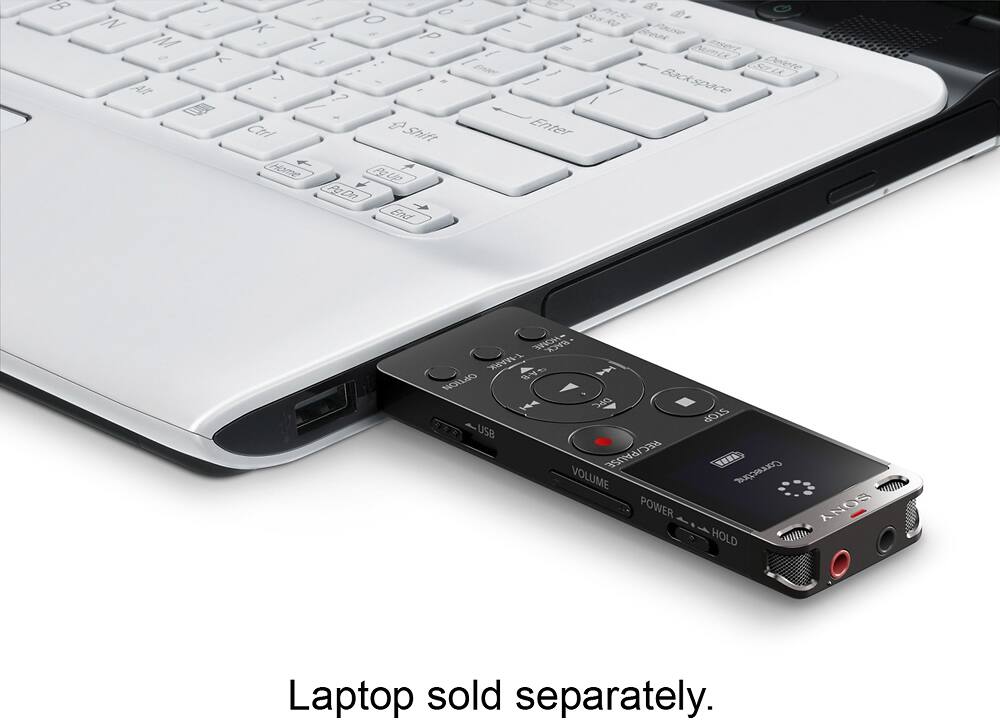
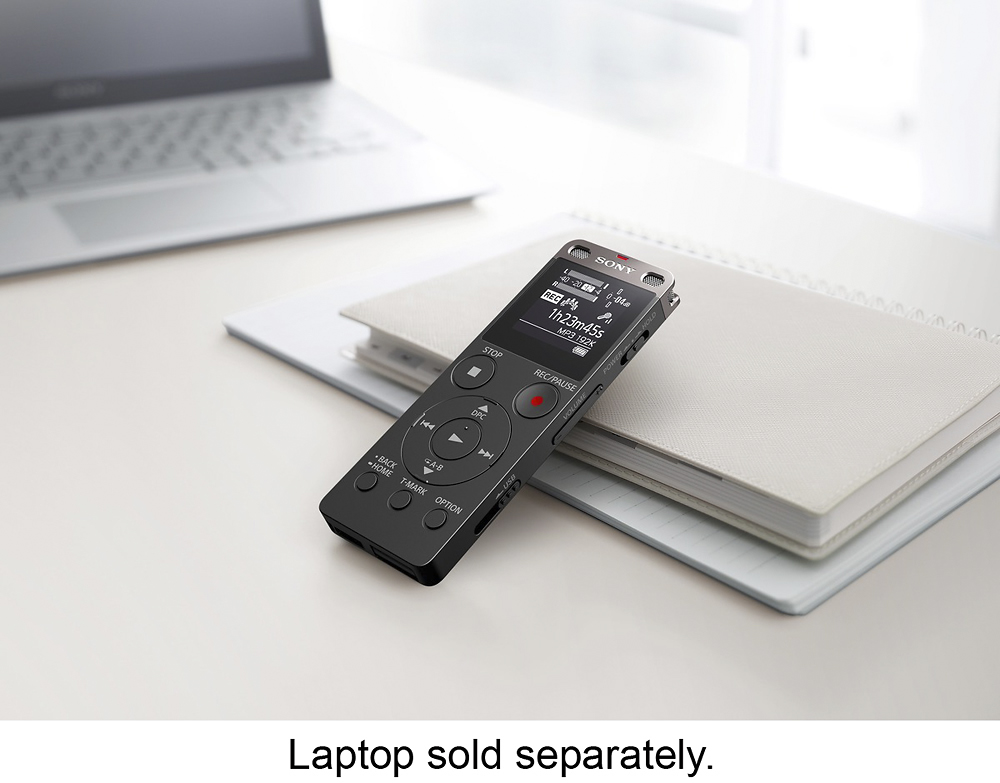
A:AnswerHello BUD! In order to record from an external source you either place the call in speaker and press the record button to use the internal microphone on the Voice recorder or you can connect the audio out of your telephone if available and use the Microphone port on the recorder, keep in mind that the cord needs to be purchased separately. We recommend checking the following link for details on how to make the connection and also on how to change the settings to activate it: http://helpguide.sony.net/icd/u56/v1/en2/contents/TP0000830959.html http://helpguide.sony.net/icd/u56/v1/en2/contents/TP0000831192.html ~Jeannette
A:AnswerYes I was able to use it with Dragon Naturally Speaking 13 on first day - it recognized the device and work very well. Even was able to train Dragon with it.
Not sure if this version of Dragon that you have - but it work for me
You can transfer recording to PC using Sony software also and then read it in.
A:AnswerHi, James! This digital voice recorder does not have a noise filter that removes unwanted noise. However, it has a feature called 'Clear Voice function' that reduces ambient noises to make human voices distinctive. For more details, check here: https://helpguide.sony.net/icd/u56/v1/en2/contents/TP0000830950.html. -Vincent
A:AnswerHi, Decker! You may format a memory card with the recorder. A 128 GB (microSDXC) memory card should work with the unit. Please refer to these links for more information:
https://helpguide.sony.net/icd/u56/v1/en2/contents/TP0000831039.html
https://helpguide.sony.net/icd/u56/v1/en2/contents/TP0000830917.html
~Ralph
A:AnswerHas voice activation for easy on/off recording. Dictation software to turn words to written text can be purchased separately online but does not come with. Most software I’ve found is either expensive or very faulty though.
A:AnswerHi MBC, This digital recorder is compatible with Mac OS X (v10.6-v10.11): http://helpguide.sony.net/icd/u56/v1/en2/contents/TP0000830963.html
Regards,
Vincent
A:AnswerBattery life (built-in rechargeable battery) will depend on your application and format you record in. Entire device plugs directly into a USB port on a computer or to any USB recharging device. Probably would take about an hour to fully recharge if the device's battery was depleted.
A:AnswerHi Melanie, thanks for bringing this up. Please reach us at [email protected] with your concern so we can further assist you. Please also include your contact and product information. We will do our best to help. Regards, ^Ron
A:AnswerYou have to open device through your windows explorer and select recorder to view files. The you can drag and drop recorded data into your device and play
A:AnswerHi velcro,
Yes, this works well in an interview. You can transfer files to your computer using the USB.
https://www.sony.com/electronics/support/res/manuals/4573/45739336M.pdf
Regards,
David