A:AnswerHi cnyankee,
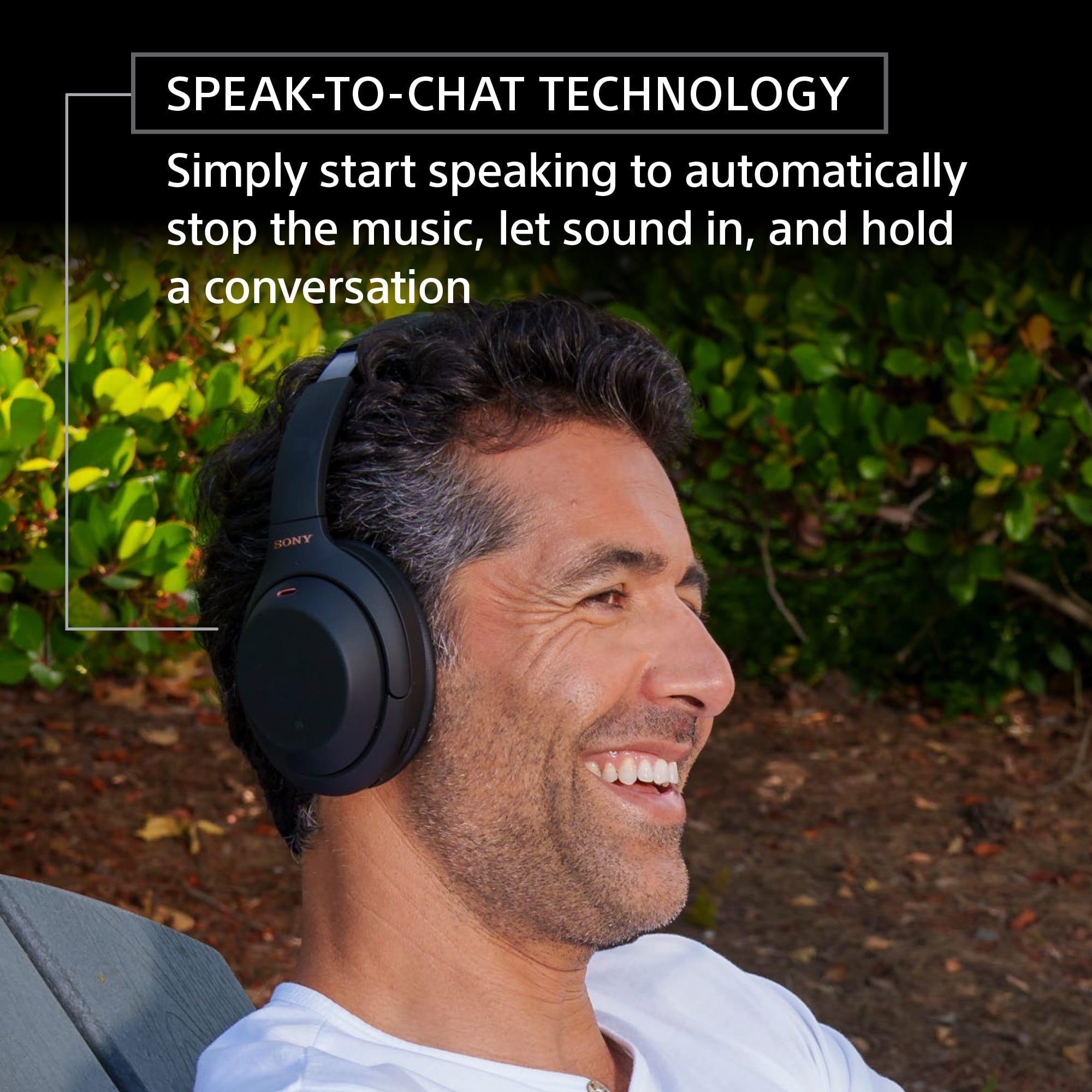
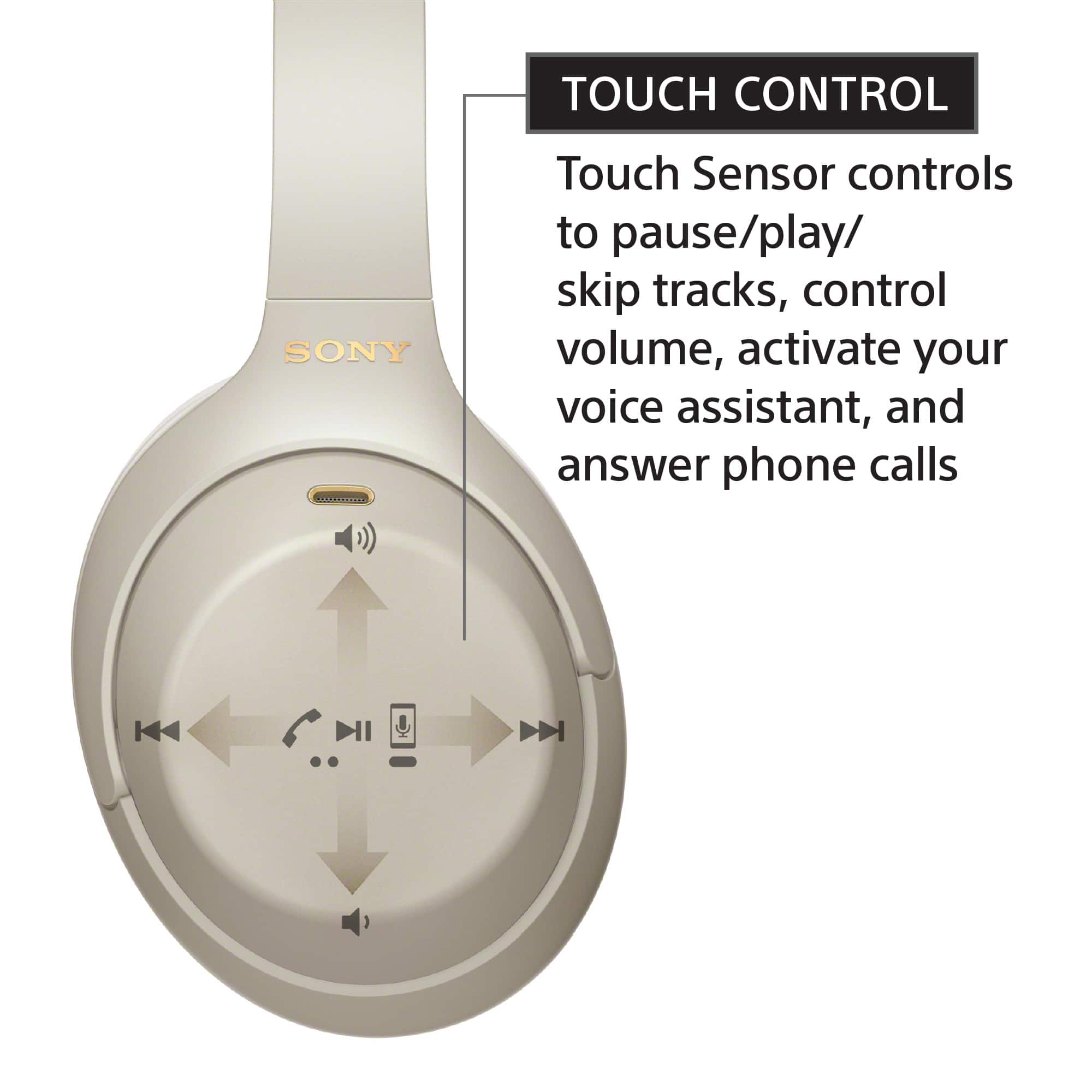
Thanks for your inquiry. Yes, you can enable or disable the Speak-to-Chat function. You can use the touch sensor of the headphones or the Sony Headphones Connect app to turn on/off this function. Please refer to this link for more information:
https://helpguide.sony.net/mdr/wh1000xm4/v1/en/contents/TP0002754732.html
Regards,
-Ralph
A:AnswerIf your TV accepts Bluetooth connections, then you should be fine.
I found with my TV using a long audio cable that there was a low buzzing sound that was pretty annoying.
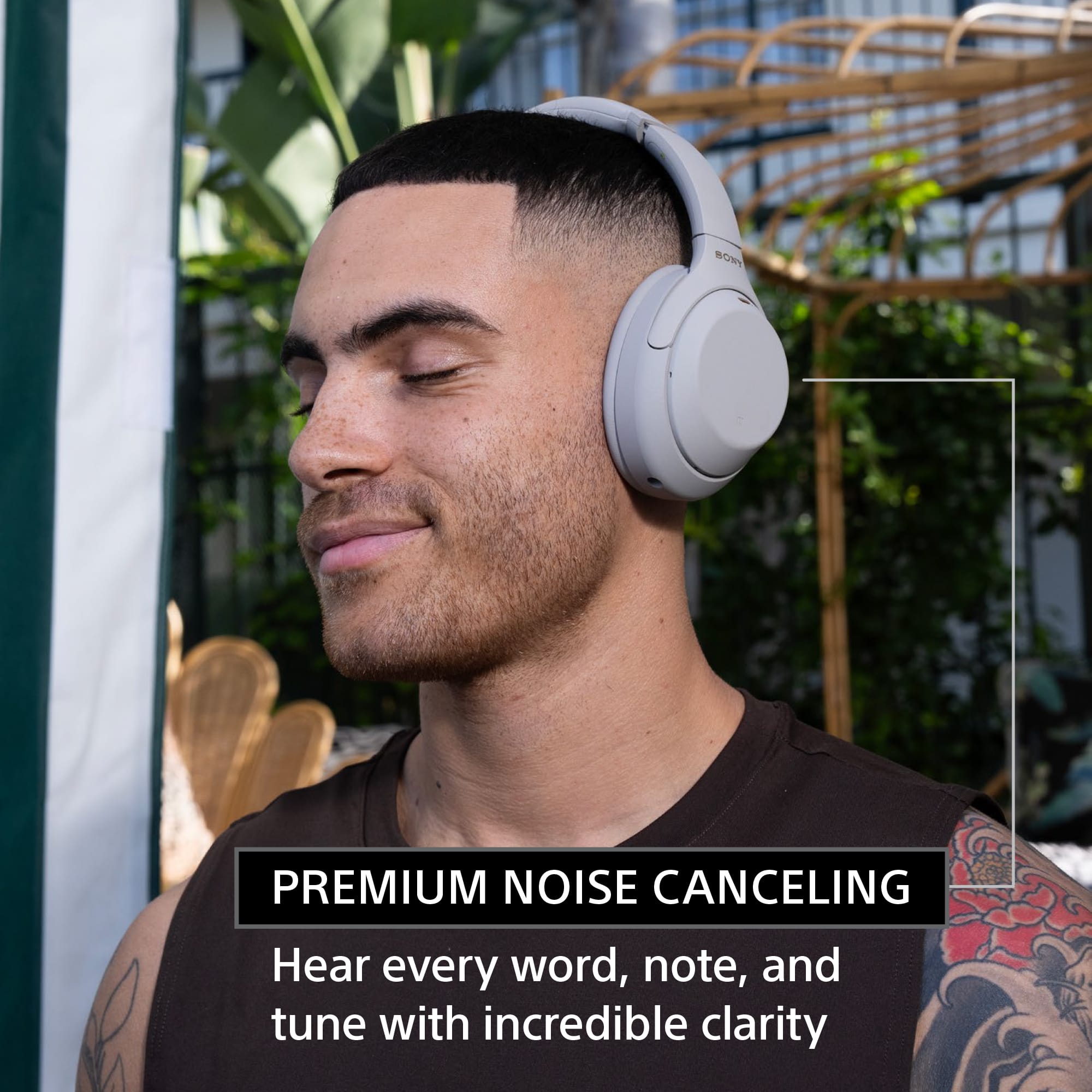
A:AnswerI just purchased these today because they were recommended in another Q&A for people with ear piercings and the cups rest right outside of my ears. My ears are average size and I have an industrial in one ear (short bar, no excess in front or behind) and a helix piercing in the other.
A:AnswerShort answer: No.
Long answer: If you are careful to keep water and sweat from any joint, button or connector, then you can get away with a lot. But the answer is still no.
A:AnswerThe sliding gestures work on my phone, PC, and Macbook. You can turn off the touch sensor in the headphones connect app - see if that got turned off somehow.
A:AnswerYou did look at a floor model and for things like headphones they get worn a lot. I wouldn't exactly judge quality based off of that. But I've owned mine for awhile now and they are a really fantastic pair of headphones. I highly recommend them.
A:AnswerMy suggestion would be to first check the cable you are using to ensure it is not faulty as well as the port you you're re plugging it into. If they are working normally with other devices you may need to call customer service and have Sony repair them for you.
A:AnswerThey're Bluetooth so if your Polk is Bluetooth you're going to be happy. Speech clarity and music sounds amazing! If you're using the Polk sound system with movies make sure you activate CC which gives you the transcription of all the conversations just really makes things easier.
A:AnswerOh oh no. This is why we buy tech support and protection. I actually lost connectivity with my Bose 700s I just got on YouTube and looked for some videos and got the help I needed. Otherwise when these types of situations occur I run into Best buy and ask for assistance. You don't necessarily have to go to the tech desk if you just hang out in the area of interest you know like in front of the earphones someone will come by and ask if you need help and you can tell him the situation and they might give you a few minutes to see if they can target shoot for you
A:Answerwhat kind of tv do you have? You can best connect through your phone's bluetooth if you have a cable or roku app or by using the headphone jack
A:AnswerThat's called surround sound, its a standard for most headphones and earbuds. Enabling mono-audio should fix this, just either use the sony connect app or do it in the equalizer settings (Spotify has it in their audio settings)
A:AnswerI bought mine at that Priceline but it was because they were on sale for prime day. Best buy matched the price for the period that they were on sale which was just a cpl days. Now they are back to retail which is why the price change.
A:AnswerI am amazed at the distance I get. In some instance with no obstruction except wood wall 50'. I am sending Bluetooth through Anker device though.
A:AnswerHi hanann,
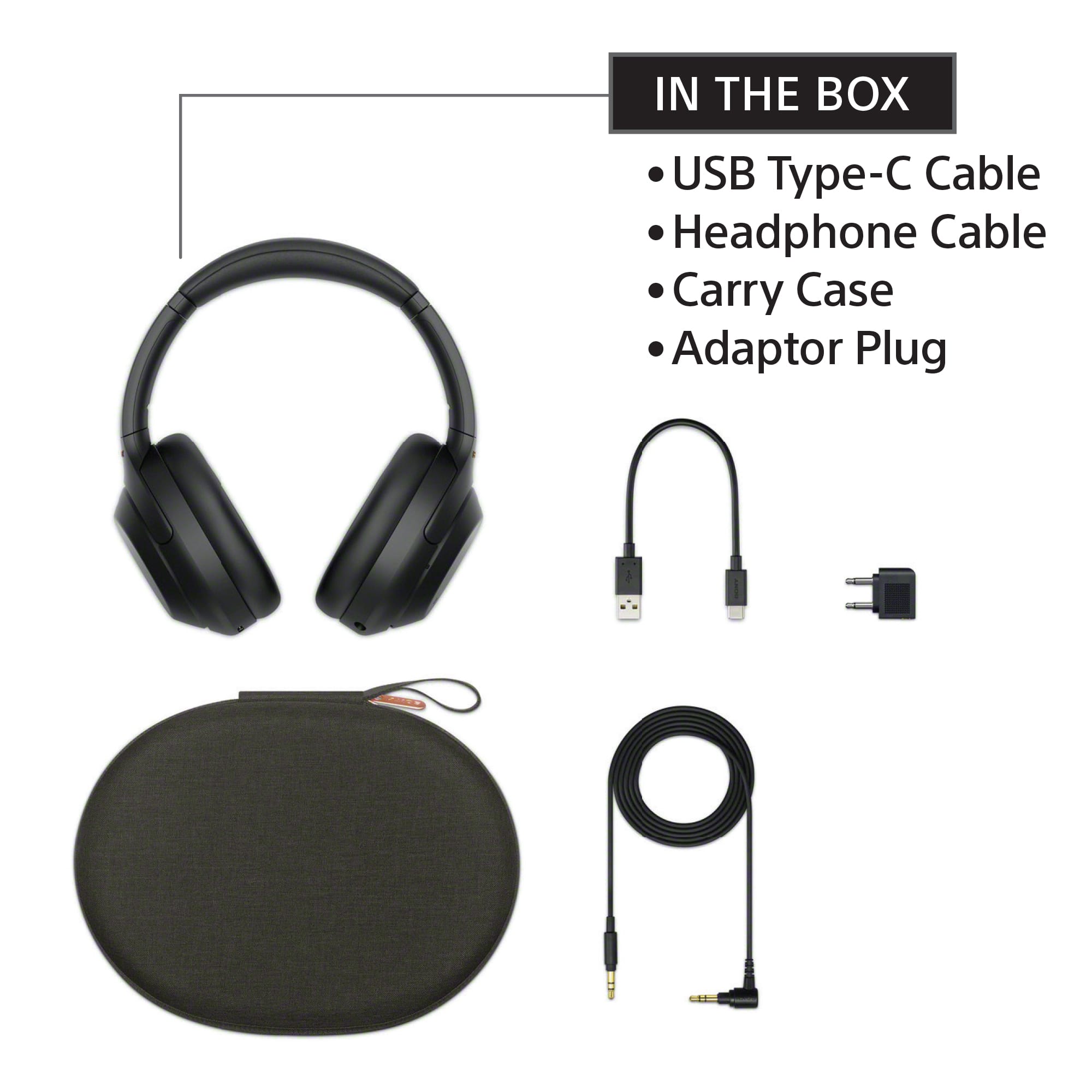
Thanks for your inquiry. It is recommended to use the supplied headphone cable of the WH1000XM4 for optimum performance. It measures approx. 1.2 m.
-Ralph
A:AnswerHi Changeable,
Thanks for your inquiry. Yes, you can use the equalizer function of the Sony Headphones Connect app to tailor-fit the sound quality to your needs. Please refer to this link for more information:
https://helpguide.sony.net/mdr/hpc/v1/en/contents/TP0001548870.html
Regards,
-Ralph