A:AnswerHi Jagah,
Thank you for you inquiry. May we know where do you want to connect the headphones? For better assistance, we suggest to contact the manufacturer of the device where you'll connect the headphones to check if it supports 2 headphones at the same time.
Should you need additional support, please email the below information to [email protected].
Name:
Best Buy Username:
Telephone Number:
Model Number:
Issue:
Regards,
Kris
A:AnswerHi,
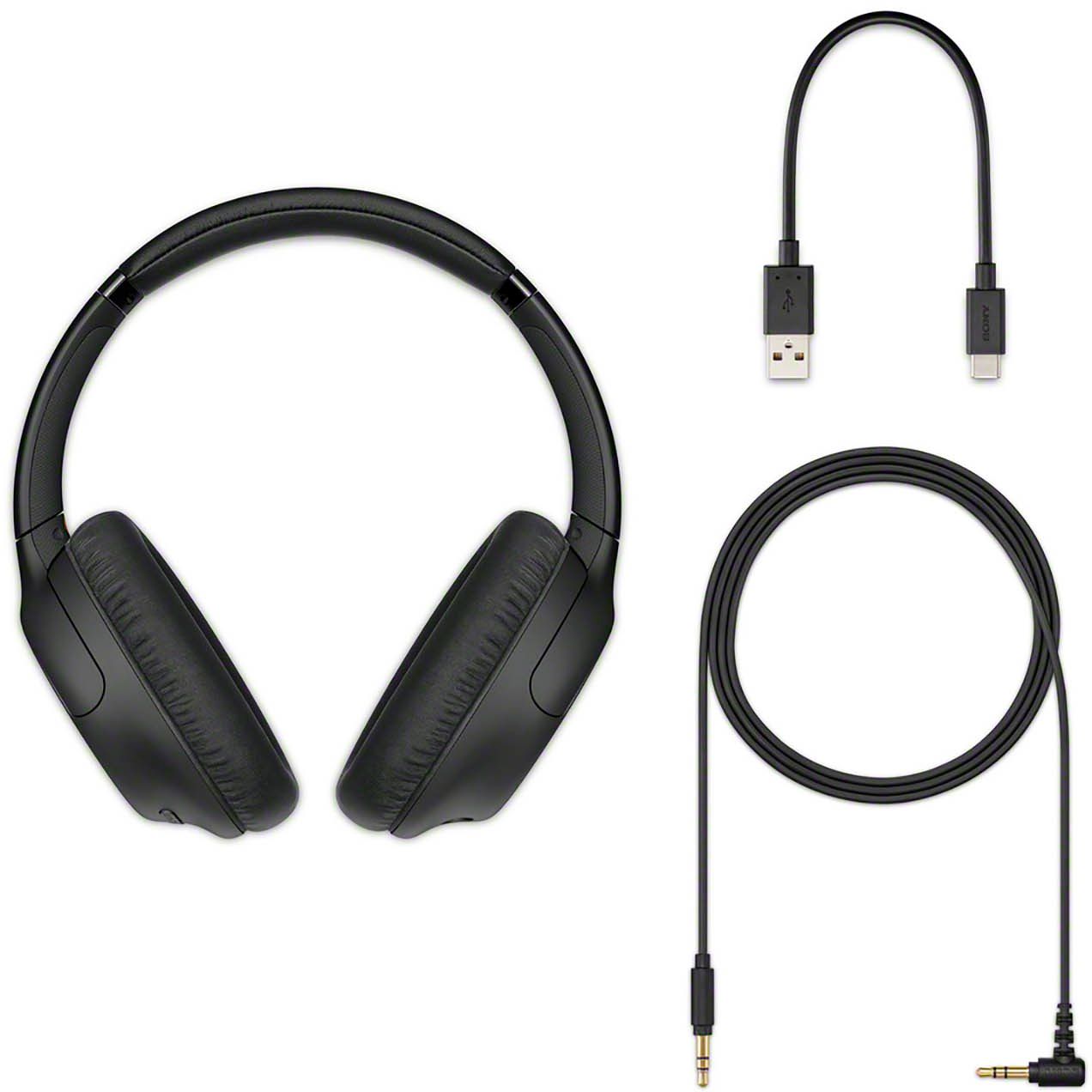
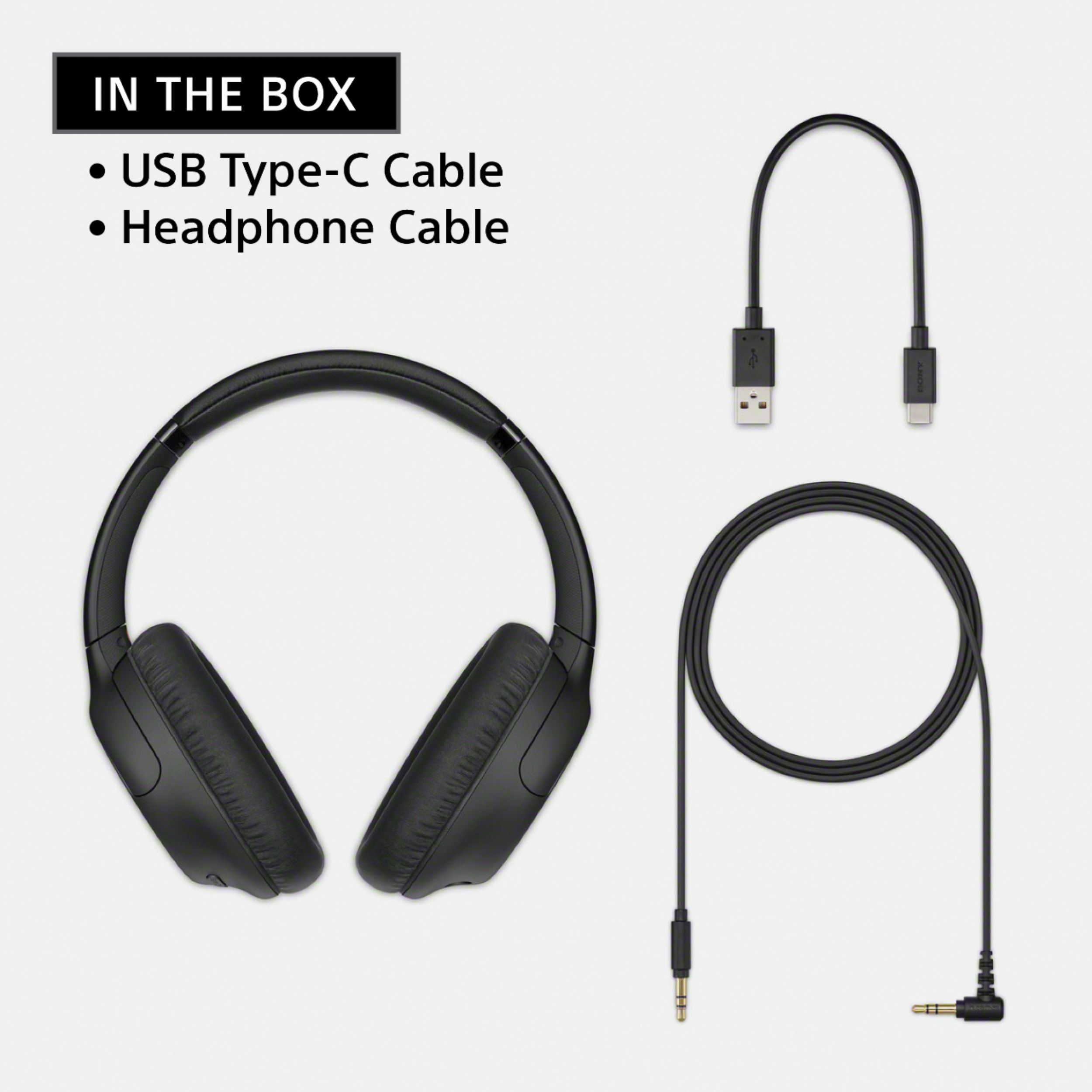
Thank you for your inquiry. We recommend using the supplied headphone cable. However, if you will use a 3rd party accessory, we recommend to contact your dealer/BestBuy for better assistance on purchasing a longer headphone cable or an extender that you can use for this headphones. - Kris
A:AnswerHi Beverly,
Thank you for your inquiry and we do apologize for the inconvenience. We cannot guarantee the full operation when using a Bluetooth adapter on the headphones. However, you may check this link to troubleshoot if there is no audio after pairing the headphones to a computer: https://www.sony.com/electronics/support/wireless-headphones-bluetooth-headphones/wh-1000xm4/articles/00029577
Should you need further assistance, please email the below information to [email protected].
Name:
Best Buy Username:
Telephone Number:
Model Number:
Issue:
Regards,
Kris
A:AnswerHi chas,
Thank you for your inquiry with our WHCH710N. Unfortunately, no. Bluetooth wireless technology operates within a range of about 10 m (30 feet). The maximum communication distance may vary depending on the presence of obstacles (people, metal objects, walls, etc.) or the electromagnetic environment. - Kris
A:AnswerHi jfuent,
Thank you for reaching out to us. We're sorry to hear the issue that you are having with the headphones. We'd like to help troubleshoot the issue. Please open this link on how to use the Bluetooth headphones for video calls on a computer: https://www.sony.com/electronics/support/wireless-headphones-bluetooth-headphones/wh-ch710n/articles/00250089
If the issue has not been resolved after performing the steps, please send us an email with below information at [email protected] for further assistance:
Name:
Best Buy Username:
Telephone Number:
Model Number:
Issue:
Regards,
Kris
A:AnswerI believe so, yes! Just be sure to monitor the volume level and read the information booklets that come with them in the box! It is very helpful!!
A:AnswerHi,
Thank you for the question. You may use a Bluetooth transmitter to connect Bluetooth headphones to other brand of audio receiver however it is not guaranteed and depends on the transmitter you are using. The WHCH710N headphones are designed for compatible Bluetooth devices that supports A2DP Bluetooth profile. You may check this link about connecting Bluetooth headphones connect to Sony audio receivers. https://www.sony.com/electronics/support/articles/00049493
We also recommend to check your receiver manual for features and specifications.
If you need additional support, please email the below information to [email protected].
Name:
Best Buy Username:
Telephone Number:
Model Number:
Issue:
Regards,
Kris
A:AnswerHi Mike,
Thank you for your inquiry. Unfortunately, no. When the headset is connected to an AC outlet or computer, all operations such as turning on the headset, registering or connecting to Bluetooth devices, and music playback cannot be performed. For reference: https://helpguide.sony.net/mdr/whch710n/v1/en/contents/TP0002752803.html?search=use%20headset%20while%20charging
Hope this helps. - Kris
A:AnswerI use them with my Samsung Note 20 Ultra, and Lenovo laptop. It easily connected to my phone. With NFC and Bluetooth pairing. No issues with connecting. Only issue were with human error or selecting the wrong device on my Lenoco laptop. They connect right away everytime.
A:AnswerHi there,
We're sorry to hear what happened. If charging cannot be done on the headphones, please try some of these steps below to resolved the issue:
Be sure to use the supplied USB Type-C cable.
Check that the USB Type-C cable is firmly connected to the headset and the USB AC adaptor or computer.
Make sure that the USB AC adaptor is firmly connected to the AC outlet.
Check that the computer is turned on.
Wake the computer up if the computer is in standby (sleep) or hibernation mode.
When using Windows 8.1, update using Windows Update.
Reset the headset. For reference: https://helpguide.sony.net/mdr/whch710n/v1/en/contents/TP0002752743.html
May we also contact you to help? If so, please email the below information to [email protected]:
Name:
Best Buy Username:
Telephone Number:
Model Number:
Issue:
Regards,
Kris
A:AnswerHi FOTBHLS1,
Thank you for your inquiry. Yes, this headphones can connected via Bluetooth to iOS devices such as iPhone, iPad and etc. For reference, please refer to this link: https://helpguide.sony.net/mdr/whch710n/v1/en/index.html
Regards,
Kris