A:AnswerHi charlie,
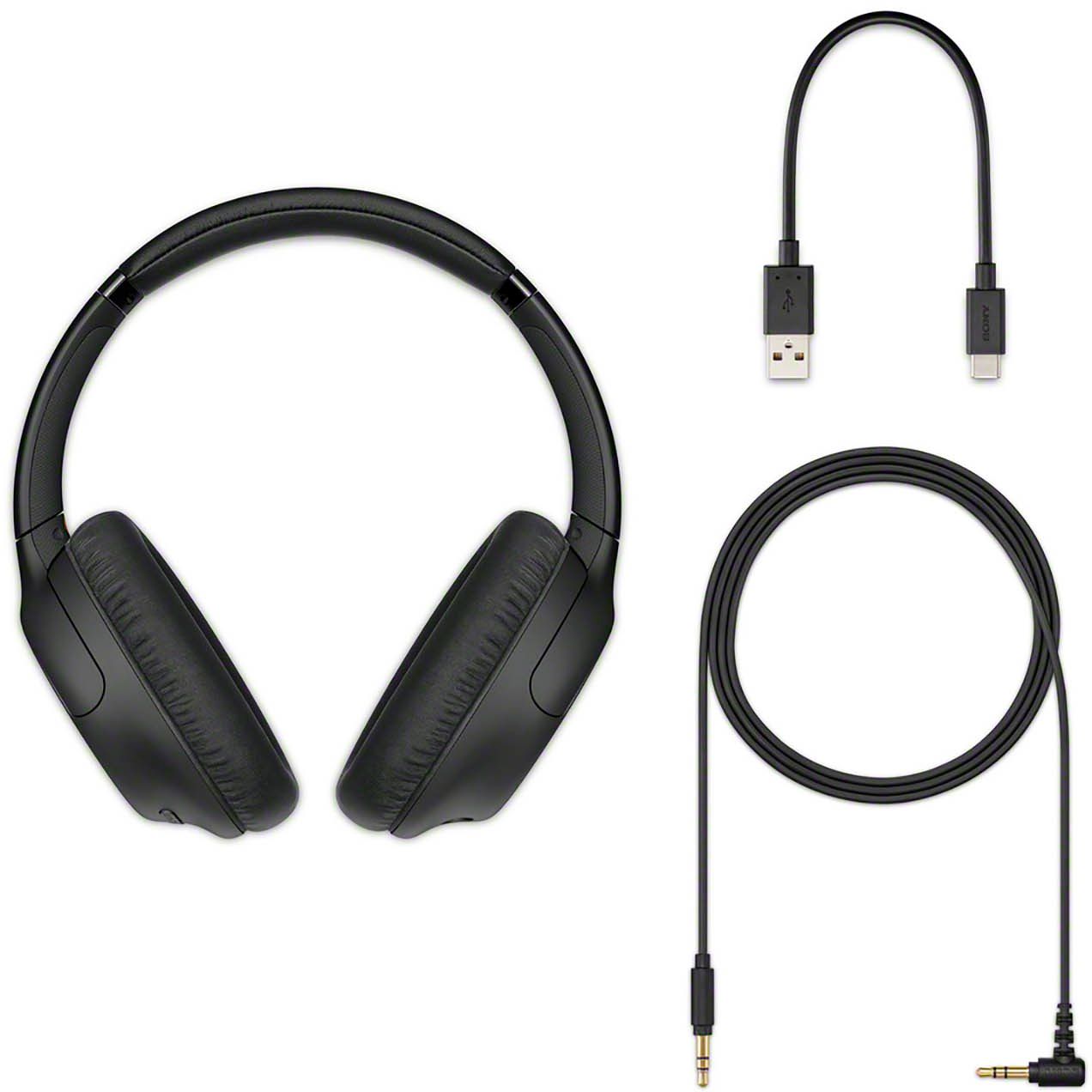
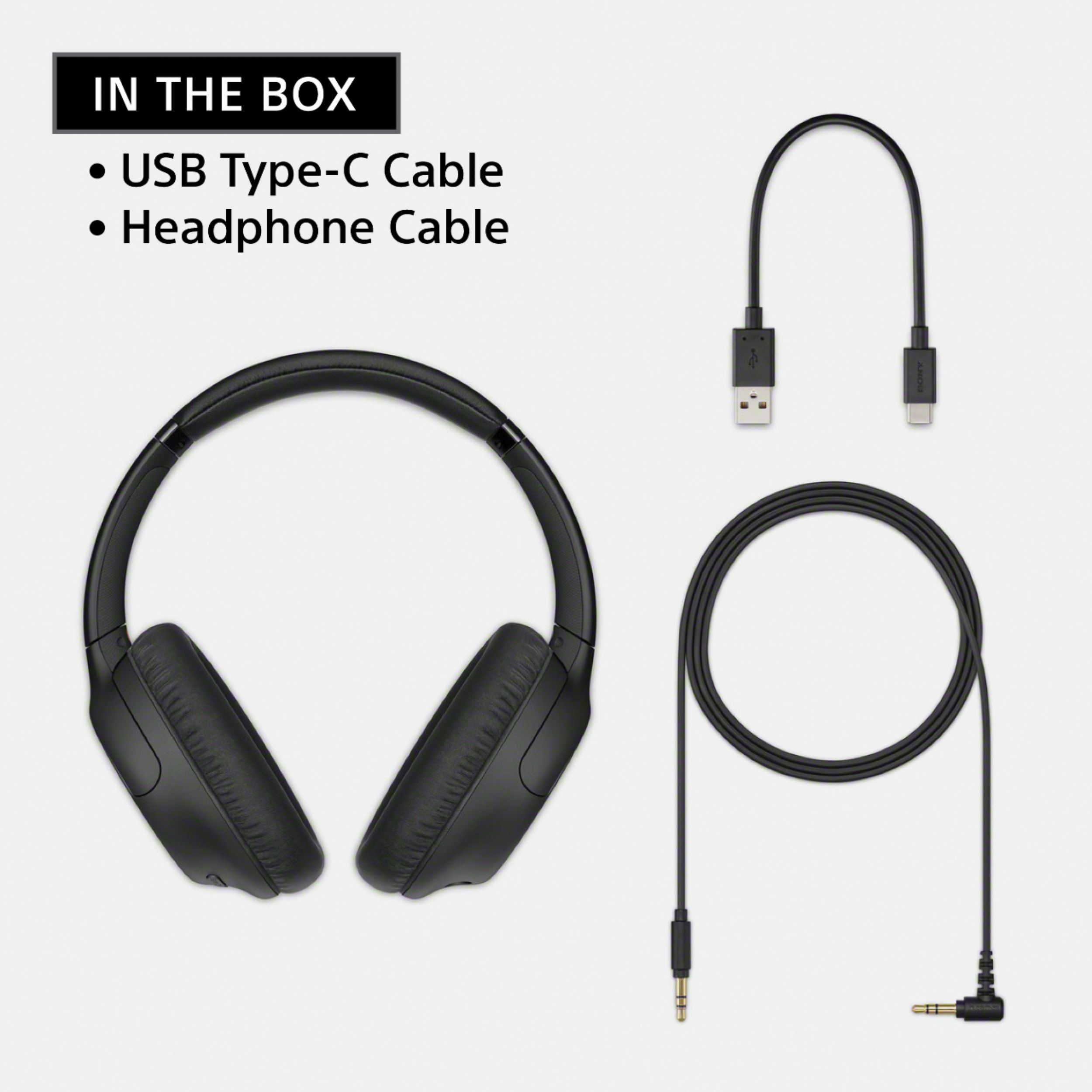
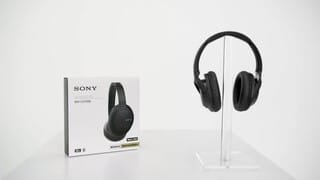
Thank you for your inquiry! The WH-CH710N headphones have two ways of connecting, first is by using A2DP Bluetooth profile which will let you connect to your compatible A2DP device wirelessly or wired by using the Headphone Cable jack. Bluetooth wireless technology operates within a range of about 10 m (30 feet). The maximum communication distance may vary depending on the presence of obstacles (people, metal objects, walls, etc.) or the electromagnetic environment. Please refer to your TV manufacturer for Bluetooth feature availability and specification.
Regards,
Kristina
A:AnswerHi Scratch,
Thank you for your inquiry. The WH-CH710N headphones have two ways of connecting, first is by using A2DP Bluetooth profile which will let you connect to your A2DP compatible device wirelessly or wired by using the Headphone Cable jack. The headphones will work if the Receiver model that you wish to connect the headphones supports these connection. Please refer to the manufacturer of your receiver.
A:AnswerHi DSR,
Thank you for your inquiry. The WHCH710N headphones have two ways of connecting, first is by using A2DP Bluetooth profile which allows you connect to your device wirelessly or wired by using the Headphone Cable jack. If the Kindle Paperwhite E-reader that you wish to connect to the headphones wirelessly is an A2DP compatible device, Bluetooth connectivity will work on headphones. Please refer to your E-reader manufacturer for specification of the device.
Regards,
Kris
A:AnswerHi Fizo,
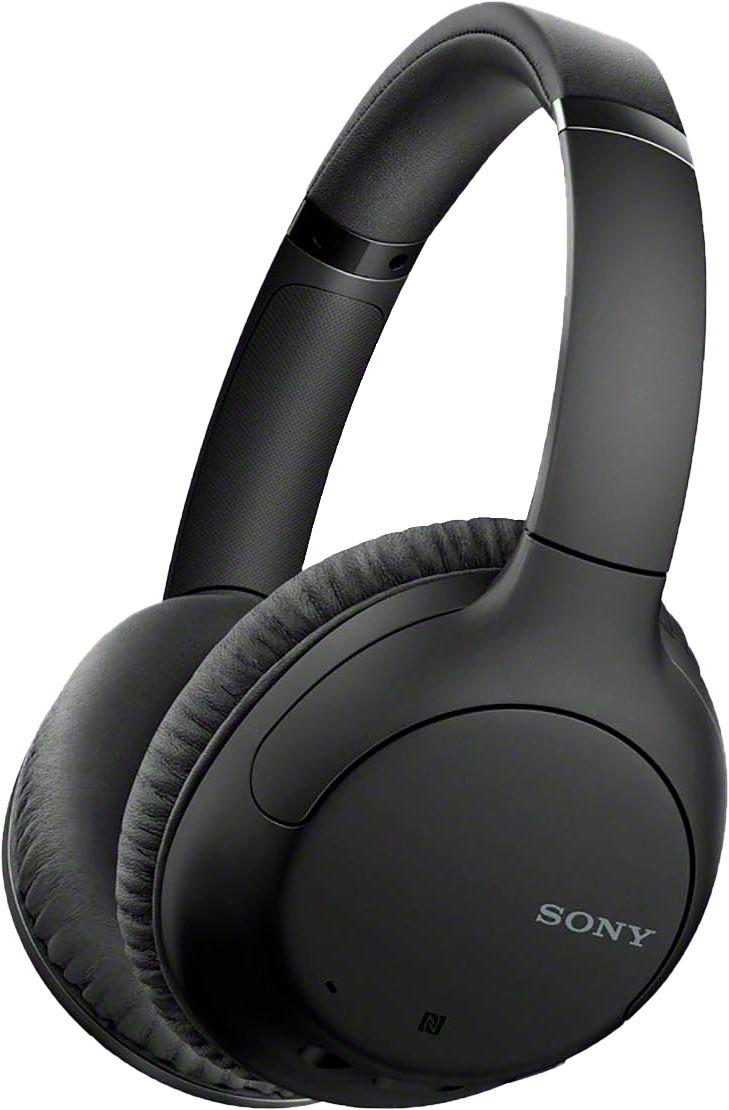
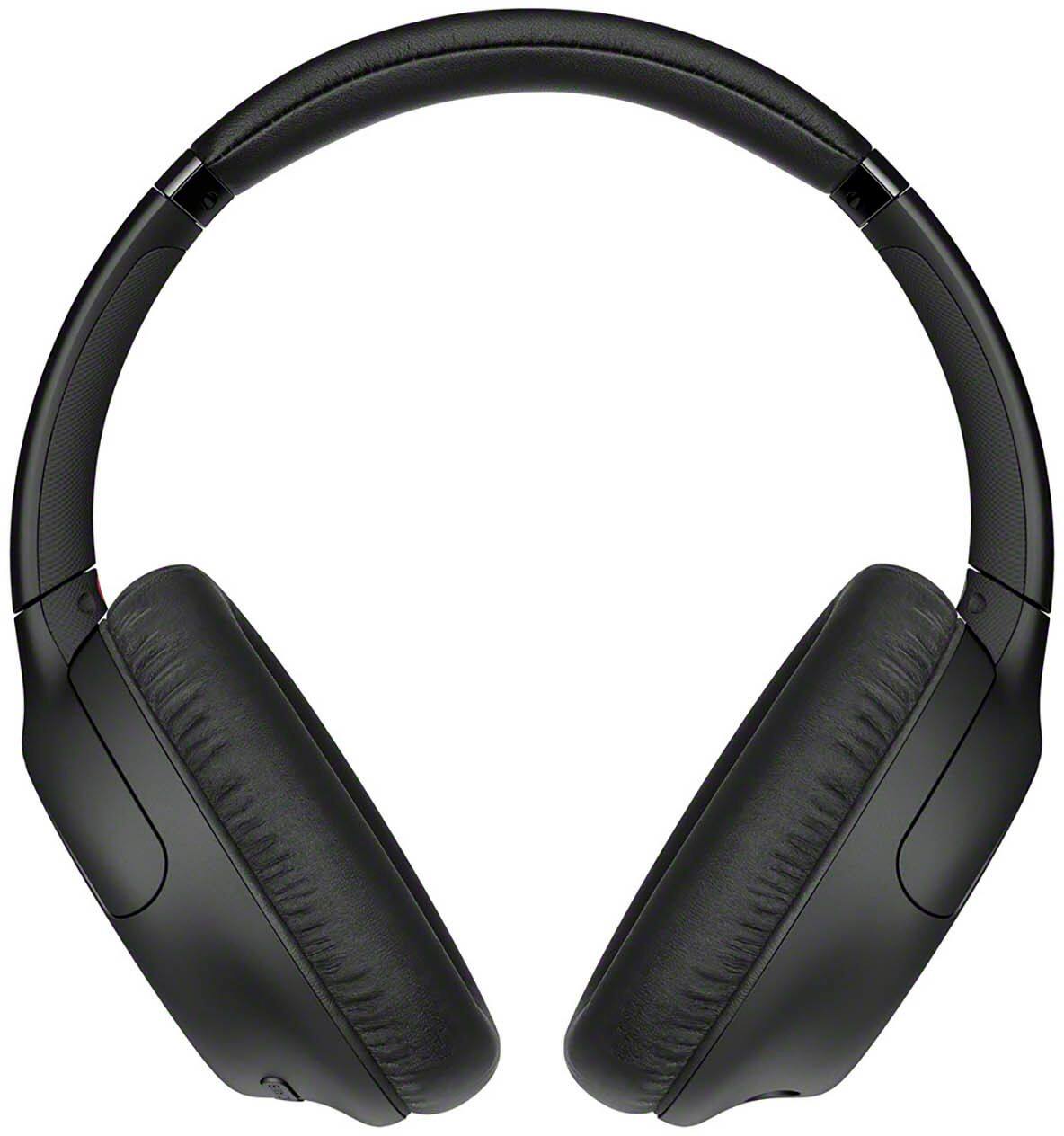
Thank you for your interest with our WHCH710N headphones! Yes, these headphones are adjustable that can be a perfect fit for adult and kids. These headphones actually support super-soft, pressure-relieving earpads in foamed urethane evenly distribute pressure and increase ear/pad contact for a stable fit. I hope this helps.
Regards,
Kris
A:AnswerUnless it's still under warranty, the cost of shipping and repair would be more than the price of the headphones. Just curious, how long is "eventually "?
A:AnswerHi KC771,
Thank you for your inquiry with our WH-CH710N. It depend on the feature available on the TV if supports Headphone Speaker link in able to hear both sound from the TV Speakers and Headphones at the same. If the TV have the feature, then adjustments can be change on the headphones and TV depends on the volume that the user wants. Please refer to this link with more information about hearing sound from both TV speakers and headphones: https://www.sony.com/electronics/support/articles/00049501. I hope this helps.
Regards,
Kris
A:AnswerHi TCCPA,
Thank you for your inquiry. The WH-CH710N headphones have two ways of connection, first is by using A2DP Bluetooth profile which will let you connect to your compatible A2DP device wirelessly or wired connection by using the Headphone Cable jack. Either of the two connection will work on the XBR-65X900E TV. I hope this helps! - Kris
A:AnswerHi bbking,
Unfortunately, we cannot guarantee its full operation. Please contact the manufacturer of the TV for further assistance.
Regards,
David
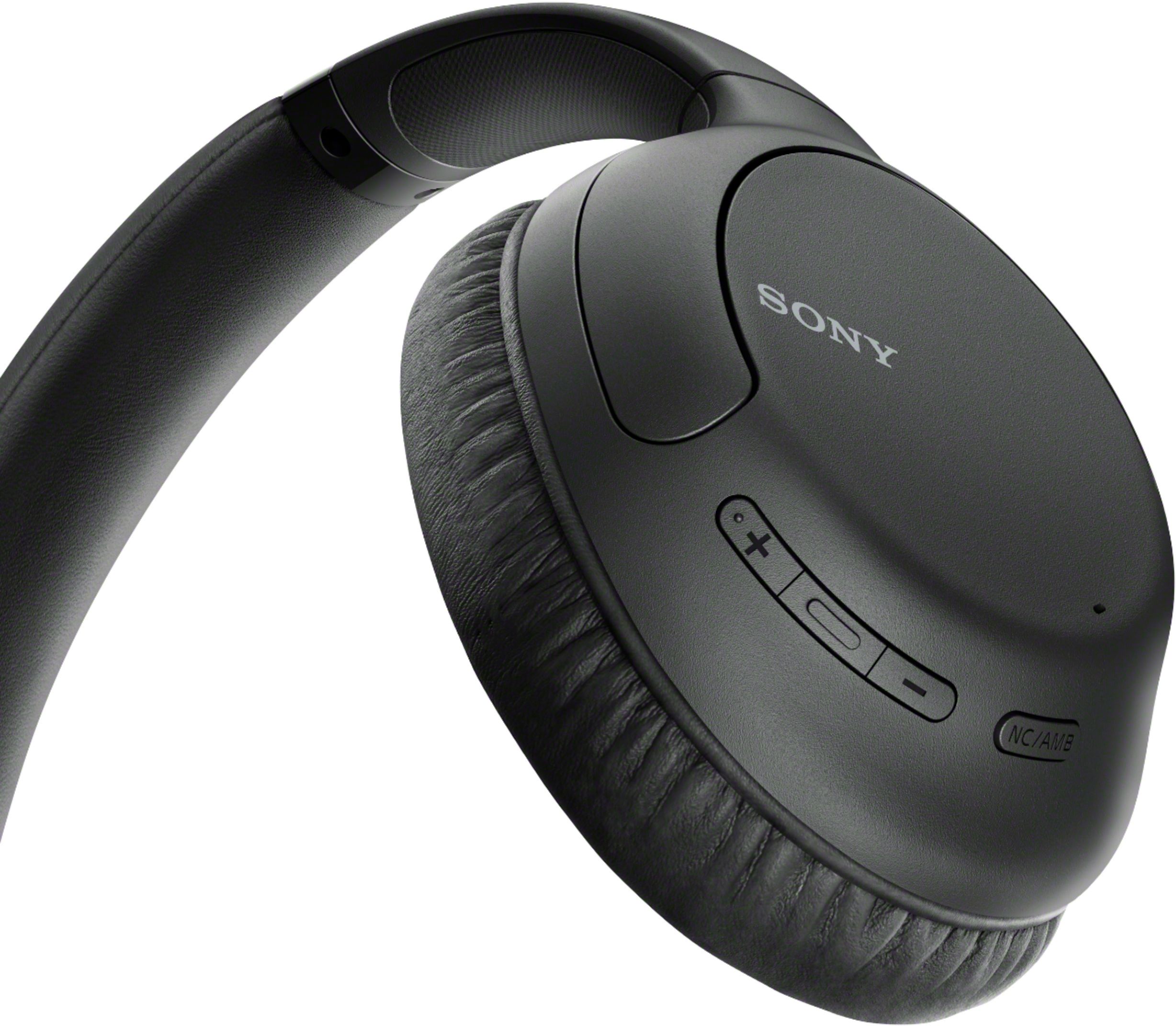
A:Answerthe default when out of the box is to have noice cancelling on. you can cycle through the settings with the button labeled nc/amb on the right ear. ambient let’s in outside sound, noice cancelling cancels outside noise, and ambient sound control of does nothing
A:AnswerHi Patti,
For you to able to connect the headphones via Bluetooth connection the television must support A2DP otherwise it will not work.
Regards,
David
A:AnswerHi Sam,
Thank you for reaching out to us! Our headphones are designed for music/audio playback and do not have OSHA certification (i.e., “hearing protection must be provided to employees if they’re exposed to an 8-hour time-weighted average of 85 decibels or greater”), but its Automatic Artificial Intelligence Noise Canceling function is very effective at analyzing environmental ambient sound components and automatically selecting the most effective noise-canceling mode for your surroundings.
Happy to help,
David
A:AnswerHi Leo, Thank you for your inquiry! We are not sure of the Playstation model that you are referring to. The headphones have two ways of connecting, first is by using A2DP Bluetooth profile which will let you connect to your device wirelessly or by using the Headphone Cable jack. If the Playstation model that you wish to connect the headphones with supports these connection it will work with the headphones. I hope this helps! -Carl