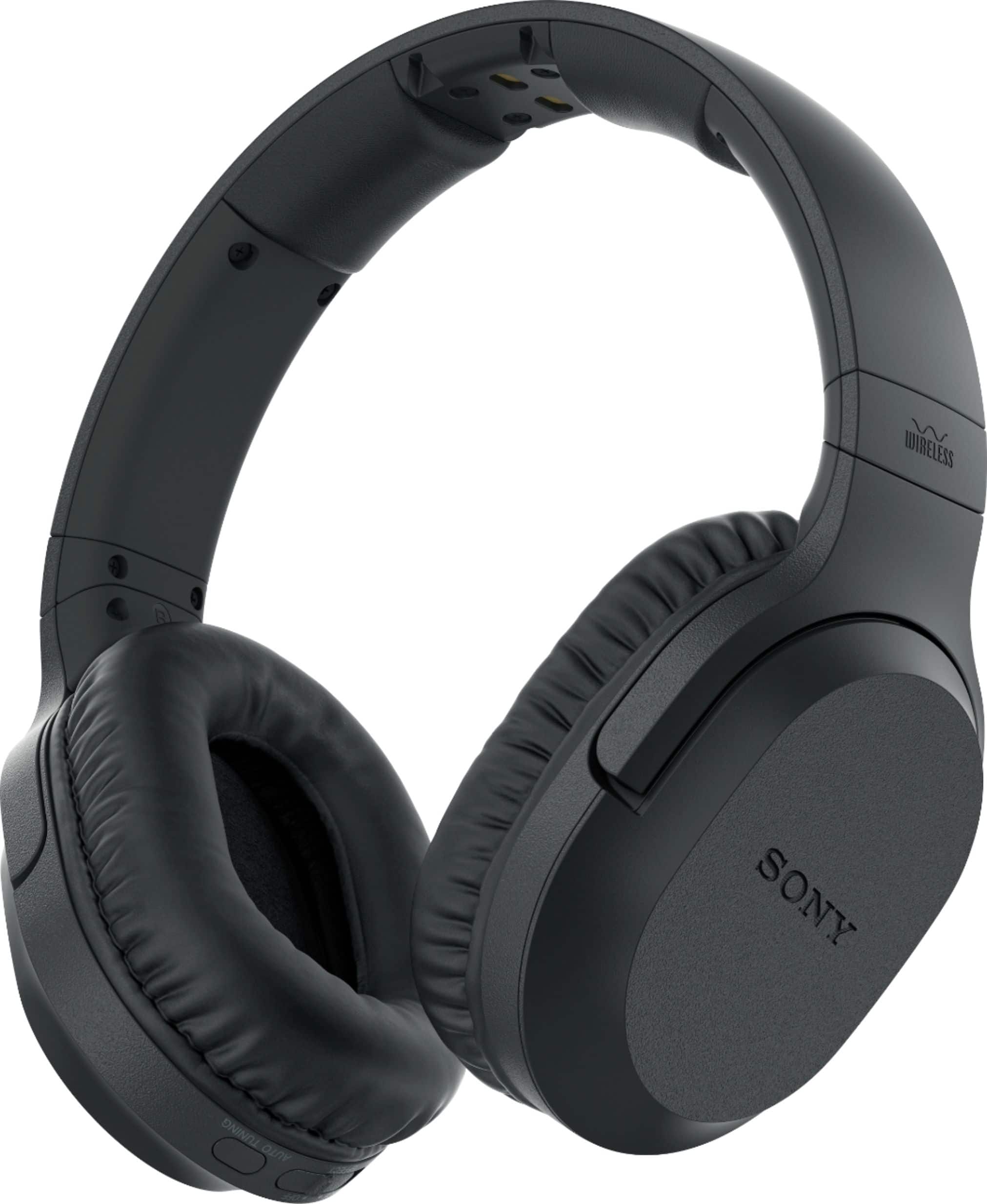
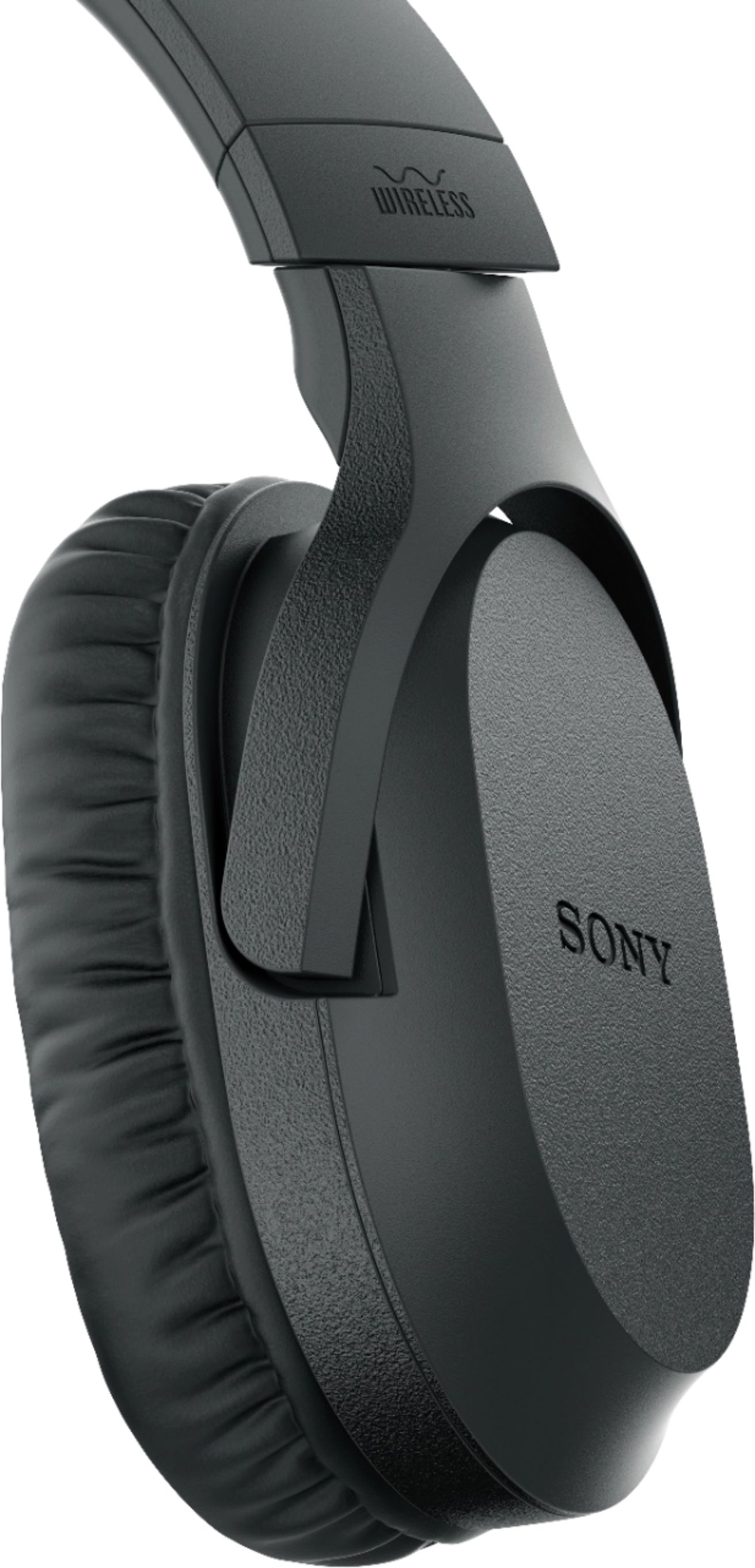
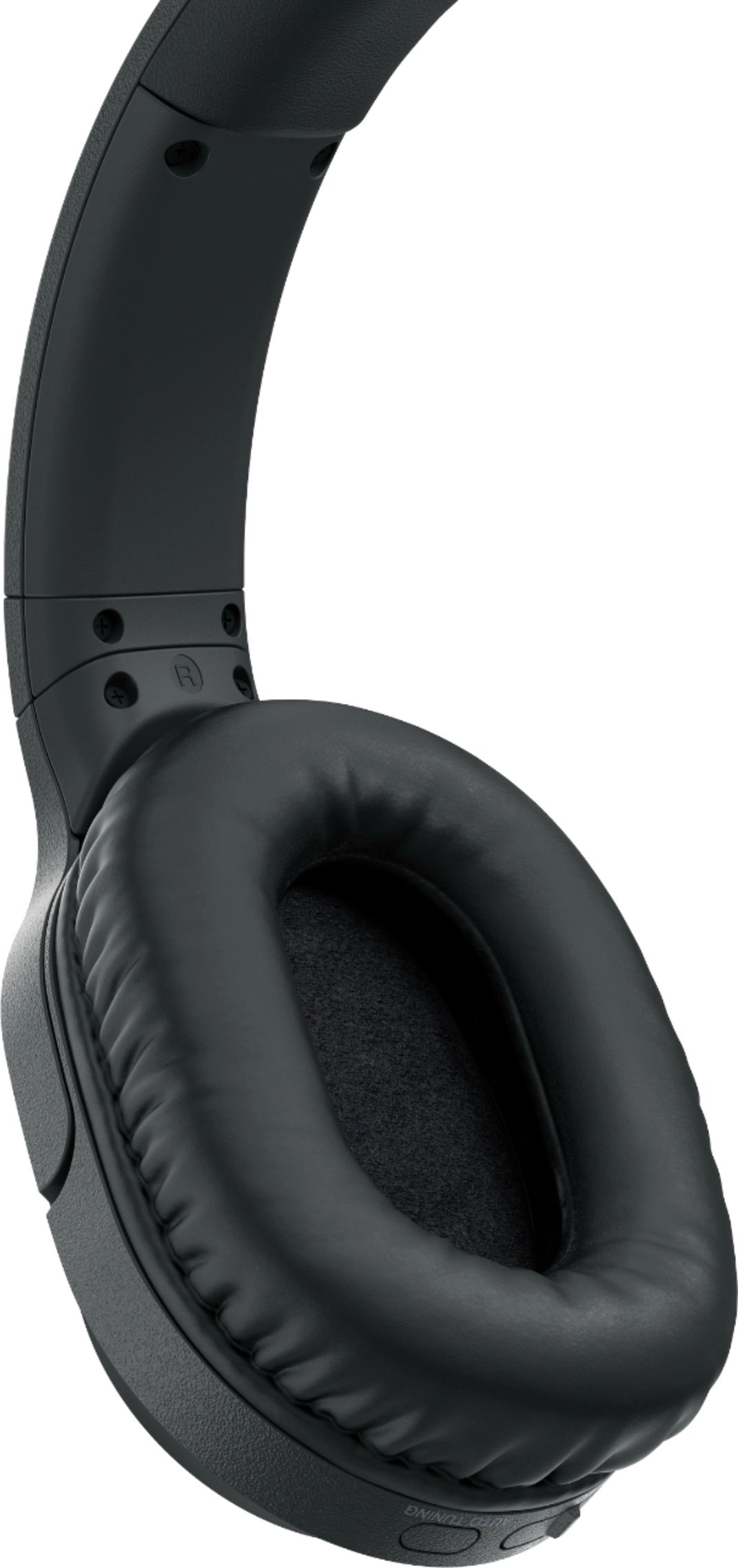
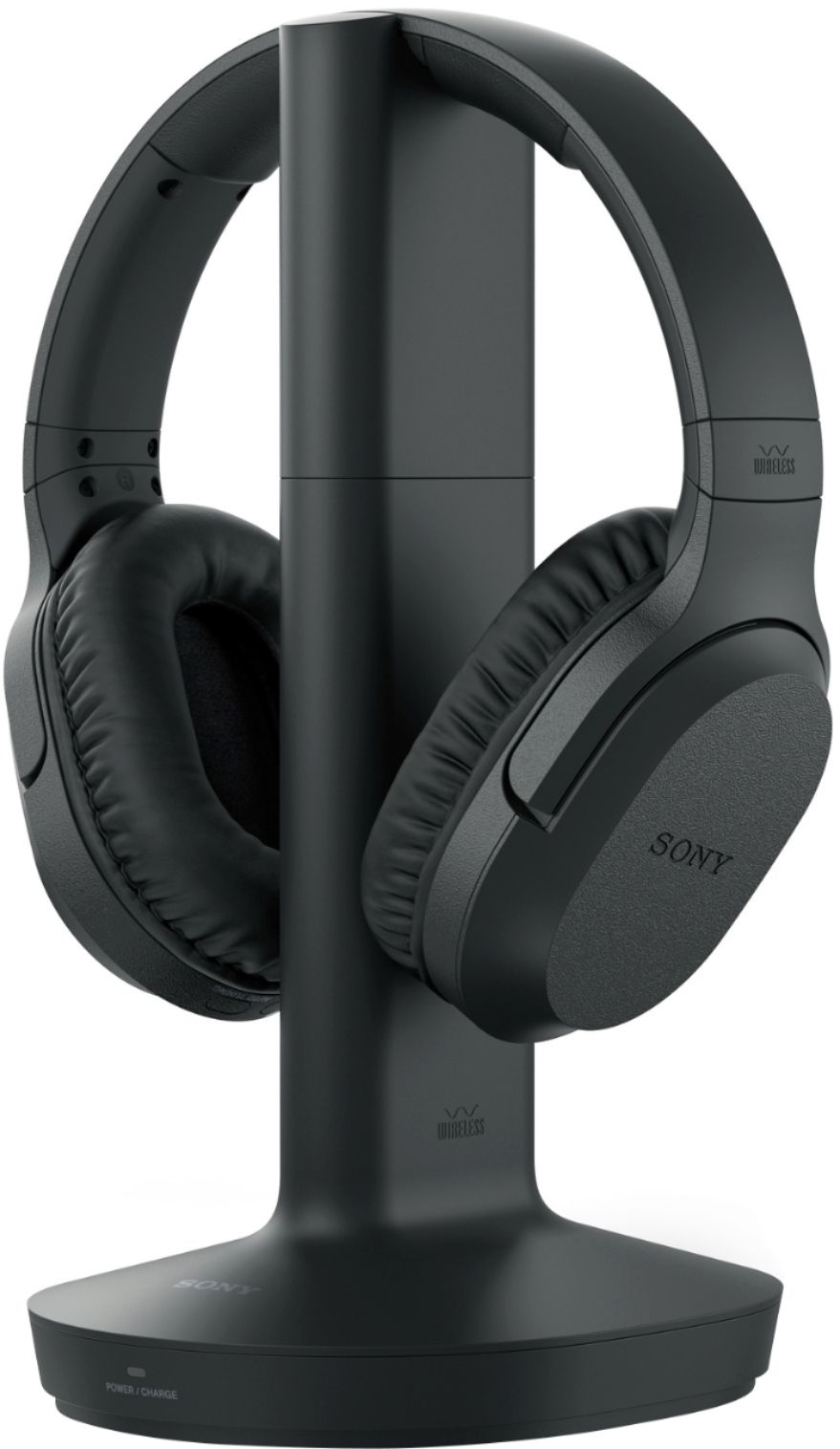
A:AnswerNot sure on your TV. We have a Samsung also, easily hooked up.
Yes, the TV speakers still work. You can have higher or lower volume on headphones than tv speaker at the same time.
A:AnswerHi, al!
These wireless headphones use 3.5mm headphone cable for audio connection. You can check this link below for more information.
https://www.sony.com/electronics/support/res/manuals/4743/da265ba85491320863fd7b2651202bb7/47438071M.pdf
Regards,
David
A:AnswerHi Drew,
Thank you for sharing this review. Click on the link below for the steps on how to resolve your issue.
https://www.sony.com/electronics/support/wireless-headphones-rf-headphones/wh-rf400/articles/00024939
Regards,
David
A:AnswerHi jonie,
You can connect the headphones to your iPhone using the supplied headphone cable. NOTE: Wireless connection will not work for smartphones.
Reference link: https://www.sony.com/electronics/support/res/manuals/4743/da265ba85491320863fd7b2651202bb7/47438071M.pdf
Regards.
David
A:AnswerI don't have a laptop. I have a tower computer. I used the headphone set on the to blast my ears out with some rock music. I don't want to do that too often because it will cause damage to my hearing.
A:AnswerHi TLAgnesB,
You can only connect the headphone one HDMI device at a time. We suggest connecting the headphones directly to your TV so you can hear audio when you switch input from Blu-ray player to cable box. See the link for details.
https://www.sony.com/electronics/support/res/manuals/4743/da265ba85491320863fd7b2651202bb7/47438071M.pdf
Happy to help,
David