A:AnswerNo. Games are purchased separately from Nintendo's online store or physical cartridge. Look for deals that include free months of online gaming or a free upload of a single game.
A:AnswerIf they want to all be able to create/play on their own accounts, it is best to get them all their own games. They can technically share but that does cause problems if they are all linked to the same Nintendo account. If they are not able to harmoniously share on the regular, I would definitely recommend getting separate games for each.
A:AnswerYes, you can go either digital or physical but it depends all on you. As for me I went all digital games but I feel like I’m missing out especially when inserting game cartridges but then again it depends on each person, however you do get more Nintendo gold points if you buy digital games which can then be used to buy other games or possibly be used as discounts to buy more expensive games.
Physical games can be resold at the owners discretion, something that you can’t do with digital games but you get less Nintendo points. Less space taken up as well if you go physical since the actual game itself is stored in the cartridge, not the Nintendo switch itself, whereas digital games are stored directly in the Nintendo switch’s internal storage. Depending on the game, it can take up 1/3rd of the whole capacity (BOTW is ~ 13.4 GB, 1/3rd of a 32GB capacity Switch)
It all depends on you, there’s no right or wrong! Others prefer to buy physical games if it’s for a collection while indie (small) games are usually bought digitally. If you’re going digital, remember to keep in mind the storage capacity of the Nintendo switch you currently own/will own. You might need to buy a separate SD Card to hold the additional games on your Nintendo switch for extra storage space.
Hope this helps!
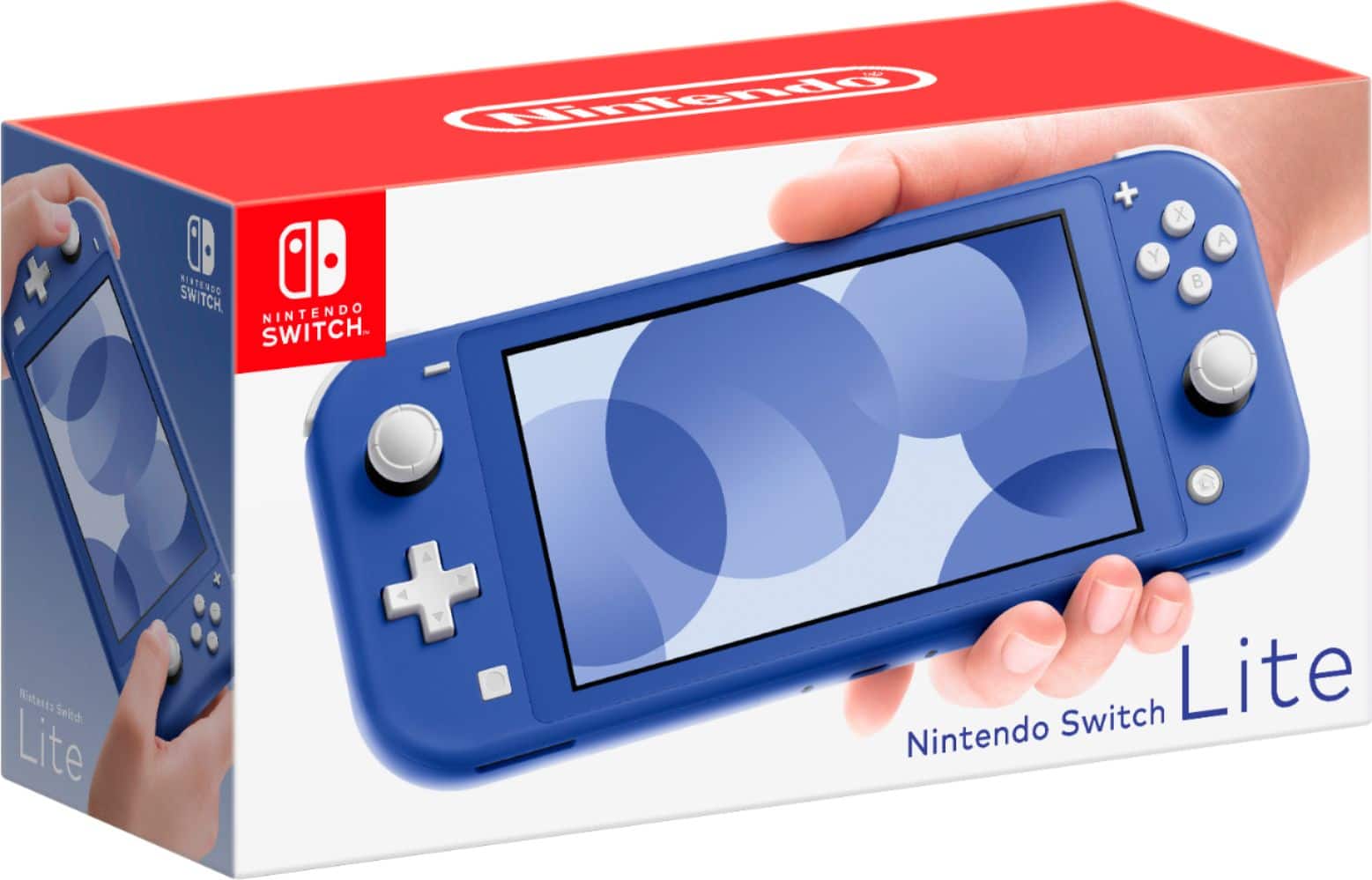
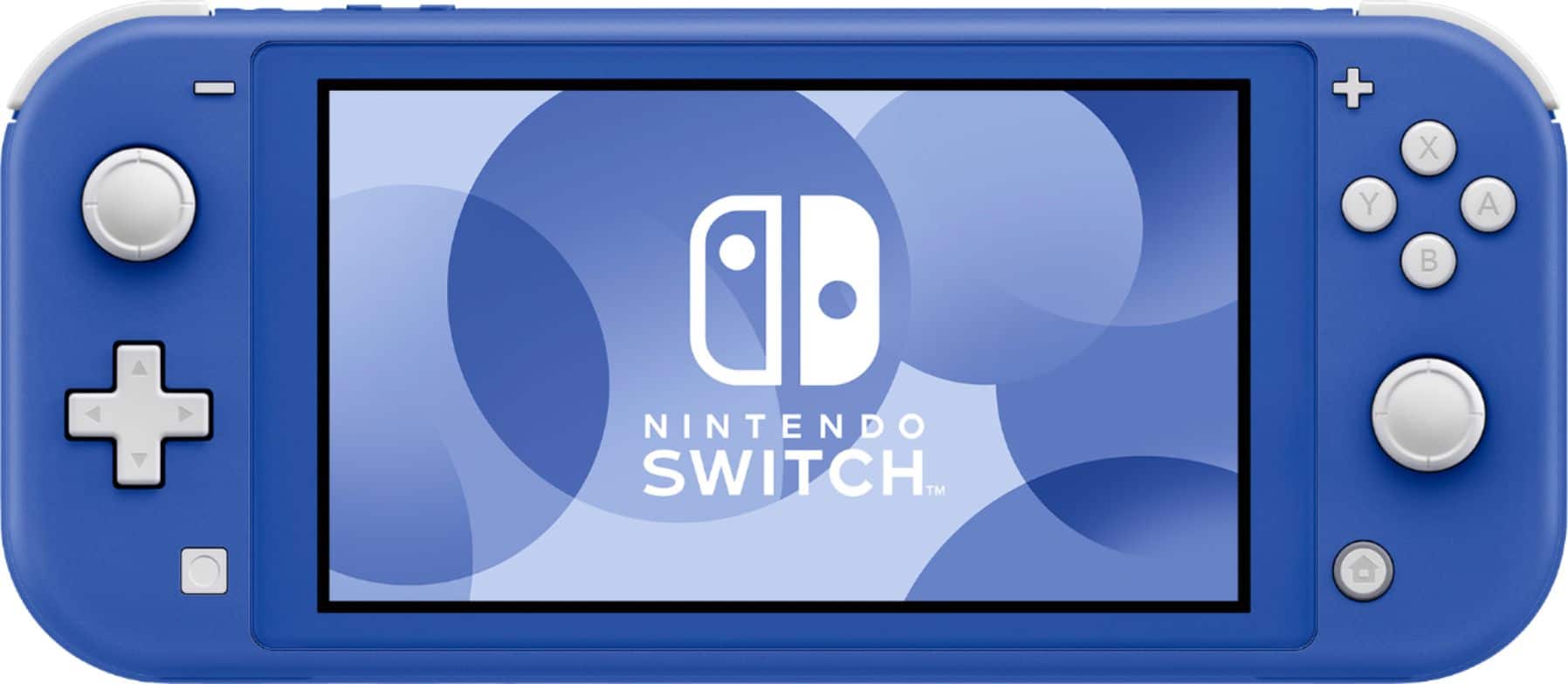
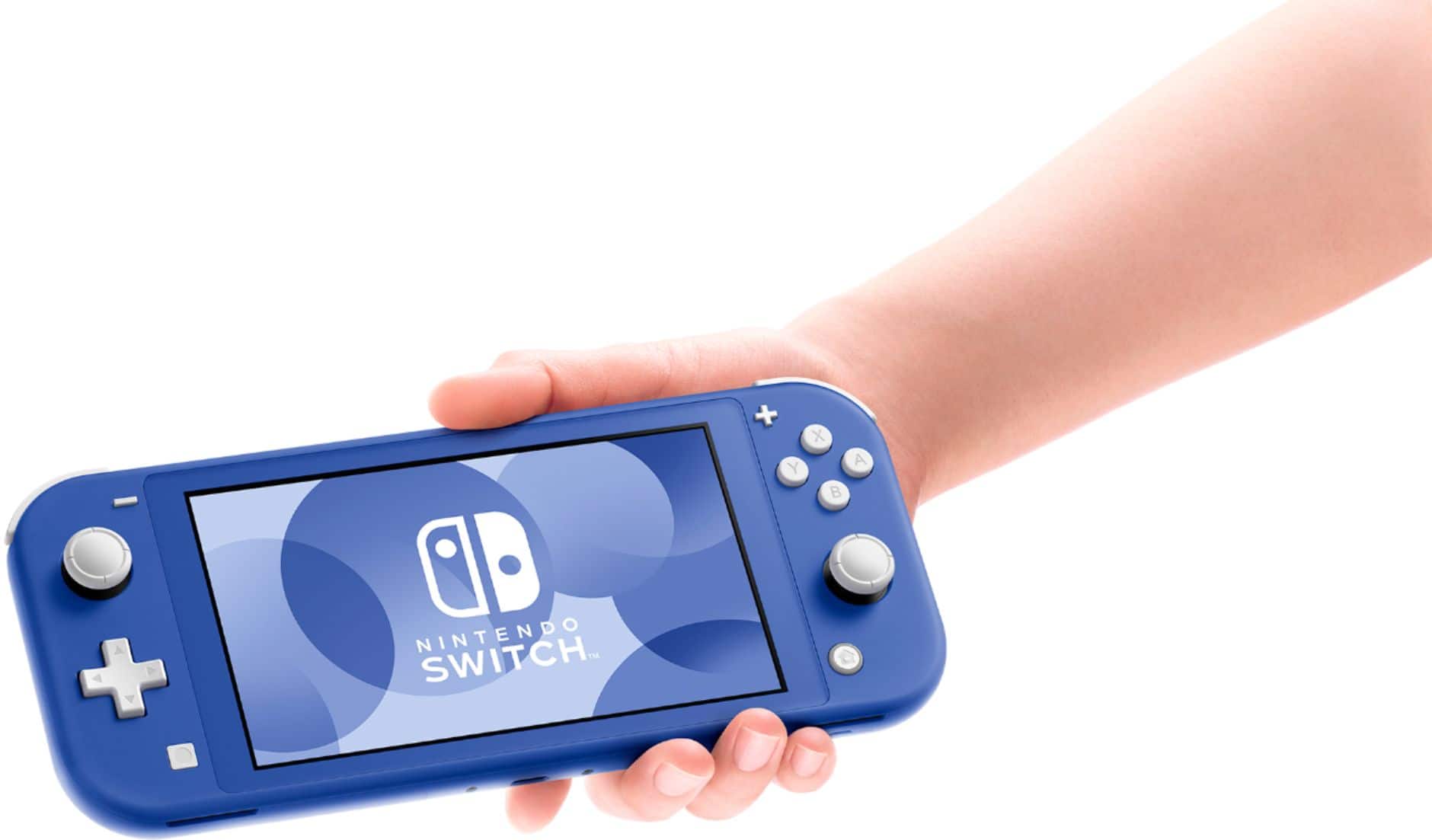
A:AnswerThe larger version allows you to play on a tv, tablet mode, or handheld mode. The lite only allows handheld play. Always check game compatibility for lite before purchasing. Online account is not required. And yes you need to buy games in addition. This is just the console.
A:AnswerI'm not Best Buy but I would suggest you check periodically. I've heard that Nintendo is working on keeping the stock replenished so it shouldn't be as difficult to find a Switch Lite as it was earlier this year. Also, check for sites that constantly notify you when the console becomes available.
A:AnswerDue to the Pandemic, it is very hard to predict when new stocks will be resupplied.
But you can keep looking at https://www.nintendo.com/switch/buy-now/ to see which stores have their stocks available for sale.
A:AnswerDue to the Pandemic, it is very hard to predict when new stocks will be resupplied.
But you can keep looking at https://www.nintendo.com/switch/buy-now/ to see which stores have their stocks available for sale.
A:AnswerI have had no problems with my joycons. I play it for about 5 hours a day. I've had it for three weeks and have no issues with anything with the console.
A:AnswerRestocks are rolling, and ongoing. I am a father in a family of 5, and we each have units now - Two Switches for us parents, and Lites for the kids.
While I have yet to see a Switch come available anywhere for MSRP, the Lites have reappeared regularly with only a few days here or there of disruption.
Limited Editions like the Pokemon-themed Lite, and the new Coral Lite still remain unavailable. But Teal, Yellow, and Grey regularly show back up.
A:AnswerEither or works. I have the game downloaded and my daughter has the actual game card. Game was sold out when I bought my Switch so I downloaded it.
A:AnswerNo, you just get the switch early before it may sell out. I am looking to get the coral one too but I'm getting mine in June with my birthday money. Unless you want it earlier or just want the switch now I would get pre-order because I have a feeling this might be out of stock the day it comes out. Hope this helps:)