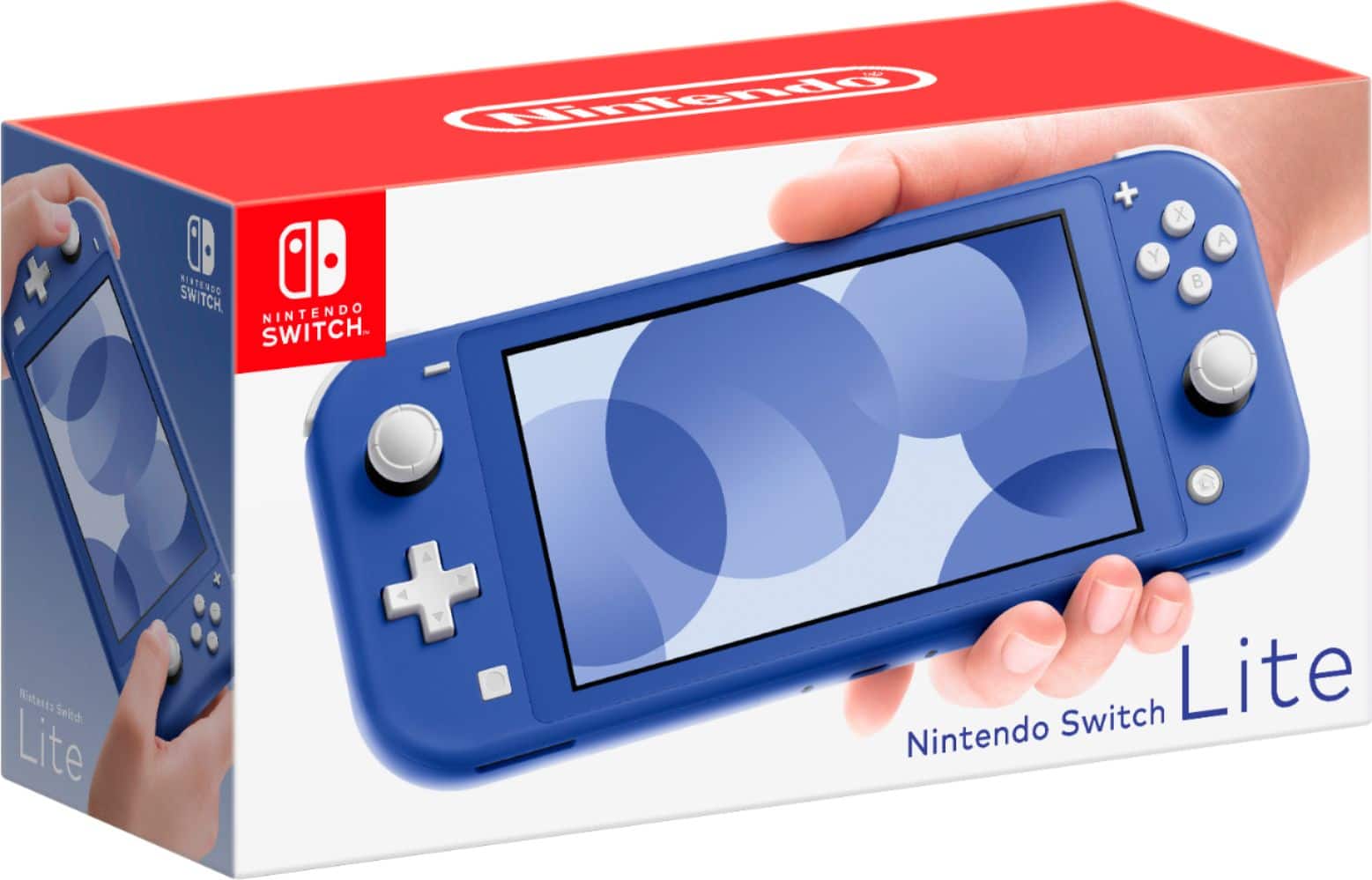
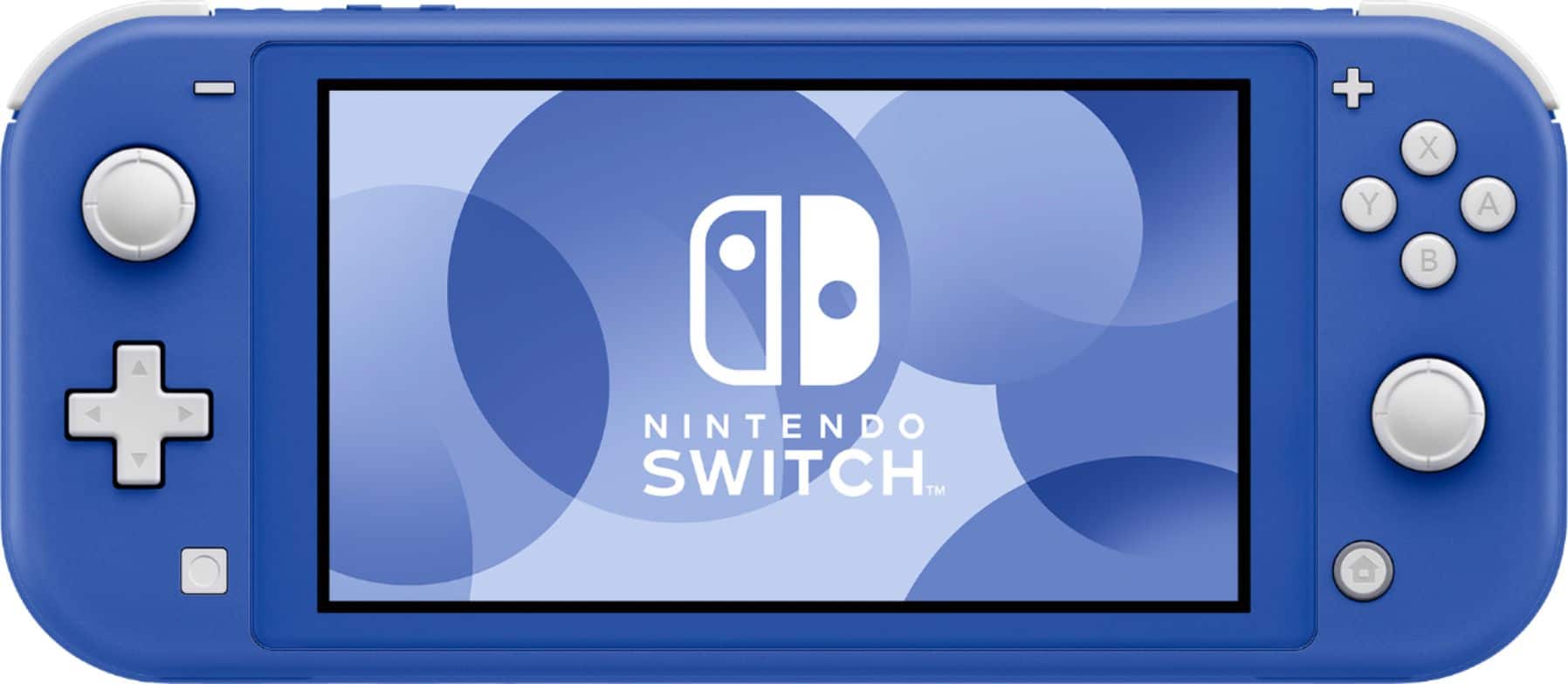
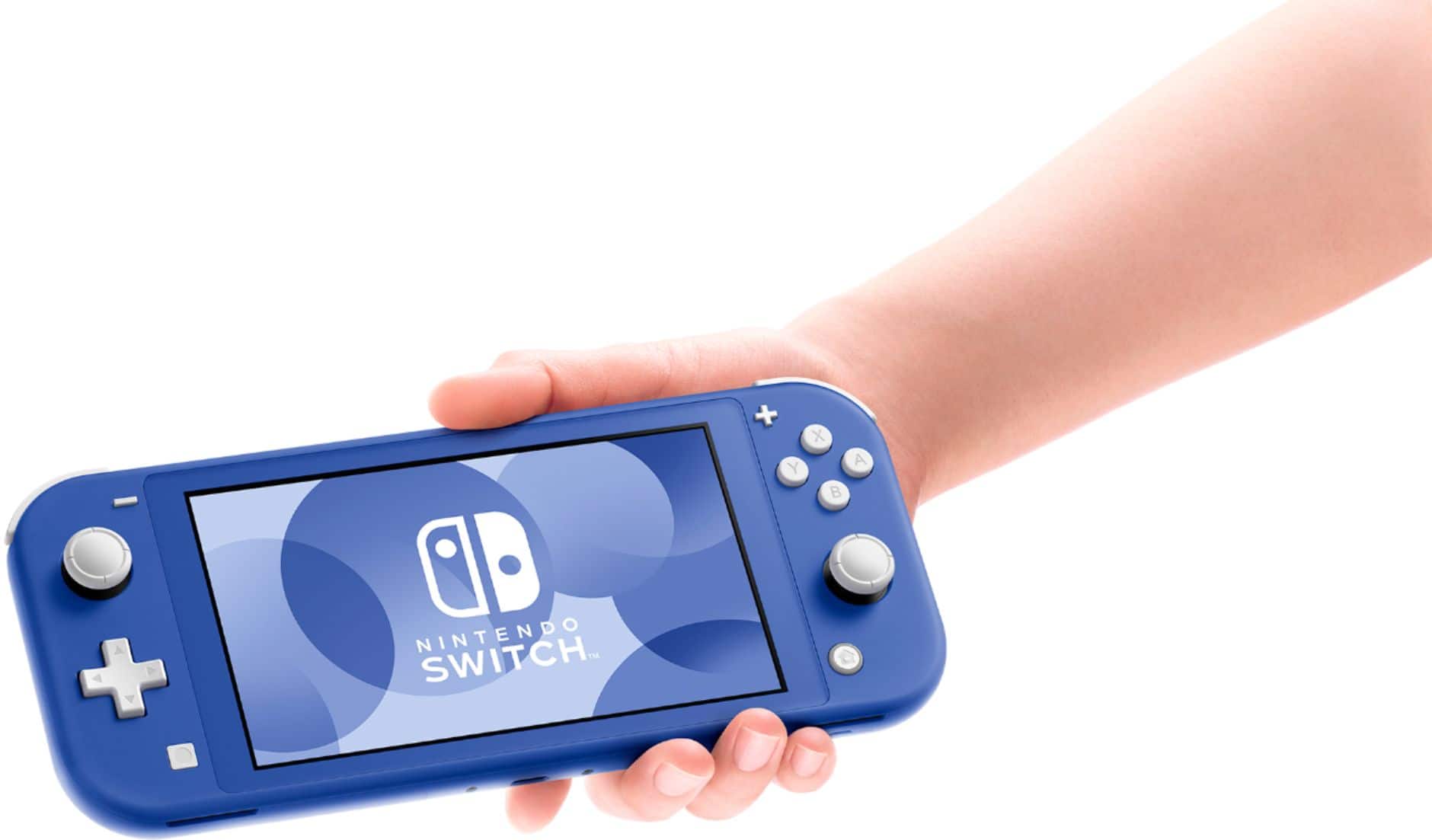
A:AnswerIts smaller so Yes you can put it in a switch carrying case. It might be kind of loose however. And yes you can connect additional joycons and pro controllers.
A:AnswerA standard micro SD card like the type used in cell phones will work quite well but I would recommend at least 64 gig or higher to free up memory on the Switch for the needed updates from Nintendo.
A:AnswerI've played with mine for hours and never had that problem. Maybe you should go to Nintendo.com and see if it's still under the factory warranty. Or if you bought the warranty with Best Buy you should go to Geek squad.
A:AnswerAny day now. Check around 5-7 am and 9 am they go fast b it have been coming in every week or two.
Nintendo just put a ton of them out to stop resell scammers so they should be flush with them soon and staying in stock.
A:AnswerUnfortunately the Switch lite does not allow docking to the television. For that you may want to consider the full sized Nintendo Switch console.
A:AnswerGames must be purchased separately. There are no pre-installed games. You can download games from the Nintendo e-shop but make sure you have purchased a micro SD card for the storage.
A:AnswerWhichever system you choose to set as your "primary" unit, the other(s) which have your user profile on them as well will need to connect to the internet to see if the title can be played (meaning, it is only being played on one unit). My advice would be to set your Lite as the primary and a docked Switch as the secondary since the docked Switch at home should always have internet access. If the travel one has to check online to see if the title can be played, you will need to connect to a wifi hotspot to allow this.
As for gave saves, if you have Nintendo Online, all game saves are uploaded to the cloud (for games that are compatible with this. The upcoming Pokemon Sword/Shield for instance will not allow cloud saves). Once you decide to use the other system, go to data management, save data cloud and then download the latest save data to that console. For games which don't allow cloud saves, you need to have both systems next to each other and do a manual data transfer from one to the other.
A:AnswerNote, on the official Nintendo website, pre-orders are halted due to the FCC not giving the approval of selling these just yet. It could be days, or weeks until the FCC approves of Nintendo selling these to the USA.
A:AnswerNo, but it will take any micro-sd, same ones as a cell phone.
The Nintendo branded cards are your best bet, as they are the same price as non-branded cards of the same speed. And speed matters.