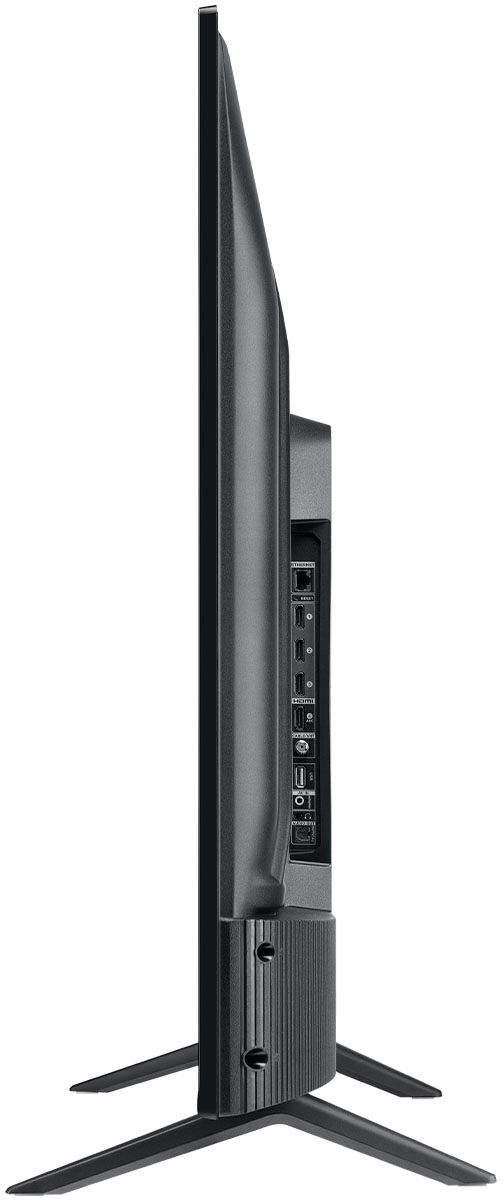
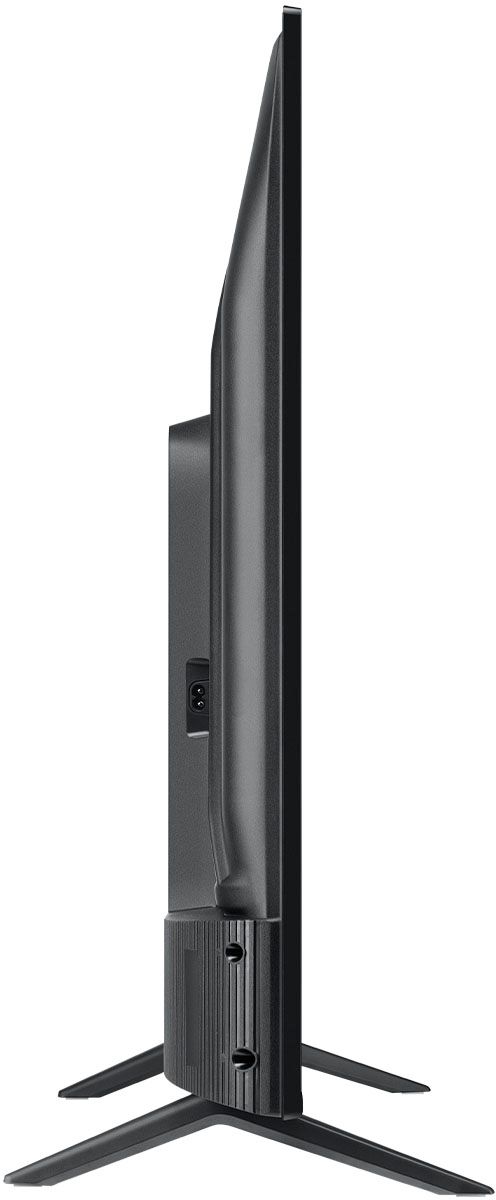
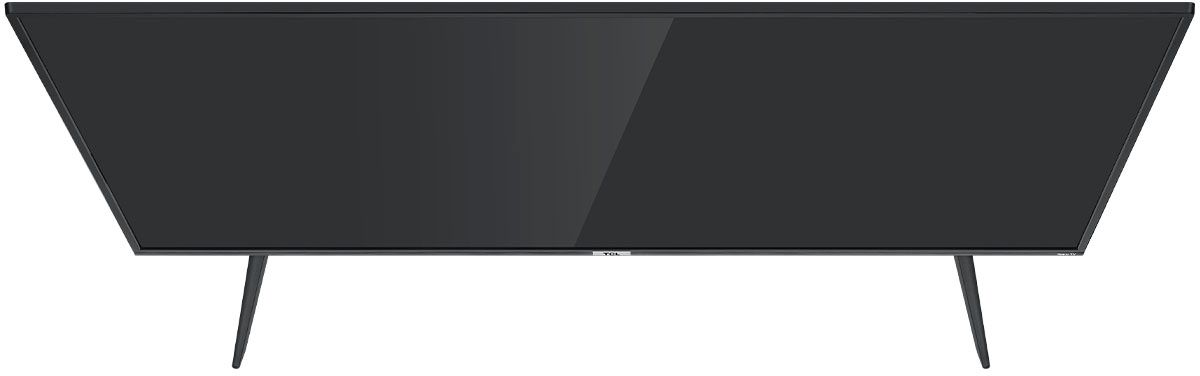
A:AnswerFor this 65 inch TCL Roku TV, the feet spacing to fit on a stand is 44.1inches. There is only one option for feet placement on this model. Hope this helps! Thank you, TCL Customer Support
A:AnswerThis TCL Roku TV does indeed feature built-in speakers that can be used for audio. The majority of our customers report a good experience with the audio on this TV. Hope this helps! Thank you, TCL Customer Support
A:AnswerThis TCL Roku TV does not currently feature a web browser. However, there are thousands of streaming channels and over 500,000 different movies and TV episodes available through the Roku streaming system. Additionally, you can screen mirror compatible Android and Windows phones to the TV. This way you can search on your phone, but view on the TV. Hope this helps! Thank you, TCL Customer Support
A:AnswerThis TCL Roku TV is compatible with most wall mounts that support a 300mm x 300mm VESA mounting pattern. Hope this helps! Thank you, TCL Customer Support
A:AnswerThe new version of 4-Series TVs offers the same great performance and features as the previous versions. The new models offer a refreshed bezel and stand design, but features and capabilities are identical. Hope this helps! Thank you, TCL Customer Support
A:AnswerFor this 65 inch TCL Roku TV, the feet spacing to fit on a stand is 44.1 inches wide and 12.6 inches deep. The feet are not adjustable. Hope this helps! Thank you, TCL Customer Support
A:AnswerFor this 65 inch TCL Roku TV, the feet spacing to fit on a stand is 44.1 inches wide and 12.6 inches deep. Hope this helps! Thank you, TCL Customer Support
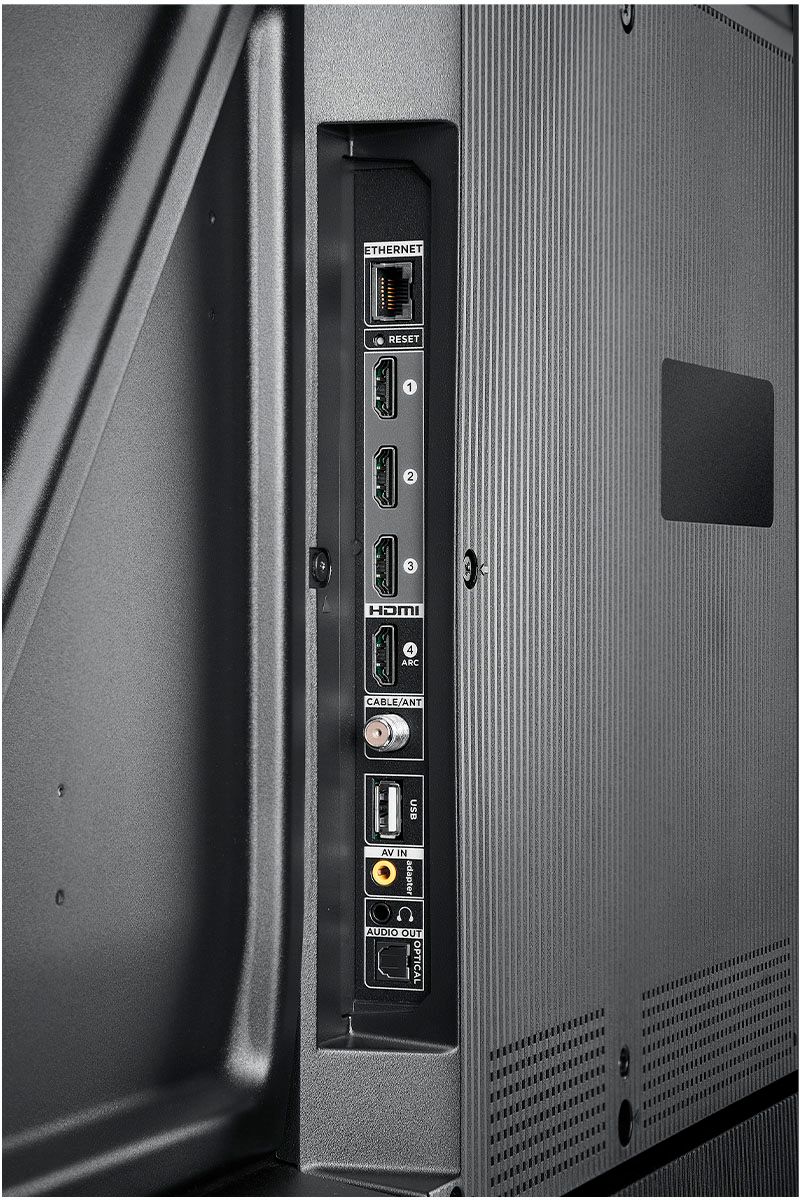
A:AnswerCurrently, our Roku based TVs do not support Bluetooth. If you are trying to connect a sound bar or speakers you can use the Optical port, or the HDMI ARC port. For Headphones, there is a Headphone jack on the back of the TV, or you can download the Free Roku app for private listening. Hope this helps! Thank you, TCL Customer Support
A:AnswerIn order to use the smart features of this TCL Roku TV, you would need to complete the guided setup. This includes connecting to the Internet via WiFi, creating a Roku account (completely free), and activating the TV (completely free). Creating a Roku account requires information like name and email address. You can elect to skip the part where it asks you for a credit card. Hope this helps! Thank you, TCL Customer Support
A:AnswerThere are options available to adjust the picture settings to better fit your personal preference. You can access the Options menu on the TV by pressing the asterisk (*) button on your remote while watching content. Additionally, you can access expert picture settings by downloading the free Roku mobile app on a smartphone or tablet. The Roku mobile app works as a remote and allows you to access additional features like voice search, private listening, expert picture settings, and more. If you need further assistance, please reach out to us at [email protected] with your contact information and a description of what you need help with. Thank you, TCL Customer Support
A:AnswerWithout the feet attached, this TV weighs approximately 37.9 lbs. This TV is not designed to be kept outdoors. It is not weatherproof. Hope this helps! Thank you, TCL Customer Support
A:AnswerNo it doesn't need a stick. It comes with roku built in and you only need the remote it comes with to control it. All we do is streaming too and this is a great tv.