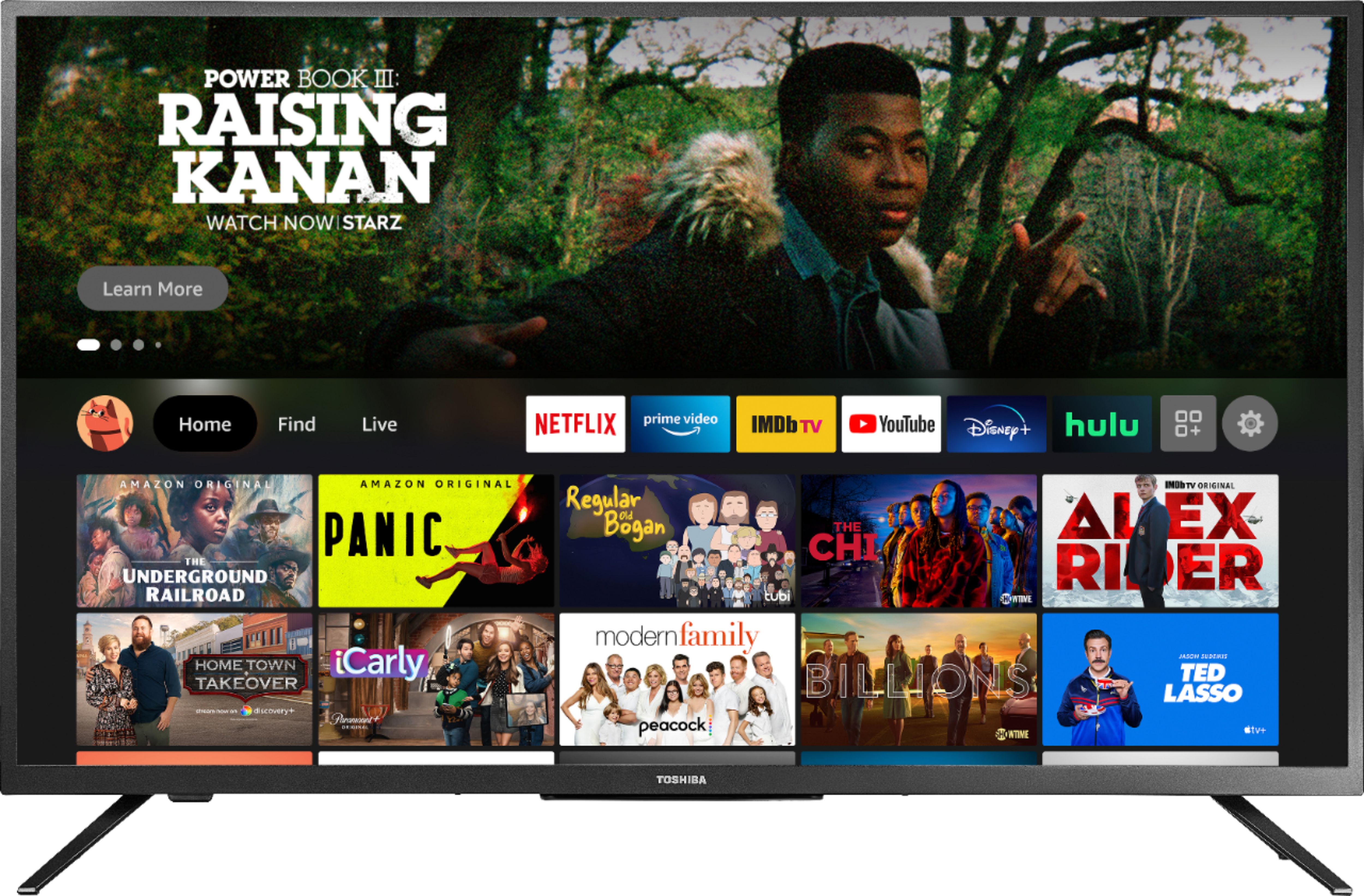
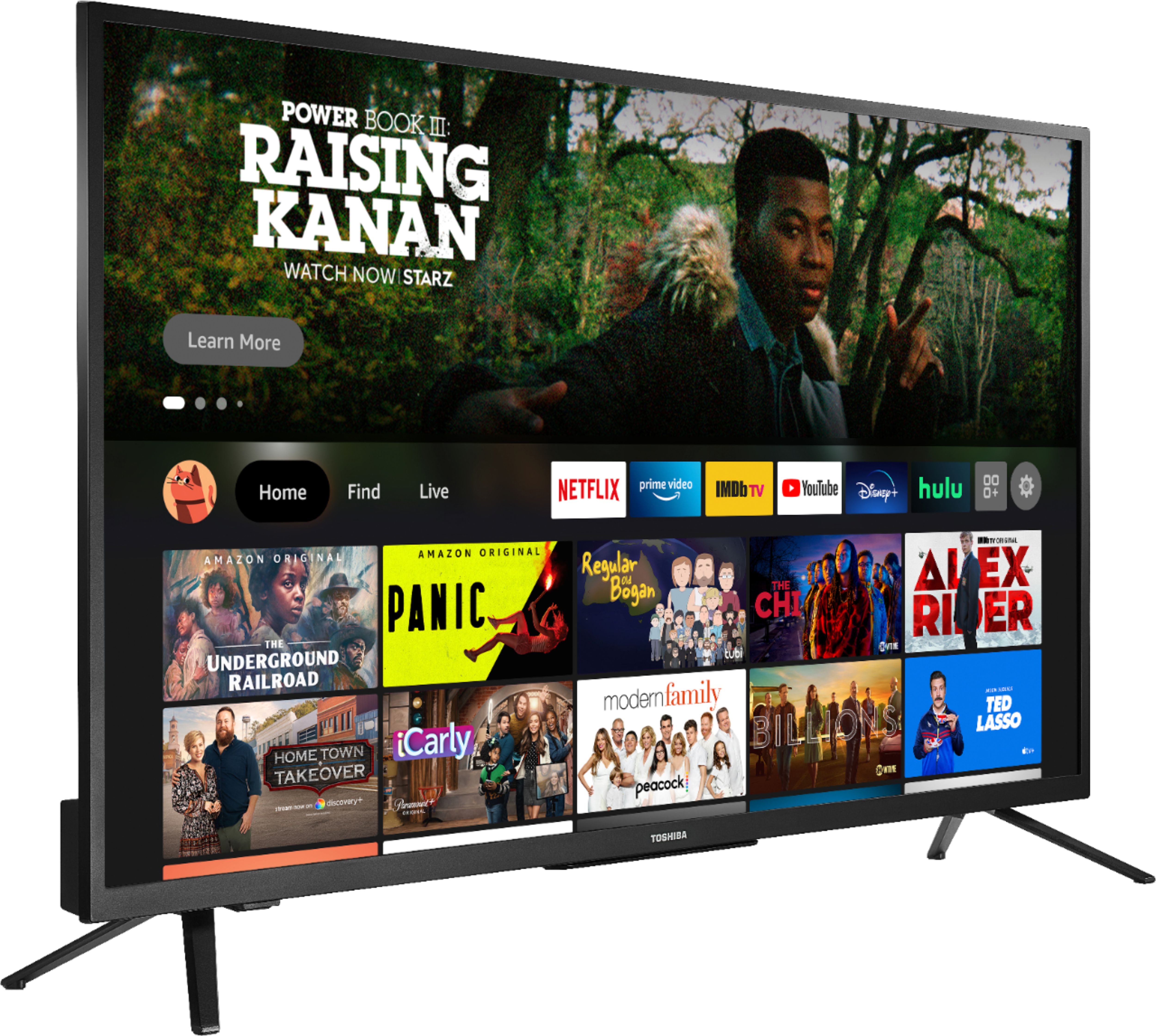
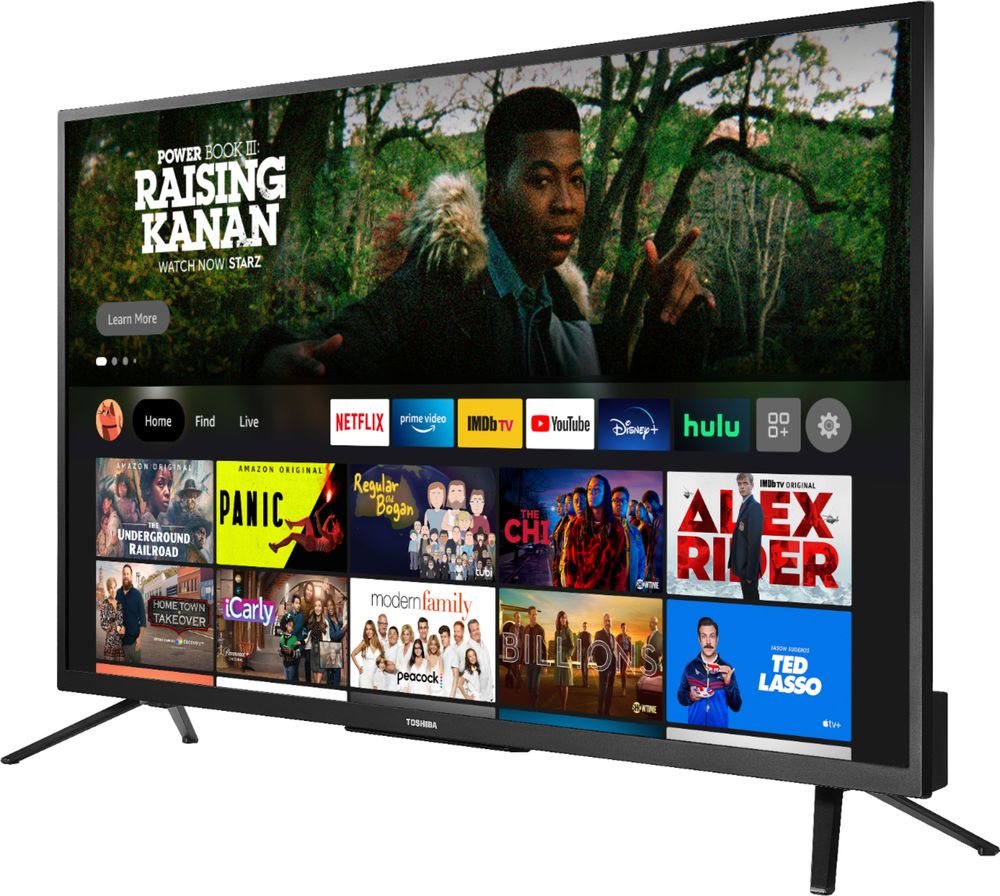
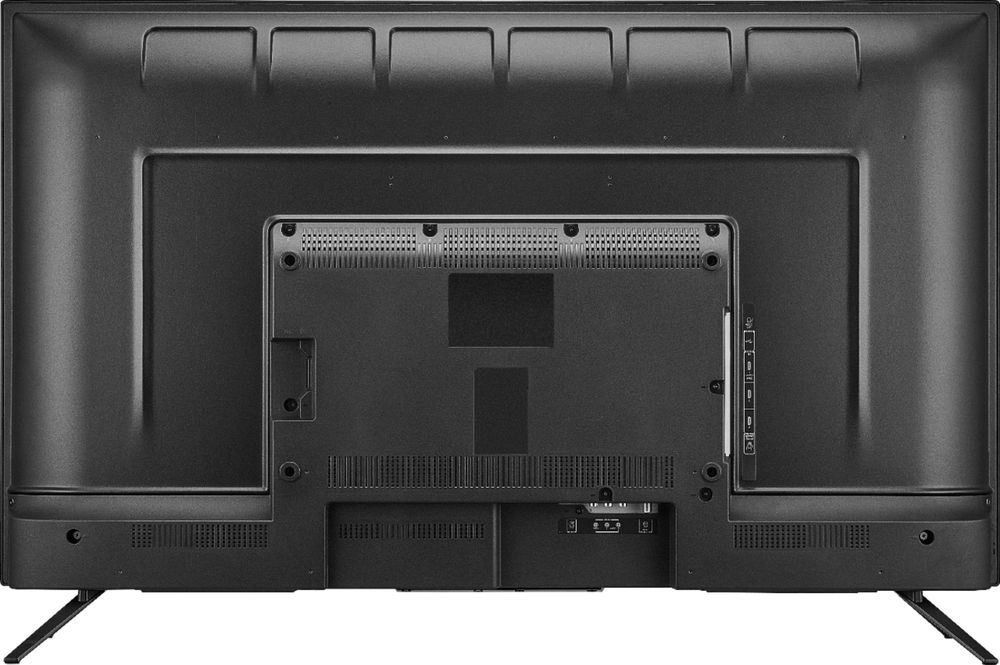
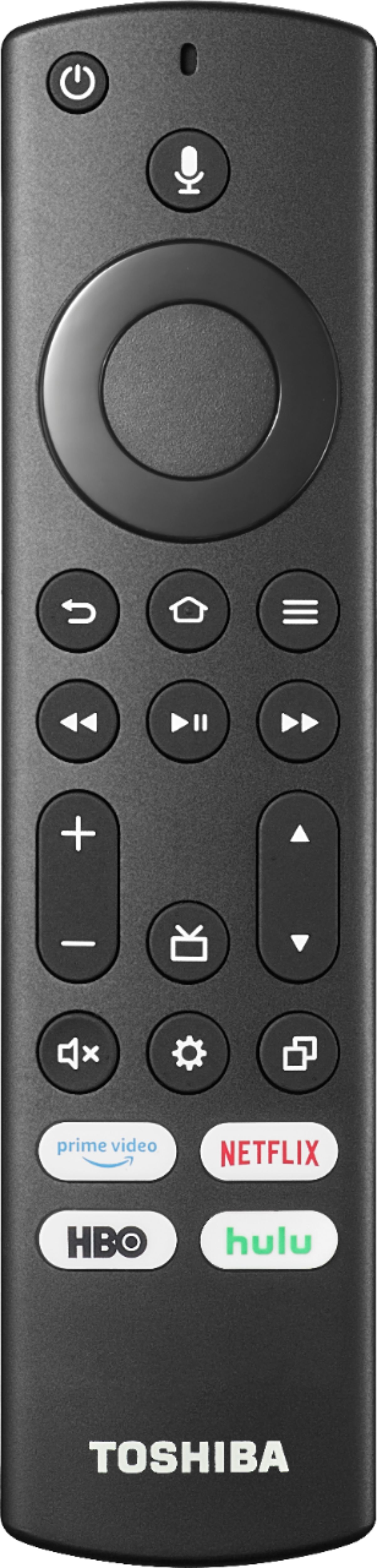
A:AnswerThis TV has the Fire TV OS already built-in, you don't need to connect a Fire Stick. For Prime Video: you can use the same Amazon account on multiple TVs.
You can stream up to three titles at the same time using the same Amazon account. You can stream the same title to no more than two devices at a time.
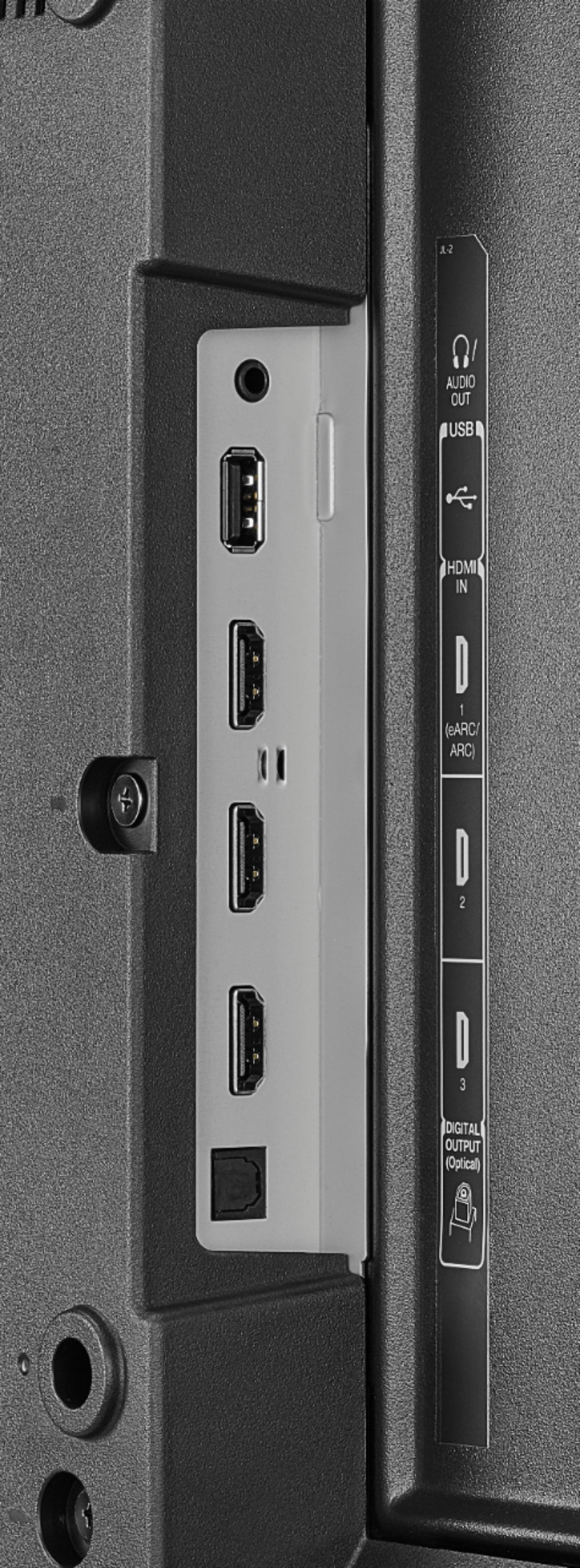
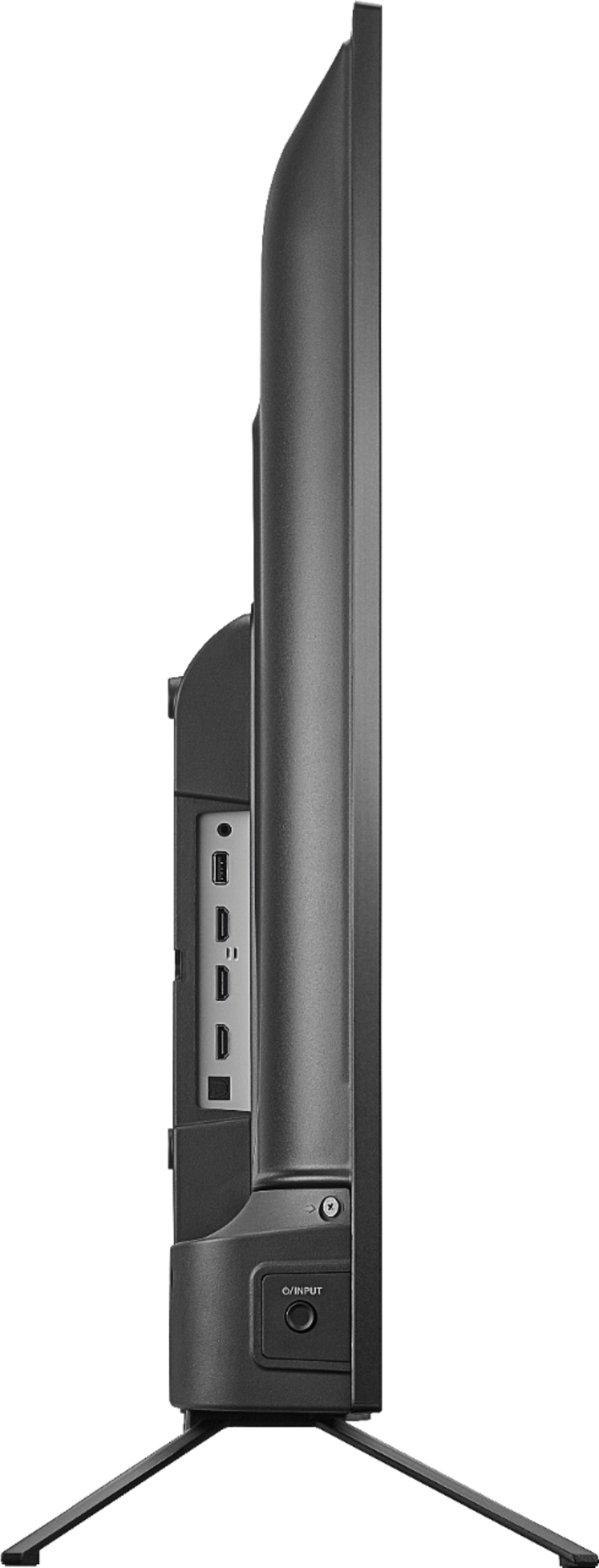
This TV can connect to Wi-Fi and you can hook up your laptop to the HDMI input.
A:AnswerThis TV doesn't include a Fire Stick. This TV has the Fire TV OS already built-in and it's free to use. Yes, you need an Amazon account to enjoy the full experience.
A:AnswerTry the Power On feature, when enabled, your TV turns on displaying the last used input: go Home > Settings > Display & Sounds > Power On and select Last Input.
A:Answerhttps://manualsfile.com/download/rlmyr8hyi.html
If you ever need a manual online just go to duckduckgo.com or Google and search the name of the product you are looking for and manual after it. For example "Toshiba 32" 4k fire TV manual" is what I searched to find this! Have a nice day.
A:AnswerSame thing happened to me but it was picture only about 5 times in the 1st week. I returned it for another and no problems
I own one other Toshiba Fire TV and never had an issue
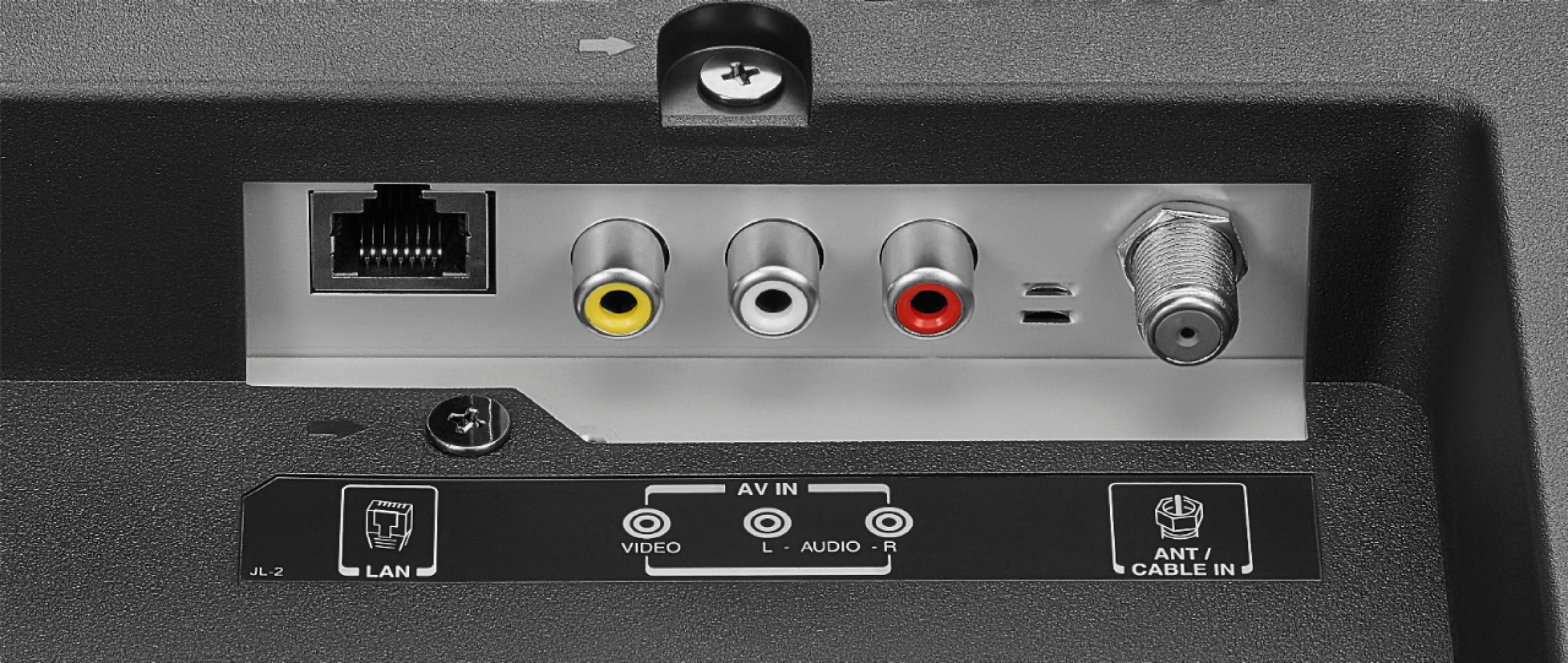
A:AnswerThe RCA ports on the back of the TV are inputs, not outputs. Connect your docking station to the 3.5mm headphone jack (audio output) on the TV.