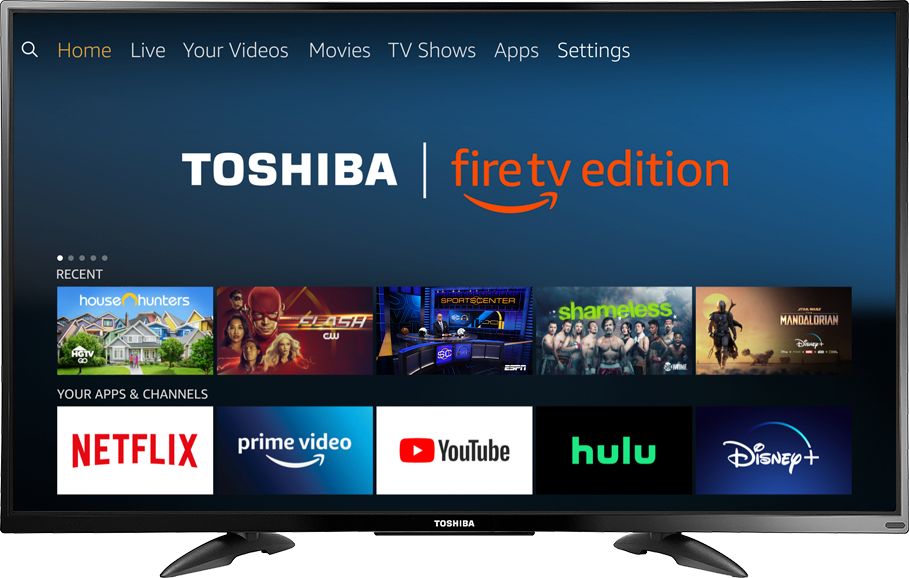
A:AnswerThe Fire TV Edition television does not support screen mirroring.
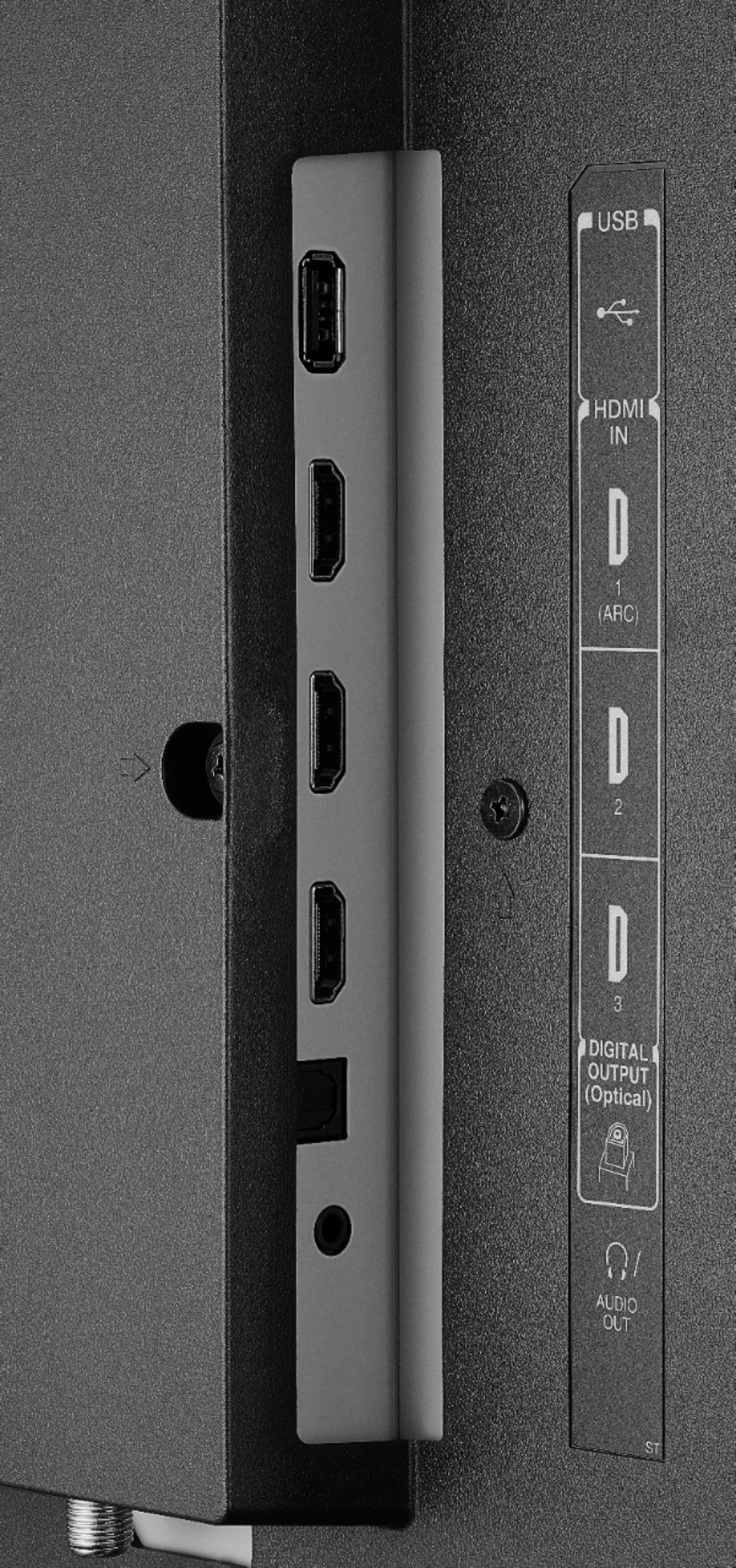
You can connect your Apple TV box to the television using an HDMI cable.
David M. - Toshiba Support
A:AnswerThe app Hotstar by Novi Digital Private Limited shows as available for the Fire TV Edition experience.
To search for more available apps to download on your Fire TV Edition television, please visit: amazon.com > Menu - Shop By Category > Fire TV > Fire TV Apps & Channels > Refine by Device Type select Fire TV Edition TV and search.
David M. - Toshiba Support
A:AnswerYou can try to move apps to USB External Storage
- To Format the USB Drive:
Home > Settings > Device and Software > USB Drive > Format to External Storage
-To Move the App
Home > Settings > Applications > Manage Installed Applications > Select the app > Move to External Storage
*Not all the apps support Moving to External Storage
David M. - Toshiba Support
A:AnswerYes. Great picture and Alexa. This was a good purchase. The sales person was very helpful with assisting me with selecting this TV. I plan on having this Tv for a very long time. Quality t.v. at a. reasonable price. Set up was easy,too.
A:AnswerYes, the Fire TV Edition television comes with a 1 year warranty.
For more information, please visit:
https://tvna.compal-toshiba.com/us/en/models/50lf711u20/
David M. - Toshiba Support
A:AnswerJust use the buttons on the remote to control your Fire TV Edition television.
Try this: Home > Settings > Display & Sounds > Power On and select Last Input.
David M. - Toshiba Support
A:AnswerYes, the Fire TV Edition television features built-in Bluetooth.
To pair a Bluetooth device, go Home > Settings > Controllers & Bluetooth Devices.
For more information, please visit:
https://www.amazon.com/gp/help/customer/display.html?nodeId=GSBSBL44Y4QM59FV
David M. - Toshiba Support