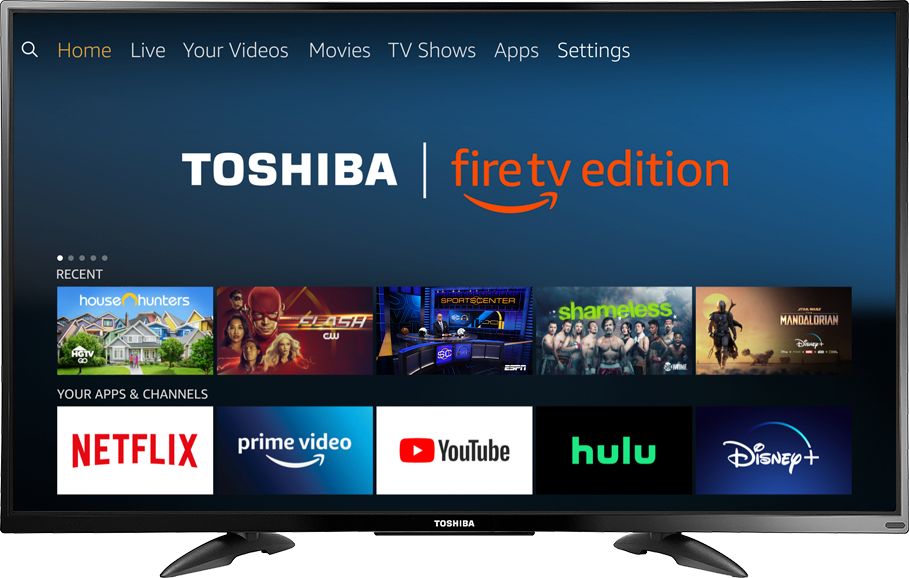
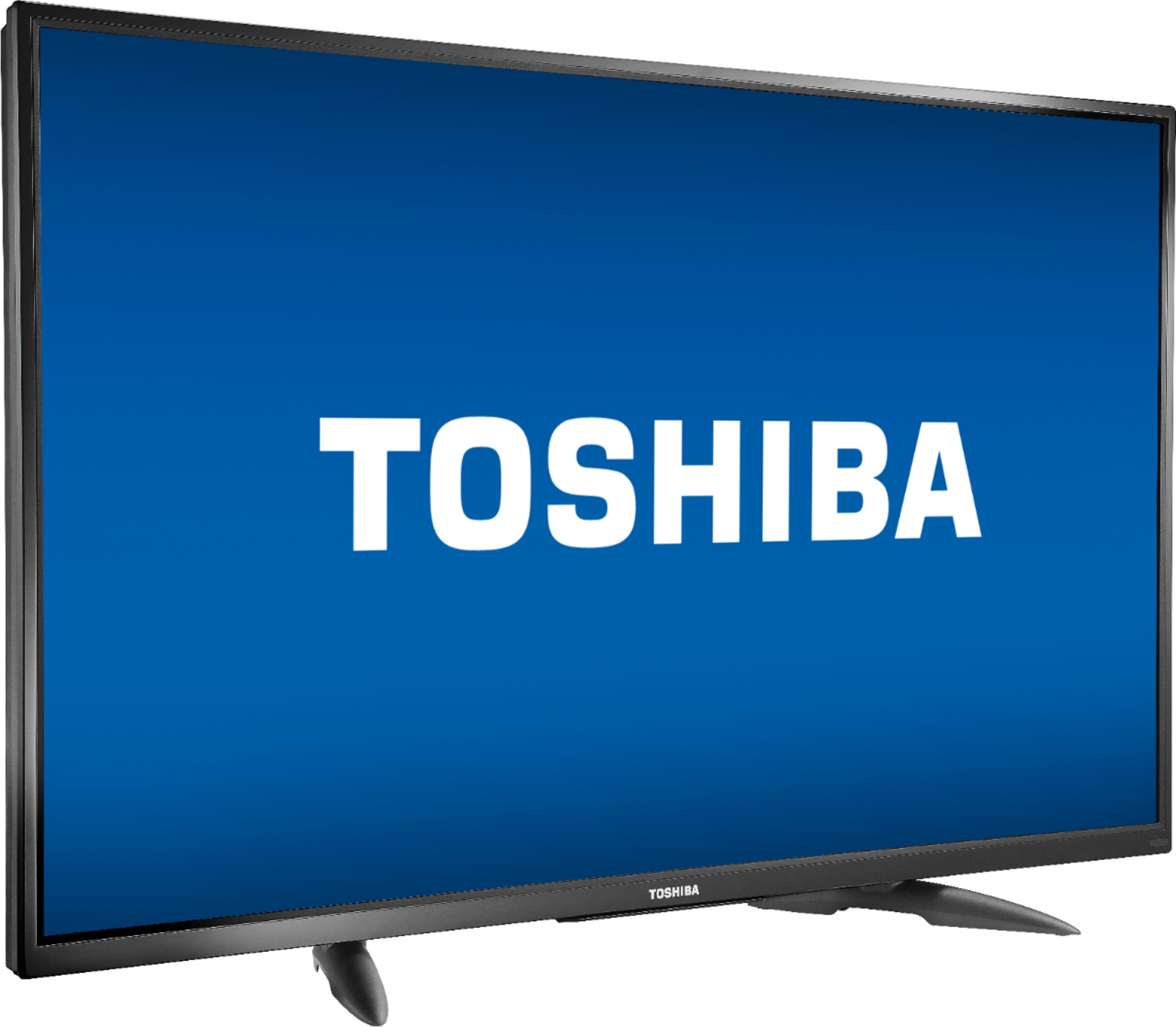
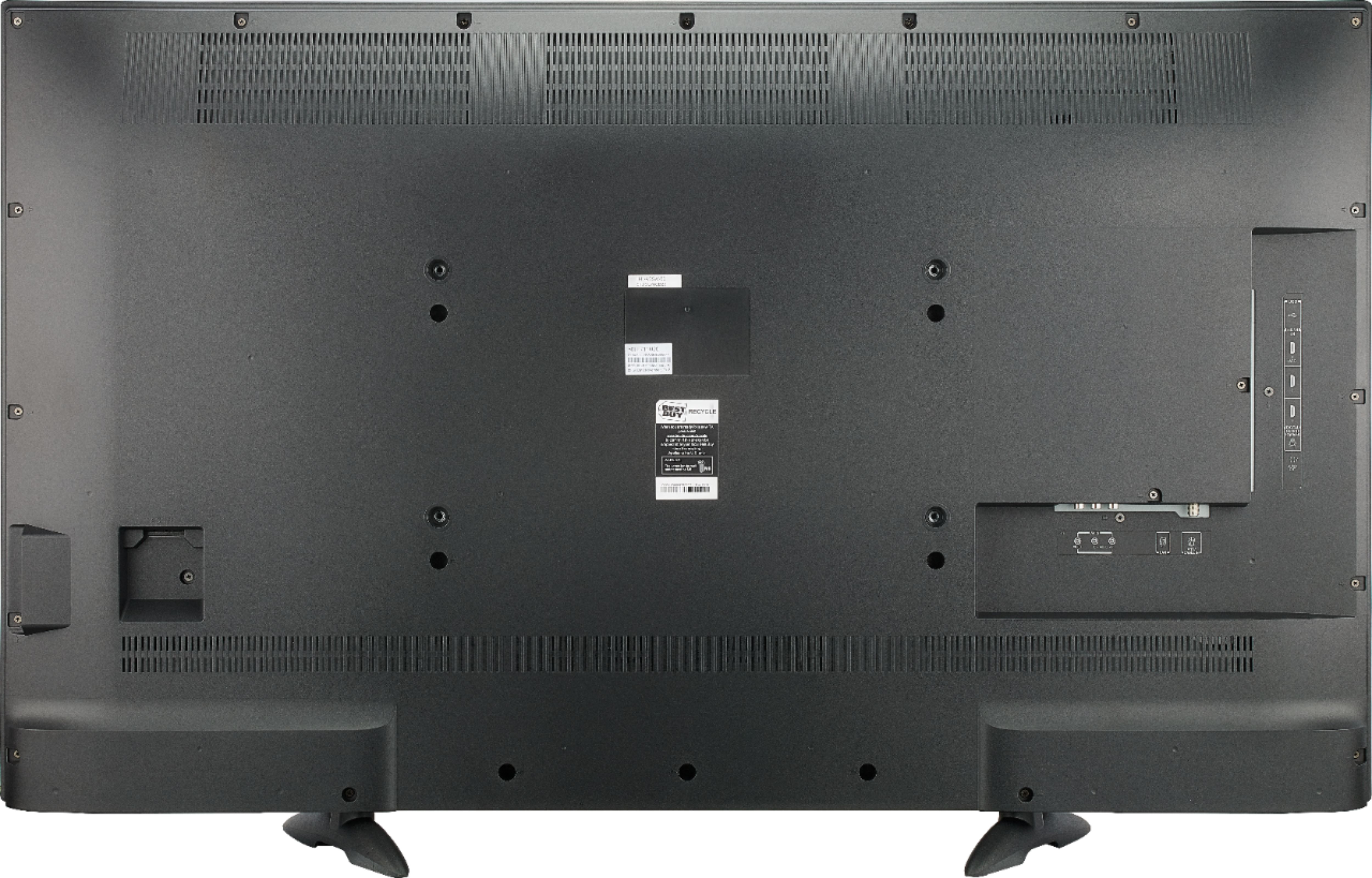
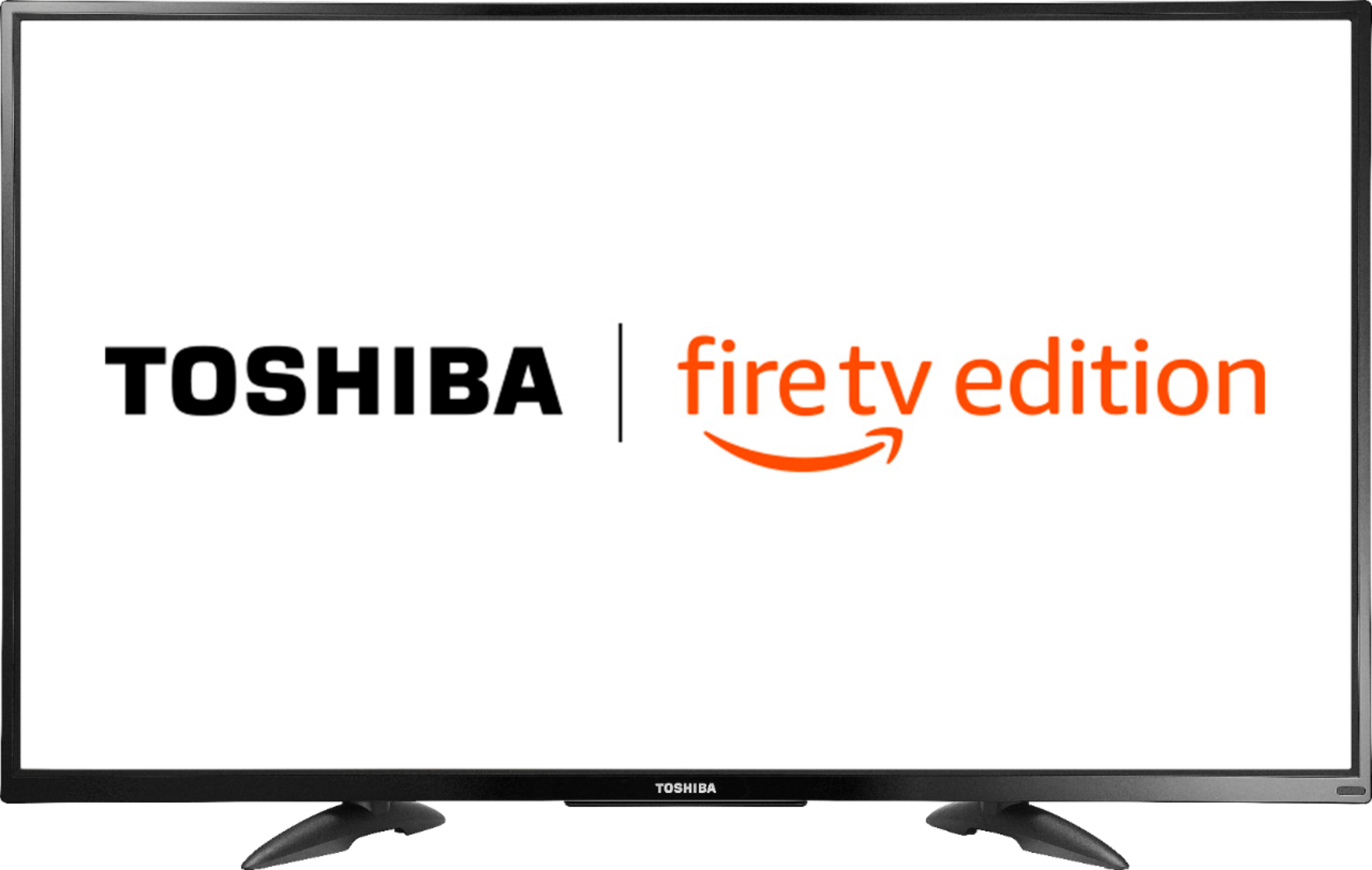
A:AnswerThe Dimensions with stand (H x W x D): 27.8 × 44.6 × 10.7 in
The Footprint (stand width from left to right at the widest part): 27.4 in
David M. - Toshiba Support
A:AnswerUsing the included Voice Remote, press and hold the Home button for 3 seconds to display the Quick Access menu, select Info to see the resolution of the video that's playing. Select Display settings to adjust the Picture Size and Aspect Ratio.
For more information, please visit: https://help.netflix.com/en/node/8844
David M. - Toshiba Support
David M. - Toshiba Support
A:AnswerThe Fire TV Edition television has the app internet | Amazon Silk browser to surf the web and watch videos. To search for more available apps, go to: amazon.com > Menu - Shop By Category > Fire TV > Fire TV Apps & Channels > Refine by Device Type select Fire TV Edition TV and search.
David M. - Toshiba Support
A:AnswerIf I think what your asking is, this able to plug it in, add it to your network via the wifi password, then yes.
I was able to do just that and was using it's apps.
Very easy set up.
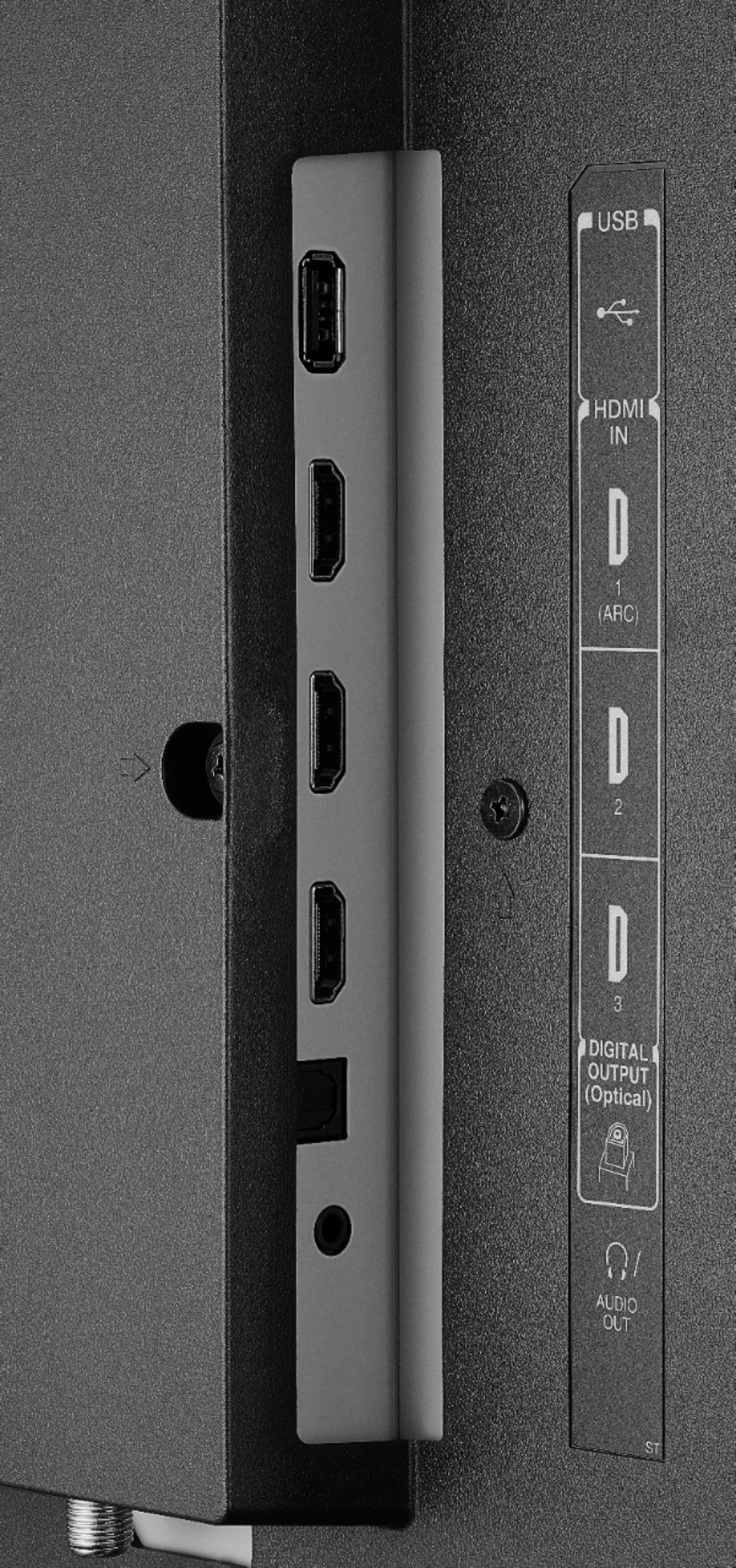
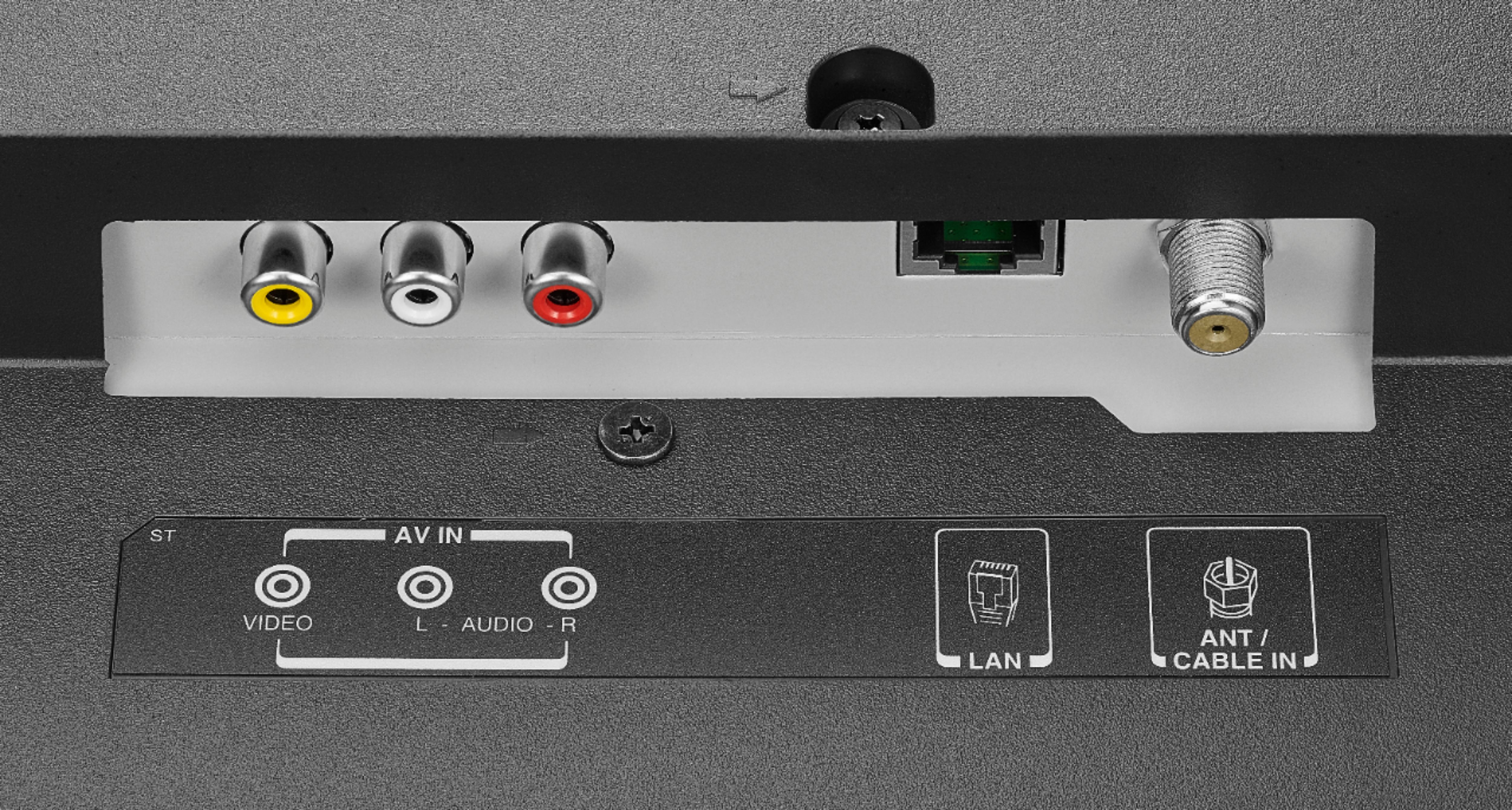
A:AnswerSome apps cannot be removed and the TV has a 10/100 Ethernet port.
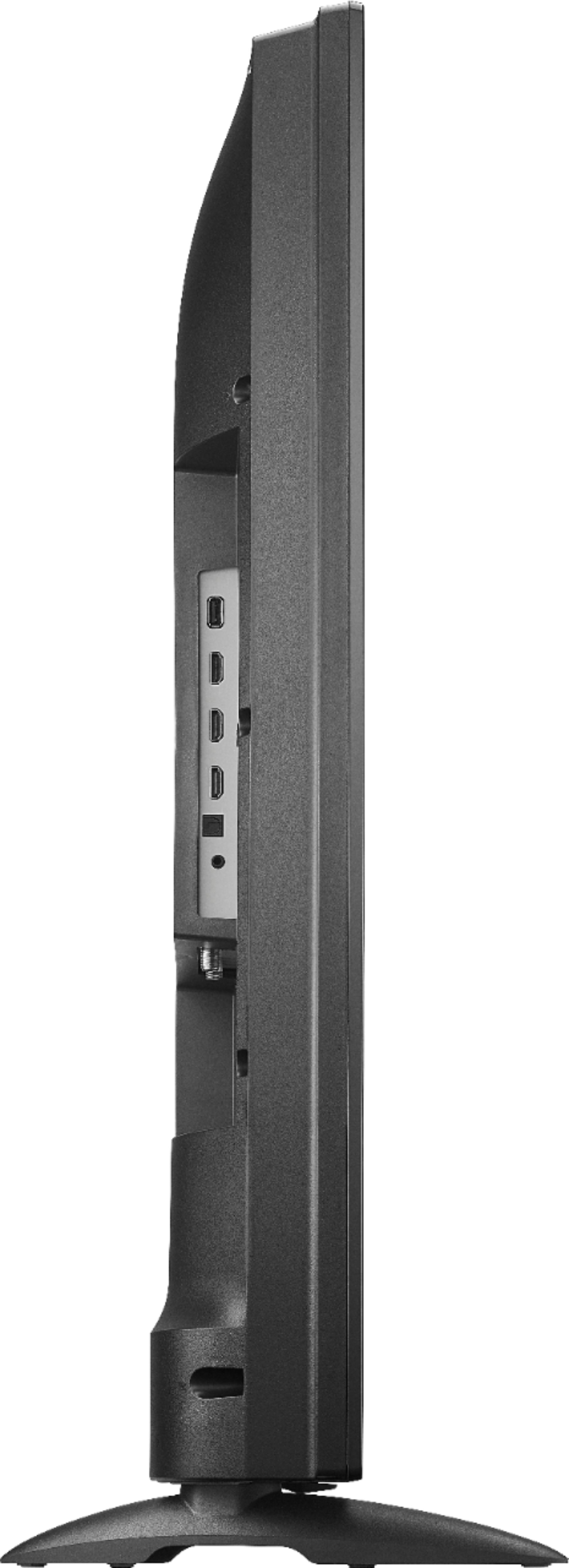
You can connect an external Streaming device to one of the HDMI inputs on the TV.
A:AnswerThe top port is the HDMI 2.0 but it dont make no difference the display is not very big its have the size of the screen I tried using a tv android box 4 streaming and the picture is more like 25 inches then 50 inches so tells me this ain't no 4k
A:AnswerThis is because when you press the Power button on the Remote, it just turns off the screen but the CPU is still on.
David M. - Toshiba Support
A:AnswerI called Toshiba support. I was told to call our cable company. Verizon FIOS told us that we would have to have the manufacturer fix it. Before doing so, I clicked on OPTIONS on our cable remote ... it gave me a place to turn it off, finally.
A:AnswerThis TV should not turn off while a video is playing.
For personalized assistance, please call 1 (855) 527-2411 available from 8 am to 9 pm CT everyday.
David M. - Toshiba Support
A:AnswerThe answer in no way address the question. Yes one can do what you stated and that is how I know the 2 apps are only displaying 720p.
Why do the 2 apps only display at 720p? On my older TVs with a fire stick they all display at 1080p.
A:AnswerBluetooth audio devices will connect to the Fire TV Edition television, but the Bluetooth audio path adds a delay. Try to connect your headphones to one of the following audio outputs: 3.5 mm (Headphone jack) or Digital Optical Audio Out.
David M. - Toshiba Support