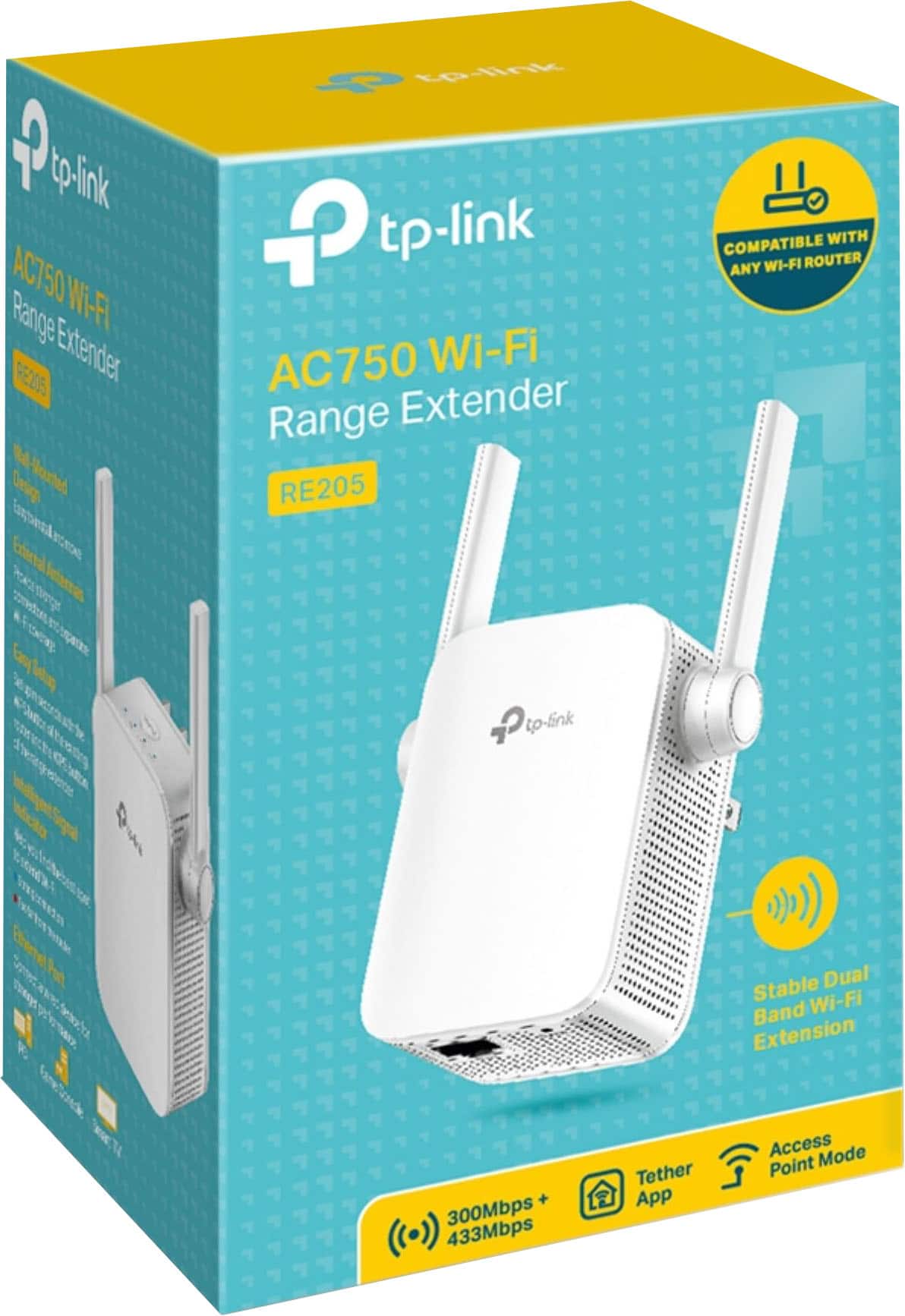
A:AnswerYes, our WiFi extenders are universally compatible with WiFi routers. The extender supports all of the listed standards, and is backwards-compatible with previous WiFi generations. You will be able to extend both the 2.4GHz and 5GHz bands on your router just fine with this model.
Regards,
TP-Link Support
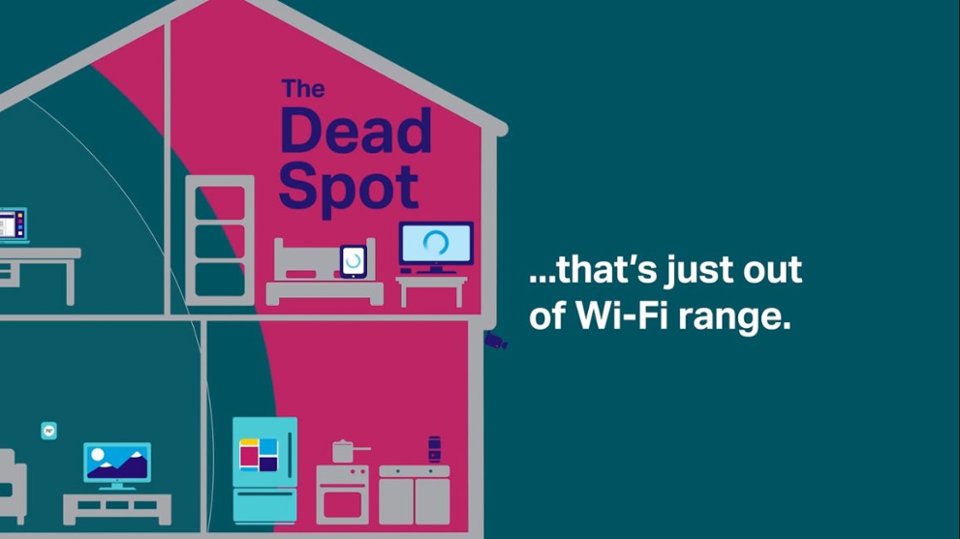
A:AnswerThis will help extend WiFi range and coverage within your home. If your primary goal is to improve the WiFi signal strength in certain areas within your home, a WiFi extender can help. Please note that WiFi extenders operate using half-duplex transmission, which may impact throughput and/or latency; however this can be partially mitigated depending on placement.
Regards,
TP-Link Support
A:AnswerNo, this is a WiFi extender designed to extend an existing LAN. If you are intending to create a separate Local Area Network within your home that is completely segregated from your primary network, we suggest using a second router, or exploring your existing router's feature set for a potential Guest Network option.
Regards,
TP-Link Support
A:AnswerIf you have an existing WiFi router, this product can help expand your network's WiFi coverage. However, if you do not have an existing WiFi network, this may not be the most suitable option for you.
Regards,
TP-Link Support
A:AnswerOur WiFi extenders are designed for quick and convenient setup using any of the multiple setup options outlined in the included quick installation guide. We recommend considering the intuitive setup option using our TP-Link Tether app via your smartphone. If you have any questions, please feel free to reach out to our support team and we will gladly assist.
Regards,
TP-Link Support
A:AnswerHi JoeZ,
That may depend on your campus network configuration. Many universities have strict policies that prohibit students from installing their own network devices like routers or extenders without explicit approval from their network administration team. Before attempting to use a Wi-Fi extender, you should check your university's IT policy, and whether they have an approved or recommended network device type that you are permitted to use within your dorm room.
A:AnswerRange will depend on where you install the extender, as well as where your existing router's WiFi range currently reaches. You will need to install the extender in a position within your home where the router's WiFi signal is sufficiently strong; yet far enough from the router to effectively extend its range.
Regards,
TP-Link Support