A:AnswerHi Nick,
This Wi-Fi Range Extender is intended for indoor use within the same home as your router to provide additional coverage to dead zones. For long-range, outdoor, point-to-point connections, we recommend considering our Omada Outdoor Solutions.
A:AnswerHi RosemaryA,
Generally, a Wi-Fi router that supports 5 GHz often also supports 2.4 GHz wi-Fi. We first recommend checking your router's settings to see whether it supports 2.4 GHz Wi-Fi and, if not already enabled, how to toggle it. Otherwise, you may configure this Dual-Band Wi-Fi Range Extender to connect to your router's 5 GHz signal and extend the network via 2.4 GHz for your printer and other devices.
A:AnswerHi miles,
TP-Link Wi-Fi Range Extenders can wirelessly extend your router's Wi-Fi signal. For best results, we recommend installing the extender in a position within your home where the router's Wi-Fi signal is sufficiently strong; yet far enough from the router to effectively extend its range. Please verify the RE status LED is indicating a solid connection.
If you would like assistance with any of these steps, please reach out to our support team using any of the resources included with the product, or from our official website, and we'll gladly have a Support Agent follow up with you directly.
A:AnswerHi Calirx8,
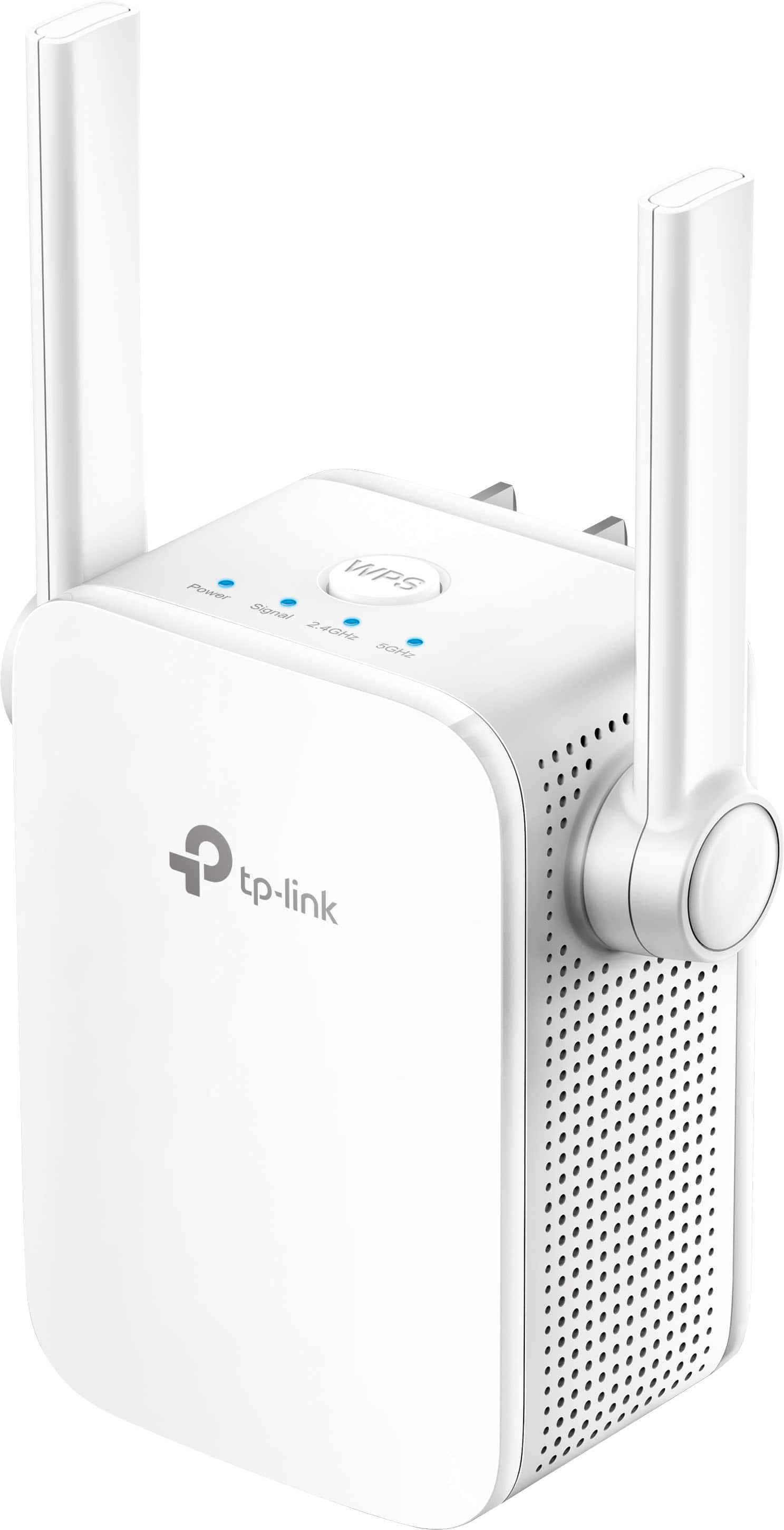
For Wi-Fi Range Extenders, we generally recommend placing the unit in a location within your home where the router's Wi-Fi signal is sufficiently strong, yet far enough from the router to effectively extend its range to the desired location. The Tether app offers intuitive setup steps and assists with optimal placement. Additionally, the Range Extender's Status LED can help confirm an optimal connection and location.
A:AnswerNo. A range extender must be put between the router and where you want the extended coverage to be. It needs to be in an open and unobstructed area that has a strong signal from the router. Because you do not know where the router it this is not possible to determine.
A:AnswerHi Eagle,
The Range Extender will connect to the signal source you select during setup. We always recommend selecting the optimal signal source for best results.
A:AnswerNo, not likely. Range Extenders need to be placed between where the router is at and where you need service. They also have to receive a strong signal from the host router in order to give a strong signal.
A:AnswerHi Boris,
Yes, the extender can be set up on a Windows 7 PC, or your smartphone using the Tether app. You can also use the WPS button setup method.
A:AnswerRange Extenders act as separate APs but can broadcast the same SSID as your Router. That is unless they and the router support EasyMesh. If they do and you are using it for EasyMesh then they would act as separate nodes of the same network.
A:AnswerRange Extenders will extend the coverage area of a wireless network.. They should be placed in an open an unobstructed area with a strong signal that is between the router and where extended service is needed. Anything that is within this expanded coverage should be able to connect to the network, even if its outdoor. The key is that it sees the network and can connect to it.
A:AnswerYes, as long as the computer supports network connectivity over Ethernet or Wi-Fi. Once the extender has been set up within your network and connected to your router, it can be used to provide additional Wi-Fi coverage for your devices, and even Ethernet connectivity via its Ethernet port.
A:AnswerIf you are using the extender in AP mode and have it connected to an ethernet cable it can be extended up to 100 meters. From there the Wireless will be standard range for a router or similar AP. However, please note these Extenders are not weather resistant so they should not be used outside.
A:AnswerHi Steffi,
The extended Wi-Fi coverage you receive will depend on environmental factors within your existing network. For example:
- Placement of the extender within your home
- Physical obstructions (e.g. walls, etc.) between the extender and your devices
- Distance between the extender and your devices
- Which Wi-Fi band you are connecting to (2.4GHz vs. 5GHz)
A:AnswerNo, Range Extenders are designed to expand the coverage of a the wireless network from a router or access point. If it a signal from an ISP to your home a range extender will not help with that.
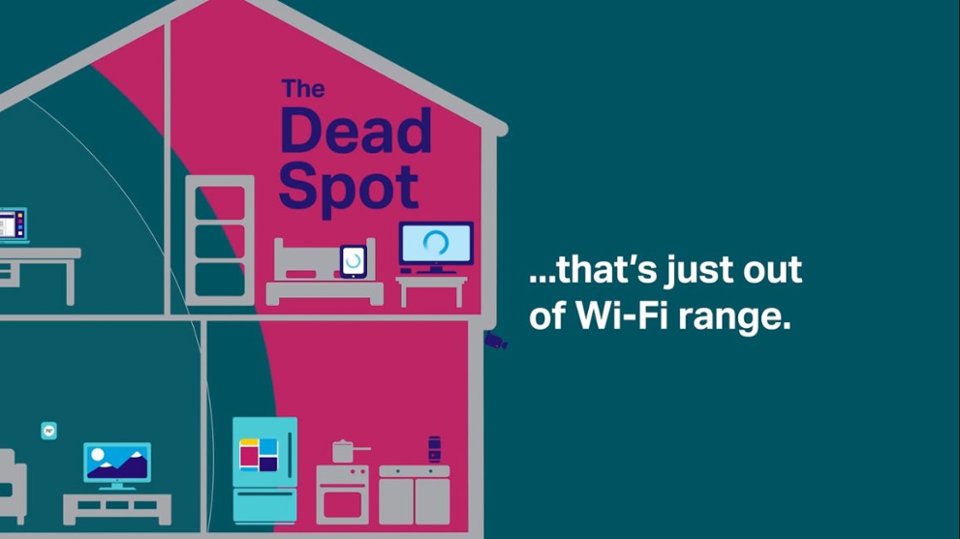
A:AnswerGenerally, it should be placed somewhere between your router and the Wi-Fi "dead zone" you want to provide additional coverage to, but also in a location where your router provides sufficiently stable Wi-Fi connectivity for optimal results.