A:AnswerConnecting a printer to a Deco is the same process as connecting the printer to any network. Follow that printer's guide to connecting to a network or follow up with the manufacturer's support team..
A:AnswerHi FranSan,
Yes, the Deco X3000 (V3 / V3.6) supports WireGuard configuration. Please ensure you have the latest firmware installed to receive support for this feature.
A:AnswerHi Lar,
The Deco AX3000 is equipped with an SPI Firewall, and offers additional protection options via TP-Link HomeShield. For more information on what is offered by the various plan tiers of HomeShield, please visit our official website: https://www.tp-link.com/us/homeshield/
A:AnswerHi! All of our Deco Mesh Wi-Fi models are compatible with each other, so you can select the option for "1" under the "Number of Wi-Fi Satellites Included" filter, then pick other product filtering settings until you find a single node option that you feel would suit your networking needs.
A:AnswerHi! Deco Mesh Wi-Fi Systems are compatible with other Deco Mesh models. If your BE11000 Wi-Fi router is not a Deco Mesh product, it cannot directly integrate with the Deco Mesh ecosystem or app.
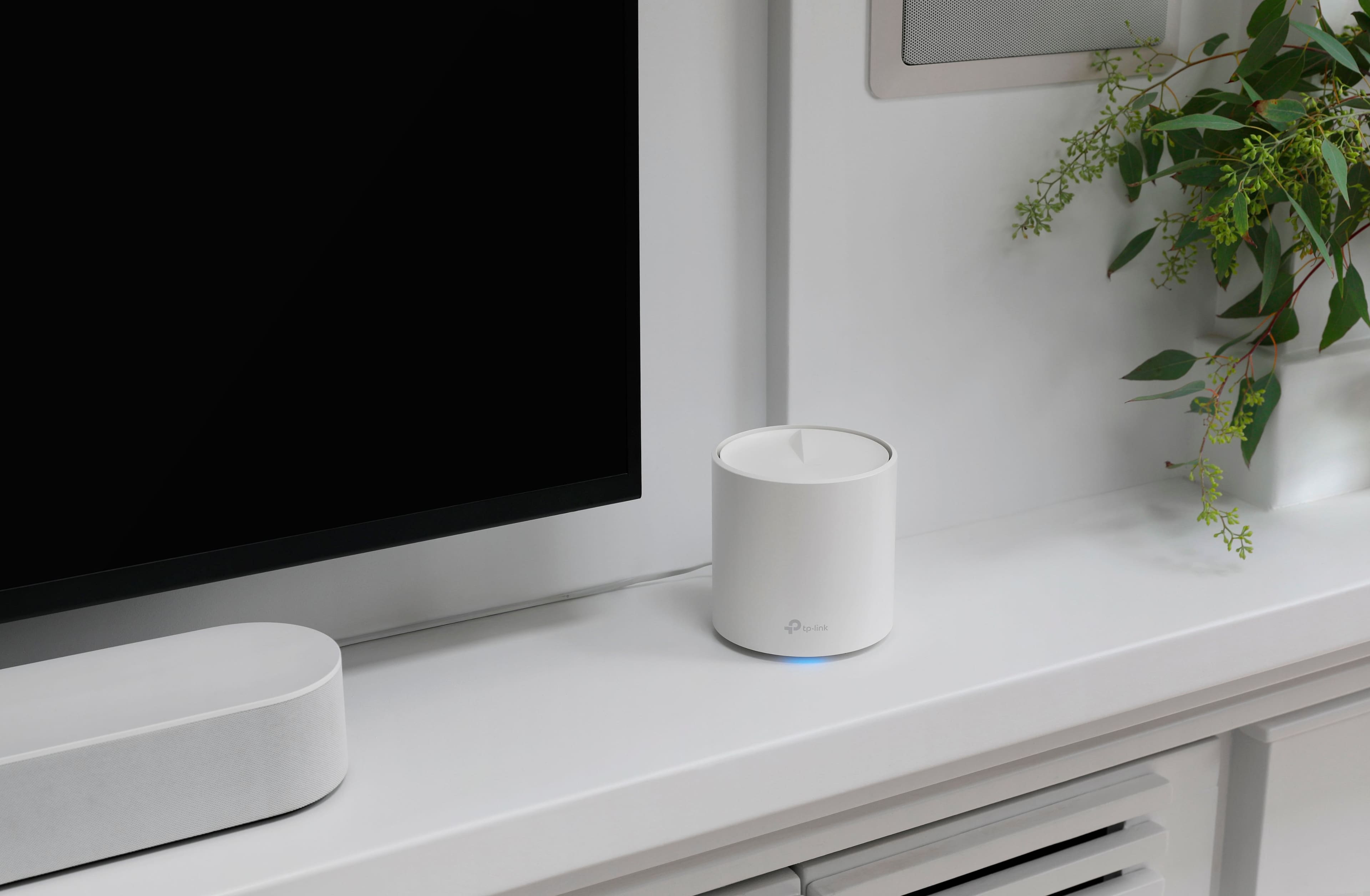
A:AnswerPulsing red means the satellite Deco has lost its connection to the main Deco. Please ensure the satellite Deco units are placed optimally in your home.
Pulsing green means the Deco node is in the process of updating its firmware.
A:AnswerNo, the Deco AX3000 is designed or installation in your home and the main Deco must be connected directly to your existing Internet source via Ethernet cable.
A:AnswerHi! Yes, as long as the main Deco is connected to your existing Internet source (e.g., modem, ONT, gateway) via Ethernet cable, it should work fine.
A:AnswerHi! Yes, as long as the main Deco node is connected via Ethernet to the modem. However, please note that if your modem is a modem+router combination gateway, you might want to consider configuring it in bridge mode, or "modem-only" mode, and using the Deco as your main router, depending on your networking needs and preferences.
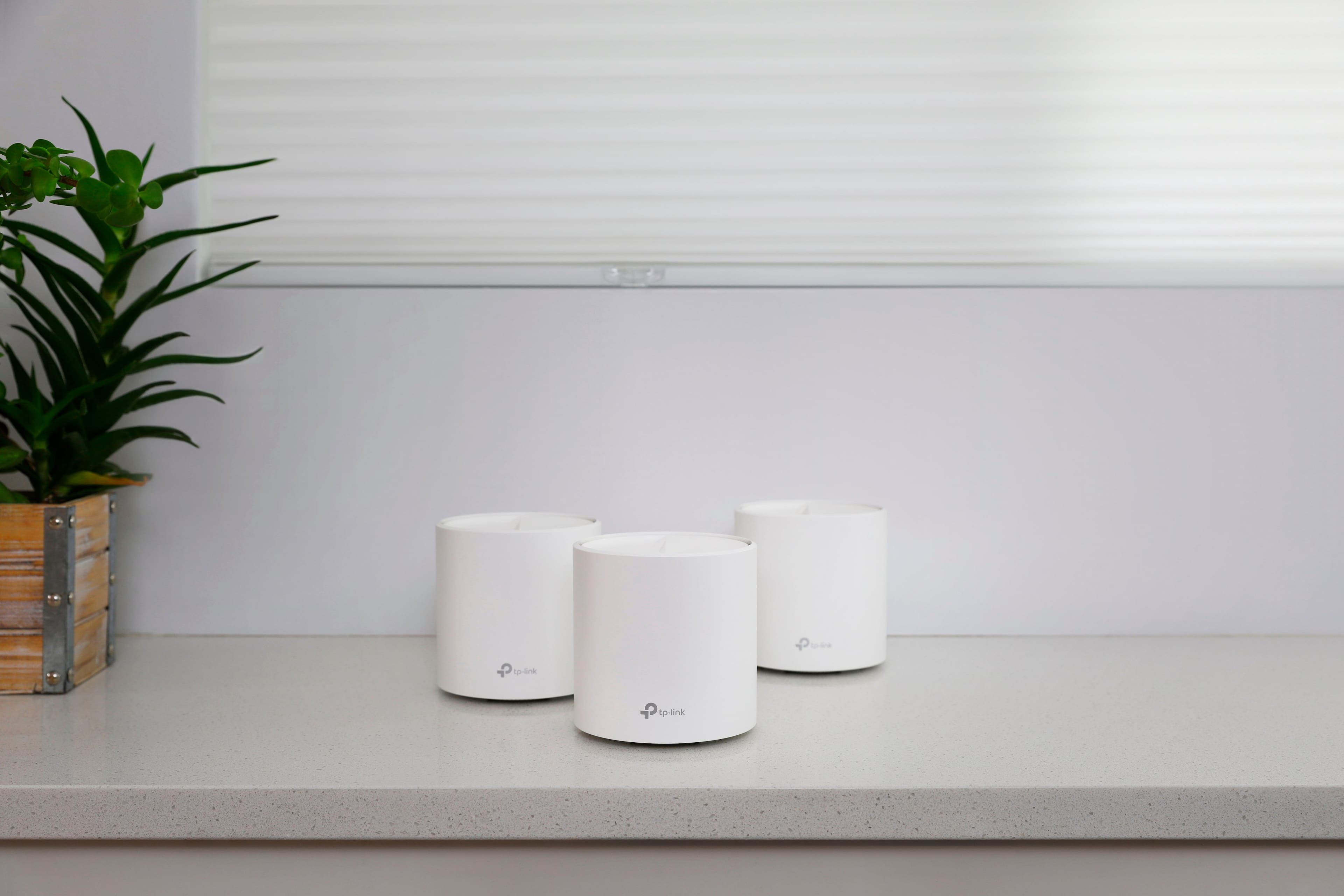
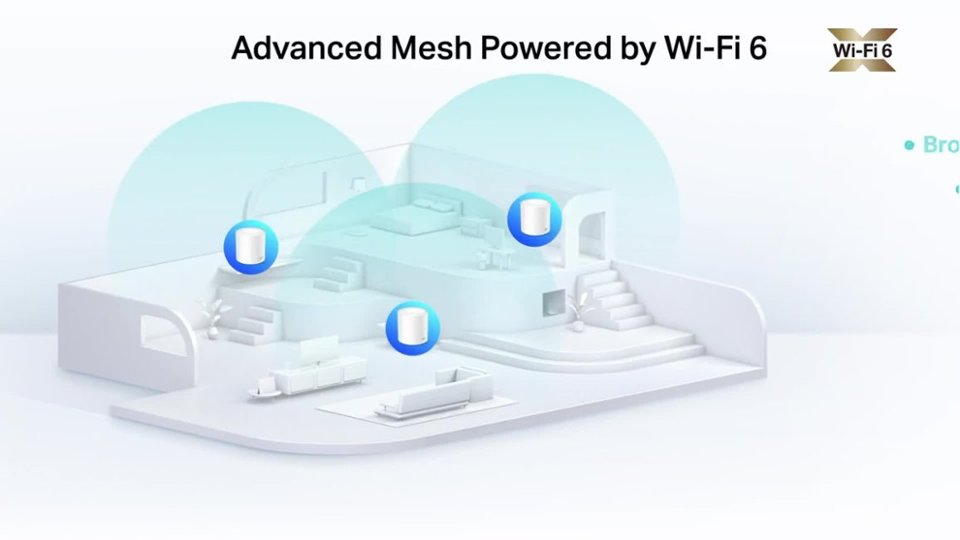
A:AnswerYes. One has to be a base router where you plug in an RJ45 (typical network cable terminator). This main Deco will connect to the satellite Decos providing a gateway to whatever network it is plugged in to, like the internet.