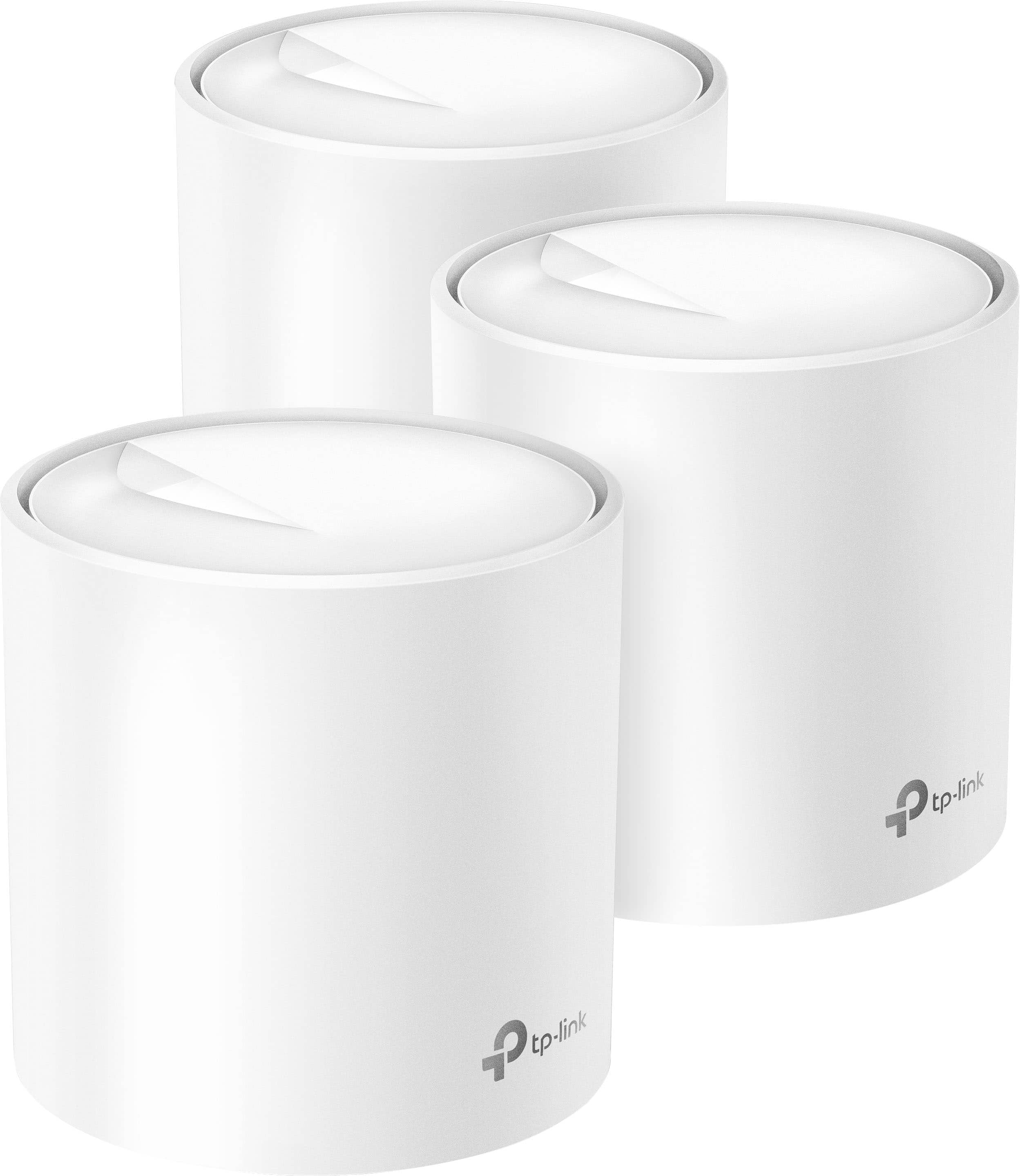
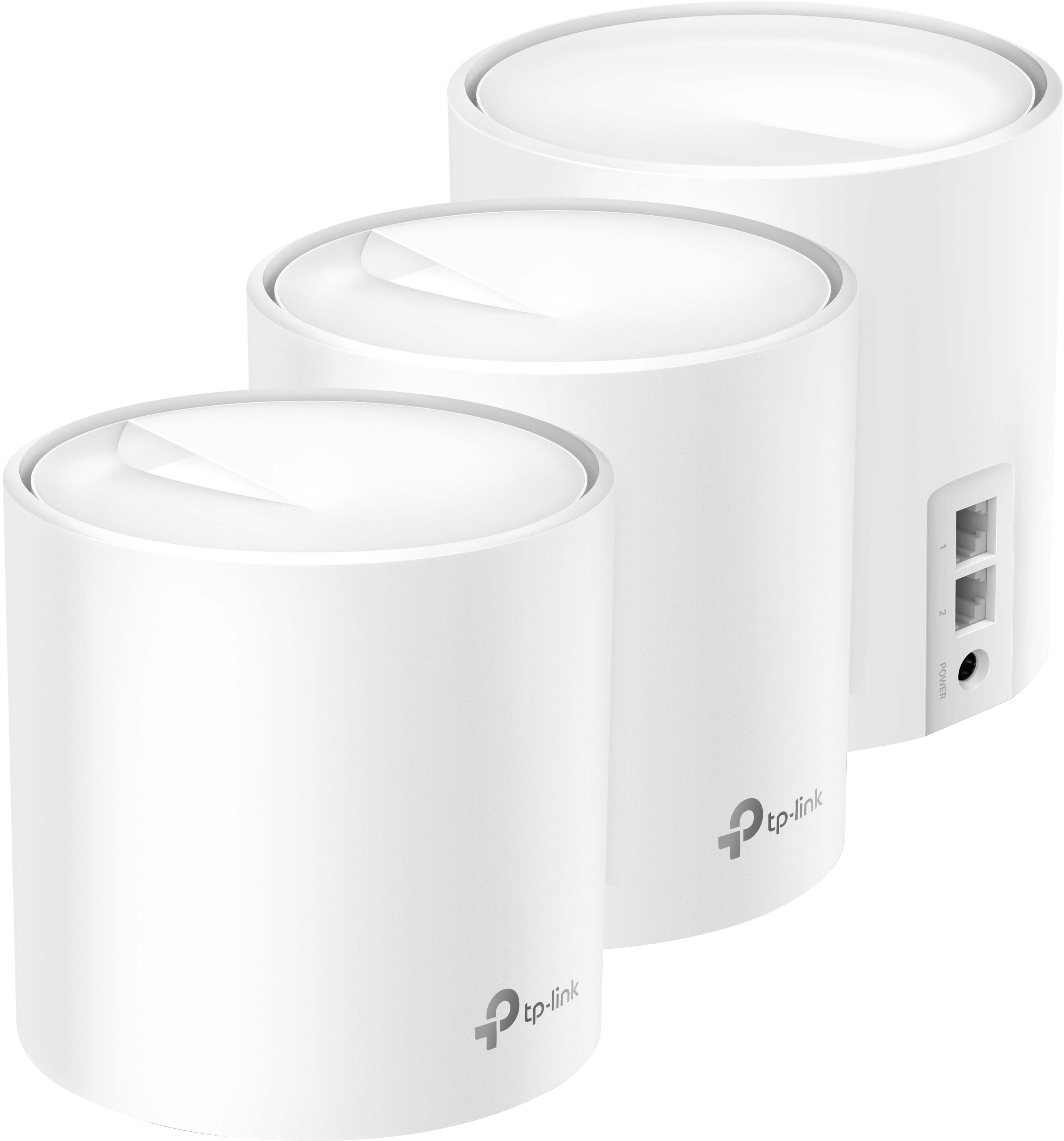
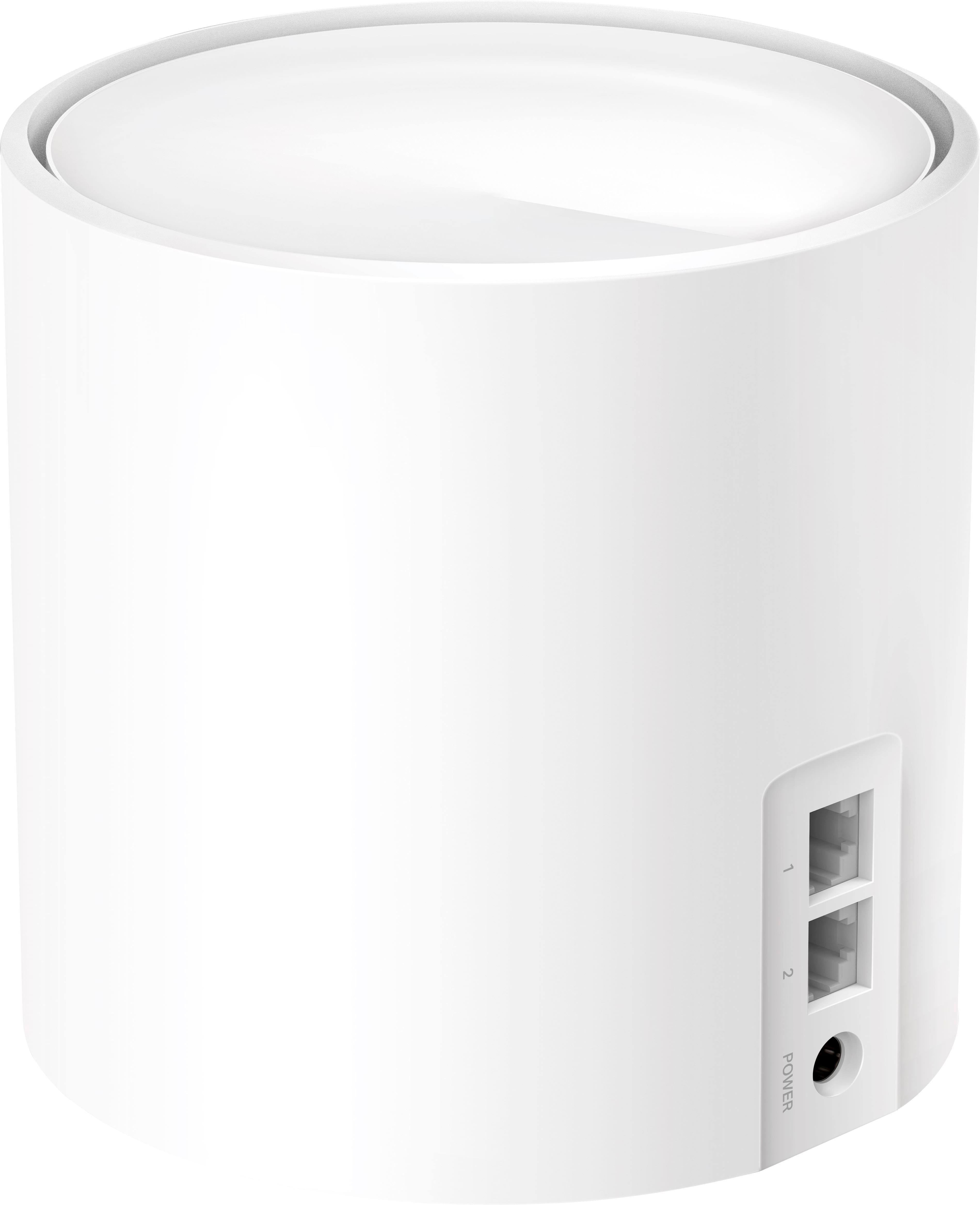
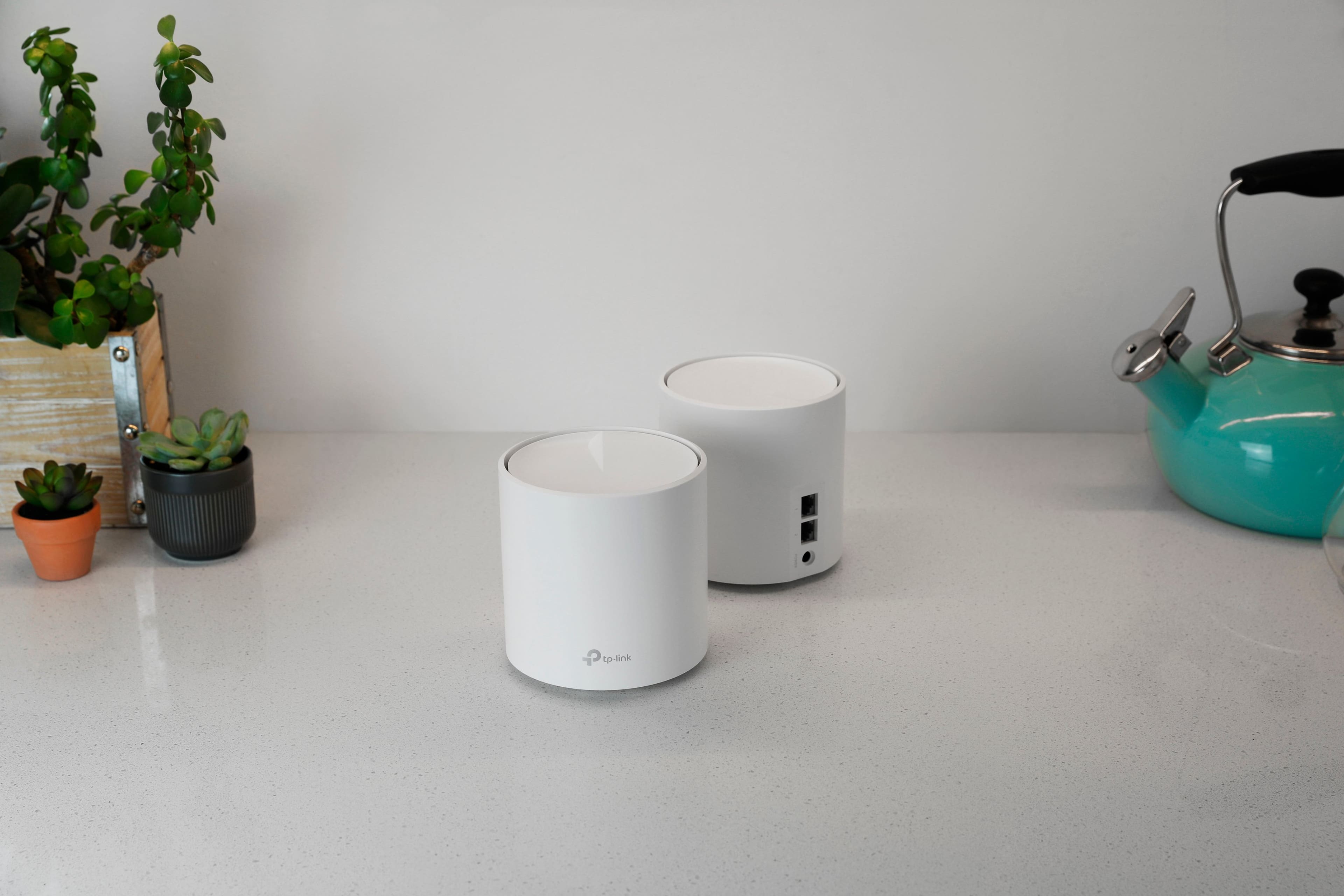
A:AnswerYes one unit connects directly to your modem. Each device has Ethernet ports which shows direct access to them so your not using Wi-Fi but could if you need to
A:AnswerDepends on how far apart your garage is between your next AP. Any farther than say 30 feet is too far. You could use Ethernet backhaul if that's an option
A:AnswerThe Deco AX3000 allows you to switch between "AP Mode" and "Router Mode" depending on your existing networking topology. It provides a consistent WIFI signal providing coverage up to its specifications. Meaning it does what it tells you it can do on the box.
A:AnswerHi! You can configure the Deco X60 in Access Point Mode and connect it to another router via Ethernet. Please note that in Access Point Mode, some Deco features that rely on Router Mode will not be available.
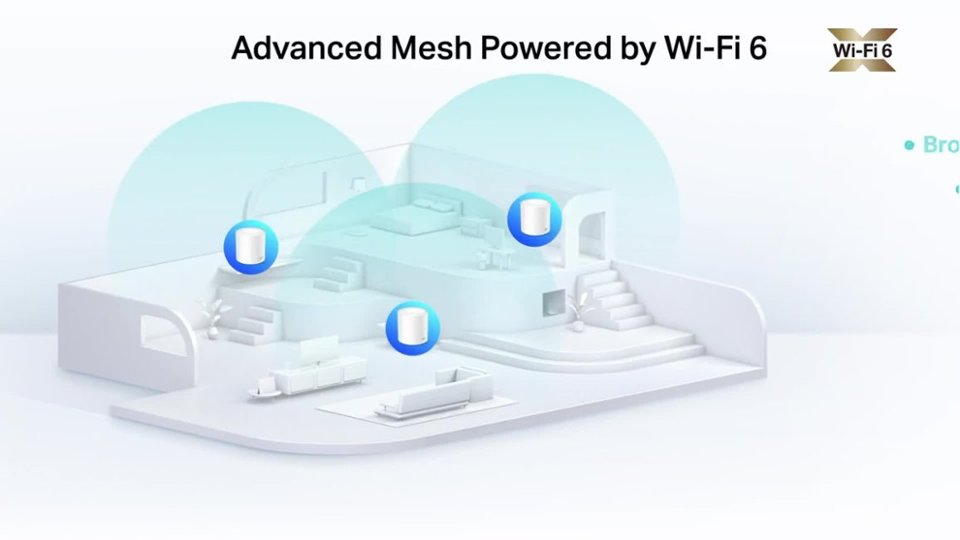
A:AnswerHi! Our Deco Mesh Wi-Fi systems are designed to provide robust, seamless Mesh Wi-Fi for your whole home. In your case, we first recommend ensuring your Deco app and firmware are both fully up to date and your Deco units are optimally positioned within your home and in proximity to each other.
A:AnswerHi! As long as your existing Internet source (e.g., modem, ONT, gateway) can be connected to the primary Deco node via Ethernet cable, it should work just fine. If you are unsure whether your Internet source can supply this type of connection, please contact your ISP for clarification.
A:AnswerAs long as your Internet source provides Ethernet connectivity, the router should work fine. Please check with your ISP to determine whether your equipment can support connecting via Ethernet to a router.