A:AnswerYes they do. However, you shouldn't be using smart home products like this on a 5 GHz band.Smart home products should be used on a 2.4 GHz band since they don't need the faster speed. Why take up the bandwidth on the 5 GHz when it's unnecessary? And I say this because some smart home products stay constantly connected to the internet, while others only connect when a command is given.
A:Answeryes, connect the plugs to Alexa. Have Alexa turn off the plug that controls the router at say 11:55 (23:55) daily and have Alexa turn that plug back on at 00:05 daily. That should give the router time to recycle while doing the reboot when no one is actively using the internet. Night owls may have to choose different recycle times. Tony
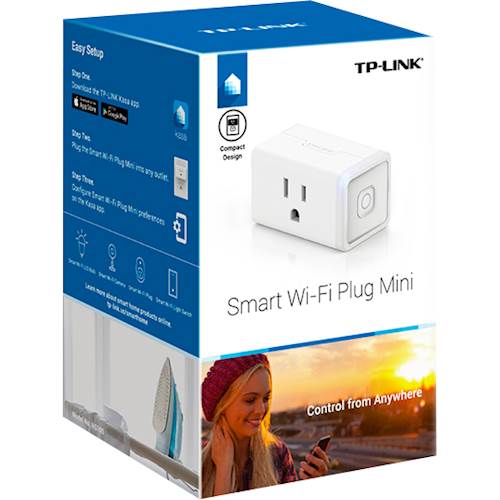
A:AnswerYou download the kasa app, then you can either use kasa app or add kasa to alexa/google home etc and control it from alexa directly (after setting up with kasa)
A:Answerunless you have a smart coffee pot that has a static program to execute with your choices the only way I see the pot starting automatically is by using the old type Mr.Coffee pot with a manual switch that can be left on. The pot can then be controlled by the smart plug. Tony