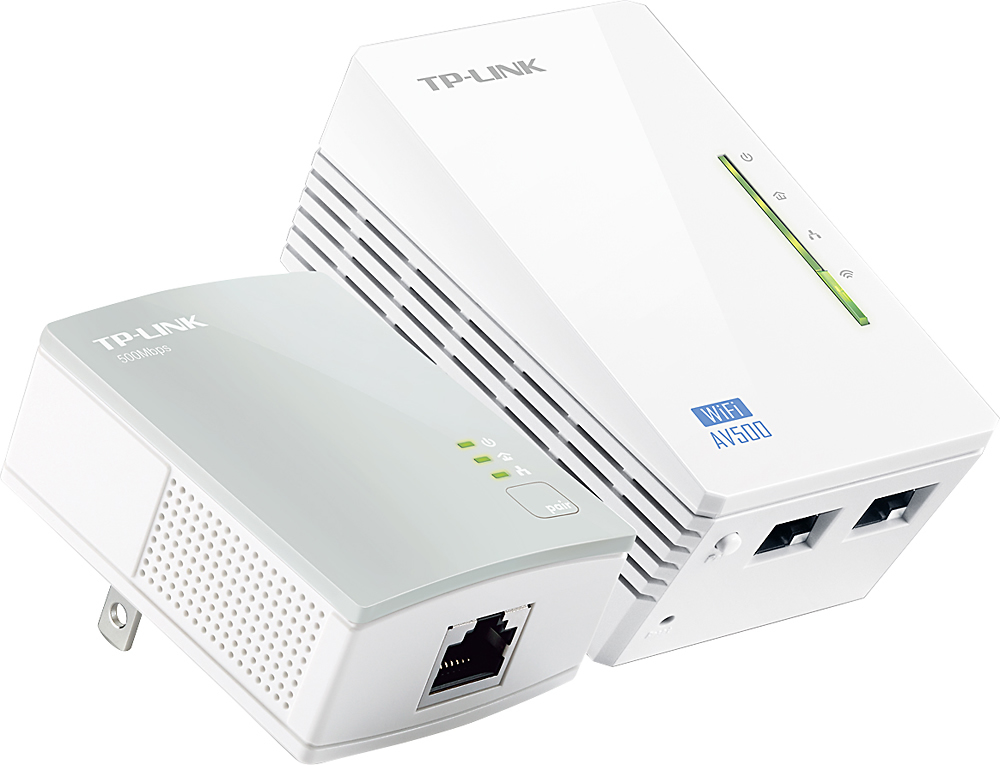
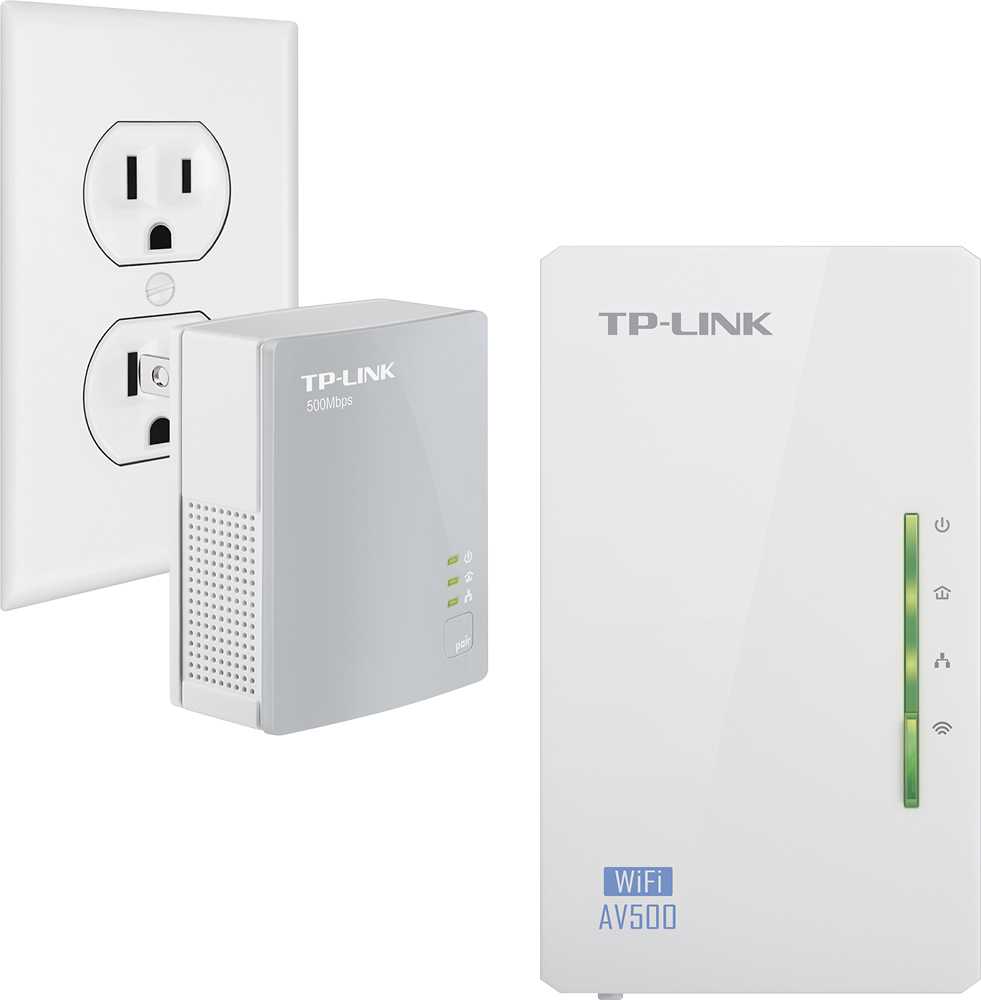
A:AnswerIf your PS4's lag is due to poor WiFi connectivity, and not your Internet connection itself, using a Powerline WiFi kit may help improve WiFi connectivity an signal strength at your PS4's location. You can also use the Ethernet connection from the secondary Powerline unit if preferred, to provide a direct connection to your PS4.
Regards,
TP-Link Support
A:AnswerNo, the Internet source for your Powerline network must be connected to the primary unit via Ethernet cable. Unless your hotspot has an Ethernet output to connect to the primary unit, this may not be the ideal solution for your needs. Please feel free to contact our support if you have any questions.
Regards,
TP-Link Support
A:AnswerTheoretically, as long as both outlets are on the same main circuit panel, it may be possible. However, please bear in mind that powerline connectivity and data transfer rates will vary due to network environment variables including: distance between adapters, network traffic, noise on electrical wires, building material and construction, quality of electrical installation and other adverse conditions.
Regards,
TP-Link Support
A:AnswerNo, Powerline WiFi extenders are designed to expand WiFi coverage, as well as Ethernet (RJ45) connectivity, which are not the same as a traditional phone line cable (RJ11).
Regards,
TP-Link Support