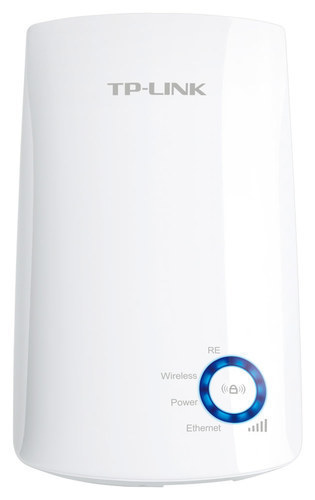
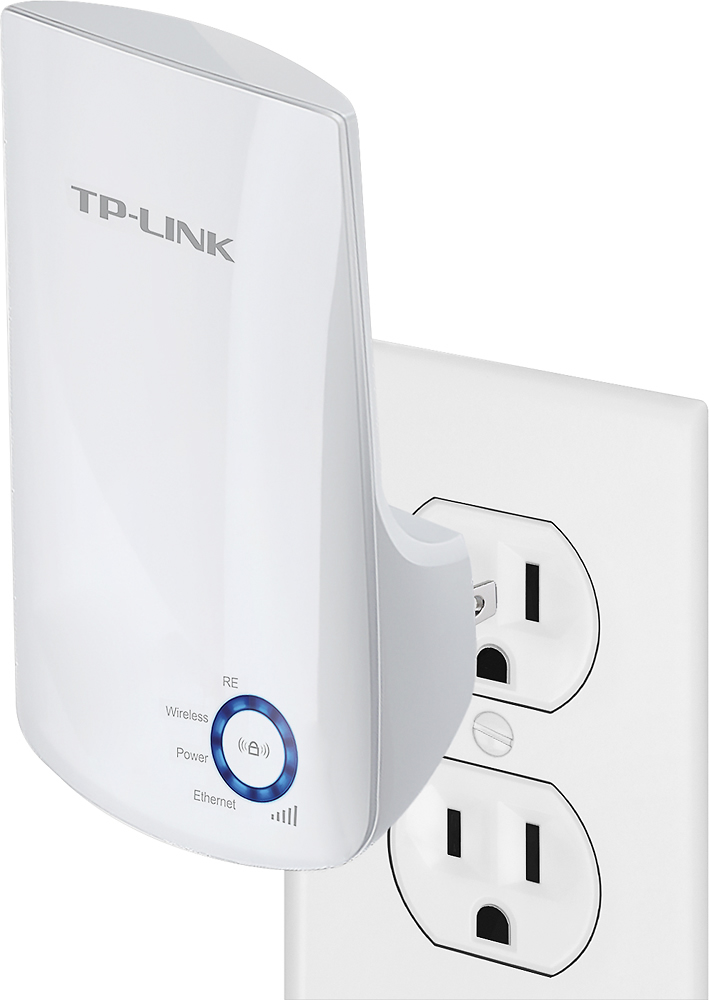
A:AnswerYes, our WiFi extenders are universally compatible with WiFi routers. Please bear in mind that if you are using the gateway/WiFi router provided by FiOS, its WPS button is likely disabled by default, so we would suggest using the web browser setup, or Tether app setup options instead.
Regards,
TP-Link Support
A:AnswerYes; however this extender is 2.4GHz only, so it will only extend your router's 2.4GHz band. If you would prefer dual-band extension, we recommend one of our dual-band extenders.
Regards,
TP-Link Support
A:AnswerIn that case, we recommend setting up the device in Range Extender mode, then connecting your Ethernet-only client to the port on the extender. If setup properly, your connected client should be prompted to log in via the network's captive portal system.
Regards,
TP-Link Support
A:AnswerI don't have concrete walls. I placed mine approximately 25 feet away from my router. Improved enough that we no longer have connection issues on our lg tv in master bedroom and guest room Insigna tv which are both approximatly another 20 or so feet from tp link device. True improvement considering neither could use smart features. Daughter hasn't had issues using her notebook anywhere within are 2000 square feet home. Nothing but complaints before. This item definitely improved our internet access on all our phones as well. Glad I bought it, only wish I'd tried it sooner considering it made such an improvement for under $20.
A:AnswerWiFi extenders must be set up to connect to the original WiFi source in order to extend coverage. Depending on how your hotel's sign-in page is configured, the extender may be able to expand coverage; however you will still need to sign in once connected.
Regards,
TP-Link Support
A:AnswerAbsolutely! There are multiple other, intuitive setup options included in the Quick Installation Guide that comes with the extender, such as web-based setup or using the TP-Link Tether app on your smartphone.
A:AnswerTheoretically yes. Once you have configured the Wi-Fi extender, you can utilize the Ethernet port to provide wired devices with LAN connectivity. Please be advised that your results may depend on the quality of signal the extender receives, and how much bandwidth your camera system requires.
A:AnswerHi! If you do not have administrative access to the Wi-Fi source (e.g. to install a more powerful Wi-Fi access point), you can consider a high gain Wi-Fi adapter such as our Archer T3U Plus to see if that yields an improved Wi-Fi signal reception for your latpop.
A:AnswerHi! That will depend on how far your existing router's 2.4GHz Wi-Fi signal reaches reliably. The extender must be installed in a location where your router's 2.4GHz Wi-Fi is sufficiently stable in order to repeat a stable signal.
A:AnswerHi! This Wi-Fi extender is designed to help provide additional 2.4GHz, N300 Wi-Fi range for your home network for your 2.4GHz wireless devices. However, please note that Arlo cameras do not connect to your router's Wi-Fi signal - they connect to their proprietary Arlo Base Station/Hub. Since the Arlo base station uses a proprietary connection, it cannot be extended using a universal Wi-Fi extender. You may need to acquire an additional hub/base station, or inquire with Arlo to see if they offer a proprietary extender for their systems.
A:AnswerHi! TP-Link Wi-Fi extenders are universally compatible with Wi-Fi routers. If you are looking to extend an existing Wi-Fi network signal within your residence, you should be able to do so as long as the original Wi-Fi signal is providing adequate strength at the extender's installation location.
A:AnswerYes, you can connect the Wi-Fi extender to your existing wireless network, then run an Ethernet cable from it to your computer to establish a wired connection to the network.
A:AnswerThis will not provide wifi where there is none, it has to be associated with a pre-existing wifi address that you have full access to. This only helps that wifi reach further, nothing more