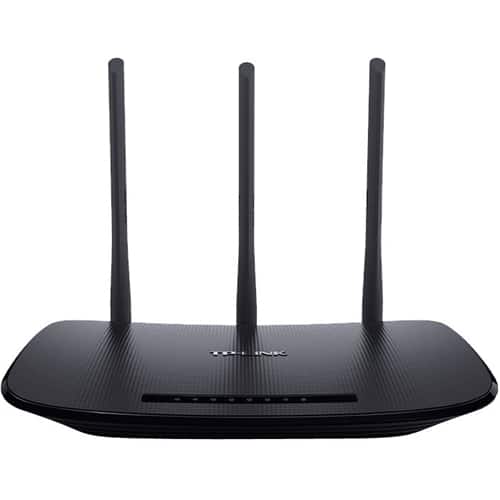
A:AnswerYes, as long as the router is connected to an existing, active Internet source (i.e. cable modem) via Ethernet cable, and your PS4 is connected to the router via WiFi or Ethernet.
A:AnswerIt depending on what kind of connection you are looking for honestly. This modem allows for wired and wireless connection. If it was up to me I would run a LAN Line from the cable box to the modem and would place the modem above where you will be working to acquire the WiFi connection. The alternative is to run the LAN Line through the floor into the basement and set up the modem there
A:AnswerThat would primarily depend on your networking environment and how much bandwidth each device requires. That being said, with 60 IoT devices, we would recommend considering one of our Mesh WiFi solutions instead.
A:AnswerBy reading some other answers I’m pretty sure you have to plug the router into a modem and then you can plug in your Xbox but you have to be subscribed to an internet provider for the WiFi itself. I’m not 100% sure about all of this but I hope someone who knows what they are doing can help you out
A:AnswerNo, however it offers Router Mode, Access Point Mode, and Repeater Mode. Repeater Mode can partially emulate a client mode by connecting devices to the Ethernet ports.
Regards,
TP-Link Support
A:AnswerTypically, the router would be connected to your Internet source (i.e. modem). If your existing modem is an ISP-issued gateway, we suggest contacting your ISP to discuss what options are available when using third-party routers.
Regards,
TP-Link Support
A:AnswerIt is definitely the best router for the price. I’ve registered internet speeds of over 150 mps on it, and it smoothly runs all my devices, including me game console without any hitches. Latency is excellent too. I therefore recommend it to anyone who is not out to show off their router, but needs one that gets the job done.
A:AnswerThe router itself does not provide Internet services; it can be used in conjunction with an existing Internet source to provide N450 WiFi for your home.
Regards,
TP-Link Support
A:AnswerThe TL-WR940N is equipped with N450 WiFi connectivity and Fast Ethernet (100Mbps) ports. Depending on your network environment and needs, the router may be suitable. However, if your environment has significant 2.4GHz congestion, we would suggest considering one of our dual-band, Gigabit Ethernet routers as an alternative option.
Regards,
TP-Link Support
A:AnswerThe TL-WR940N requires Ethernet input for Internet connectivity. Please ensure your Internet source offers Ethernet connectivity if you plan to use it with this router.
Regards,
TP-Link Support
A:AnswerThe TL-WR940N does not provide its own Internet connection. However, it can be used in conjunction with an existing Internet source (i.e. cable modem) to provide N450 WiFi Internet connectivity.
Regards,
TP-Link Support
A:AnswerIf your Internet service provider requires a modem in order to supply Internet access to your home, you will need a modem, then connect it to the router via Ethernet for the router can then supply Internet via WiFi to your home.