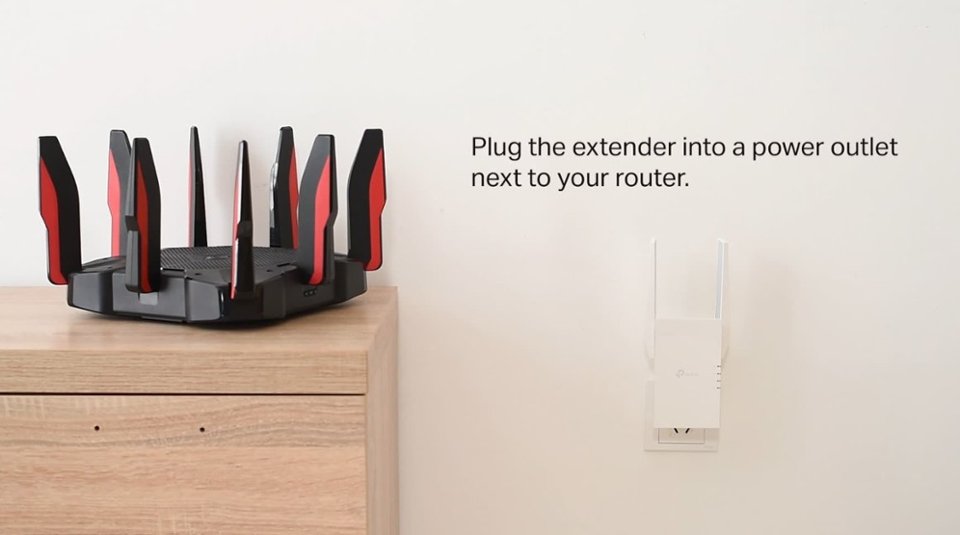
A:AnswerThis serves as a middle point from router to device you want to connect. It doesn't make the range of your router go farther. Think of your router like a wireless extension cord. This extender is like plugging another extension cord at the end of your router extension cord to get twice the distance but this extender needs to be placed where the two extension cords meet.
A:AnswerYes. And No. I am using mine to boost a 5gHz signal from a T-Mobile hotspot. Since 5gHz has less distance of effectiveness for maximum speed, I placed my TP-Link just a few inches from the relatively weak hotspot, and it actually rebroadcasts the signal at a greater strength than my router (also TP-Link). Other than that kind of increase, it will not take a broadband of 100mpbs and boost it to 200mbps.
A:AnswerYes.
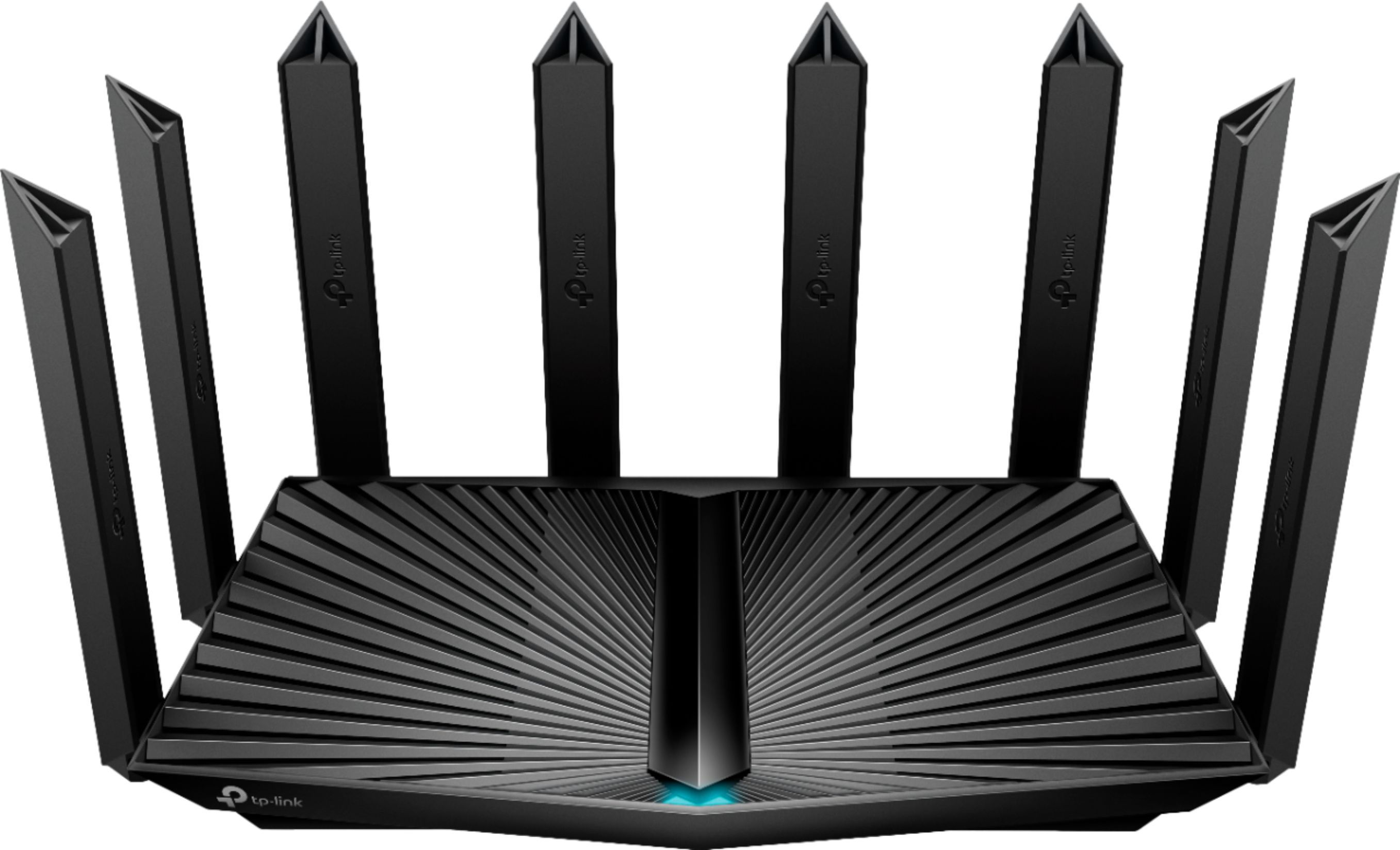
From the detail page of a TP-Link WiFi 6 router:
TP-Link OneMesh Supported: Flexibly Create Whole Home WiFi with Archer GX90 by adding a OneMesh supported Range Extender, like RE505X
A:AnswerYes. It’s exactly why it was purchased. To boost WiFi to remote camera.
Just make sure there is a clear line of sight from the unit to the camera otherwise you get a choppy, interrupted pucture.
A:Answertp-link website shows their different country websites where you should be able to find your correct configuration. It does not say what you're looking for in the product info I have.
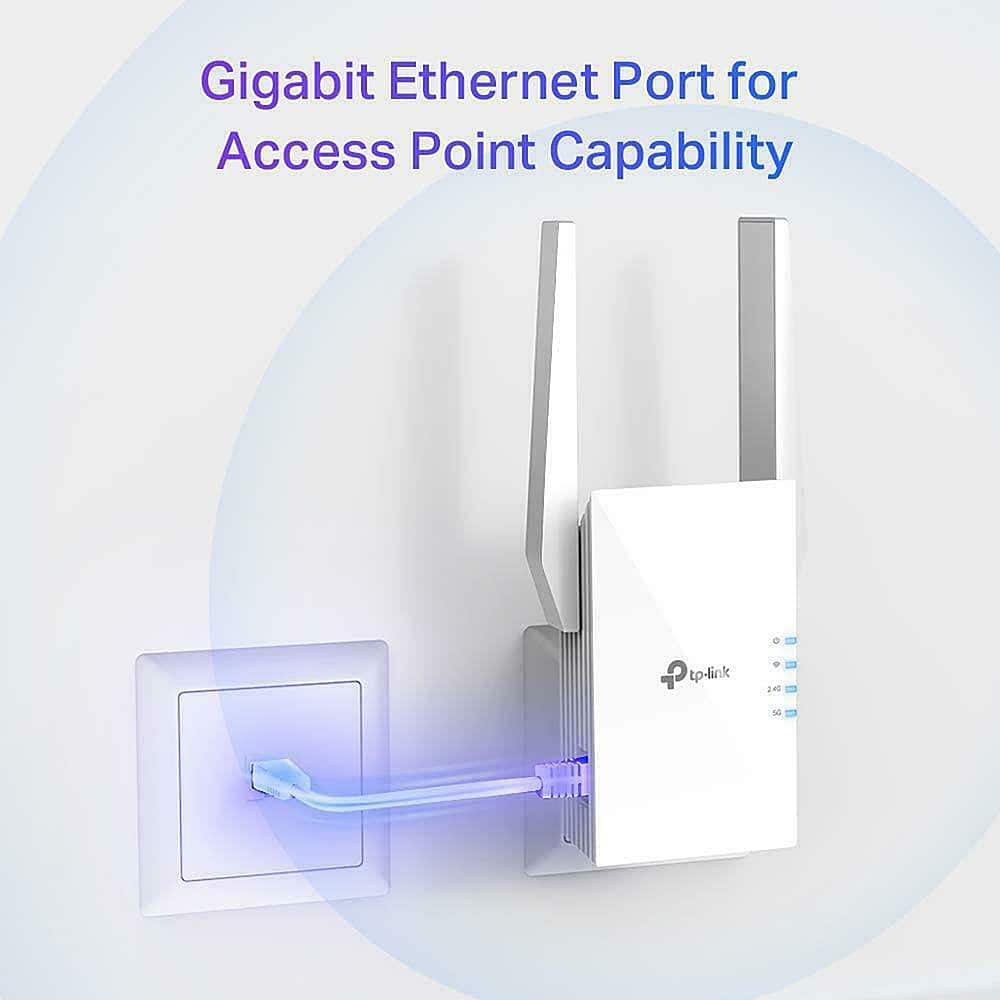
A:AnswerFor full OneMesh compatibility and features, the RE505X must be used in Range Extender Mode. That being said, you can still use the device in Access Point Mode and configure it with the same SSID/password as your router; however OneMesh features will not be active.
A:AnswerWi-Fi coverage will depend on numerous variables, including, but not limited to:
- Placement of the extender
- Physical obstructions (e.g., walls, etc.) between the extender and your devices
- Distance between the extender and your router
- Distance between the extender and your devices
- Which Wi-Fi band you are connecting to (2.4GHz vs. 5GHz)