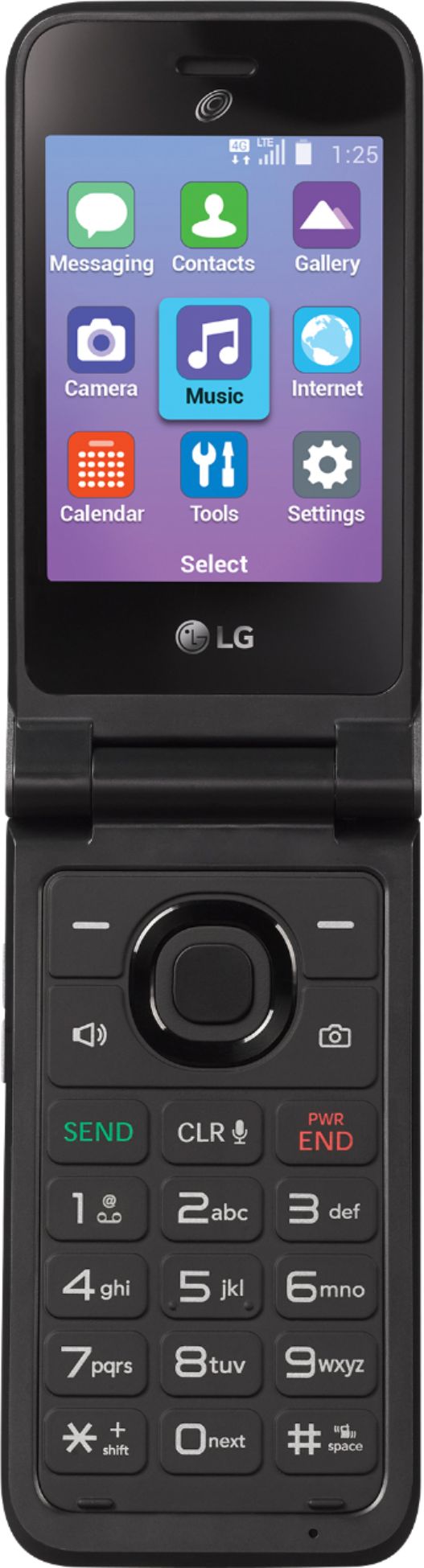
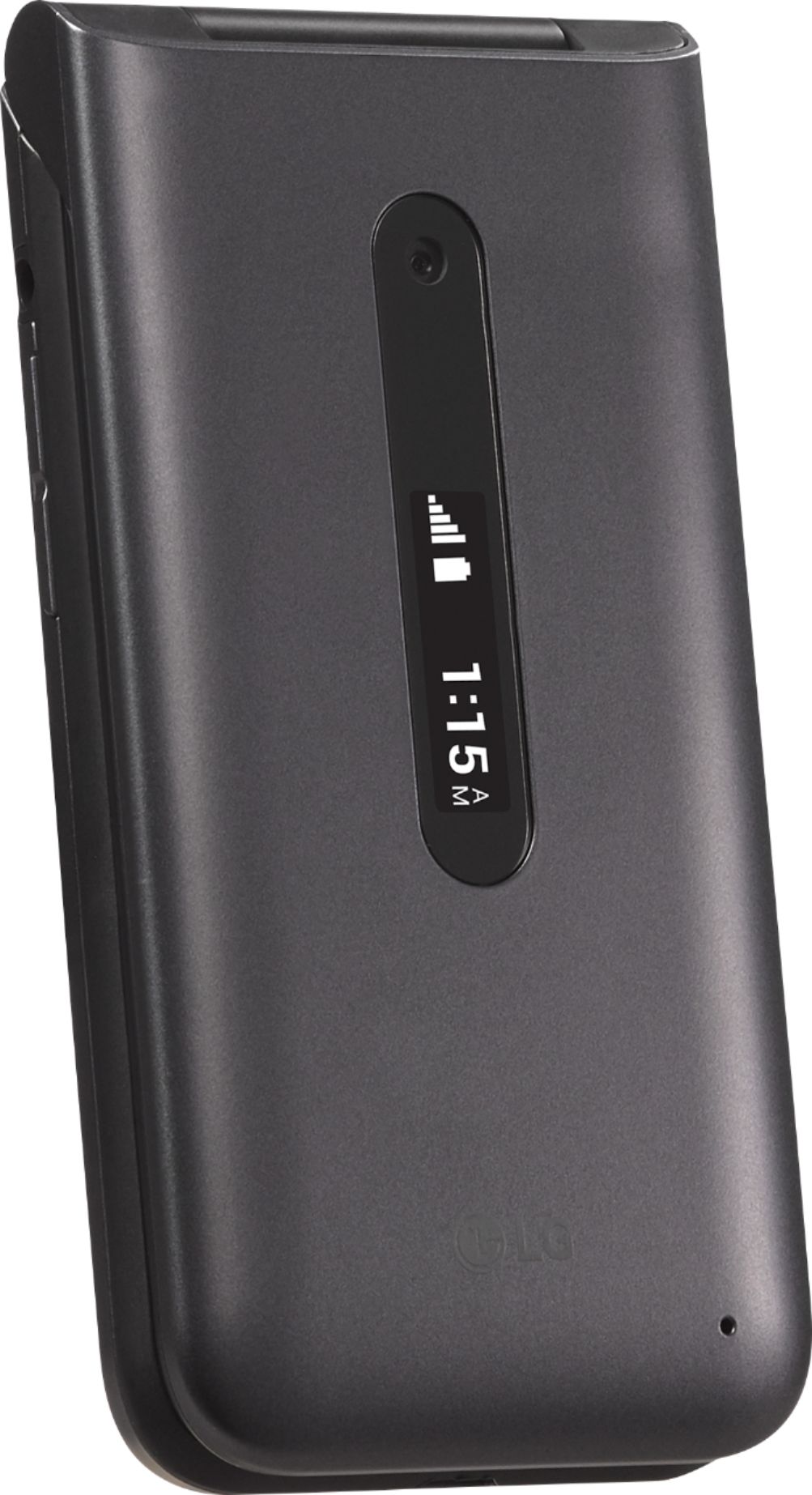
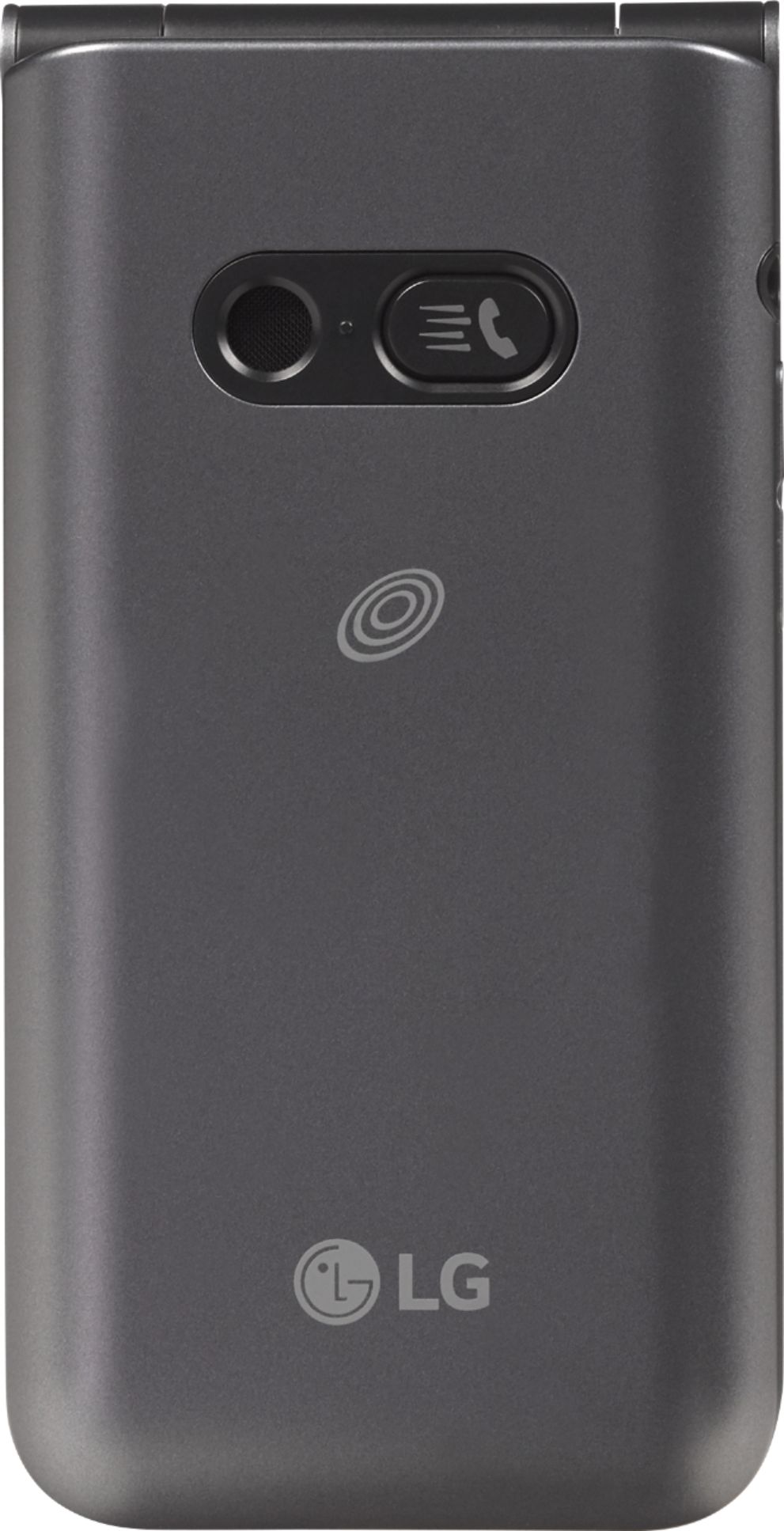
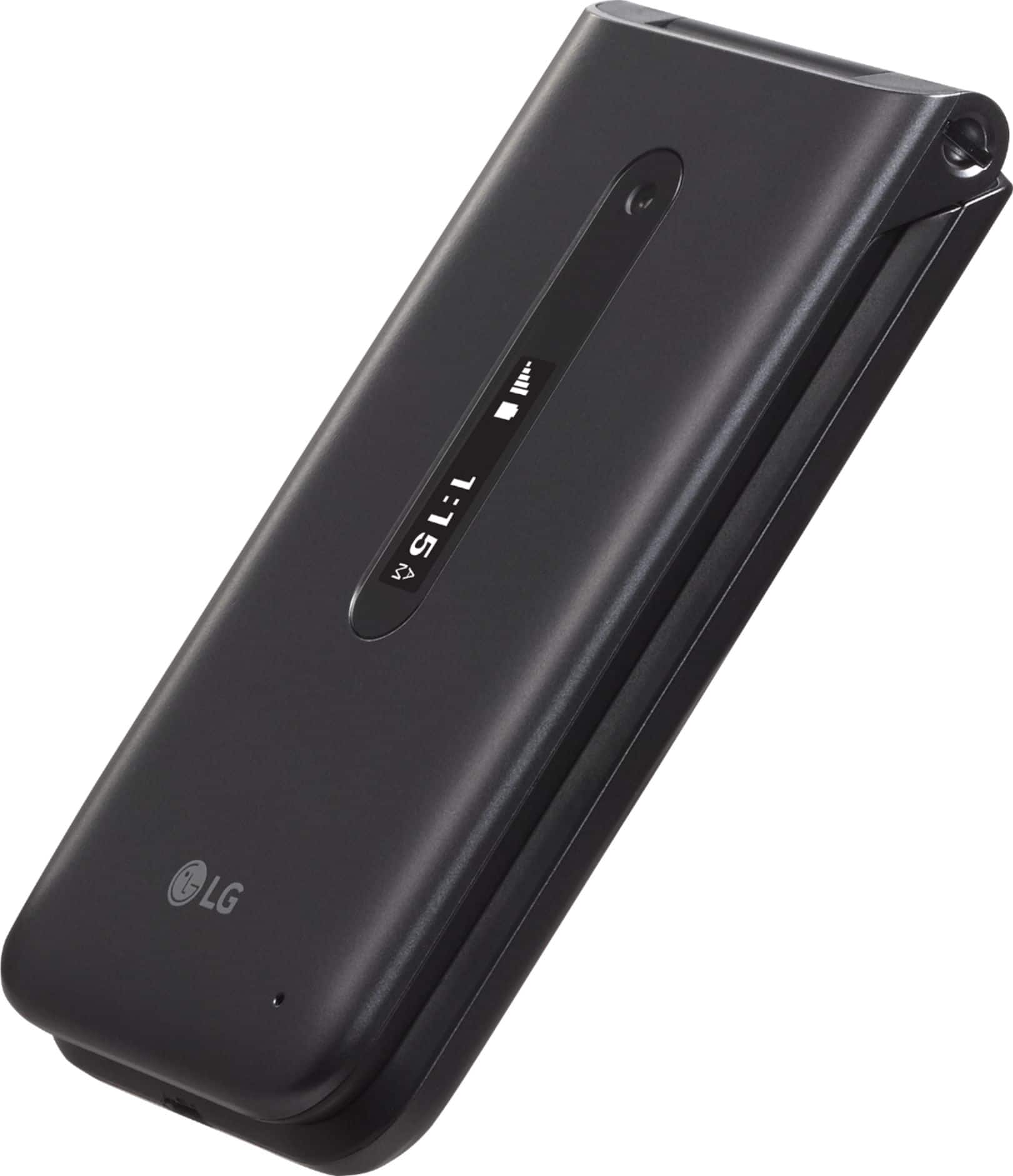
A:AnswerHi. This is Katrina from TracFone Wireless. The wireless technology for this TracFone LG Classic Flip is 4G LTE and is compatible with the new VoLTE network. Also, 4G LTE phones will work on the 5G network. These phones just won't get the 5G speed. You must have a 5G-capable phone to access the 5G network. Thank you.
A:AnswerAll I can say is mine stated 4G in the advertisement AND on the box. If you have the phone already, you can go to "settings" then [7] "about phone" then [3] Network Type and strength. This will show what Network type your phone is using. As an aside, I've been wondering how much part the "sim card" which came from tracfone plays into this. If you purchased a 3g by accident, is this phone able to be upgraded to 4g via a different sim card? Good Luck.
A:AnswerHi. This is Frank from TracFone Wireless. As of now, we do not have an update about our upcoming phones that has the features you mentioned. However, we can always help you with your phone in order to be better understand it and its Apps. To check your service end date, you can text the word DUE DATE to 611611 and the text the word BALANCE to 611611 to check your remaining minutes. Should you need assistance, please copy this link http://bit.ly/2qdrKHH and paste it on a new window for chat support. You may also text HELP to 611611. For your convenience, our representatives are available Monday-Sunday from 8:00 AM to 11:45 PM EST. For tutorials, text the word TUTORIALS to 611611. Thank you.
A:AnswerHi. This is Cristy from TracFone Wireless. To check your current balance, you can text the word BALANCE to 611611. Yes, you can enter your service card PIN. To add your service card PIN, text the word ADD to 611611. Thank you for using our service!
A:AnswerHi. This is Cristy from TracFone Wireless. From the main screen, press the key below the word "Message". Press the key below the word "Compose". Using the dial pad, enter the mobile number for your recipient in the "To" field. To add a recipient from Contacts, press the key below the word "Contacts." Press the CENTER key. If necessary, go to the contact you would like to message and press the CENTER key. Then, press the key below the word "Done". Using the navigation keys, go to the "Enter message" field. Enter the message you would like to send. Press the CENTER key to send your message. To return to the main screen, press the PWR/END key. To get a handset tutorial, you can text the word TUTORIAL to 611611. Thank you.
A:AnswerHi. This is Frank from TracFone Wireless. You can buy the 90 minutes card and use the minutes until it runs out as long as you have an active service on your phone.
A:AnswerHi. This is Wendy from TracFone Wireless. You can find the SIM number on the phone's Settings, on the SIM card itself and on the Red Activation Card. Thank you.
A:AnswerHi. This is Janet from TracFone Wireless. Yes. The TracFone LG Classic Flip allows T9 texting. You can set it up upon entering and editing information on a text field. When in a text field, just press the left soft key (-) to select a text input method. You can find the T9 Word as one of the options you can choose from. For further assistance, just chat with us at http://bit.ly/2qdrKHH. For your convenience, our representatives are available Monday-Sunday from 8:00 AM to 11:45 PM EST. You may also text the key word HELP to 611611 to view our self-service menu with a list of help key words with valuable information. Have a nice day!
A:AnswerHi. This is Katrina from TracFone Wireless. For us to better assist you, please copy this link http://bit.ly/2qdrKHH and paste it on a new window for chat support. You may also text HELP to 611611. For your convenience, our representatives are available Monday-Sunday from 8:00 AM to 11:45 PM EST. Have a great day!