A:AnswerAbout the length of time of the VHS tape (you must play it as though you are watching it) and a short time to transfer over to DVD. I stored mine as digital files on laptop and flash drives.
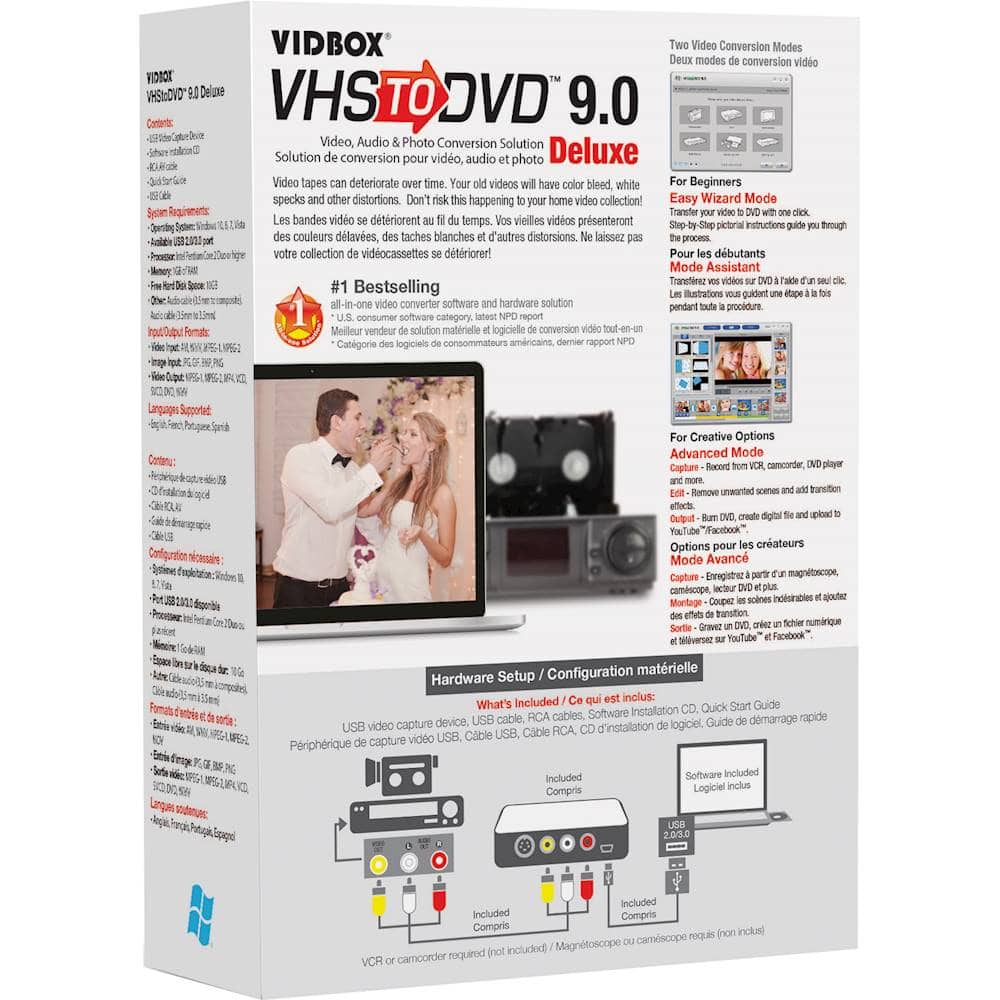
A:Answeryou need a vhs player to play tapes and a dvd burner on your computer. it is a pretty simple connection from vidbox to computer. I fast forward and rewind tapes before transfering just to make sure tape works.
A:AnswerRaquel, it'll work a s LONG as you have some free space in which to capture and then edit/convert/store & burn the movie files. My computer is older than yours, and this old HP does fine, but I have it clogged up with a bunch a stuff, so be warned of that. If it'll play NetFlix then it has the horsepower needed to process and burn the movie. But you're gonna need some free GigaBytes...
A:AnswerA DVD holds 4.7 gigs for a 60 minute video and therefore would exceed the 4 gigs of ram which your computer has. But it would be possible to record something in the range of a 45minute video, which would not exceed your4 gigs of ram. The only way you can change the speed of your recording, is when you choose to record beyond either 60 or 120 minutes. With my former Panasonic video/recorder, I could set any of 4 speeds manually and control the amount of video and quality per disc. Here you have a limit of up to 180 minutes, using different speeds adjusted by the software. This software is great and for the price it is a bargain. To repair my Panasonic recorder will be a flat $1200 or buy a refurbished one for about the same price. They do not make them any more.