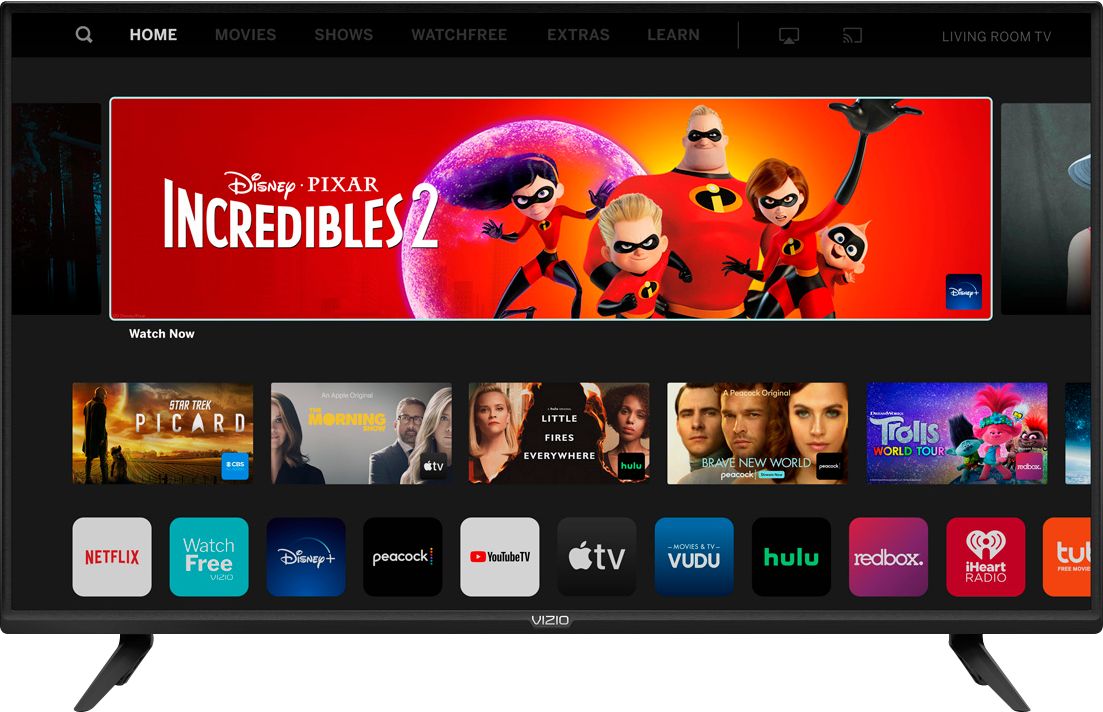
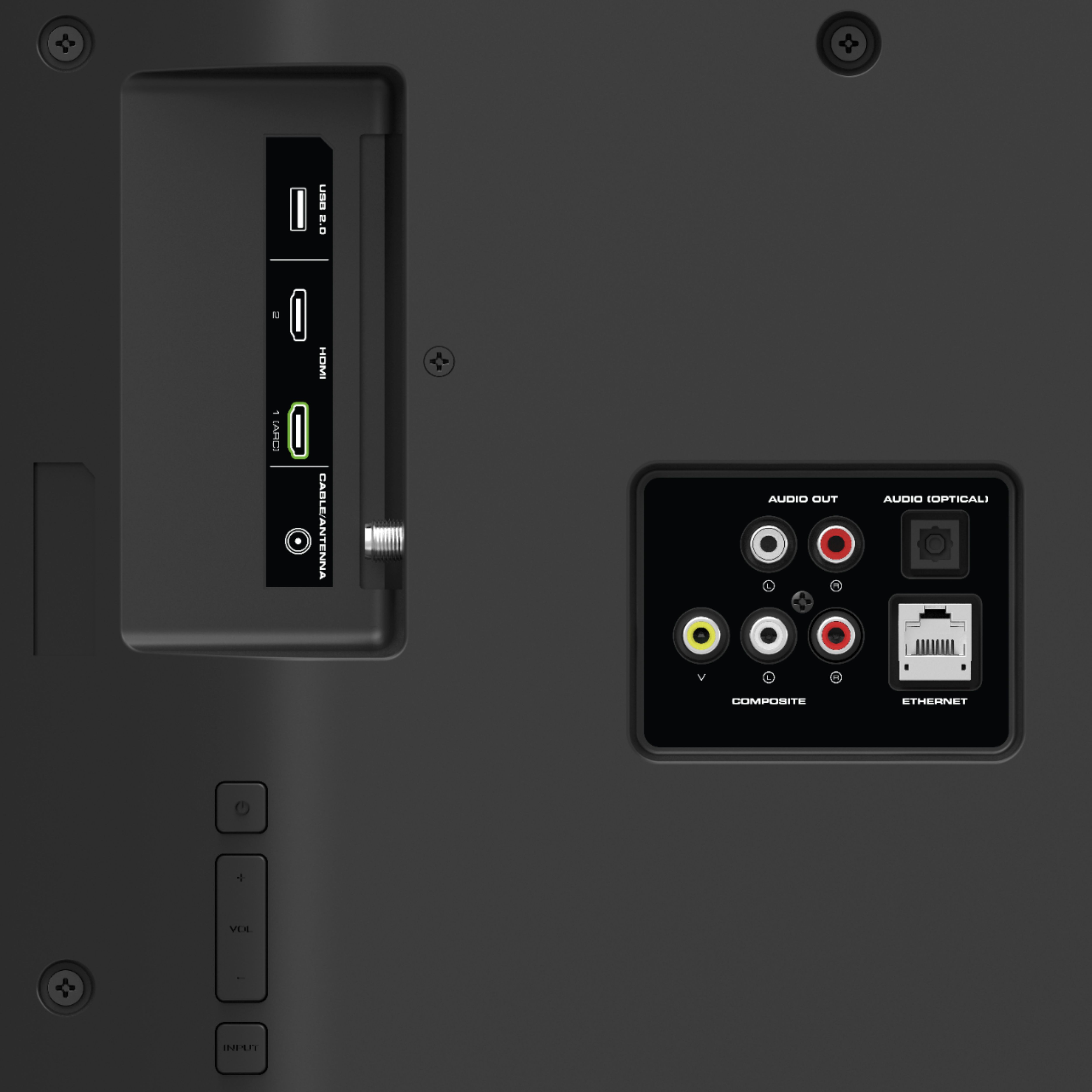
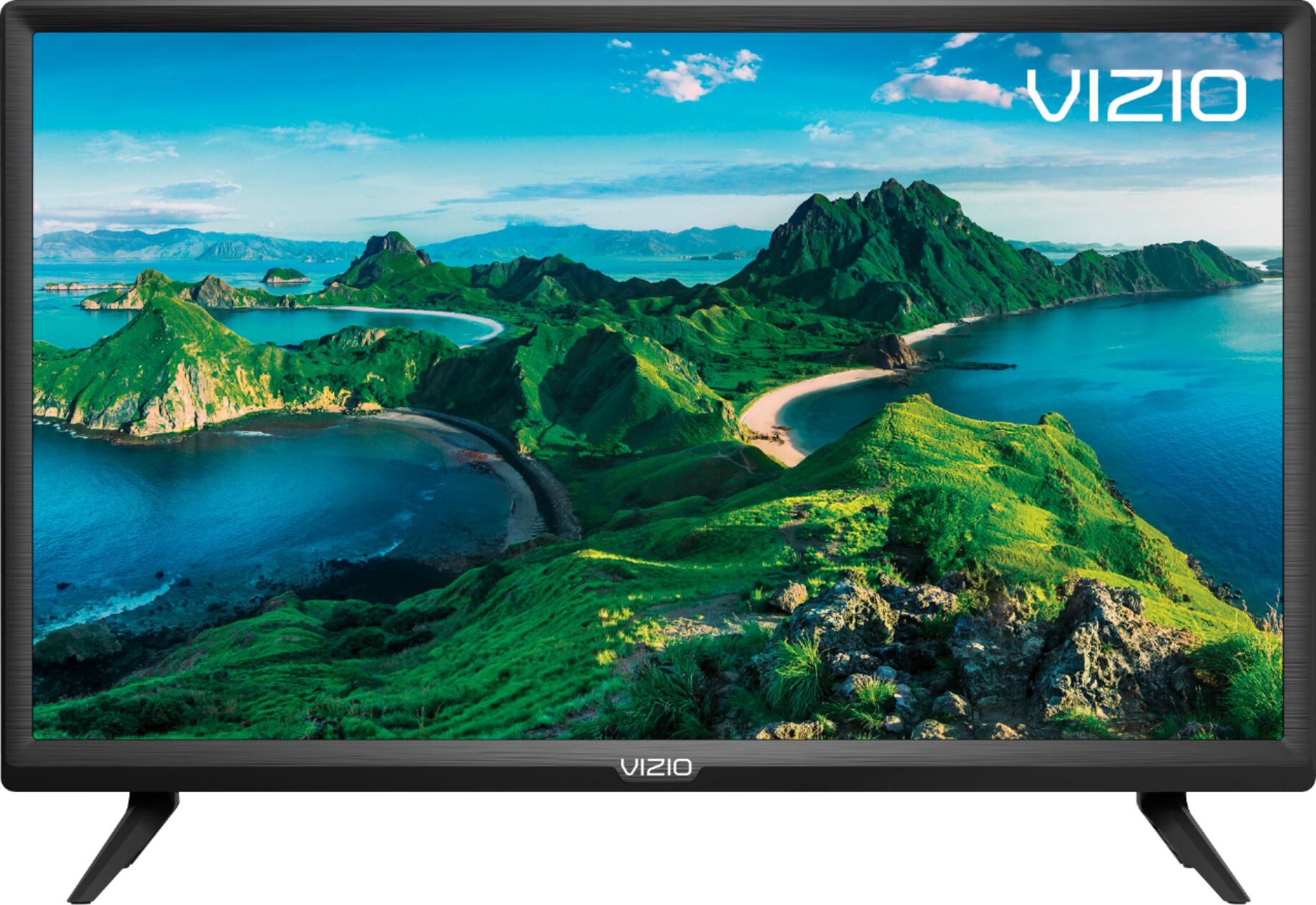
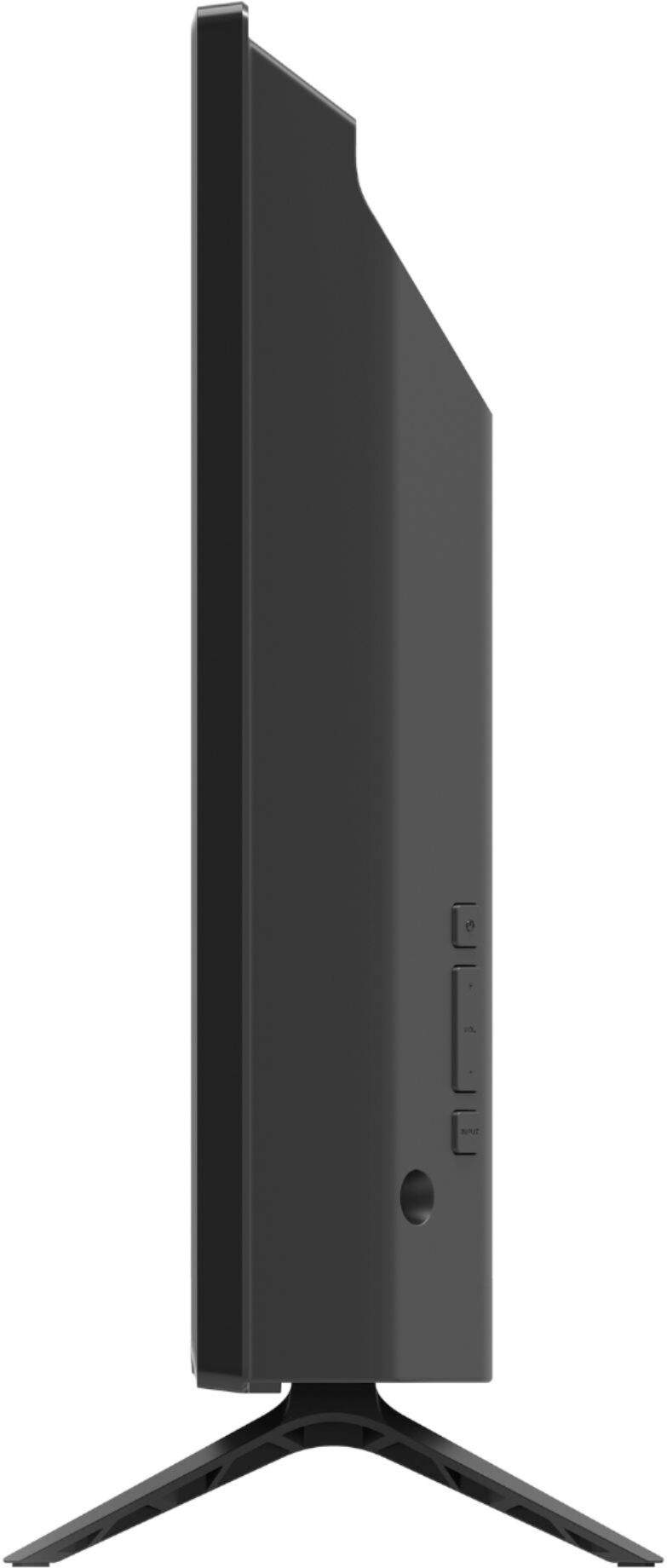
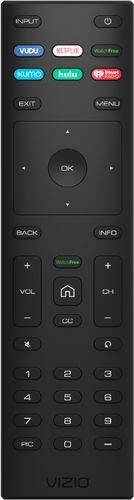
A:AnswerThe Vizio remote cannot be programmed to work your DirectTV genie. You can program the Directv remote to turn the TV on and off but you need the TV Remote to access the featured apps. A lot of what you would use the Directv for can be found on Pluto or one of the many apps installed. If you want to add an HDTV antenna to pick up the local channels, you could dump your Directv box.
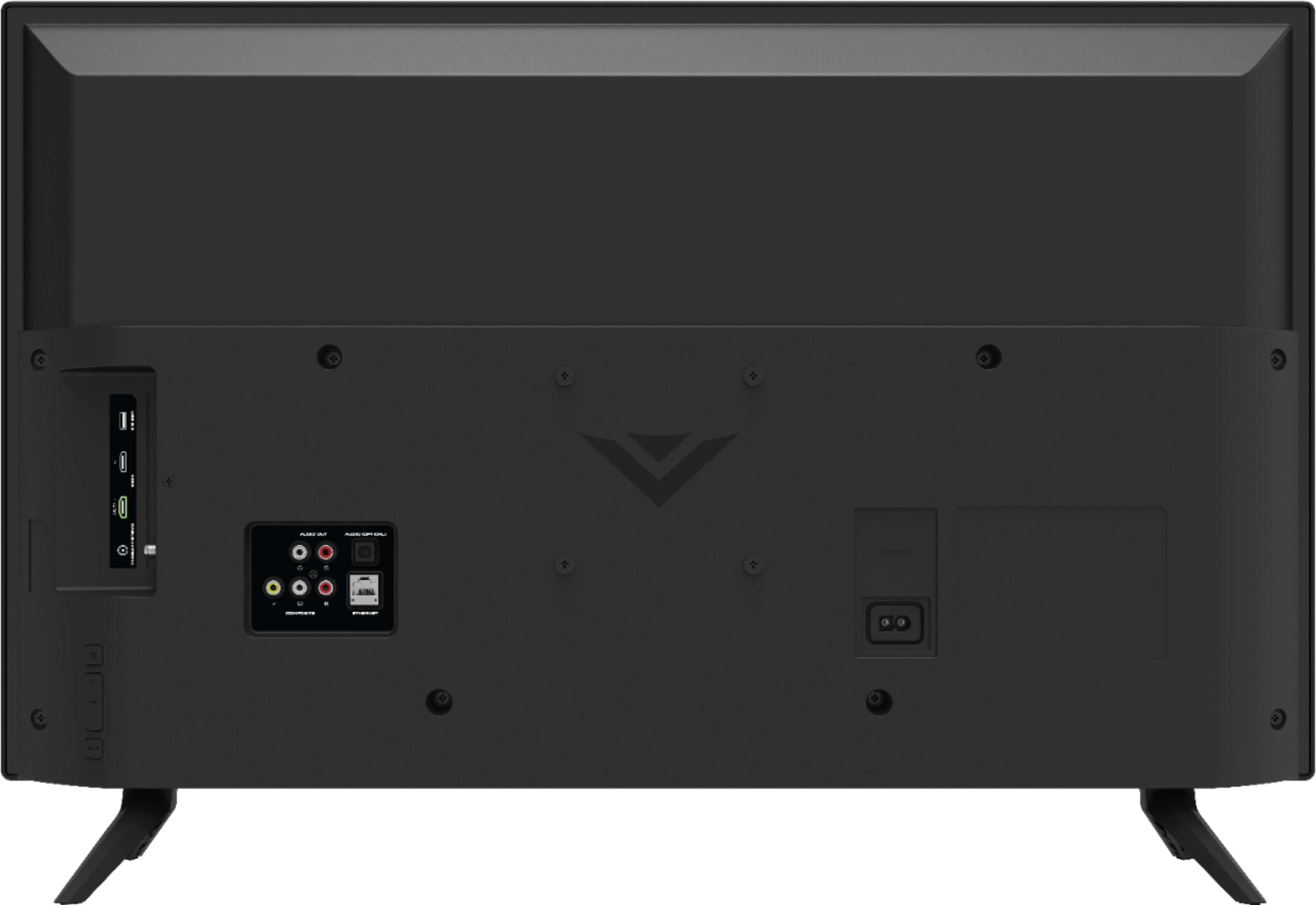
A:AnswerAll Vizio TVs have a 2 blade AC plug (NO Ground) for wall side and 2 round plug at TV side. See attached photo. I work at a TV manufacturing facility (Making Vizio TVs), and have not seen a 90° (right angle) power cord for the TV side.
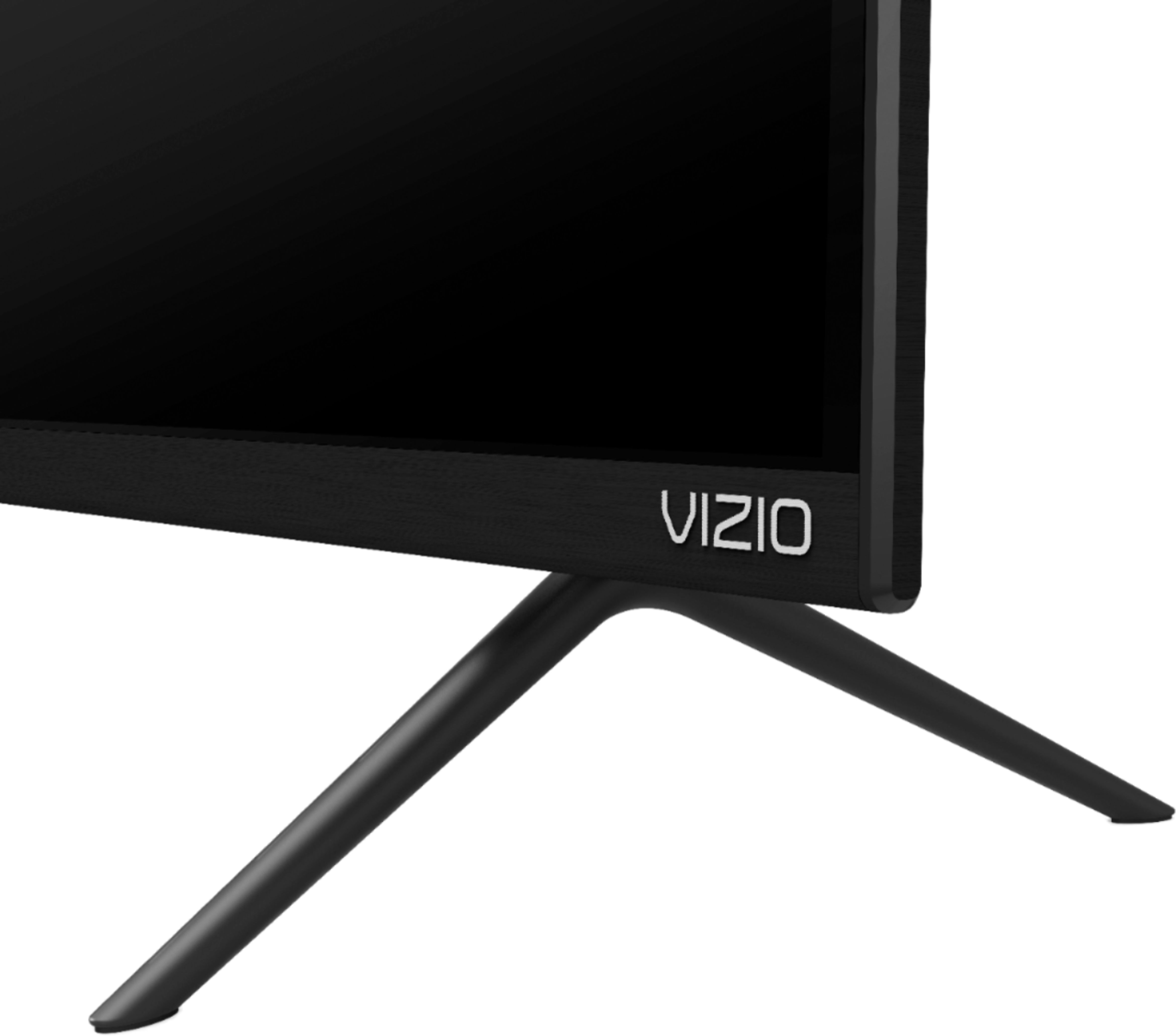
A:AnswerTom. Plug may extend about a 1 to 1-1/2 inch, it may be difficult to mount it flat on the wall. Have not seen right angle (90°) power cords for TV side. Other big size Vizio models have the AC power connector on backside at a 45° angle, which makes it easier to place your TV closer to your wall.
A:AnswerThis TV doesn't have the built-in Google Play store. But it does have Chromecast built-in, so you can share content from some streaming applications on your device with the TV. For more information on chromecast, please visit Support.VIZIO.com.
A:AnswerThat depends on how the dongle connects, and if it needs to be powered. If you have a specific dongle in mind, our tech support agents could answer the question. They're available at 855-833-3221.
A:AnswerThis television has a YouTube TV app in the SmartCast input and comes with a full function remote. You can also use the VIZIO SmartCast app in your app store to control the television.
A:AnswerI can't speak to the specific app your talking about. But the TV does support Google Chromecast technology. So depending on the app & device, you can either cast the app directly, or share the devices screen. For more information on how to cast, visit support.vizio.com.
A:AnswerYou can either order a new remote from Vizio (or other sources for that matter) for the Vizio D32F-G1 D series TV, or you can download Vizio’s Android or IOS app and use it to control the TV.