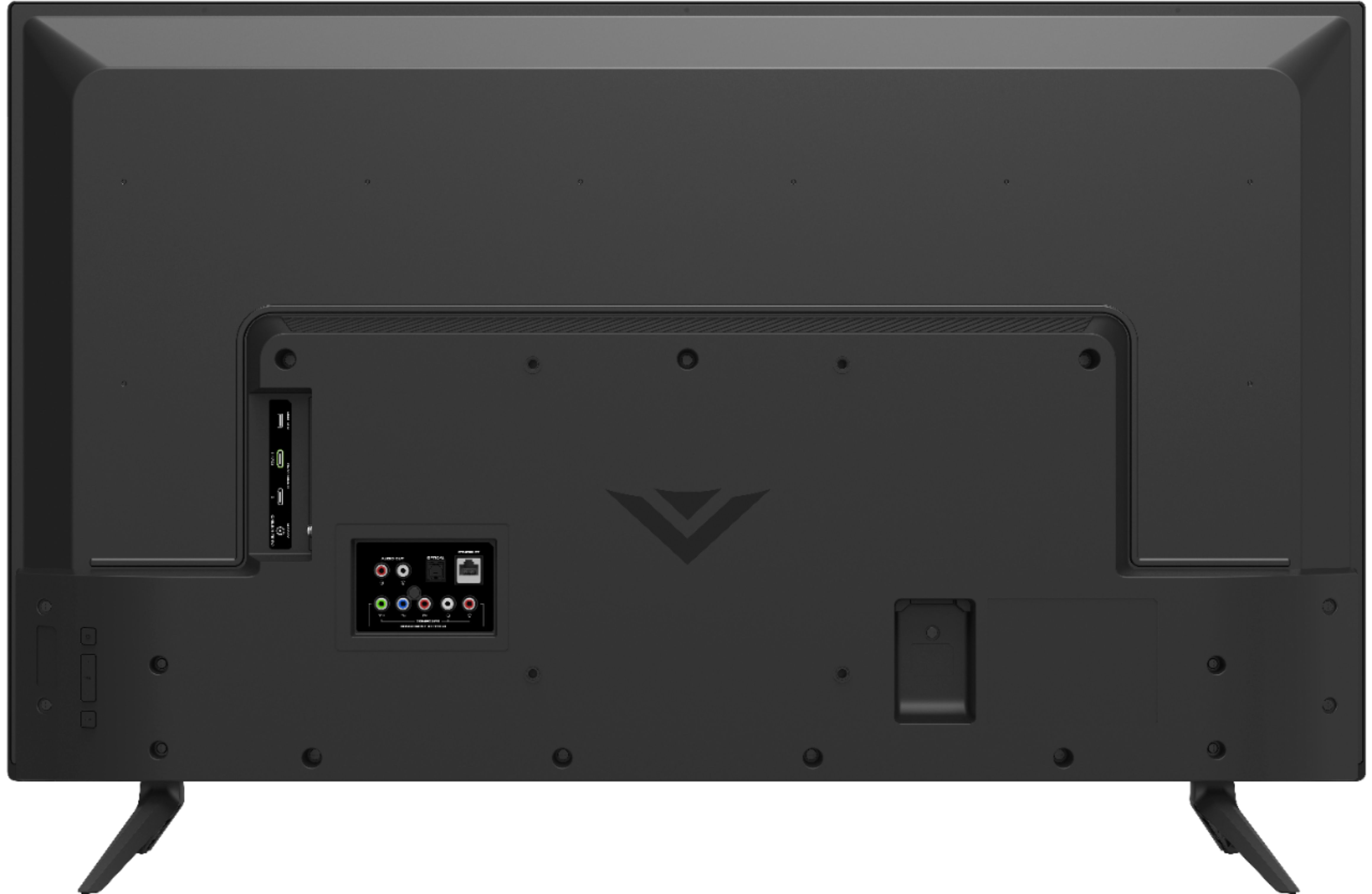
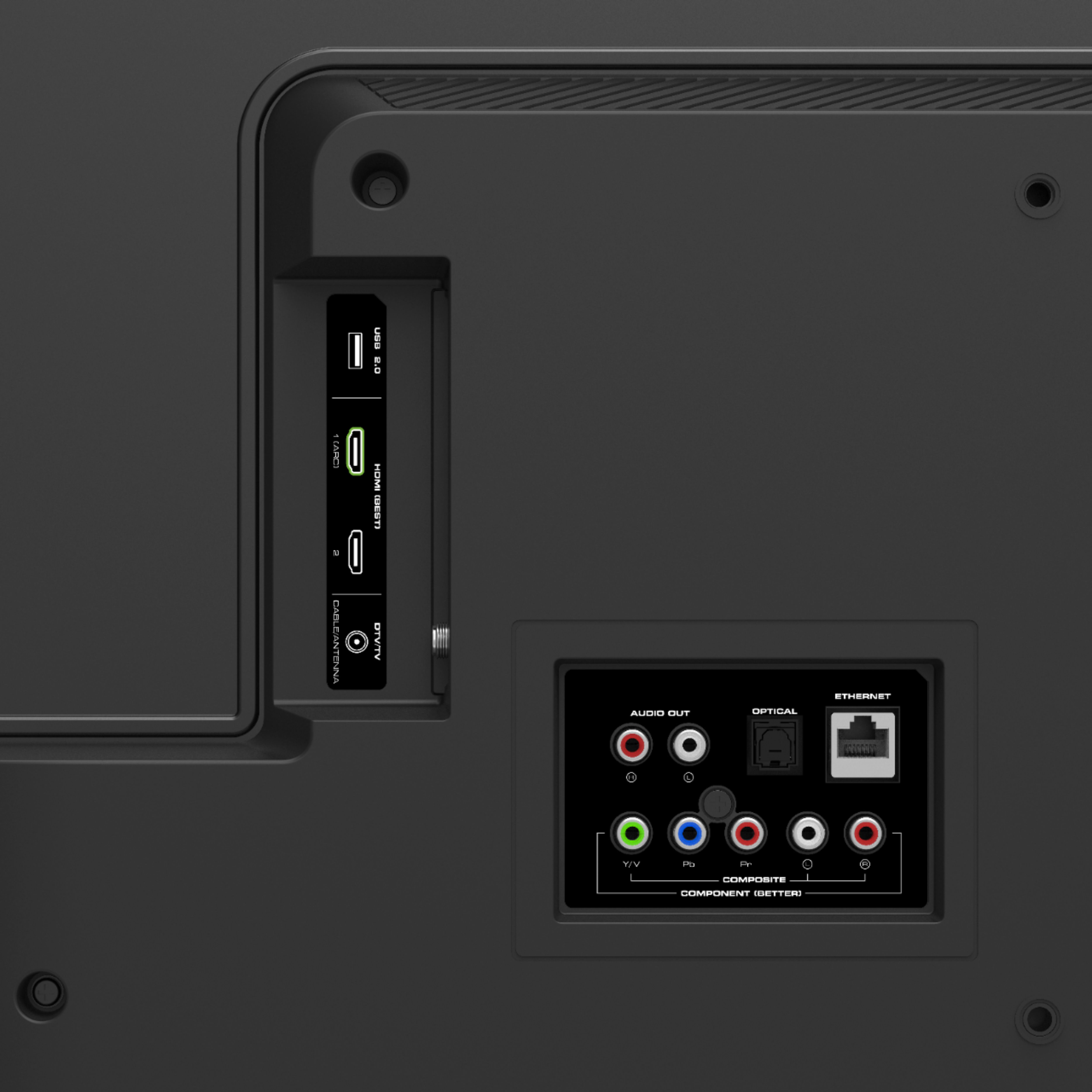
A:AnswerI’m not using it as a monitor but it does come on and displays whichever component I’m using. Xbox, Blu-ray player, firestick, etc.. it comes on when it receives a signal from an hdmi cable.
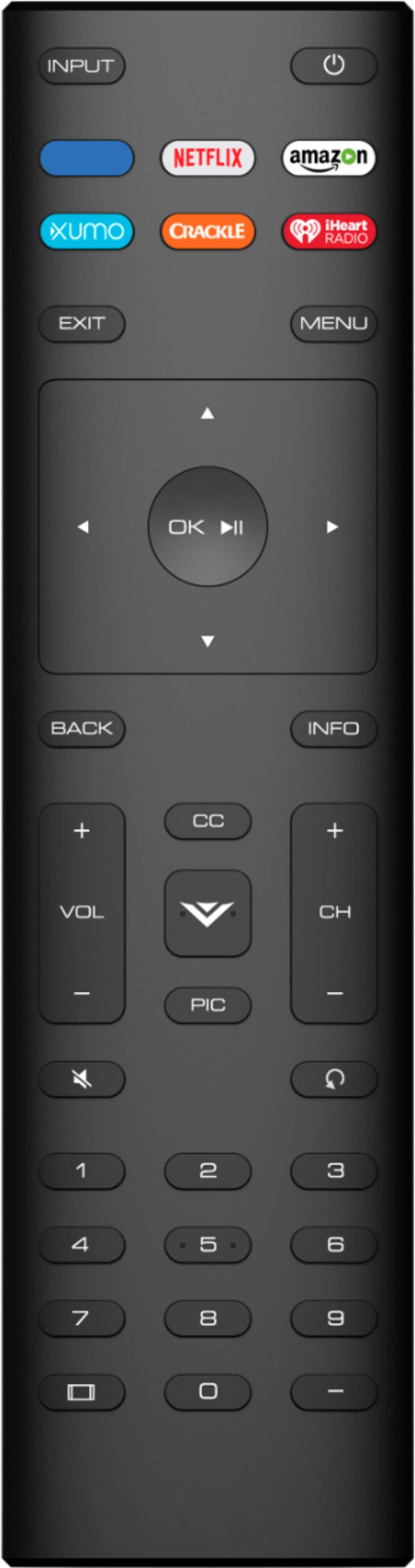
A:AnswerMaybe go to settings (with t.v.remote) and find option that allows you to reset t.v. to factory default settings. I had to use it when I messed up my picture settings.
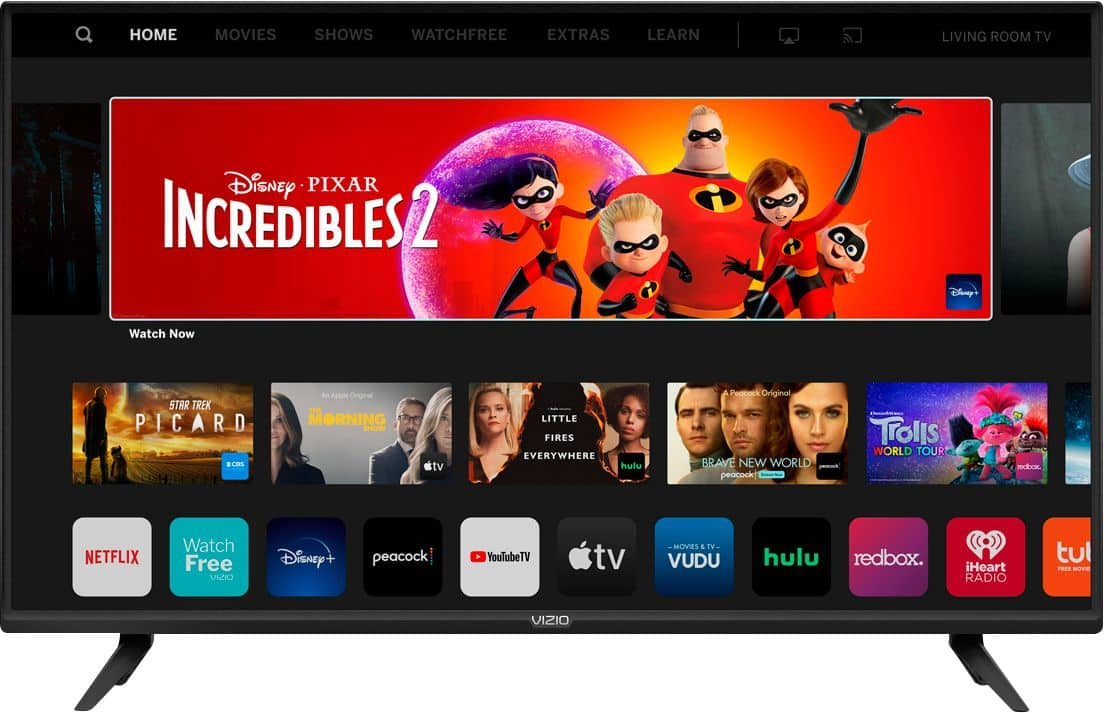
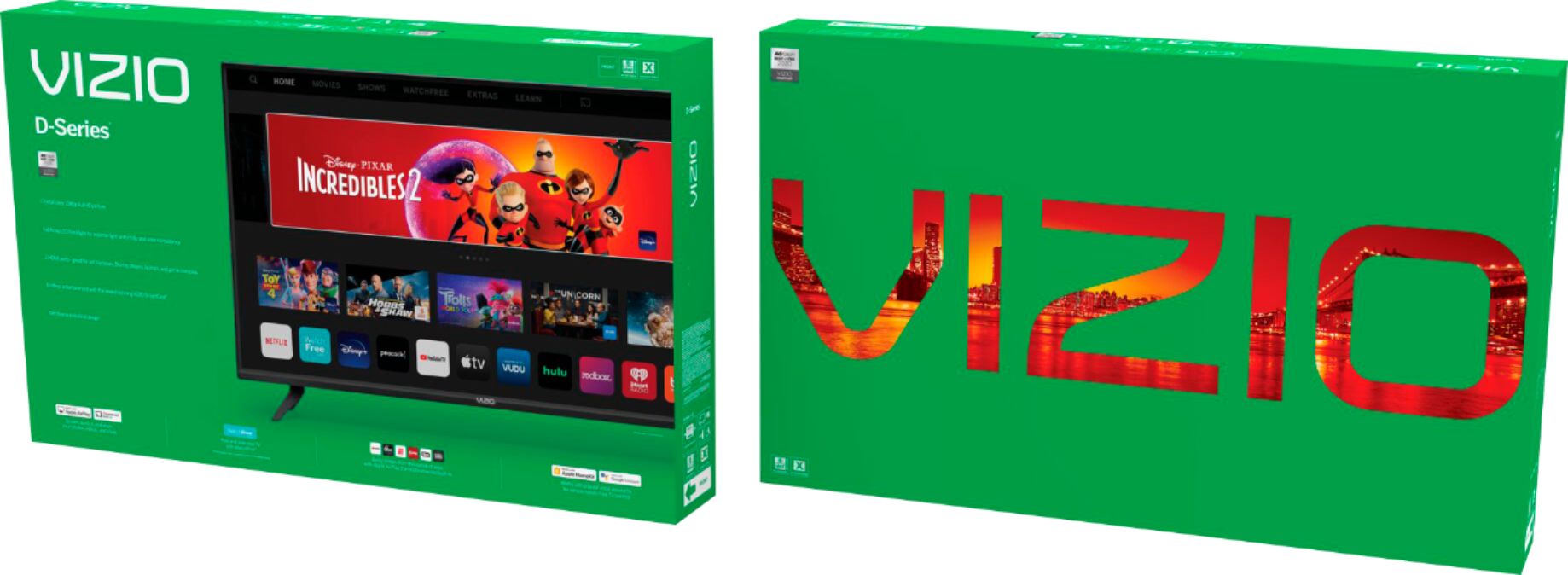
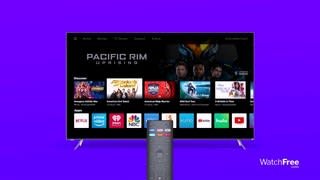
A:AnswerNetflix, Amazon, Hulu, Vudu, Plex, Crackle and tons more! It connects to all of those services but does NOT have a web browser, at least none that I've found so far. It might be possible to get the Play Store working on this and do more, but I haven't bothered.
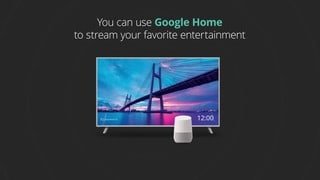
A:AnswerThis television will not support a Bluetooth connection for sending video to the television. However, you can watch Netflix using the built in Netflix application or Cast Netflix to the television from your mobile device.
A:AnswerThis television comes with a built in Prime Video application. As long as you have an Amazon Prime account you will need to login to get access your television.
A:AnswerThe television is not designed to accept input from a wireless keyboard. Many of these devices require a driver to be downloaded onto the device being controlled and most television do not allow those drivers to be installed.
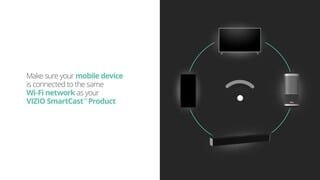
A:AnswerThis TV does use Bluetooth LE for connecting to you TV to a device with the VIZIO SmartCast application. However, this TV does not have Bluetooth audio out support. You may be able to connect a Bluetooth dongle to one of the audio output ports.