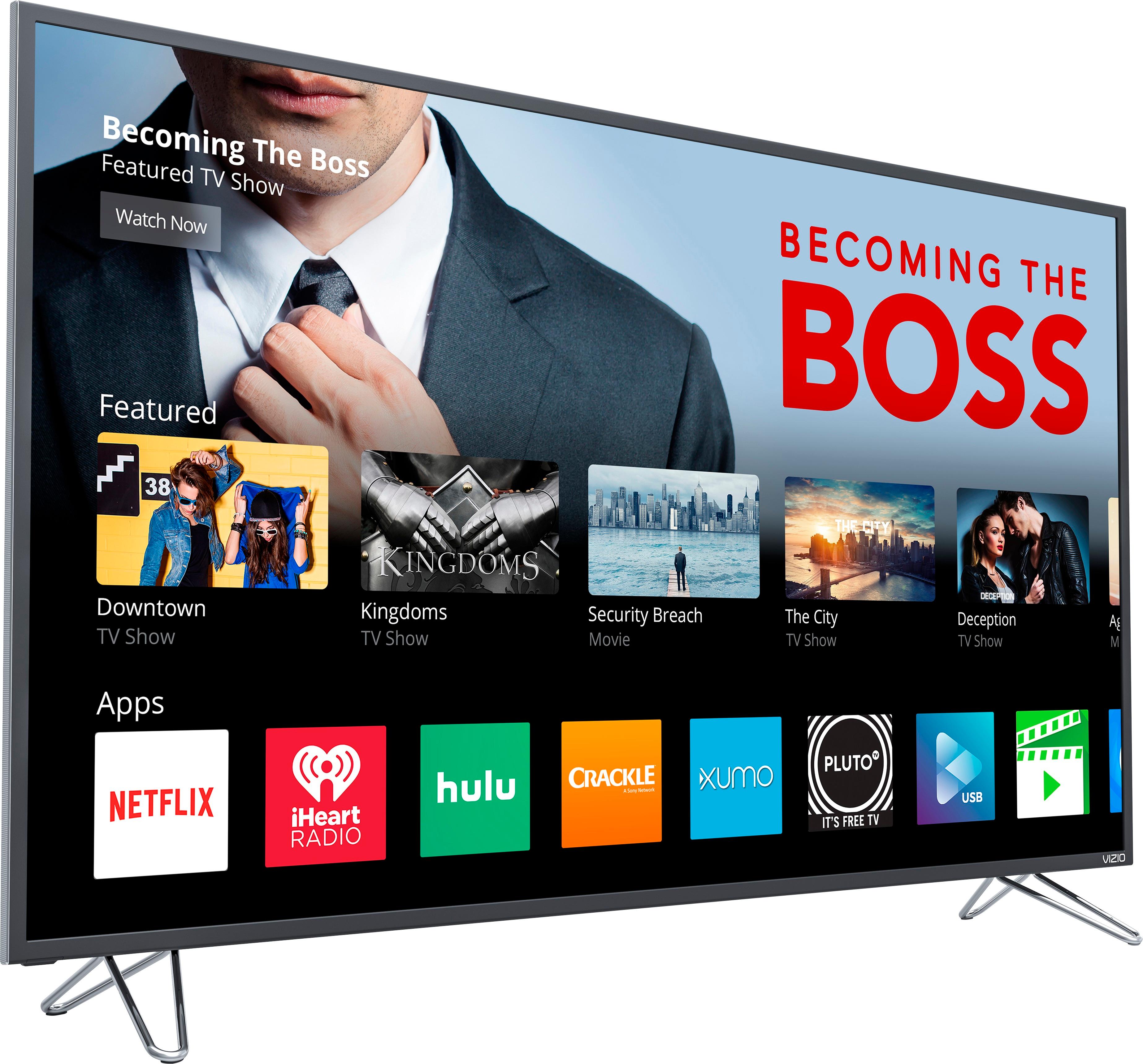
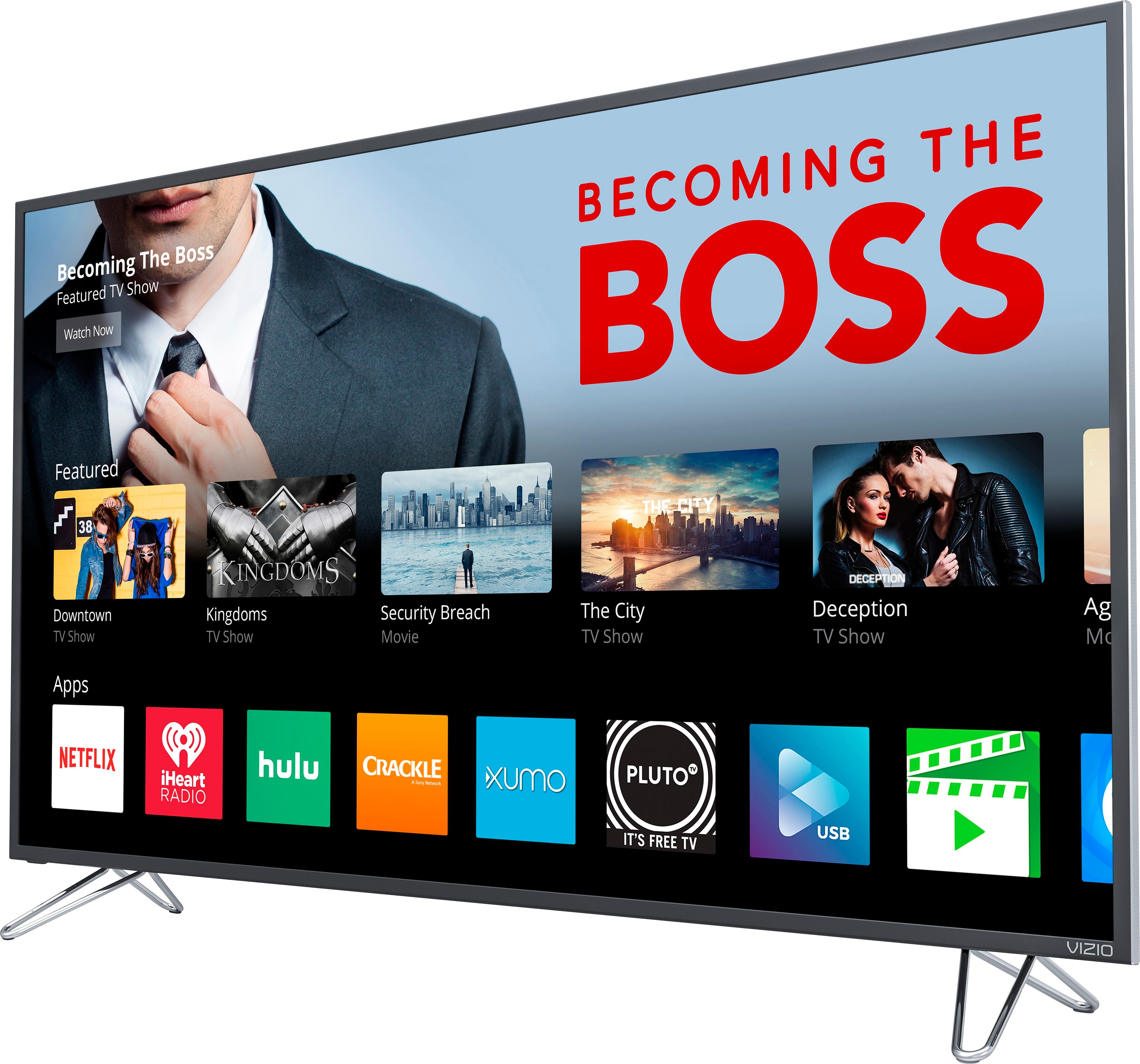
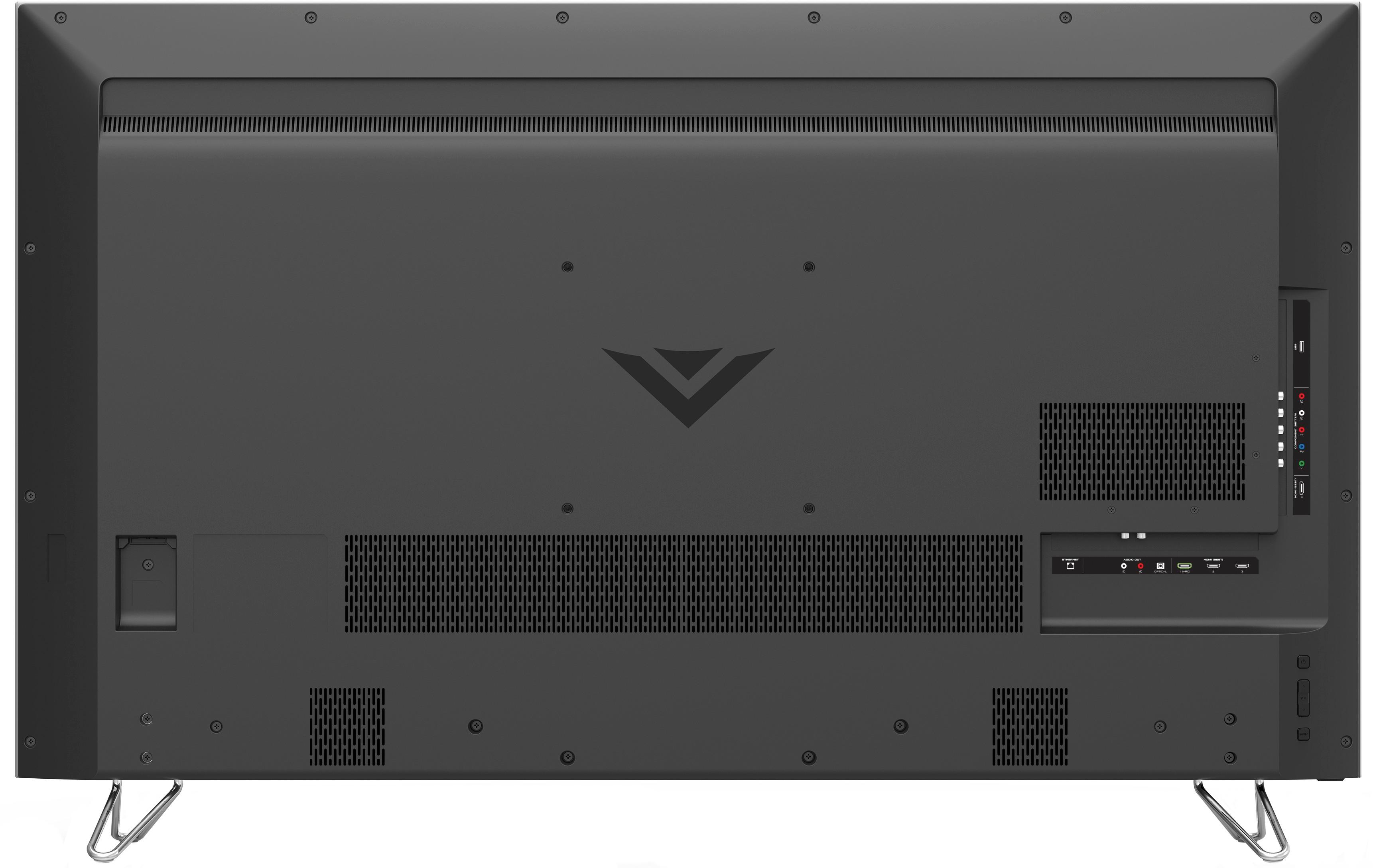
A:AnswerNo, but the harmony hub and a fire tv would be a better solution. The harmony hub can power off and on several devices and works with alexa. The fire tv works with alexa with voice commands for content.
A:AnswerTo get the best possible picture, we'd recommend making sure you're watching HD (720p, 1080i, 1080p) or 4K (2160p) content. We'd also recommend using an HDMI cable to get the highest possible resolution. If you'd like to adjust the picture settings, press the menu button on the remote, and choose the 'Picture' option. You can choose between several pre-set picture modes, or adjust individual settings like brightness, sharpness, and color.
A:AnswerDepends on what your watching. If you are watching programming that is in 4K then the resolution will be 2160. If its HD 1080. You can hit info at anytime during viewing to see what resolution you're watching at.
A:AnswerIt sounds like you’re confusing the M50-D1 with the M50-E1.
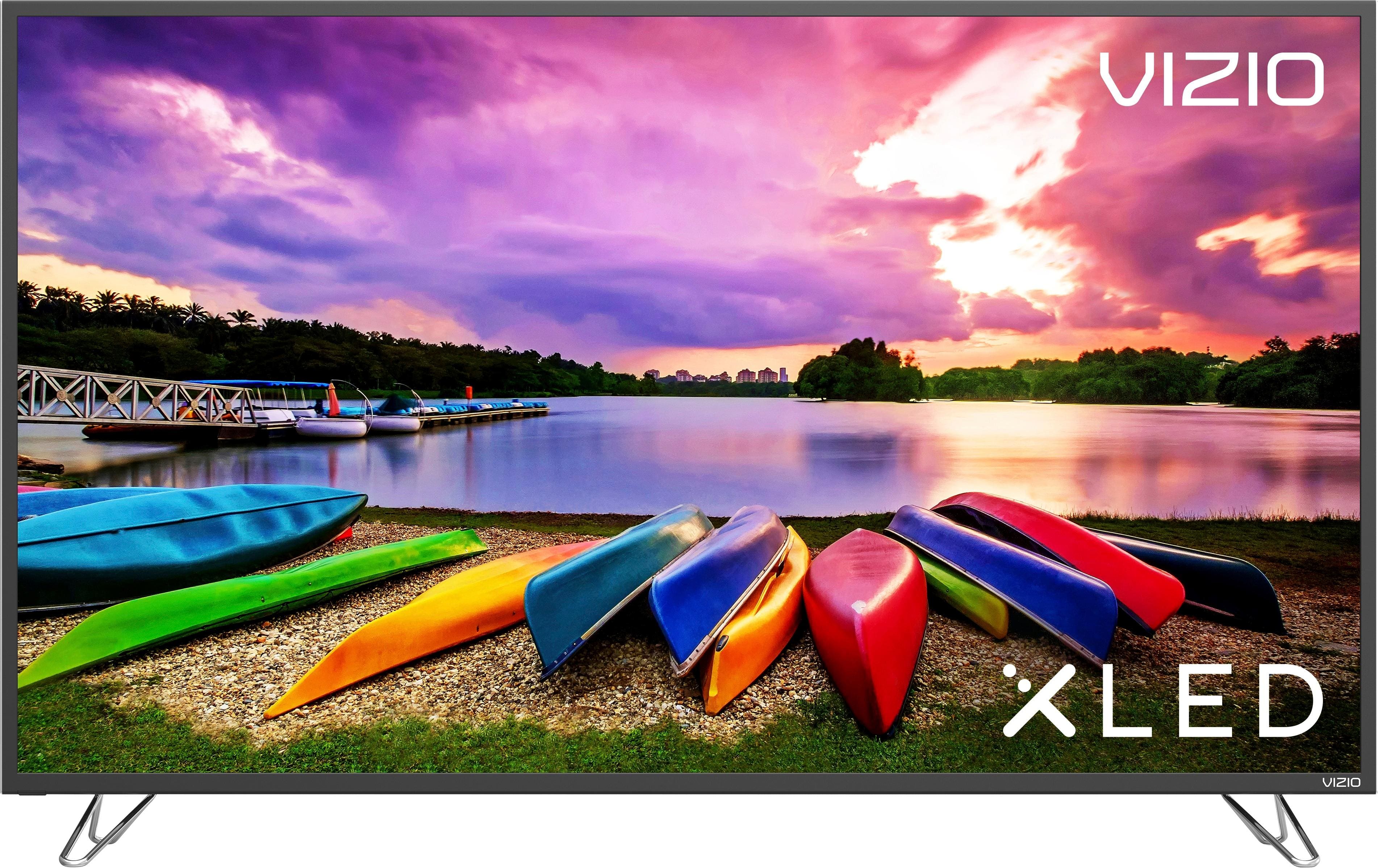
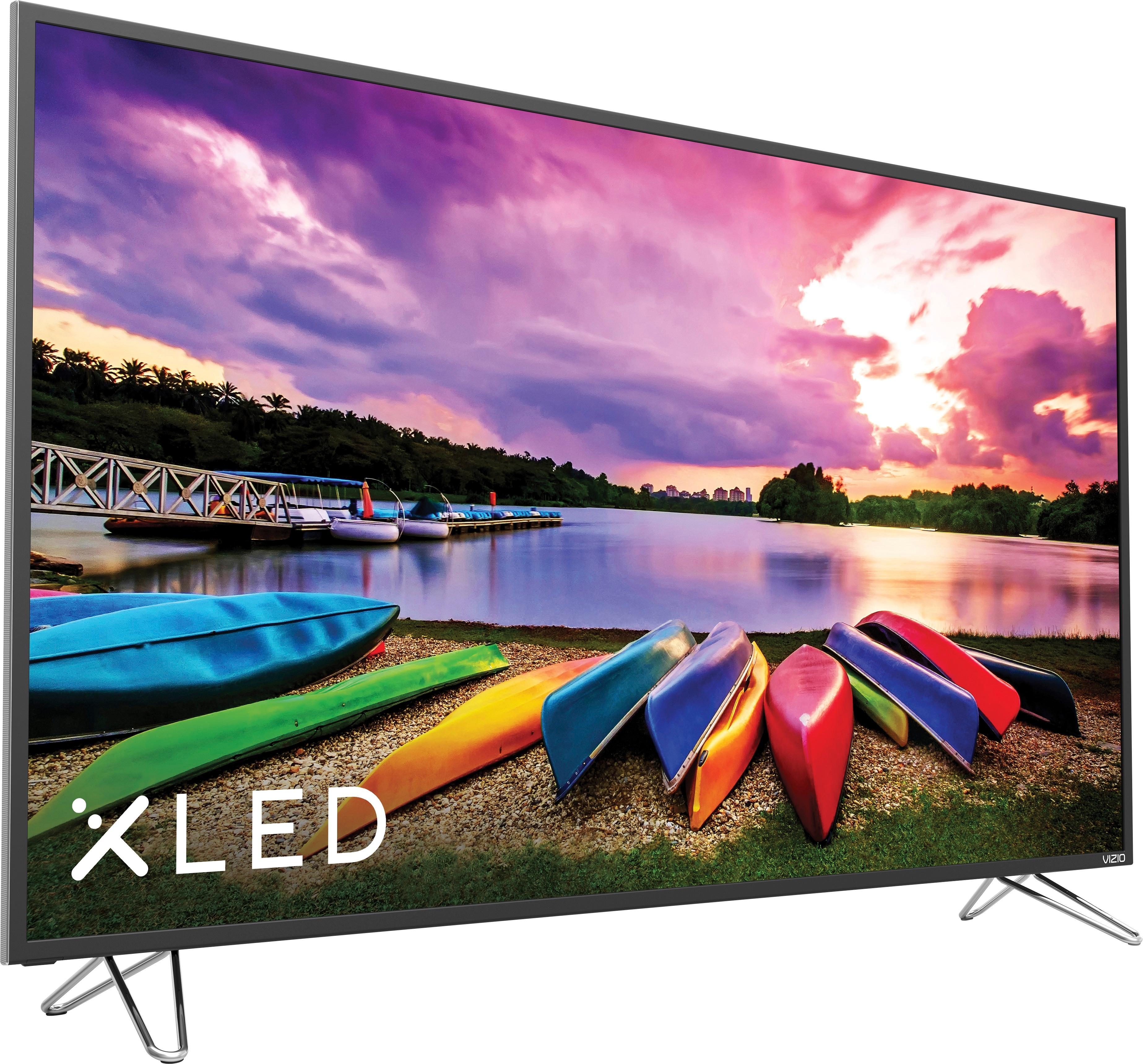
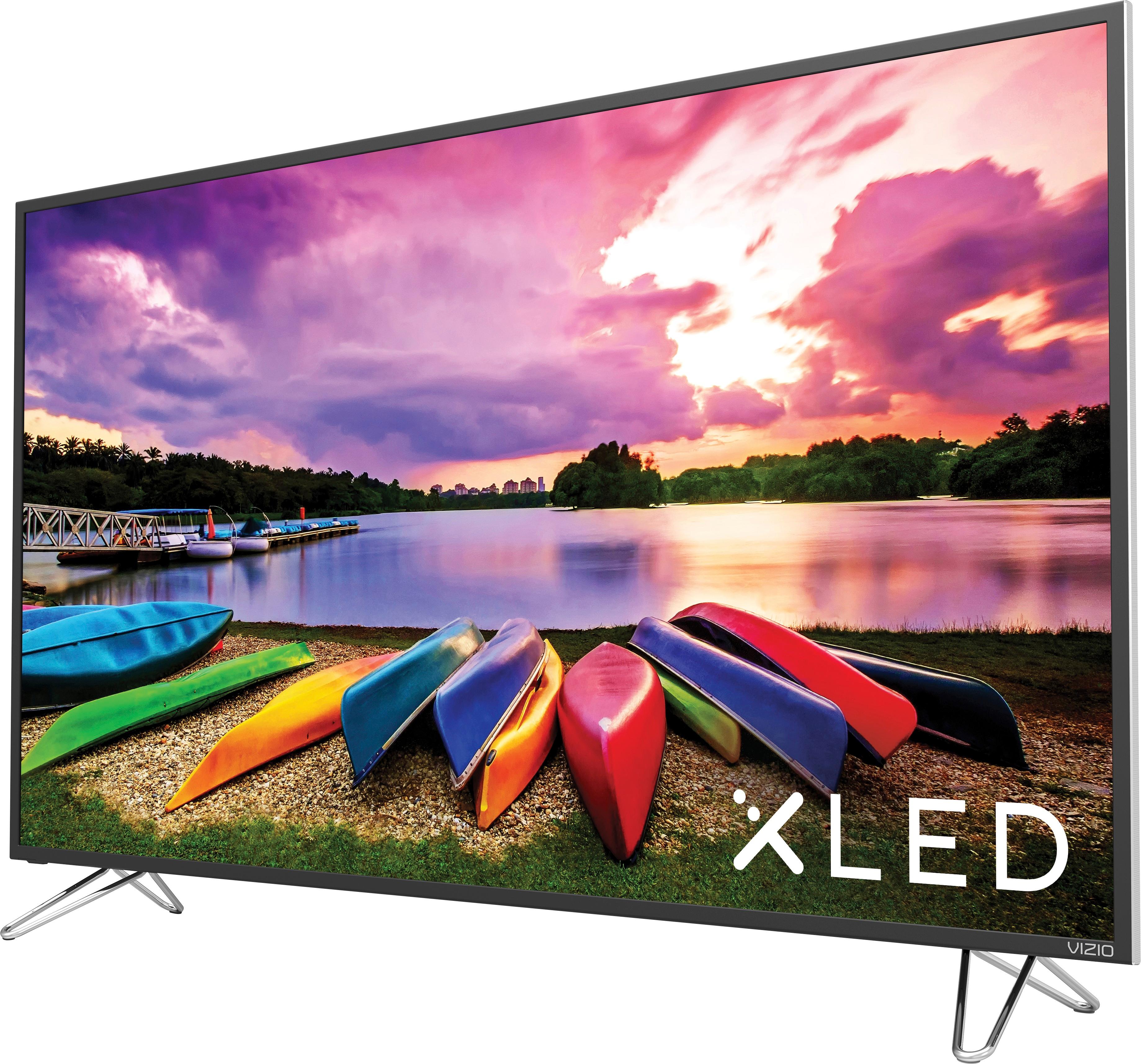
The D1 is the older model, is not XLED, and has inferior HDR. The E1 is the XLED and should be equivalent to the M55 E0 in terms of core-technology included.