A:AnswerThis worked with the Pixelbook and HP Chromebook X2 that I tested. I believe that the chromebook has to be compatible with an AES stylus, so it wouldn't work with the Samsung Chromebook Pro/Plus for example.
A:AnswerWith Dell laptops, it depends on which display you have. If the computer has facial recognition, it should be compatible with an active stylus.
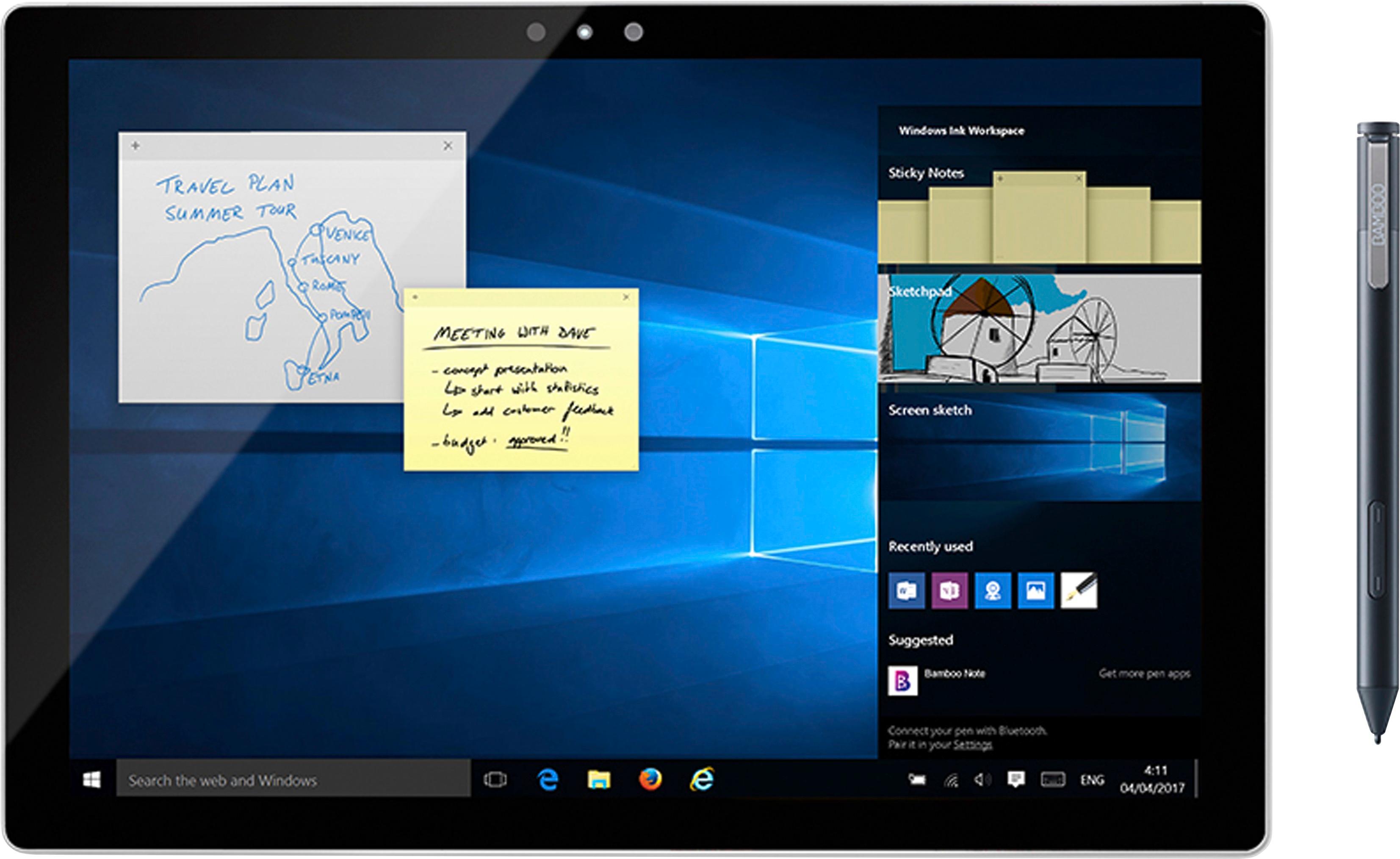
A:AnswerYes, the buttons are all programmable with the Waccom software. The pen will work with the standard Windows Ink driver, however the button programming is limited until you download the correct software from the manufacturer. Works seamless with my Yoga and Windows Ink.
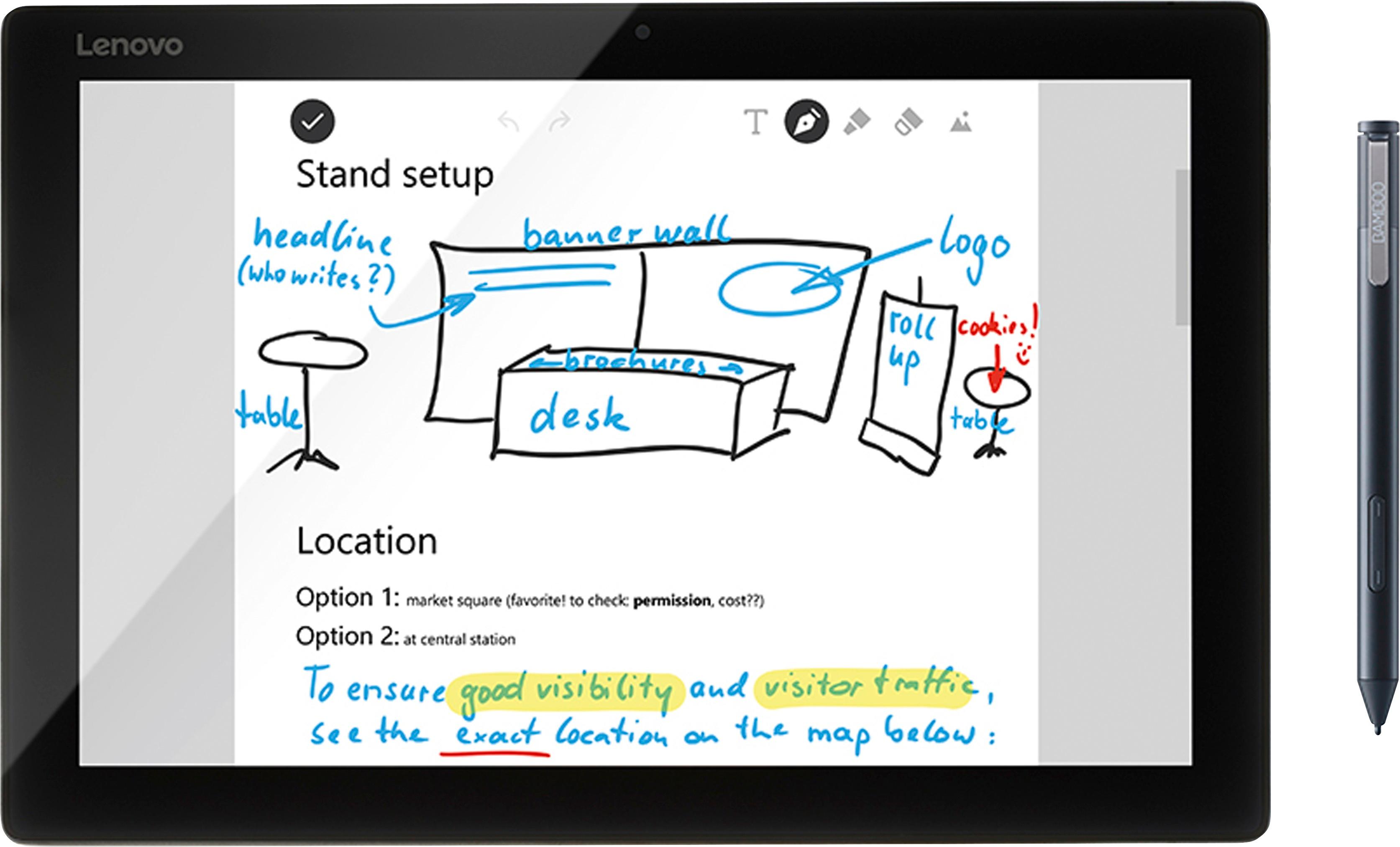
A:AnswerAbsolutely. The Bamboo Ink Stylus works with pressure sensitivity, but does not recognize tilt, nor does flipping it enable the eraser. But about as perfect as you can get for use with the Lenovo Yoga 720
A:AnswerHi. This pen works with devices that either have MPP (Microsoft Pen Protocol) or AES (Active Stylus) technologies. These technologies must be built-in in your laptop's hardware. The model you have shared is not inside the list of tested devices and hence falls outside the tested. HP web is not listing any stylus as compatible with your model, so you may not have that option. I will suggest to reach out to HP support and check the Stylus capabilities of your model if any, Hope that helps. Best
A:AnswerThis pen is compatible with ASUS Q505UA. I have ASUS Q505UA and I draw on it with the Bamboo. Keep in min though it is compatible, it uses windows ink api and not wacom's tab mate drivers. That means that pressure sensitivity won't work with some applications. I use clip studio paint as my main painting application and it works flawlessly but I didn't menage to get it to work when I tested it with some other programs. Official specifications claim 4096 levels of pressure sensitivity with this pen but I am certain it has considerably less when paired with Aaus. Despite fewer levels of pressure sensitivity it is a good product.
A:AnswerThank you for asking. Bamboo Ink is only compatible with Windows based Tablet PC's and this Stylus operates under either MPP protocol from Microsoft or Active Stylus (AES), both technologies are PC based and it will not work with a Mac as you need one of these technologies. Hope that helps. Best
A:AnswerIn Windows, when you bring up the virtual keyboard on your device, there should be an option to pick different formats of keyboard inputs. The one for Ink to Text is an icon that looks like a blank line for you to write on. Pick that icon as your keyboard input and it will detect the words as you write them, but it isn't always the most accurate.
A:AnswerI'm assuming you already synced the bluetooth (if your Pavilion has it). Try pushing the side button for several seconds, until you see a blue light behind it. This changes the way the pen is seen by the screen. HP's use a digitizer style screen, which is very different than Apple, Samsung, and other companies that use capacitive screens.
A:AnswerHello! Thank you for your question! via this product page, you will see a drop-down list. Click on "From the Manufacturer" and scroll down to view all the Windows 10 compatible models.