A:Answerfrom the WD website - I would go there and check for your product to clarify -
"You can check the product page of the drive on our website and see if it comes pre-formatted for Windows OS or Mac OS X.
My guess is it's formatted in NTFS (Windows OS) and that's why it turns up as read-only on your Mac. You can easily change that by re-formatting the drive. However, keep in mind that if you have any data saved onto it, it will be erased.
If you plan to use the external only on Mac OS computers, you can simply change the file system to HFS+ and reformat the drive.
Here's a tutorial that can help you with that: http://products.wdc.com/support/kb.ashx?id=e1ZvhN
If you have Windows computers as well and would like to access (read and write to) the external from both operating systems, then you'd need to use the exFAT/FAT32 file system. Here's another tutorial that explains how to do that: http://products.wdc.com/support/kb.ashx?id=Wtbgrd
However, the latter file system has some limitations, you can check those here: http://products.wdc.com/support/kb.ashx?id=X1kN54 "
A:AnswerJust plug it in and reformat. Snow Leopard should walk you through it. I know a lot of artists aren't upgrading from Snow because they will lose software interfaces. They say you can also use Fat32 to format. I am not familiar, but that is the word.
A:AnswerHello, Please be informed that the WD Easystore External drive comes preformatted in NTFS format for Windows OS. However, in order to use the drive for macOS you can reformat the drive with macOS supported HFS+J file system by using this link: https://support-en.wd.com/app/answers/detailweb/a_id/8200/ Please be informed that reformatting is a data destructive process, please backup the data from the drive before reformatting it. If you have any further questions or need technical assistance , kindly open a support ticket at https://support-en.wd.com/app/askweb
A:AnswerHi, Yes, WD Easystore hard drive is easy to use - just plug it, and you can drag and drop files between the drive and your PC. If you need any technical support or specific concern, please feel free to contact us https://www.westerndigital.com/company/contact-us
A:AnswerHello Bee, Please allow me to inform you that WD Easystore is a plug and play device. It's not wireless, you need to connect it to the computer using an USB cable. For more info about the drive, refer to the link: http://products.wdc.com/library/AAG/ENG/4078-705145.pdf -Need Help? Please see our "'Contact Us" page for information.
A:AnswerYes, if you set up all of your devices on the network. Open file folder on your iPhone search folders for your hard drive, you should be able to transfer/backup from your iPhone
A:AnswerHello, Please be informed that the WD Easystore Drive is a plug 'n' play device tested and designed for Windows and Mac computers. The WD Easystore drive comes preformatted in NTFS format for Windows OS, However, in order to use the drive for macOS you can reformat the drive with macOS supported HFS+J file system by using this link: https://support-en.wd.com/app/answers/detail/a_id/3879 -Need Help? Please see our "'Contact Us" page for information.
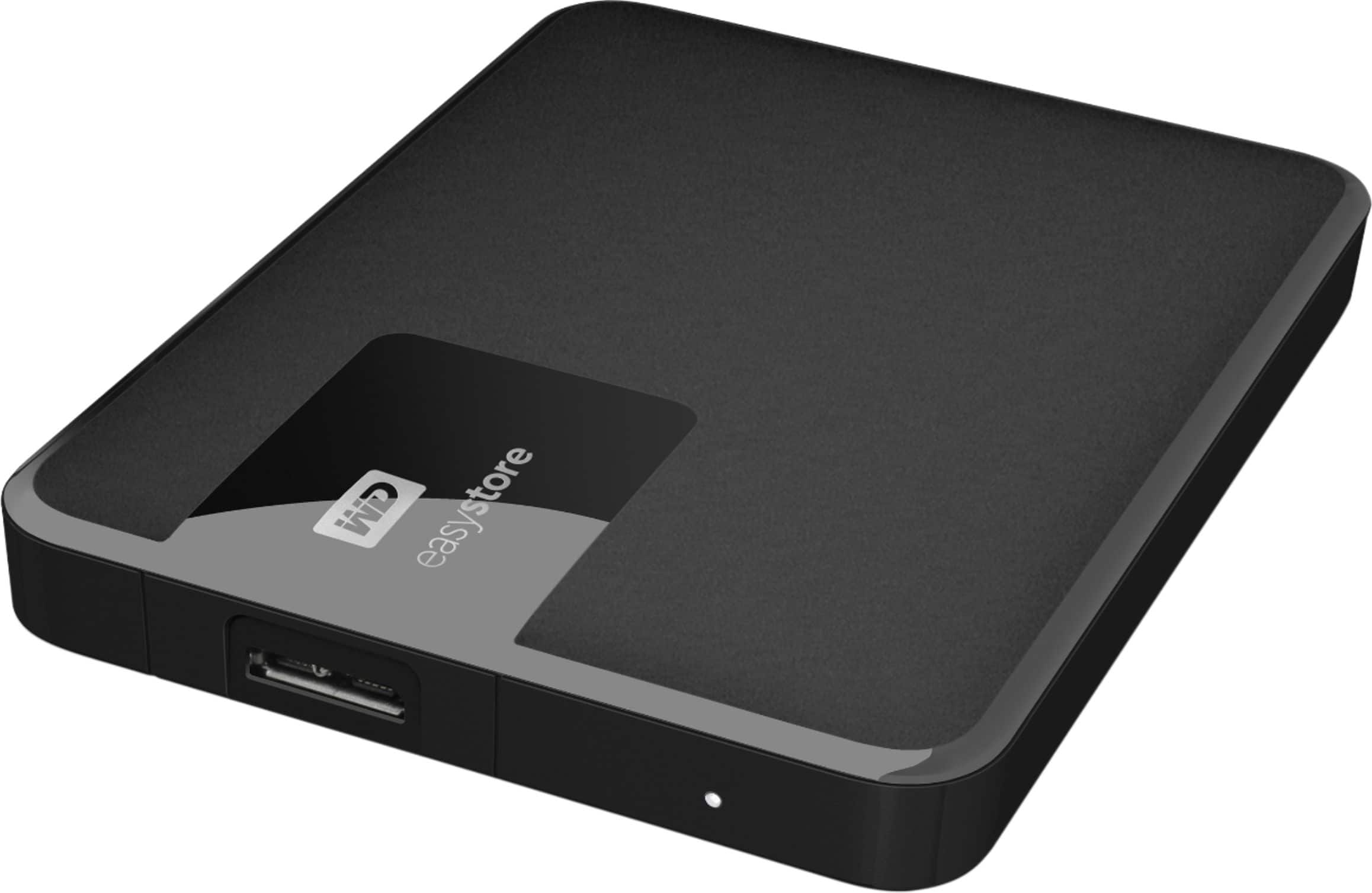
A:AnswerHi Manny, Please be informed that the WD Easystore drive is a plug 'n' play External Hard Disk Drive. The drive ships along with a USB 3.0 cable and uses USB 3.0 Type-A interface. To know more about the drive please refer to the link for user manual: http://products.wdc.com/library/UM/ENG/4779-705168.pdf -Need Help? Please see our "'Contact Us" page for information.
A:AnswerHi PaKC, Please be informed that the WD Easystore Drive is a plug 'n' play device tested and designed for Windows and Mac computers/laptops for seamless operation. You can keep or transfer any files or folders from/to this drive. For more info refer to the link: http://products.wdc.com/library/AAG/ENG/4078-705145.pdf -Need Help? Please see our "'Contact Us" page for information.